
Make your first AI edit
Import your interviews, ask Eddie for a rough cut with a target length, then revise it and cover it with b-roll.
Last updated September 21, 2026Watch this in EddieU
Getting Started with Eddie AI v4
A short overview of the Eddie v4 workflow, from opening a project to making your first AI-assisted edit.
How to Prompt Eddie AI v4
How to write practical edit prompts, refine a first cut, and steer Eddie with follow-up instructions.
Most first projects look the same. You have interview or talking-head footage. You want a cut you can work with. Eddie builds that cut from the words people say, then you steer it.
Wait for the analysis
Eddie edits from your transcript, so it reads your footage before it cuts. The project shows how far it has got — "analysing 3 of 5 sources". Prompting opens when that first import finishes.
Step 1 — build the A-roll cut
A-roll is your interview footage. Its audio carries the edit.
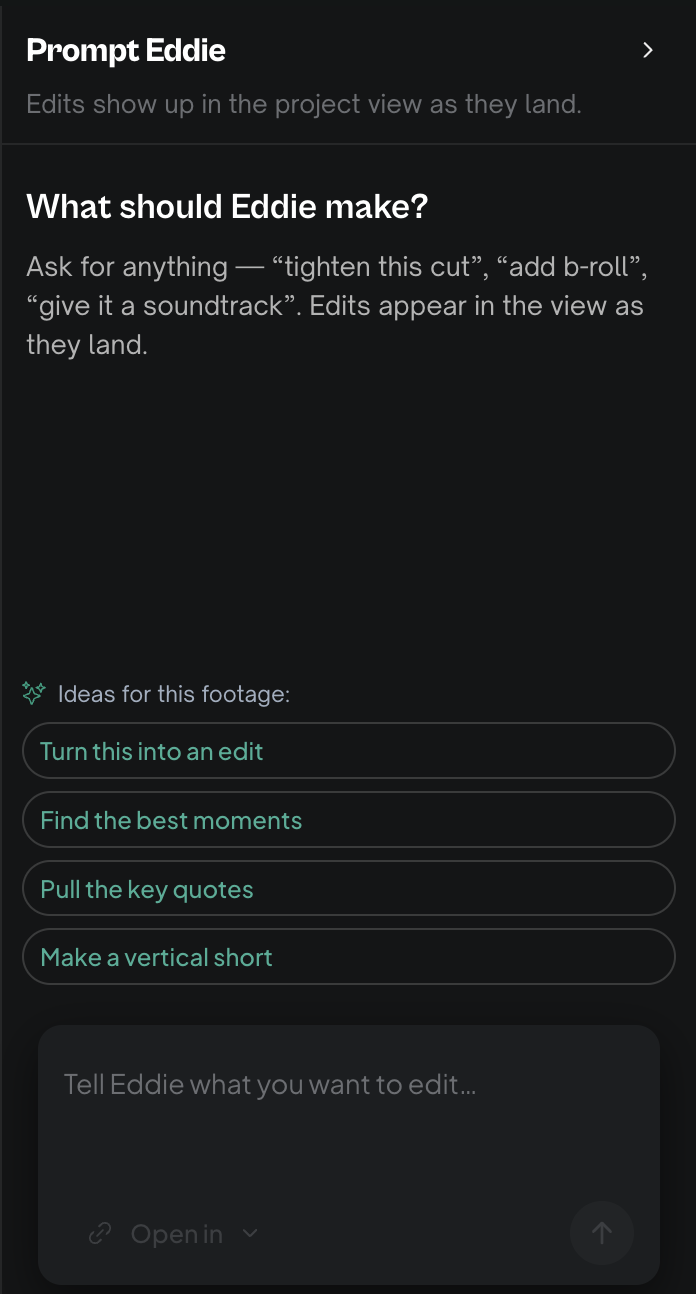
- Open Prompt Eddie.
- Ask for the cut in plain words, and name a length:
"Build a rough cut from these interviews. Pull the strongest soundbites from each speaker and put them in an order that tells a clear story. Aim for about 8 minutes."
Eddie reads the transcripts, chooses the takes and builds a timeline. It then tells you the finished length against your source length.
Give Eddie a length. Length changes how Eddie cuts, not only how much it keeps. An hour of interview makes an 8 to 15 minute assembly, not a 2-minute highlights reel.
Step 2 — revise the cut
Editing is a conversation. Every prompt changes the same edit. You are steering, not starting again.
- "The intro drags. Start on the second question."
- "Drop the section about pricing."
- "Remove filler words and long pauses."
- "Why did you cut that answer?"
- "Put the intro back."
Change one thing at a time. A single change is easier to judge, and easier to reverse.
Step 3 — cover it with b-roll
B-roll is cutaway footage. Eddie lays it over your interview as picture only, so the speaker's audio keeps running underneath.
Ask for it by content:
- "Add b-roll wherever they mention the product."
- "Cover the jump cut at 4:20."
You can also work shot by shot on the timeline, or plan a run of shots as a shot list. See Add b-roll and overlays and Plan a b-roll sequence as a shot list.
The b-roll has to be in the project first. Import your cutaways alongside the interviews, or add them later. Eddie can also search stock footage for you — see Find stock b-roll.
Step 4 — export
When the cut is right, hand it over:
- Export to Premiere, Final Cut, Resolve, Avid or OTIO to finish in your own editing app.
- Render a finished MP4 to publish it as it is.
If a result looks wrong
Eddie edits from the transcript, so a transcription error becomes an editing error. Check Transcripts and speakers first, then ask Eddie to explain: "why did you cut the middle section?"
Next: How to prompt Eddie well.
Still stuck?
For a product issue, or for billing and your account, see Contact support. Cutting with a team or at studio volume? Talk to sales.