Product Feature | Stock B-Roll
Cutaways for the story you actually told
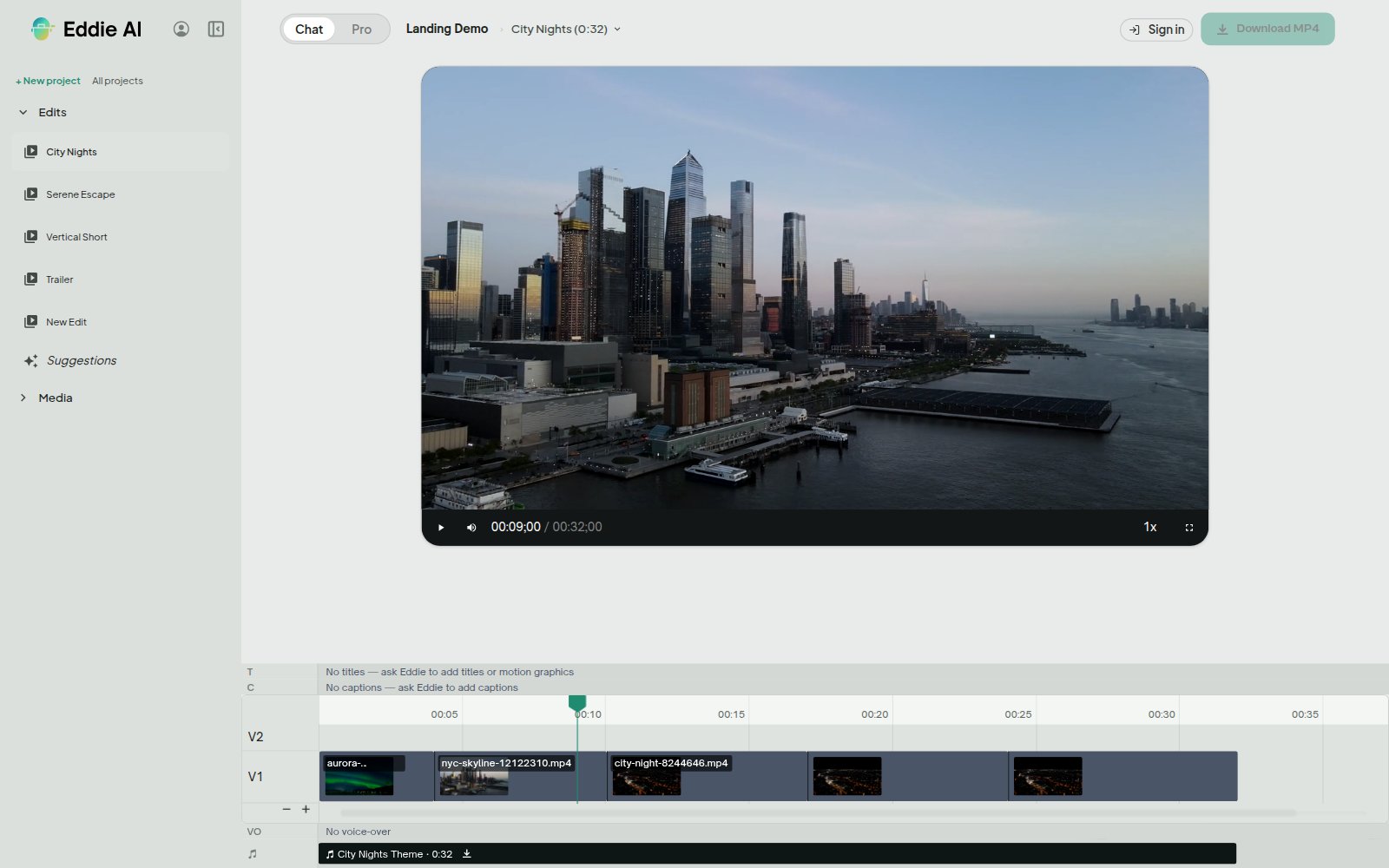
When a project has no b-roll, Eddie reads the transcript, works out what the piece is about, and finds stock footage on those themes.
What is Eddie AI's stock b-roll?
Stock b-roll fills the gap when an interview has nothing to cover it. Eddie reads the transcript, derives the themes of the piece, and searches a licence-free stock video library for clips that match them. You see the candidates as thumbnails, pick the ones you want, and Eddie imports those into the project as b-roll sources.
Search terms come from the transcript
You do not type keywords. Eddie takes the themes out of what people said, along with the lines that carry them, and turns those into searches. The footage answers the story rather than a guessed phrase.
Only clips you can actually cut
Candidates are filtered before you ever see them: the right orientation for the project, long enough to use as a cutaway, and at least 720p. A vertical project gets vertical footage.
You choose, Eddie imports
Eddie shows the options and waits. Nothing is imported until you pick. Your picks transfer in the background and appear alongside your own footage as b-roll sources a few minutes later.
It says so when there is nothing
If a theme has no usable footage, Eddie tells you. It will not import an unrelated clip to fill the hole.
Photos you bring work as cutaways
Stock video is the half Eddie goes and finds. Photos are the half you bring. A still already imported into your project is a b-roll source like any clip, so a portrait, a product shot or a screen grab can cover a line the way footage does. Eddie does not search for images and it does not make them. It cuts with the stills you already have.
Used by the world's best video pros












Why editors reach for stock in Eddie
Licence-free clips
The clips come licence-free, and Eddie hands back the creator credit for every one it imports.
Coverage without a shoot
An interview with no cutaways stops being an interview you cannot cover.
Themes, not keywords
The search starts from your transcript, so the footage tracks the argument the piece is making.
Lands as ordinary b-roll
Imported clips behave like footage you shot. Eddie logs them, builds sequences from them, and lays them over the cut.
Get started for free
Start editing in your browser. Or download the desktop app. Fast, GPU-enabled, integrates with Premiere, Resolve, FCP and Avid.
Try it for freeOr download the app
Mac with an Intel chip? Download for Intel Macs
Not sure? Apple menu → About This Mac → Chip. “Apple M…” = Apple Silicon.