
Adobe Premiere Pro integration
Eddie can pull clips, multicams and timelines from your bin to edit from. Then Eddie sends edit sequences back to Premiere and relinks to your sources. It's fast and seamless.
Learn More
Seamless integrations and roundtrips. Eddie is an AI video editor for the rough cut, then the round-trip home.



















Eddie can pull clips, multicams and timelines from your bin to edit from. Then Eddie sends edit sequences back to Premiere and relinks to your sources. It's fast and seamless.
Learn More
Import simple, multicam, compound, and sync clips and projects from your event into Eddie. Eddie now creates edits which you can then drop the back into FCP. Frictionless.
Learn More
Send clips, multicams, and sequences to Eddie. Eddie will edit at your direction. Then Eddie will send sequences back to Resolve for you to polish.
Learn More
Eddie writes your cut into the open Media Composer project as a new sequence, through the Eddie extension. Avid support is in beta, with access from a waitlist.

Eddie pulls assets and their proxies from iconik, builds the edit, and delivers the cut back as an asset. Review comments made in iconik come back to Eddie, beside the edit they belong to.
Learn More
Install Eddie as a connector inside Claude or ChatGPT. Tell your agent what to cut — Eddie does the edit work from the chat.
Learn More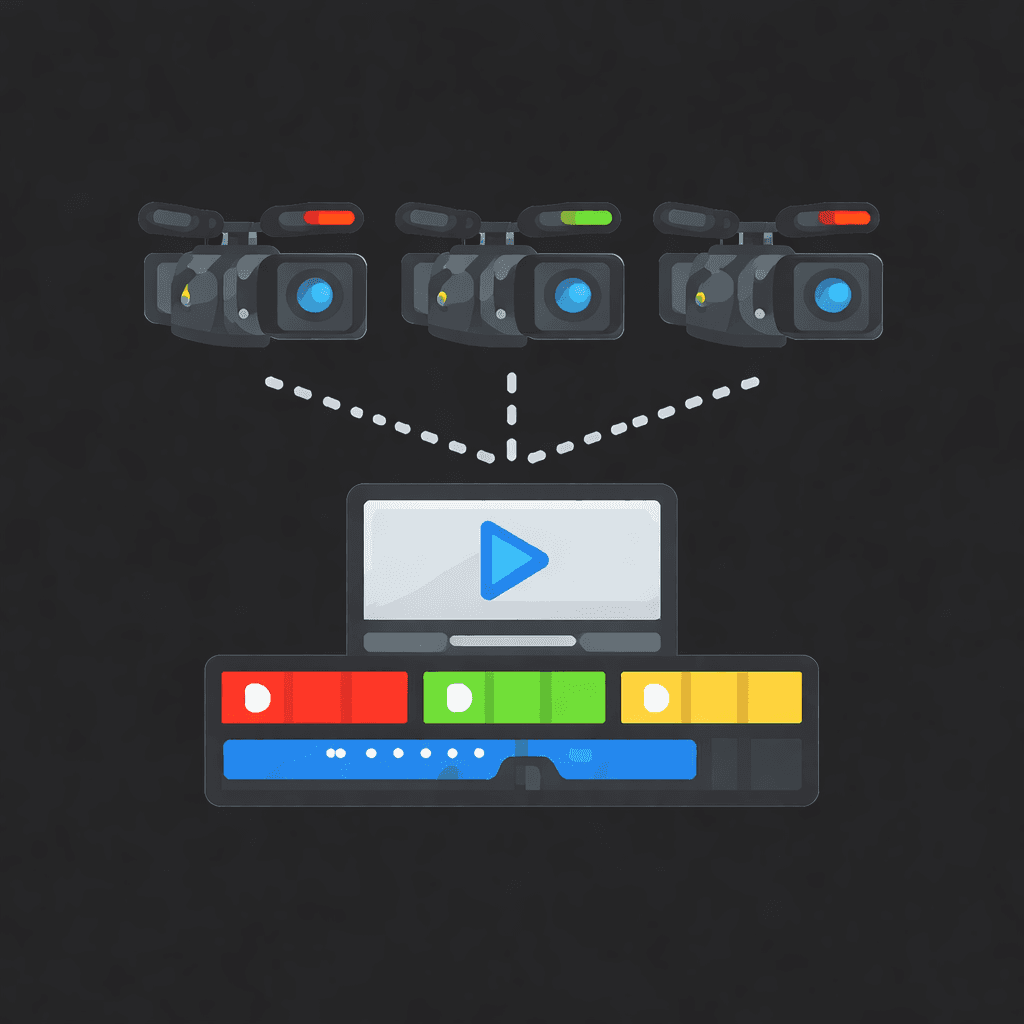
Eddie is built for pros and multicams are the standard. Eddie easily handles your multicam clips and timelines on import and preserves the multicam structure on export.

Pull footage from Frame.io, deliver the finished cut back, and work the review notes without leaving Eddie — Frame.io comments arrive beside the edit they are about.
Learn More
Teams that use Blackmagic Cloud will find Eddie seamlessly can pull footage and their proxies and swiftly start editing.
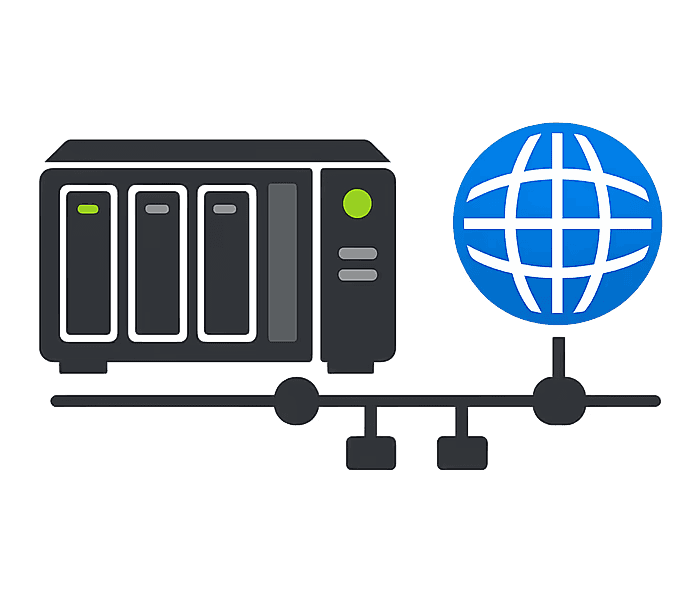
If your company uses NAS storage, Eddie is ideal: it can pull assets from network drives and preserve file paths on roundtrip back to your editing software so everything relinks.

Edit straight from your LucidLink filespace. Connect your account, paste a link or a filespace path, and Eddie reads the footage where it already lives — nothing to download first.
Learn More
Edit straight from your Shade drives. Your workspace owner connects Shade once, then anyone on the team browses a drive, picks the originals, and Eddie cuts them — nothing to download first.
Learn MoreWondering what actually comes across in the handoff? See every export Eddie writes and what each one carries.






Start editing in your browser. Or download the desktop app. Fast, GPU-enabled, integrates with Premiere, Resolve, FCP and Avid.
Try it for freeOr download the app
Mac with an Intel chip? Download for Intel Macs
Not sure? Apple menu → About This Mac → Chip. “Apple M…” = Apple Silicon.