
Features
- Rough cuts
- Multicam
- A-roll logging
- B-roll logging
- Speaker identification
- Scripted edits
- Social clips
- Exports to your editor
- Styles and color
- Motion graphics
- Captions & titles
- Stock B-roll
- Generate video
- Generated music
- Voiceover
- Dubbing
- Transcription in 97 languages
- Web app
- Mac and Windows
- Claude & ChatGPT
- Codex, Cursor, Devin and more
- Recipes
- Agents
- API + MCP
Solutions
Resources
Languages
Edit interviews in 100+ languages
Eddie detects the language your interview is spoken in, transcribes it, cuts the story you ask for, and captions it in its own script. Then it hands the cut to the editor you finish in.
Finish in the editor you already use

Adobe Premiere Pro
.prproj · .xml
DaVinci Resolve
.drp · .fcpxml

Final Cut Pro
.fcpxml

Avid Media Composer
Beta, through the Eddie extension
97 languages
Every language Eddie transcribes
Open a language for its guide: transcription, the cut, multicam, captions and export. The icons on each card open the guide for Adobe Premiere Pro, DaVinci Resolve, Final Cut Pro and Avid Media Composer.
Every language Eddie transcribes
Most requested
Latin
Español
Spanish
Latin
Français
French
Latin
Deutsch
German
Latin
Português
Portuguese
Latin
普通话
Mandarin
Chinese characters (Simplified)
日本語
Japanese
Japanese (kanji and kana)
العربية
Arabic
Arabic · right to left
हिन्दी
Hindi
Devanagari
한국어
Korean
Hangul
Italiano
Italian
Latin
Español (Latinoamérica)
Spanish (Latin America)
Latin
Europe 38
Latin
Español
Spanish
Latin
Français
French
Latin
Deutsch
German
Latin
Português
Portuguese
Latin
Italiano
Italian
Latin
Asturianu
Asturian
Latin
Беларуская
Belarusian
Cyrillic
Bosanski
Bosnian
Latin
Български
Bulgarian
Cyrillic
Català
Catalan
Latin
Hrvatski
Croatian
Latin
Čeština
Czech
Latin
Dansk
Danish
Latin
Nederlands
Dutch
Latin
Eesti
Estonian
Latin
Suomi
Finnish
Latin
Galego
Galician
Latin
Ελληνικά
Greek
Greek
Magyar
Hungarian
Latin
Íslenska
Icelandic
Latin
Gaeilge
Irish
Latin
Latviešu
Latvian
Latin
Lietuvių
Lithuanian
Latin
Lëtzebuergesch
Luxembourgish
Latin
Македонски
Macedonian
Cyrillic
Malti
Maltese
Latin
Norsk
Norwegian
Latin
Latin
Polski
Polish
Latin
Română
Romanian
Latin
Русский
Russian
Cyrillic
Српски
Serbian
Cyrillic
Slovenčina
Slovak
Latin
Slovenščina
Slovenian
Latin
Svenska
Swedish
Latin
Українська
Ukrainian
Cyrillic
Cymraeg
Welsh
Latin
Africa 18
Middle East & Central Asia 13
العربية
Arabic
Arabic · right to left
Հայերեն
Armenian
Armenian
Azərbaycanca
Azerbaijani
Latin
ქართული
Georgian
Georgian
עברית
Hebrew
Hebrew · right to left
Қазақ тілі
Kazakh
Cyrillic
Kurdî
Kurdish
Latin
Кыргызча
Kyrgyz
Cyrillic
پښتو
Pashto
Arabic · right to left
فارسی
Persian
Arabic · right to left
Тоҷикӣ
Tajik
Cyrillic
Türkçe
Turkish
Latin
Oʻzbekcha
Uzbek
Latin
South Asia 15
हिन्दी
Hindi
Devanagari
অসমীয়া
Assamese
Bengali-Assamese
বাংলা
Bengali
Bengali-Assamese
ગુજરાતી
Gujarati
Gujarati
ಕನ್ನಡ
Kannada
Kannada
മലയാളം
Malayalam
Malayalam
मराठी
Marathi
Devanagari
नेपाली
Nepali
Devanagari
ଓଡ଼ିଆ
Odia
Odia
ਪੰਜਾਬੀ
Punjabi
Gurmukhi
سنڌي
Sindhi
Arabic · right to left
සිංහල
Sinhala
Sinhala
தமிழ்
Tamil
Tamil
తెలుగు
Telugu
Telugu
اردو
Urdu
Arabic · right to left
East Asia & Pacific 13
普通话
Mandarin
Chinese characters (Simplified)
日本語
Japanese
Japanese (kanji and kana)
한국어
Korean
Hangul
粵語
Cantonese
Chinese characters (Traditional)
Latin
Latin · also Tagalog
Bahasa Indonesia
Indonesian
Latin
Basa Jawa
Javanese
Latin
Bahasa Melayu
Malay
Latin
Te Reo Māori
Māori
Latin
Монгол
Mongolian
Cyrillic
ไทย
Thai
Thai
Tiếng Việt
Vietnamese
Latin
What works in every language
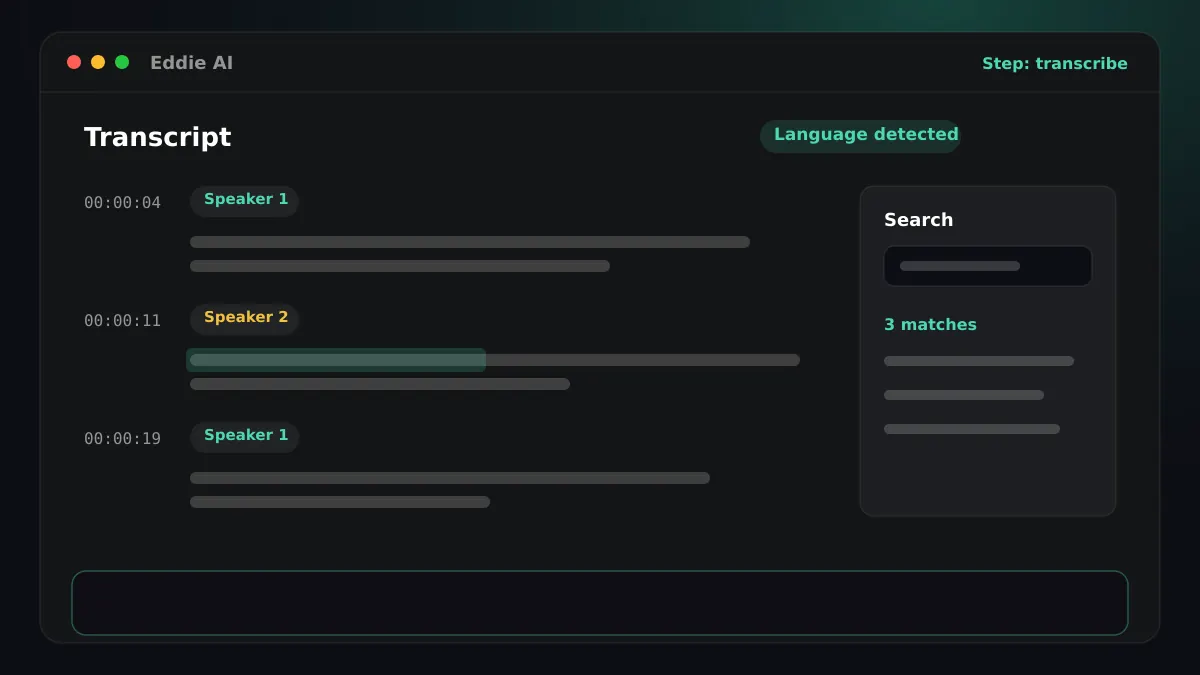
Transcription
Automatic language detection, speaker labels and a timing for every word.
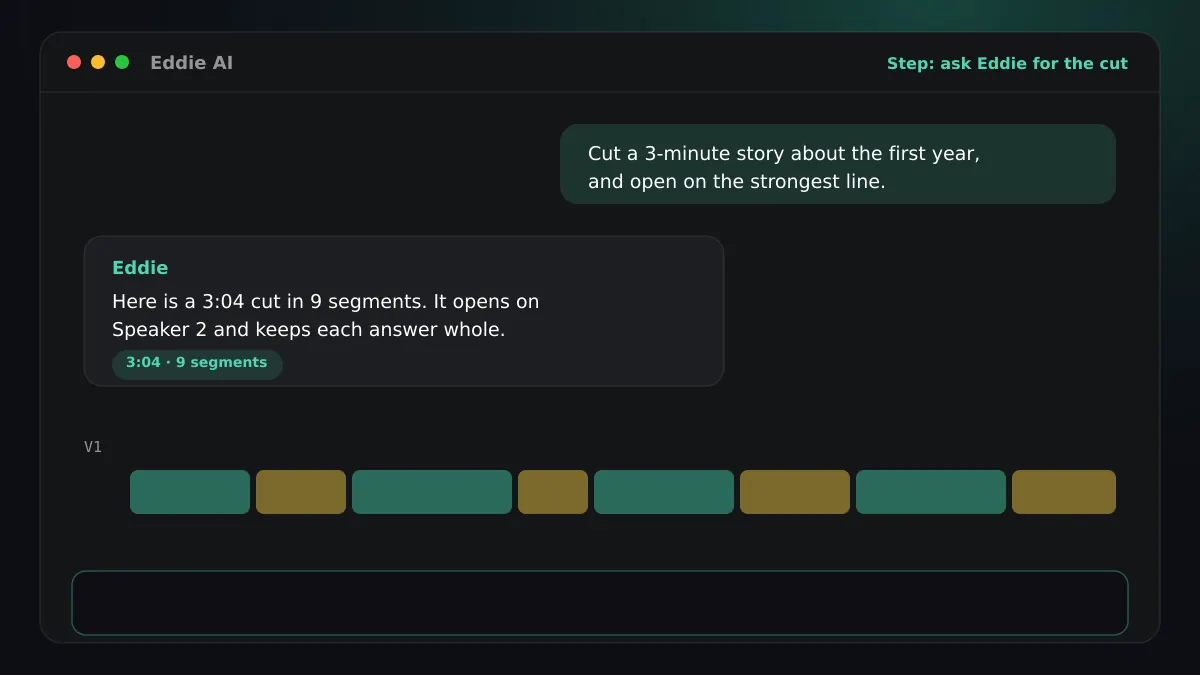
Story cuts from a prompt
Ask in plain words and Eddie builds the edit from the transcript.
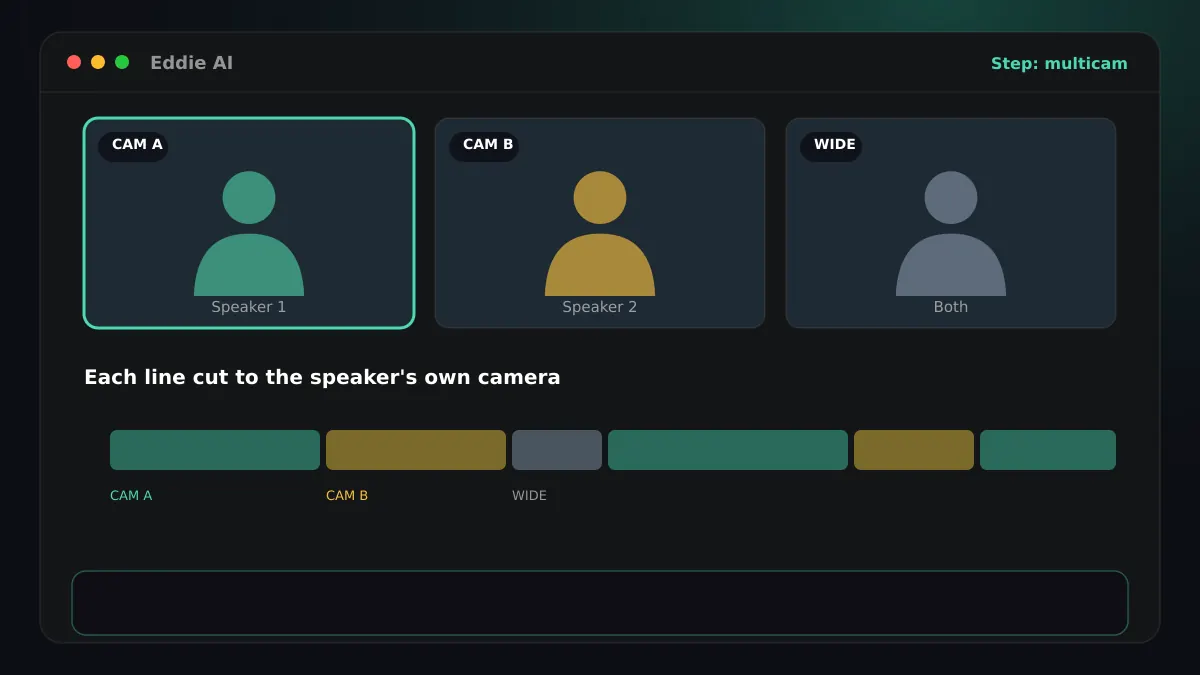
Multicam
Cameras grouped and synced, each line cut to the speaker's own camera.
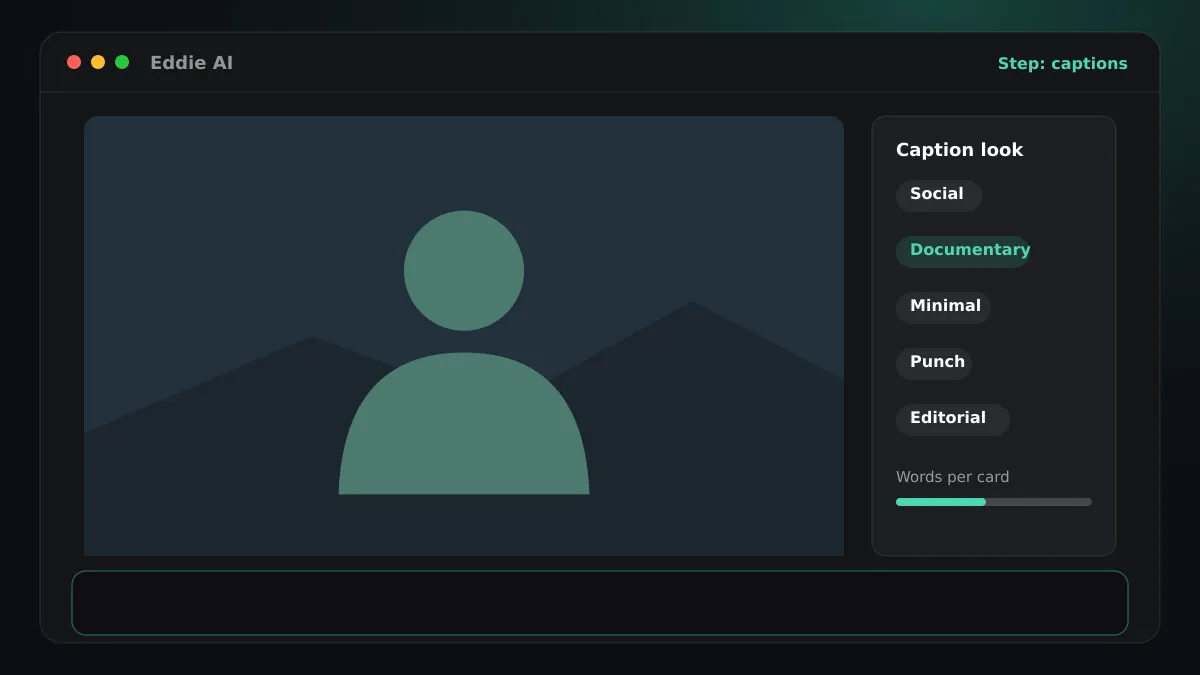
Captions and subtitles
Styled captions in five looks, burned in or carried into your editor, plus SRT and VTT.
Accents and regional variants
Regional accents and variants (for example Canadian French, Swiss German, Brazilian or European Portuguese, British or Indian English) are transcribed as their language. You do not need to choose a variant before you import.
Captions
Captions burned into an MP4 draw Latin, Greek, Cyrillic, Chinese, Japanese, Korean, Thai and Devanagari text. The cloud MP4 also burns captions in right-to-left Arabic, Urdu, Persian and Hebrew, and in Bengali, Gurmukhi, Gujarati, Odia, Tamil, Telugu, Kannada, Malayalam, Sinhala, Georgian, Armenian, Ethiopic, Khmer, Lao, Myanmar and Tibetan script; a desktop build that cannot draw them yet points you to the cloud export. Titles and motion graphics in these scripts do not render correctly yet. An SRT or VTT subtitle file carries captions in every language.
Questions
- Do I have to choose the language before I import?
- No. Eddie detects the spoken language of each interview, including interviews that switch between languages. Regional accents and variants (for example Canadian French, Swiss German, Brazilian or European Portuguese, British or Indian English) are transcribed as their language.
- Which languages can Eddie burn captions in?
- Every script Eddie transcribes. Latin, Cyrillic, Greek, Chinese, Japanese, Korean, Thai and Devanagari burn in on the cloud and the desktop MP4. Arabic, Hebrew, the other Indic scripts, Sinhala, Georgian, Armenian and Ethiopic burn in on the cloud MP4. SRT and VTT subtitle files work in every language.
- Which editors does Eddie export to?
- Adobe Premiere Pro (a .prproj project or XML), DaVinci Resolve (a .drp project or FCPXML), Final Cut Pro (FCPXML), and Avid Media Composer through the Eddie extension, which is in beta with access from a waitlist in the desktop app.
- Does Eddie translate?
- Captions are always the spoken words, never a translation. Dubbing a finished edit into another language is a separate feature.
Not available today
Eddie does not transcribe Burmese, Khmer, Lao and Yoruba today.
To set the language for a project, or to see how detection works, read Languages: transcription and captions in the help center, or browse the how-to guides.
Bring an interview in any language
Start in the browser, or download the desktop app to work straight from your editor's bins.