
Features
- Rough cuts
- Multicam
- A-roll logging
- B-roll logging
- Speaker identification
- Scripted edits
- Social clips
- Exports to your editor
- Styles and color
- Motion graphics
- Captions & titles
- Stock B-roll
- Generate video
- Generated music
- Voiceover
- Dubbing
- Transcription in 97 languages
- Web app
- Mac and Windows
- Claude & ChatGPT
- Codex, Cursor, Devin and more
- Recipes
- Agents
- API + MCP
Solutions
Resources
Feature · Rough Cuts
Footage to rough cuts in minutes
Skip sifting through long interviews. Eddie assembles a coherent story from soundbites.
Trusted by 60,000+ video pros worldwide











What is Eddie AI's rough cut mode?
At your direction, Eddie uses advanced LLMs to find a story framework, weaves soundbites into it, then places your B-roll. Hours, days, even weeks become minutes.
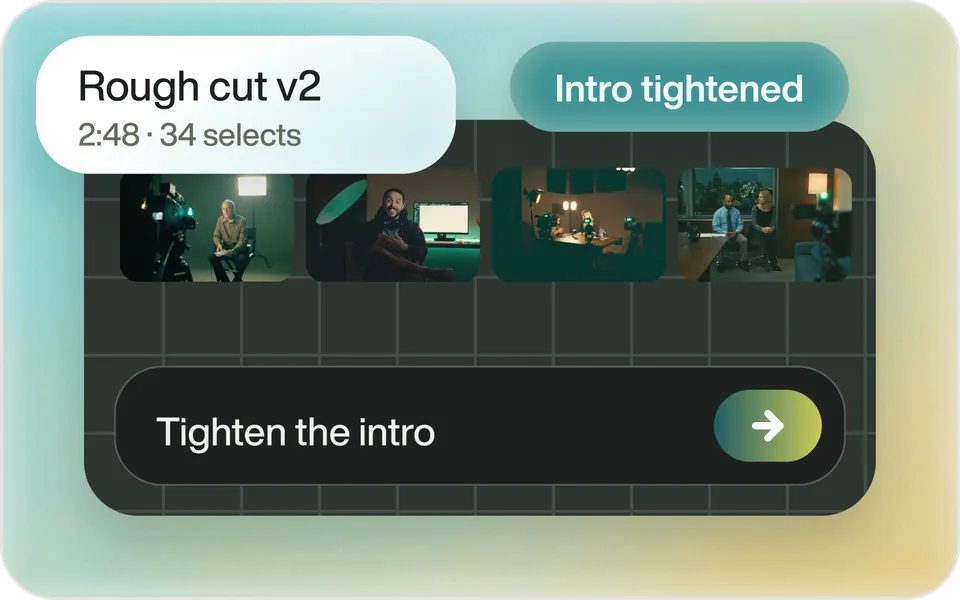
How it works
Interviews in. Story out.
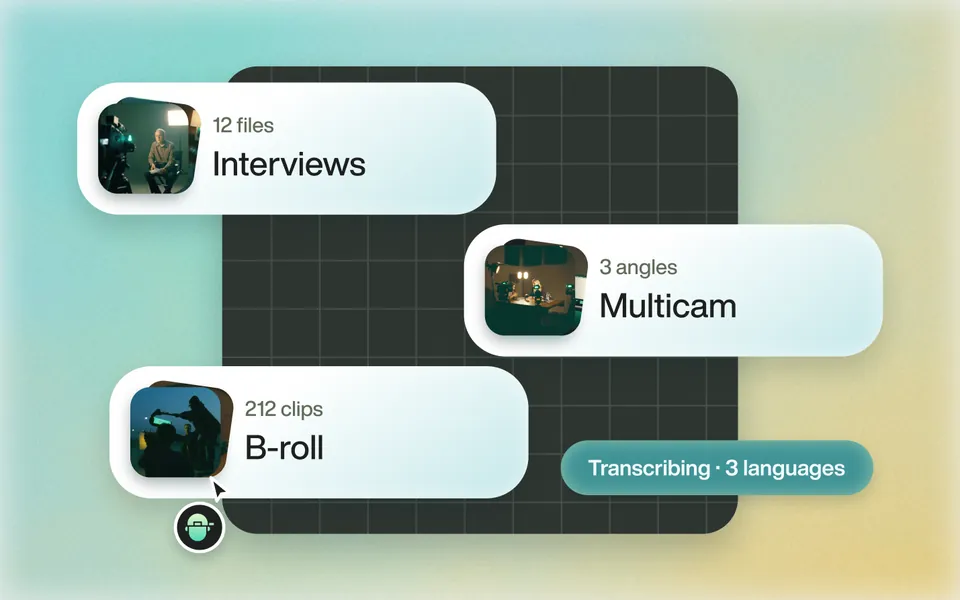 01
Hours of footage analyzed in seconds
Eddie imports, analyzes and logs your interviews. Multicams too.
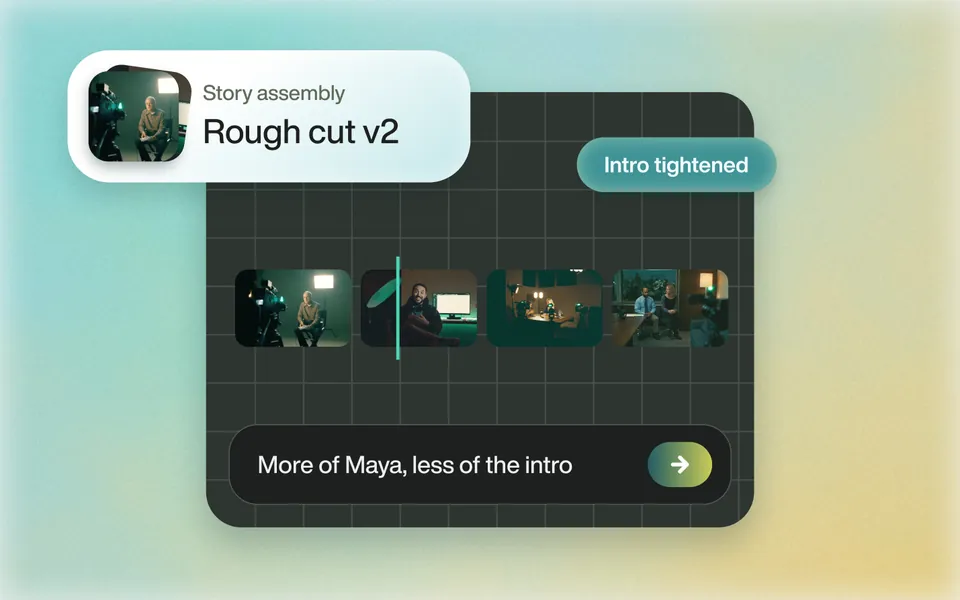 02
Story edits, guided by you
Ask for more of one interviewee, a topic, or faster cuts.
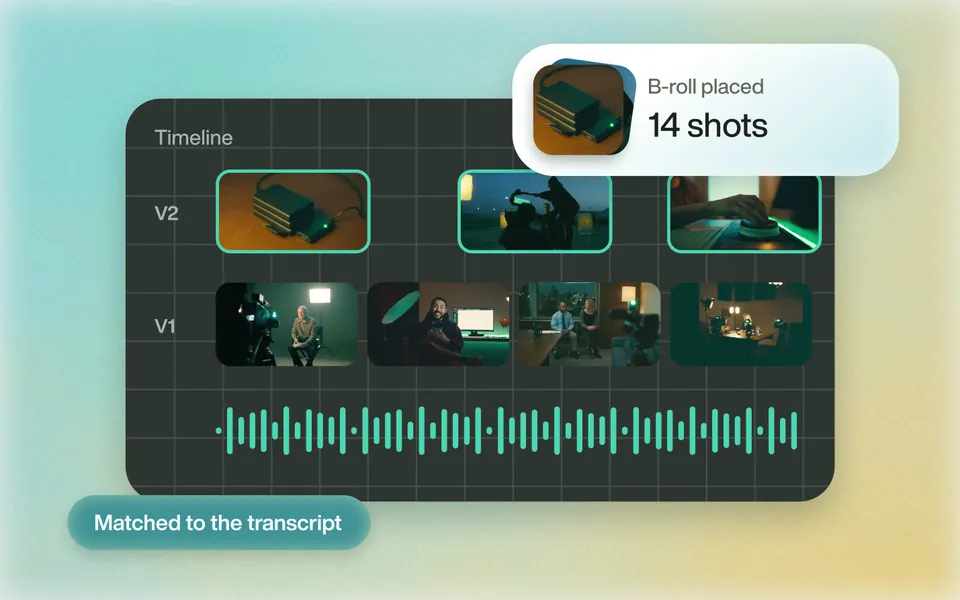 03
B-roll placement
Eddie builds B-roll sequences and lays them on the assembly.
Why it helps
Supercharge your workflow.
Speed Up Your Workflow
Edit 10x faster. Keep the creative calls.
Handle Complex Projects
Multicams and multi-interview documentaries.
Boost Accuracy
Best takes picked from context.
Seamless Integration
Premiere, Resolve, FCP and Avid.
- Privacy
- No Training
- Security
Export to pro video apps
Finish it in your editor.
Polish, add music, color and grade in Premiere, Resolve, Final Cut Pro or Avid Media Composer.
Every export Eddie produces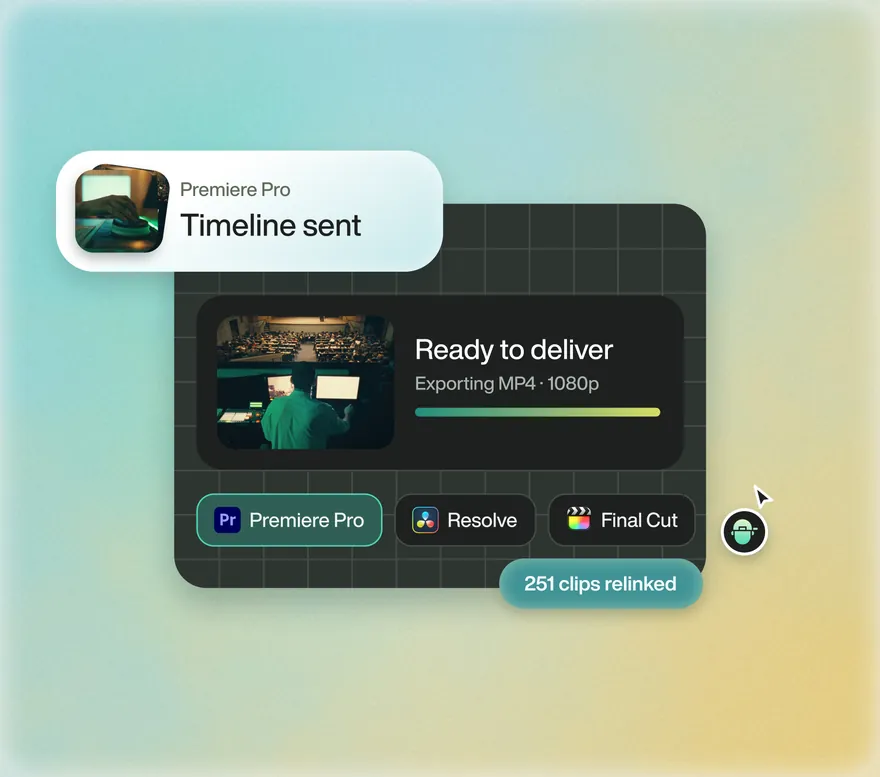
Questions
How does Eddie make a rough cut?
Eddie transcribes your footage, finds the best soundbites and builds a rough cut from the story you describe in chat. It removes filler words and awkward silences along the way.
Can I change the story Eddie picks?
Yes. Ask in plain language for more of one interviewee, a topic, a length or faster cuts, and Eddie makes a new version. Every version is saved.
Does Eddie add b-roll to the rough cut?
Yes. Eddie logs your b-roll, builds b-roll sequences and lays them over the interview assembly.
Can I check what Eddie cut out?
Yes. You can review what was removed before you export, so nothing leaves the cut without your approval.
Can I finish the rough cut in Premiere Pro or Resolve?
Yes. Export to Premiere Pro, DaVinci Resolve, Final Cut Pro or Avid Media Composer (beta). Footage imported through the desktop app relinks to your original files; web uploads point to Eddie's proxy media.

Unlock faster rough cuts today
Start with one prompt. Your first 500 credits are free.