
Features
- Rough cuts
- Multicam
- A-roll logging
- B-roll logging
- Speaker identification
- Scripted edits
- Social clips
- Exports to your editor
- Styles and color
- Motion graphics
- Captions & titles
- Stock B-roll
- Generate video
- Generated music
- Voiceover
- Dubbing
- Transcription in 97 languages
- Web app
- Mac and Windows
- Claude & ChatGPT
- Codex, Cursor, Devin and more
- Recipes
- Agents
- API + MCP
Solutions
Resources
Feature · B-roll Logging
Logged and organized B-rolls that feel like magic
AI logs your b-rolls and organizes them into bins. Eddie is your AE.
Trusted by 60,000+ video pros worldwide










What is Eddie AI's B-Roll Logging?
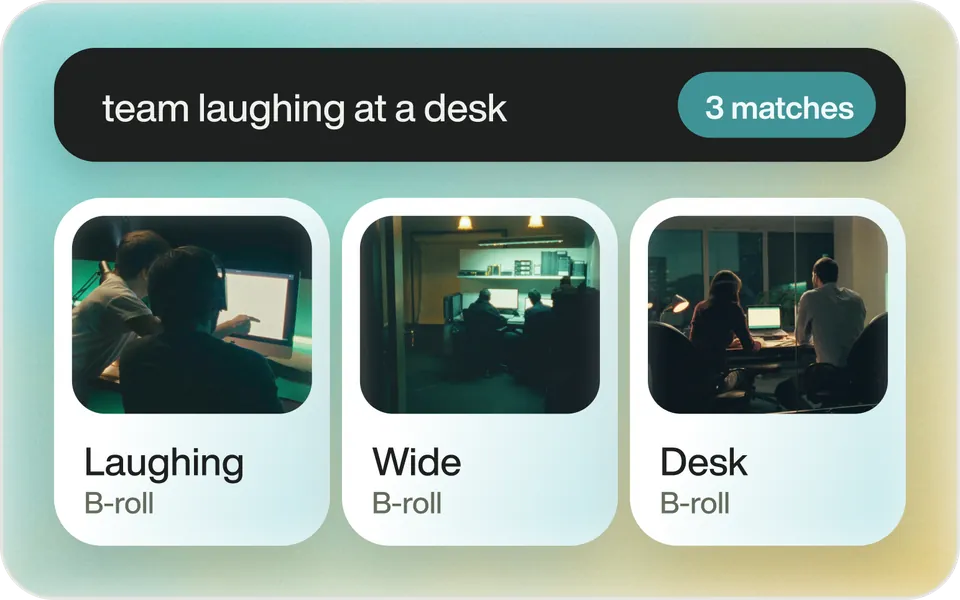
Eddie analyzes your media, tags every cutaway with a clear, searchable description and organizes it for instant access. No more scrubbing footage.
How it works
Every cutaway, findable.
 01
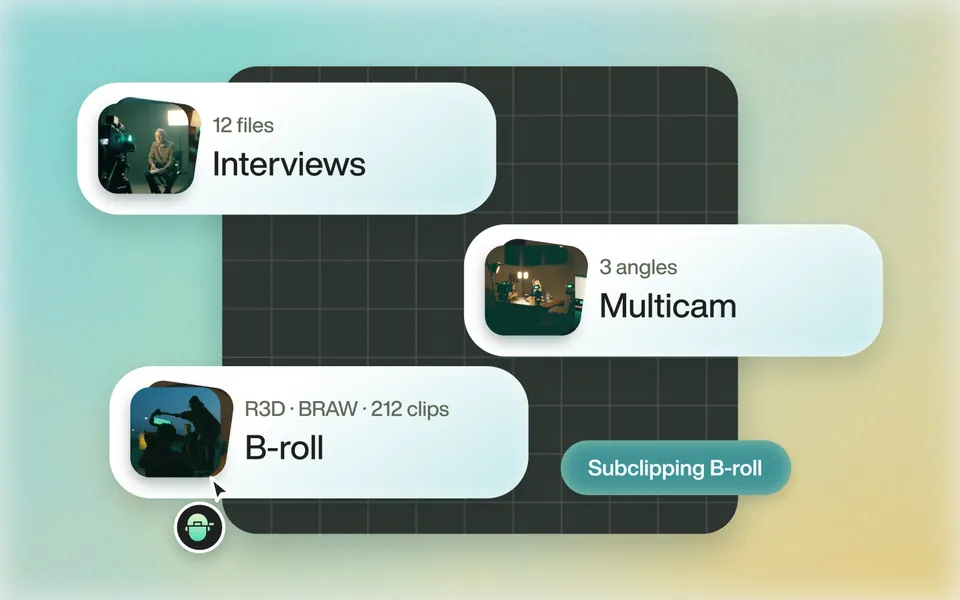
Import your b-rolls
Pro codecs too: R3D, BRAW, Sony and Canon.
 02
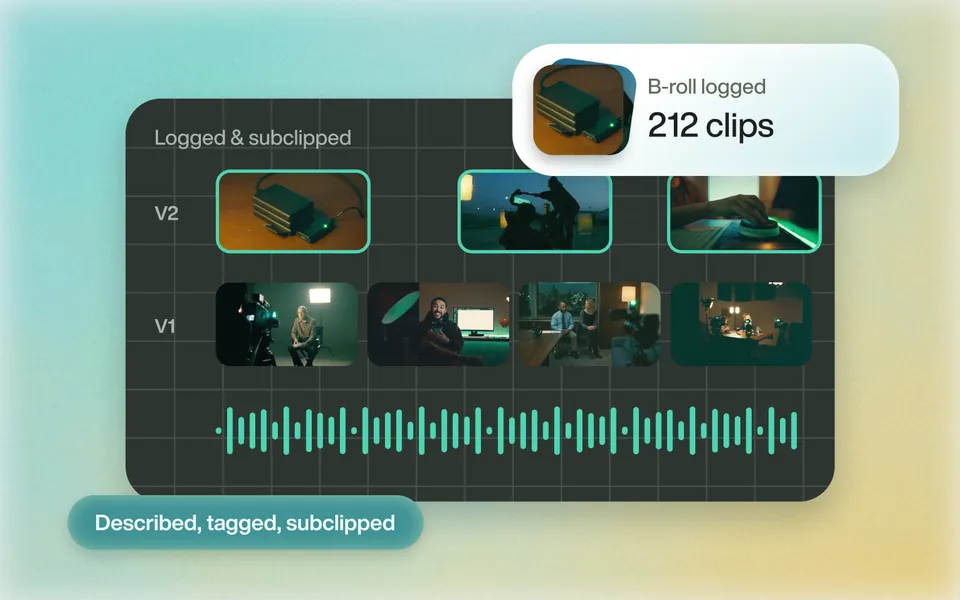
Advanced Logging & Subclipping
Computer vision and speech recognition log each clip, then pick its best part.
 03
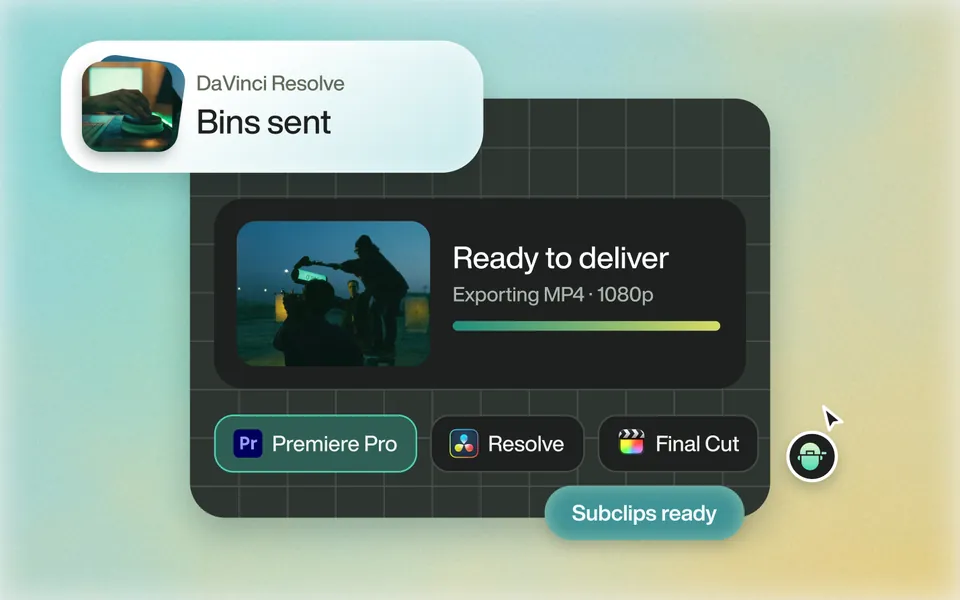
Export to pro video apps
Back to Premiere, Resolve or FCP with detailed metadata, in bins.
Why it helps
Supercharge your workflow.
Speed Up Your Workflow
Edit 10x faster. Keep the creative calls.
Handle Complex Projects
Hundreds of b-roll clips, multicams and timelines.
Advanced Computer Vision
Best part picked. Timelines you can scrub.
Seamless Integration
Premiere, Resolve, FCP and Avid.
Seamless integration
Works with your editor.
Your b-rolls come back with detailed metadata, grouped and sorted in bins and timelines you can quickly scrub.
Every export Eddie produces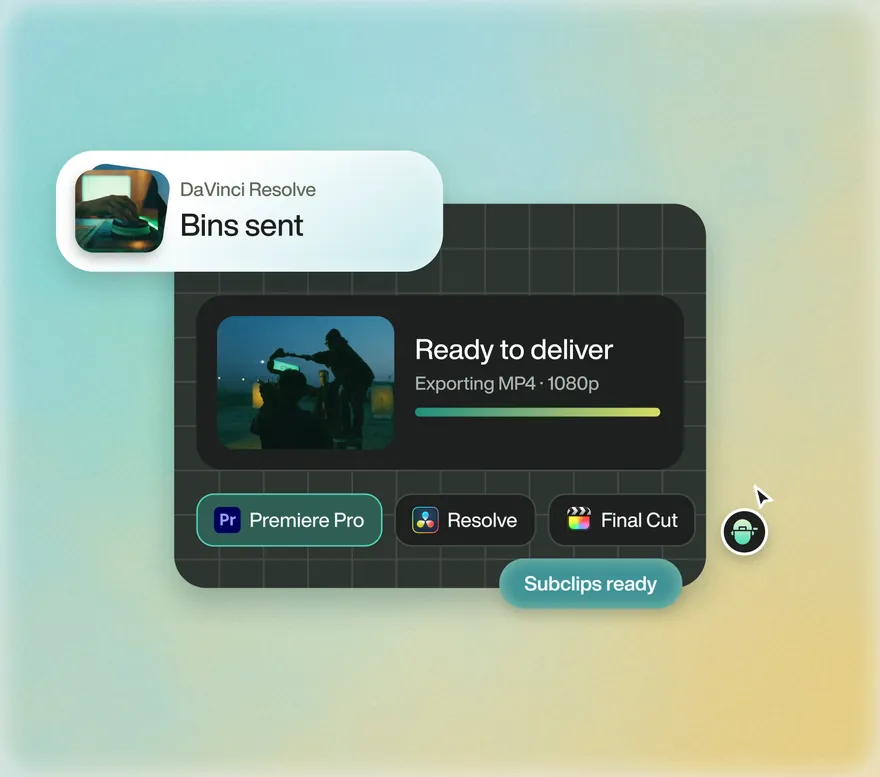

Be free from manual B-roll logging
Start with one prompt. Your first 500 credits are free.