
Features
- Rough cuts
- Multicam
- A-roll logging
- B-roll logging
- Speaker identification
- Scripted edits
- Social clips
- Exports to your editor
- Styles and color
- Motion graphics
- Captions & titles
- Stock B-roll
- Generate video
- Generated music
- Voiceover
- Dubbing
- Transcription in 97 languages
- Web app
- Mac and Windows
- Claude & ChatGPT
- Codex, Cursor, Devin and more
- Recipes
- Agents
- API + MCP
Solutions
Resources
Feature · Scripted Mode
Scripted Mode
Skip sifting through takes. Eddie chooses the best one and cuts it to your script or outline.
Try it with your footage
Your script. Your best takes.
Start with your files
Start with your script and takes.
Add your videos and script. Continue in Eddie to review the matched takes.
Clean reads to camera, line by line.
Sign in in the Eddie tab. Review any required credits before paid processing. Your files and choices transfer directly between these browser tabs.
Trusted by 60,000+ video pros worldwide











What is Eddie AI's scripted mode?
Built for edits with a defined structure. Eddie identifies takes, picks the best and follows your messaging from the start, so you refine performance and pacing.
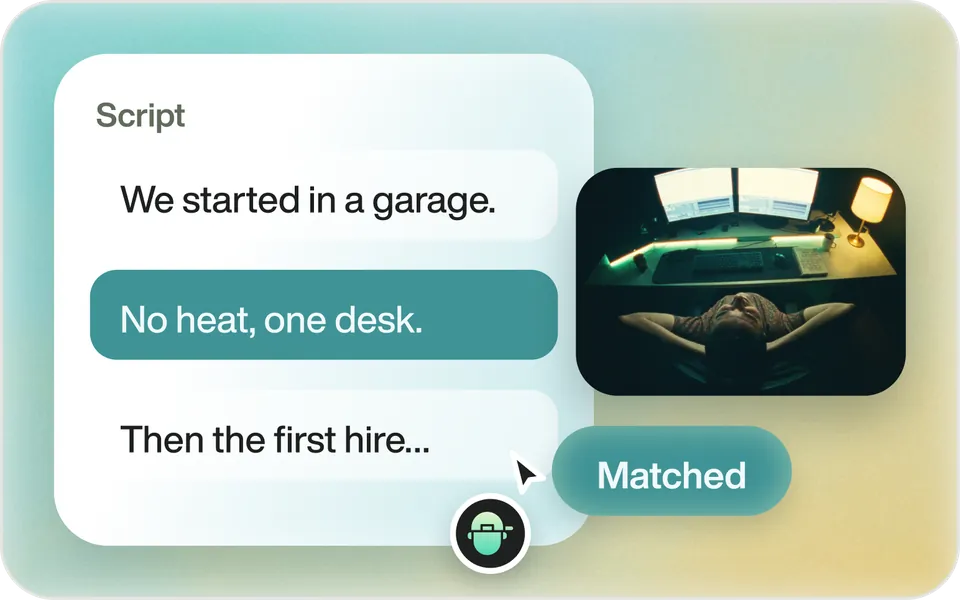
How it works
Best take. Your script.
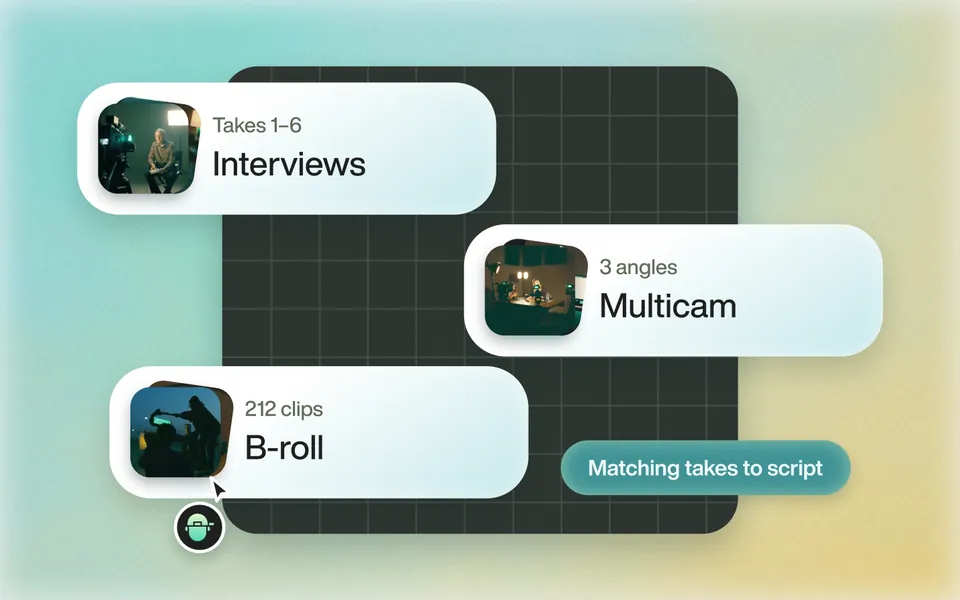 01
Scripted footage analyzed in minutes
Eddie imports your footage, multicams too, and identifies takes.
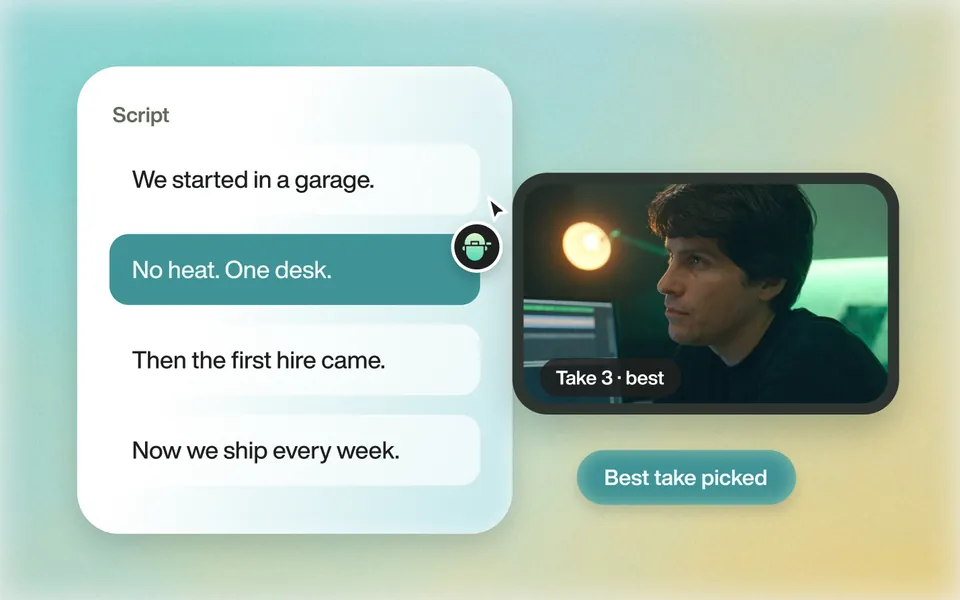 02
Best take chosen, cut to the script
Then refine the cut with text-based editing tools.
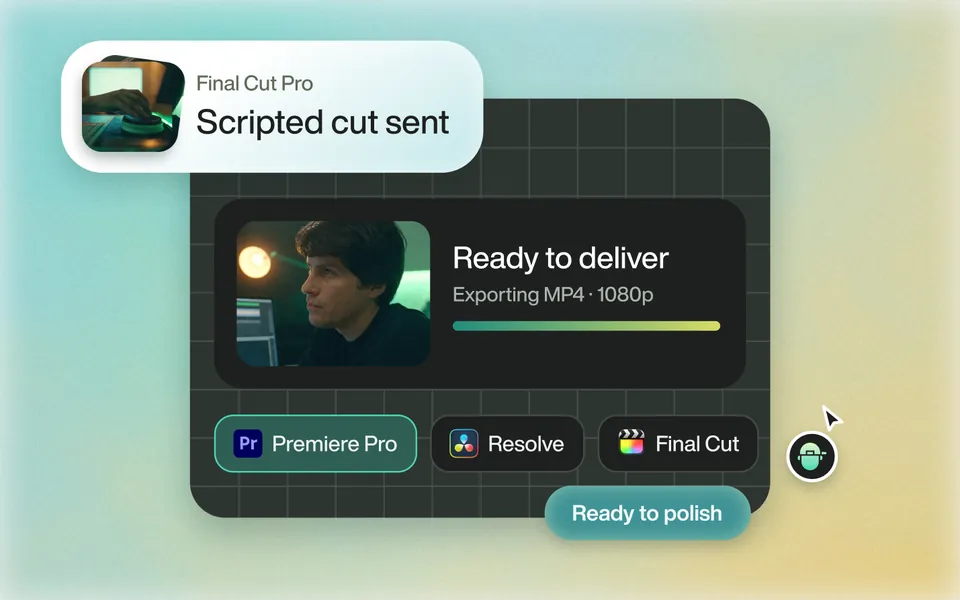 03
Export to pro video apps
Polish, add music, color and grade in Premiere, Resolve, FCP or Avid.
Why it helps
Supercharge your workflow.
Speed Up Your Workflow
Edit 10x faster. Keep the creative calls.
Handle Complex Projects
Multicams and multi-interview documentaries.
Boost Accuracy
Best takes picked from context.
Seamless Integration
Premiere, Resolve, FCP and Avid.
Seamless integration
Works with your editor.
Works with pro editors like Premiere, Resolve, FCP and Avid. It's built for your workflow.
Every export Eddie produces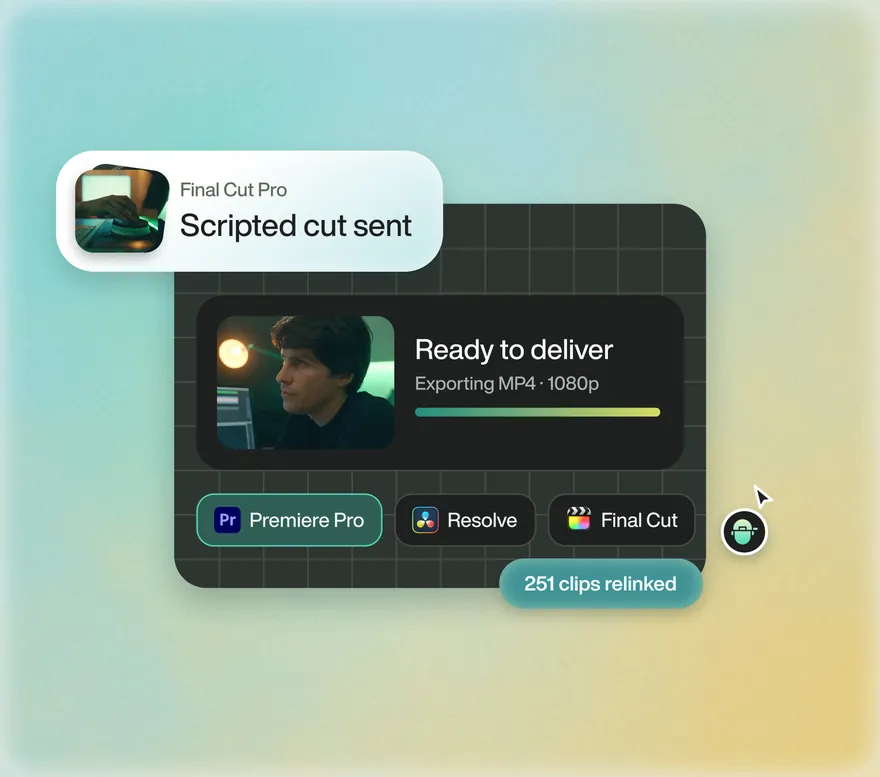

Unlock better storytelling today
Start with one prompt. Your first 500 credits are free.