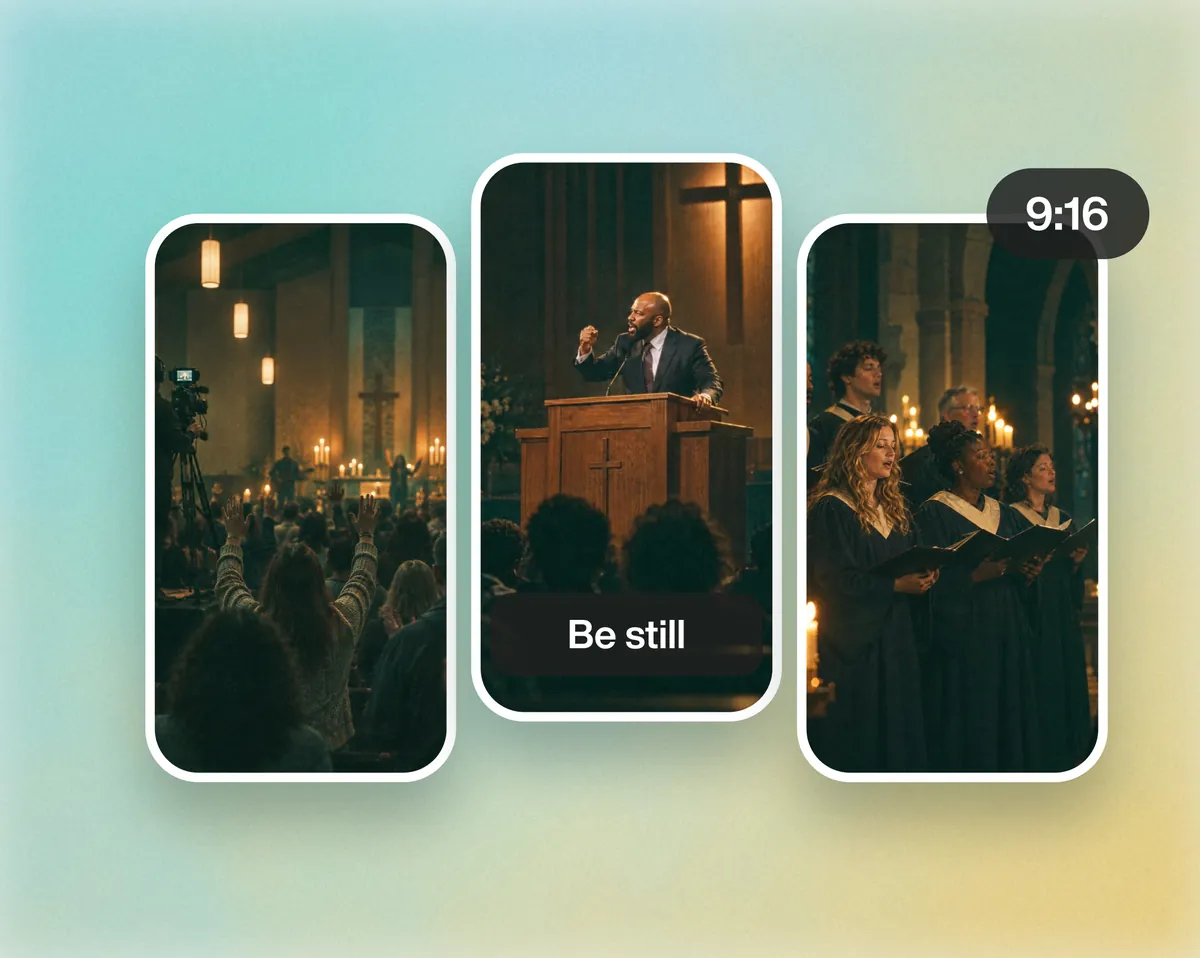

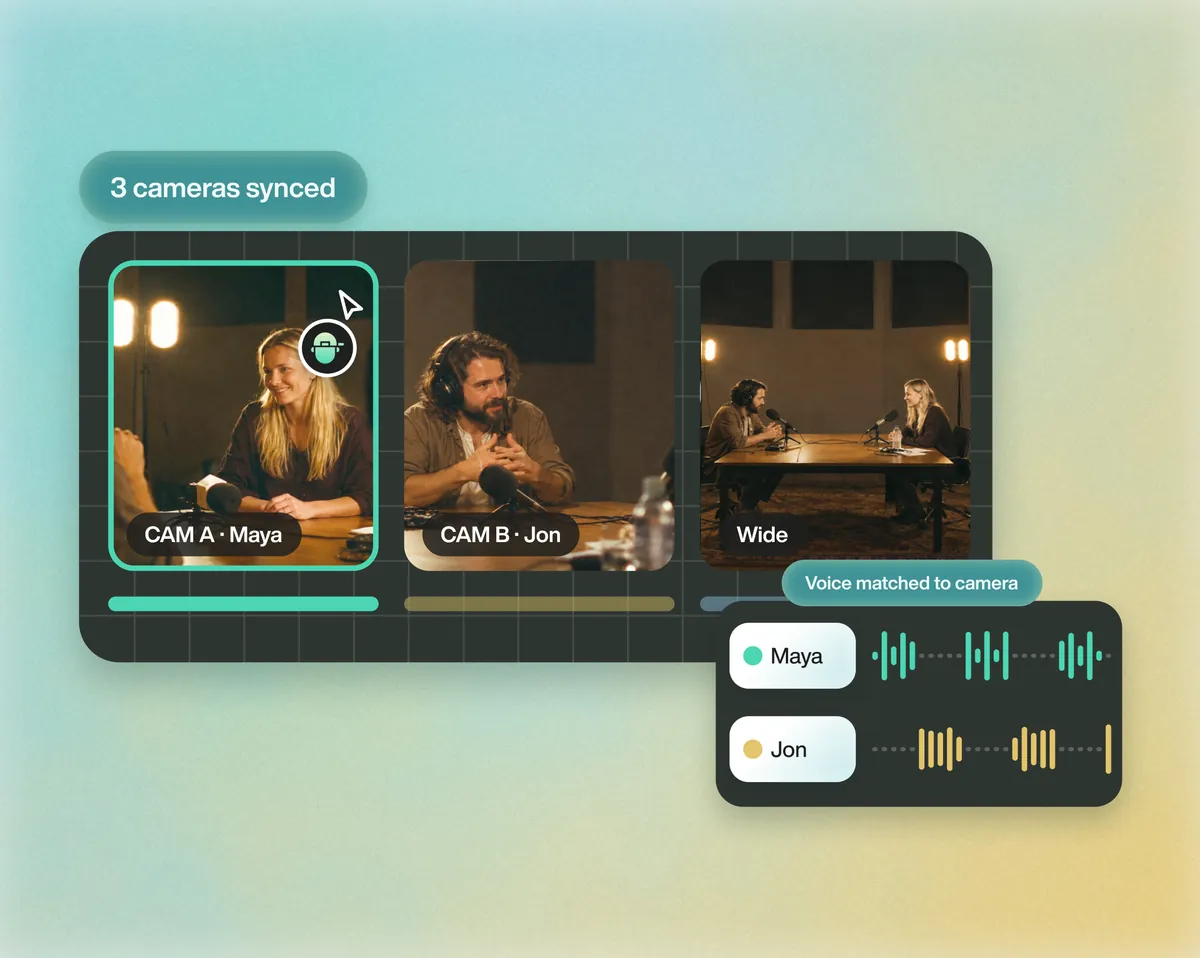
Multicam Sermons, Handled Automatically
Whether you’re recording with multiple cameras or a podcast setup, Eddie organizes and builds a polished starting cut from your footage.
- Multicam Angles
- Best Take Selection
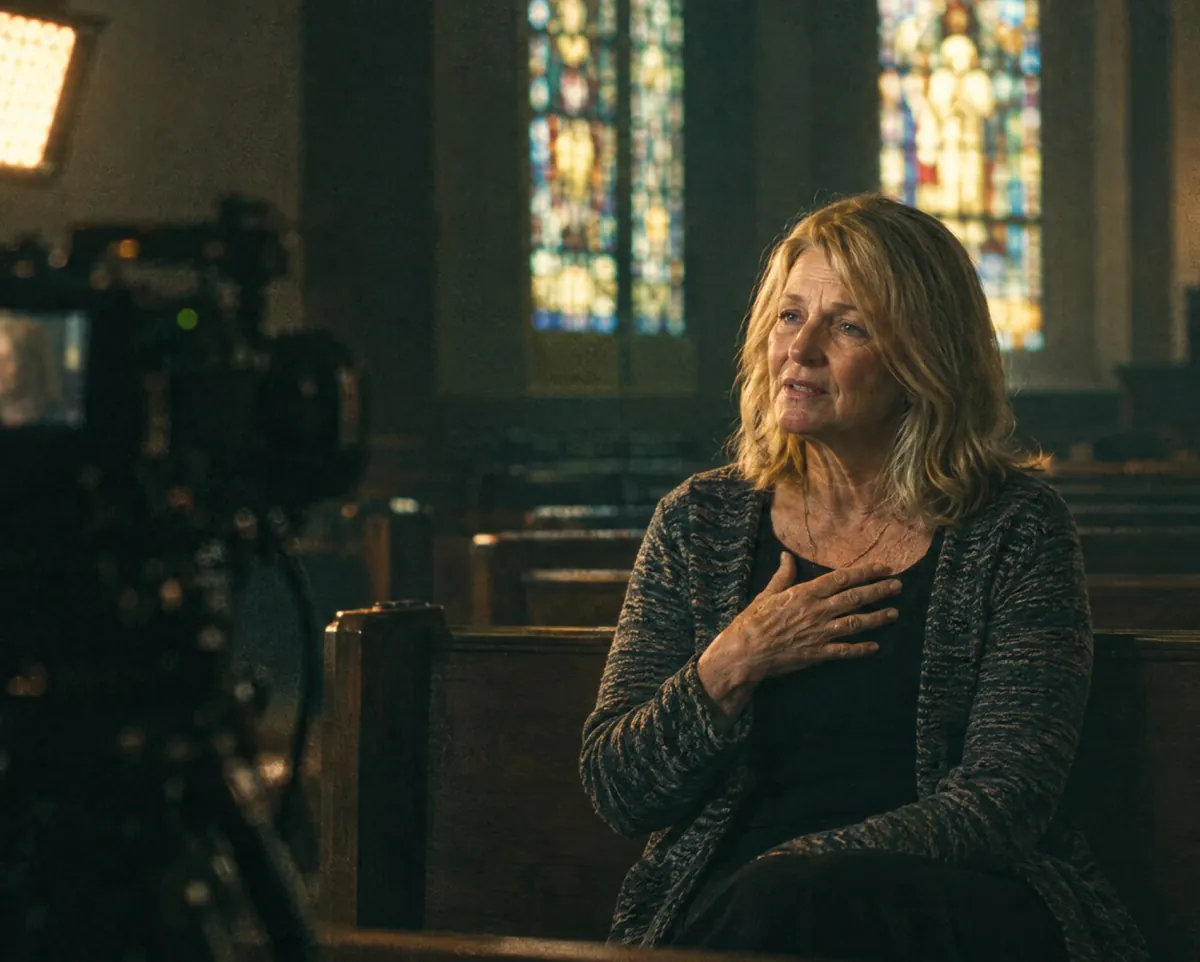
For Churches
Your own AI assistant video editor, for sermons, testimonials, and events.


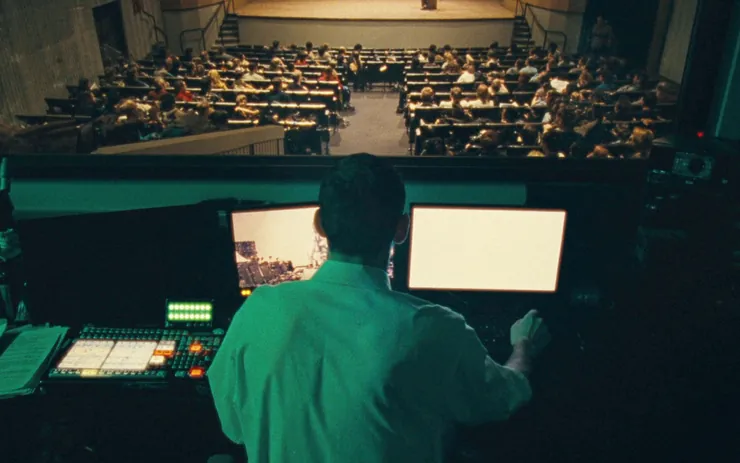
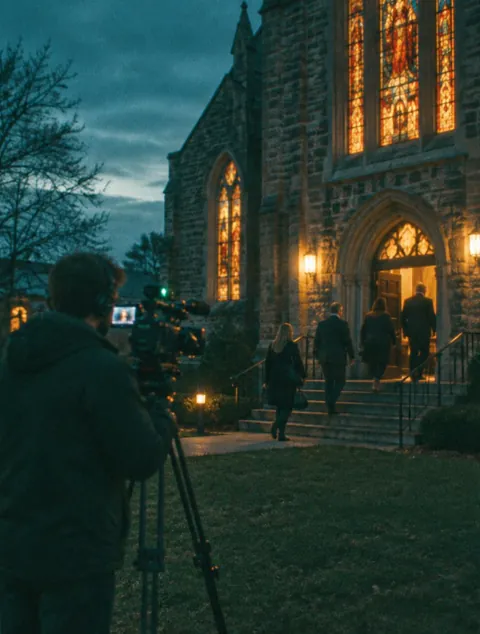
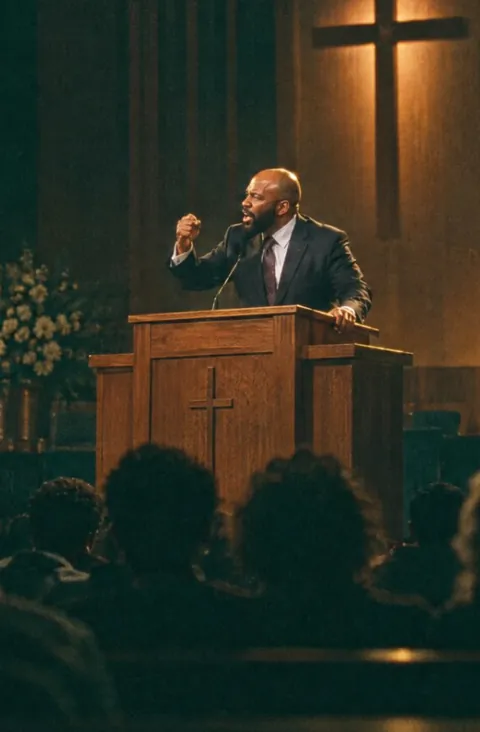
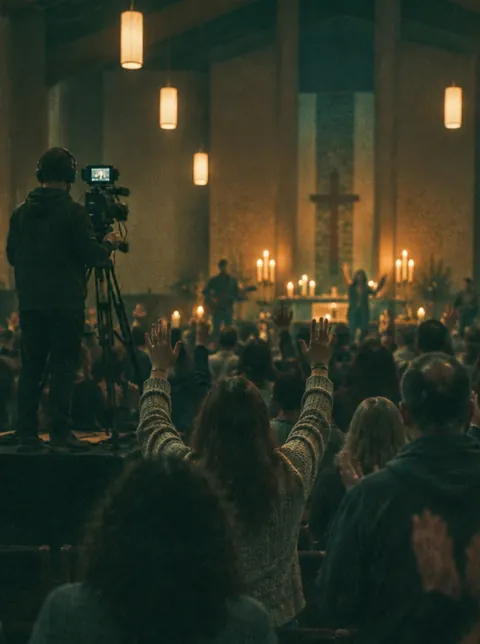
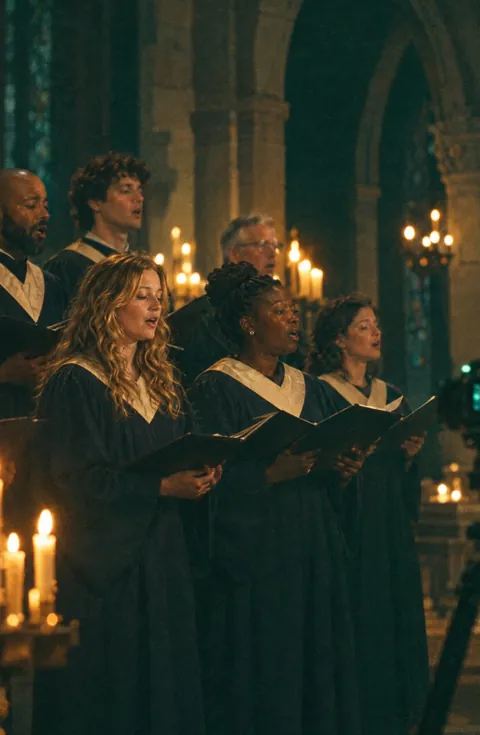
Pictures: generated illustrations.
Eddie AI helps increase your output and be more efficient

Whether you’re recording with multiple cameras or a podcast setup, Eddie organizes and builds a polished starting cut from your footage.

Automatically shape long interviews into structured, story-driven rough cuts—so your team can focus on sharing transformation, not sorting footage.

Automatically pull powerful highlights from full-length sermons and export structured cuts ready for Instagram, YouTube Shorts, and beyond.
No new platform to manage, just organized timelines delivered straight into the tools you already know.
Organized timelines delivered straight into the tools you already know.


Hear from our users that are leveraging Eddie AI.
“What Eddie does is get you a first draft in minutes instead of hours depending on the project. Then you, the actual creative person, show up and do what you're good at: making it feel like something.”
“Eddie AI is the future of video editing. As someone in a line of work which calls for editing A LOT of interviews, the platform saves a lot of time.”
“Eddie AI is one of the best assistants that me and my team have tried.”
“Eddie is my new best friend. All those hours saved is hours I can spend focused on the creative bits - color grading, adding music, sound effects.”
“Eddie AI's B-Roll feature is the closest thing I have seen to filmmaking yet. It's able to sort things I thought were impossible. I'm obsessed!”
“Eddie just took the most stressful part of my job and made it fun. This is honestly life changing! Thank you!”
“I'm not as good at building the A-roll string out, and especially with somebody who is diagnosed with ADHD. This is great because it gives me a cut with core elements and now I can go right into the final touches.”
“This feature is incredible! I’ve been going to ChatGPT to get feedback on the edit / thumbnails. Eddie does it way better. This will be a hit, no doubt.”
“Is it useful? Very... Deserves the designation as a Useful Tool for Editors.”
“It's like having an assistant editor I can offload my more grindy tasks to. I love the fact that I can round trip its output back into Premiere and continue to refine if I need to.”

Start with one prompt. Your first 500 credits are free.