
Contact salesSign inSign up
PricingContact salesSign in
Features
- Rough cuts
- Multicam
- A-roll logging
- B-roll logging
- Speaker identification
- Scripted edits
- Social clips
- Exports to your editor
- Styles and color
- Motion graphics
- Captions & titles
- Stock B-roll
- Generate video
- Generated music
- Voiceover
- Dubbing
- Transcription in 97 languages
- Web app
- Mac and Windows
- Claude & ChatGPT
- Recipes
- Agents
- API + MCP
Solutions
Download Eddie AI
Get started for free.
Fast, GPU-enabled desktop apps. Plus iPhone and the web.
Nothing to install?Use the web app
Not sure? Apple menu → About This Mac → Chip. “Apple M…” = Apple Silicon.
Desktop and iPhone
One project. Every screen.
Start on the web, keep going on your phone, finish on desktop.
Eddie AI
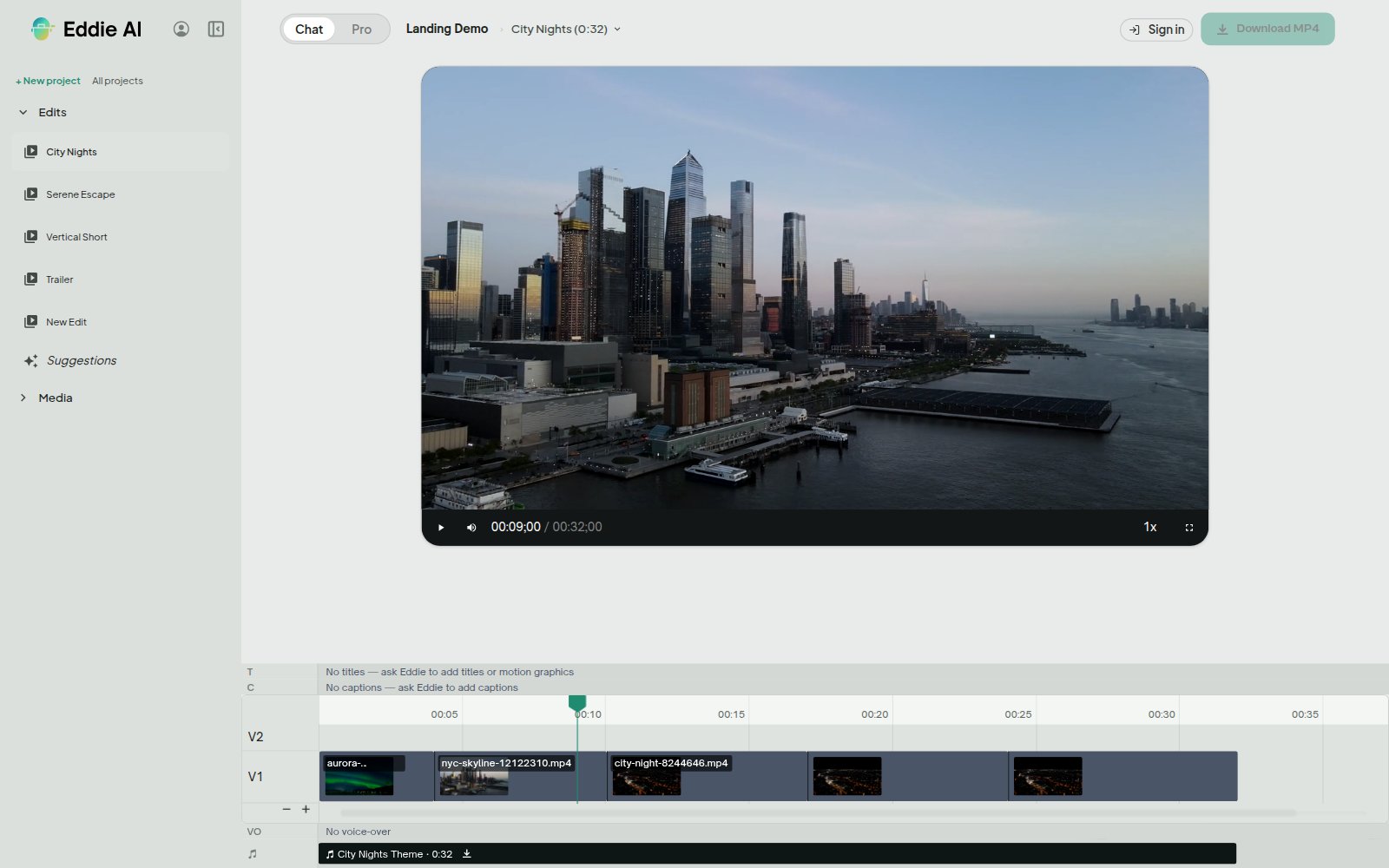
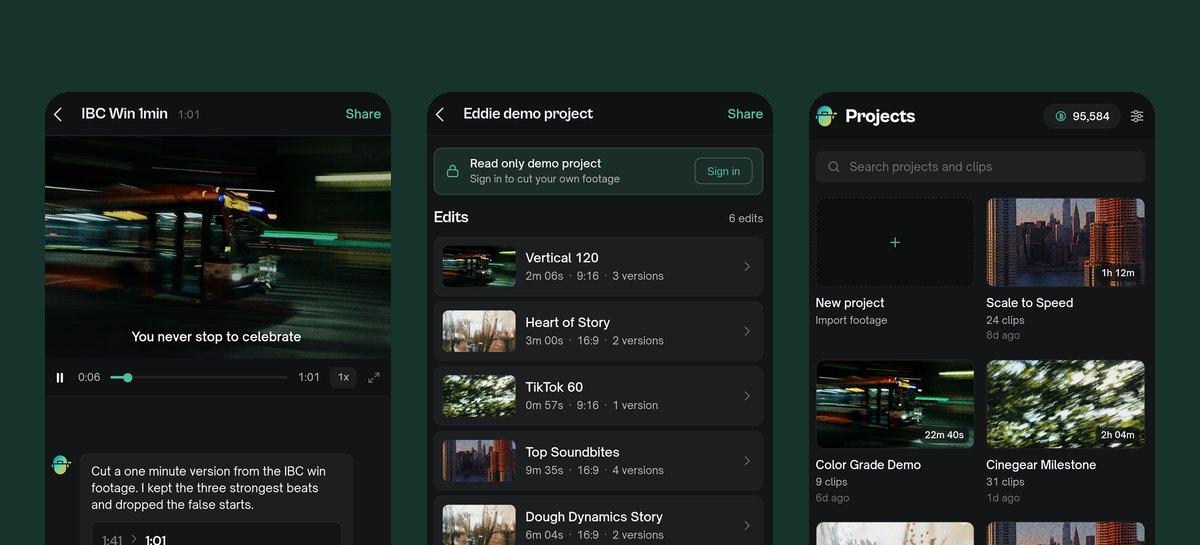
The desktop app
Faster on your machine.
GPU-accelerated
Built for fast imports.
Native playback
Your edit plays natively on your computer.
Local rendering
Renders on your machine, uncapped by our queue.
Cloud projects
The same projects as web and iPhone.
Premiere Pro.prprojDaVinci Resolve.drpFinal Cut Pro.fcpxmlMedia ComposerSequence




Round-trips to your editor
Premiere, Resolve and Final Cut. Hand-offs to Avid.
Install
Three steps. Then edit.
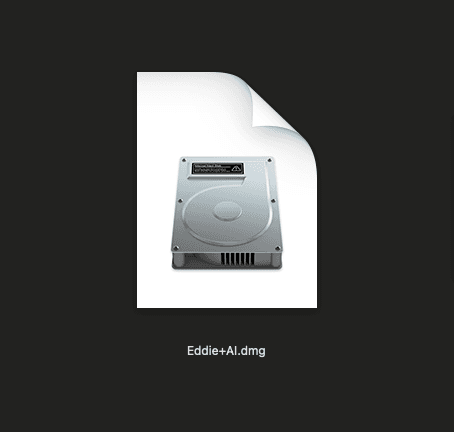 01Open the .dmg in your Downloads folder
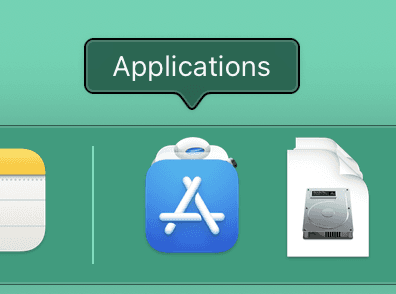 02Drag Eddie AI into Applications
 03Open Eddie AI from Applications

From raw footage to finished edit.
Start with one prompt. Your first 500 credits are free.