Product Feature | Generated Voiceover
Narration, written and placed in one step
Type the script. Choose a voice. Eddie speaks it and drops the clip on the timeline exactly where you want it.
What is Eddie AI's generated voiceover?
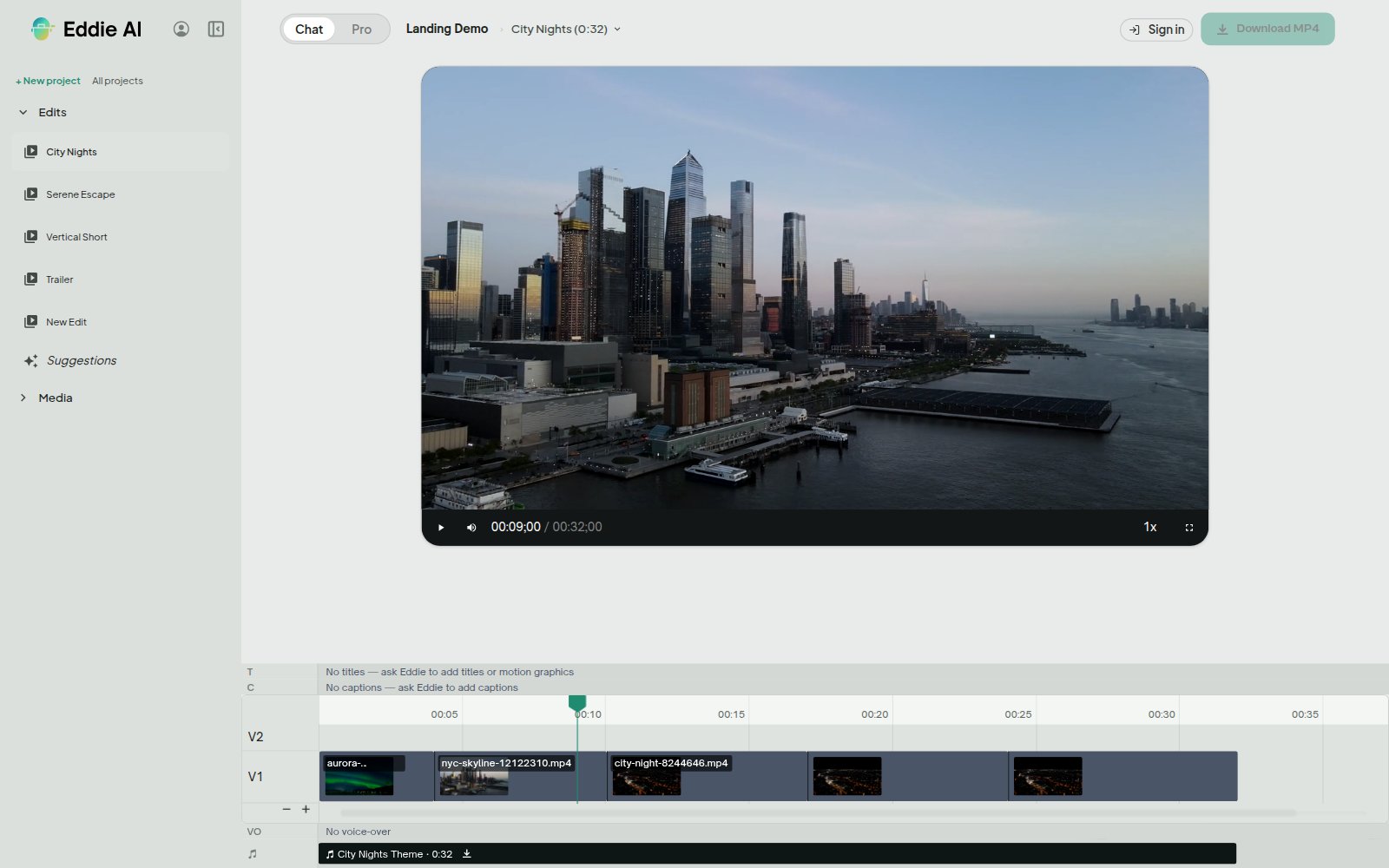
Eddie turns a written script into spoken narration and places it on the edit's timeline at the second you name. An edit can carry as many clips as it needs: an opening line, a link between sections, a closing thought. Each one plays in the preview, can be downloaded from the share view, and is mixed over the dialogue when you export an MP4.
Pick a voice, or bring your own
Eddie ships a set of premade voices to choose from. If you already have a voice of your own in ElevenLabs, paste its id and Eddie uses that instead.
Narration that fits the gap
Tell Eddie the latest second the line may still be talking, which is usually where the next shot begins. Eddie generates the read, measures the real audio, and tries a faster delivery until it fits. If no read fits the script in that space, Eddie says so rather than talking over the picture, and you shorten the line and try again.
Another take, without losing the last one
Ask for a different read, a different voice or different wording and Eddie replaces the clip in place. The take it replaced moves into that clip's history, and you can bring it back at any point.
Captioned from the script
Captions read voice-over from its own script, so a silent b-roll montage with narration over it gets captions like any other cut. Where narration plays over an interview, the narration is what gets captioned, because it is the voice you hear.
Used by the world's best video pros












Why editors narrate in Eddie
No booth, no re-record
Change a word and generate the line again. The turnaround is the time it takes to type it.
Placed on the clock, not by hand
You give a timeline second and Eddie puts the clip there. It reports the measured length back, so the next line or title goes straight after it with no gap.
Every take kept
Takes stack up in the clip's history instead of overwriting each other, so going back to an earlier read costs nothing.
Travels with the MP4
Narration is mixed over the dialogue in an MP4 export, and every clip is downloadable from the share view.
Get started for free
Start editing in your browser. Or download the desktop app. Fast, GPU-enabled, integrates with Premiere, Resolve, FCP and Avid.
Try it for freeOr download the app
Mac with an Intel chip? Download for Intel Macs
Not sure? Apple menu → About This Mac → Chip. “Apple M…” = Apple Silicon.