Product Feature | Captions & Titles
Captions and titles that move with the cut
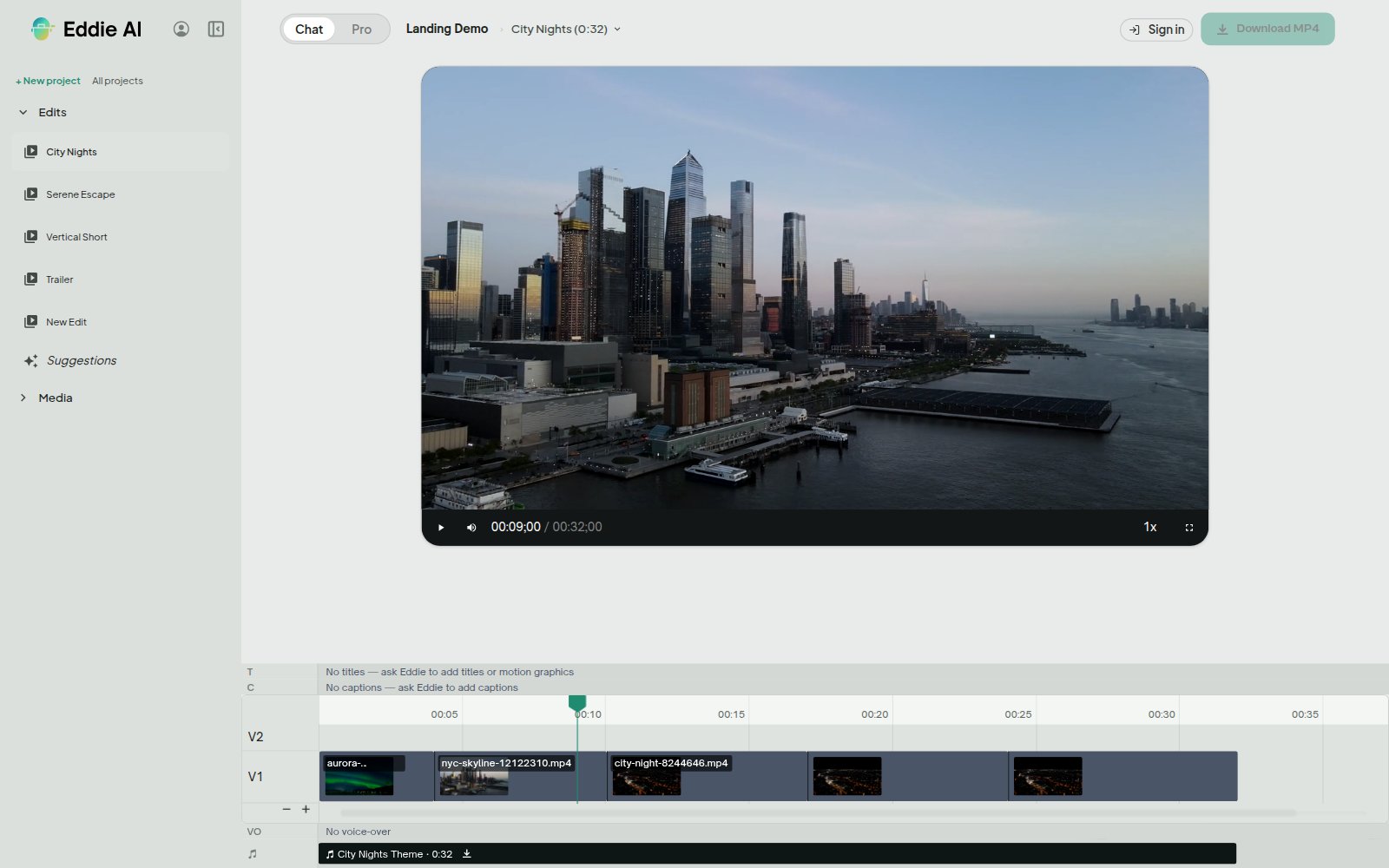
Captions are timed from your own audio, word by word. Titles and lower thirds animate on the edit's clock. What you see in the preview is what the MP4 bakes in.
What are Eddie AI's animated captions and titles?
Eddie builds a caption track from the speech in the edit, and a title track from the text you write. You never type or time a caption word, because the timing comes out of the audio. Both tracks render over the player and are baked into an MP4 export.
Karaoke captions, timed to the word
The default look pops each word in as it is spoken and highlights the one being said. If you want a subtitle block instead, switch to static and the whole phrase appears at once, with no per-word animation.
Three designed looks, or your own
Social is a bold word-pop on a solid rounded band. Documentary is calm static phrases on a soft wash. Minimal is small bare text. Override any part of a look on its own: colour, highlight colour, size, position, uppercase, the band behind each line, and how each card enters.
Filler words come out of the text
Um, uh, er and mid-sentence "you know" tics are dropped from the caption text by default. The audio and the transcript are untouched, and the timing of the words you keep stays exact. Ask for verbatim captions and you get every word.
Titles, chapters and lower thirds
Set on-screen text at the seconds you choose, for an opening title and for short chapter headings as the conversation moves on. Each title can fade, rise, slide in or drop in. For a name-and-role bar, use the lower-third motion graphic, and let a style pack hold the type and palette of every graphic on the edit together.
They never collide
A caption that overlaps a lower third lifts above it instead of stacking on it. Caption text can also use a font uploaded to your workspace, so the MP4 burns in the same face the preview shows.
Used by the world's best video pros











Why editors caption in Eddie
No typing, no timing
Caption words and their timing both come out of the edit's own audio.
Narration is captioned too
Voice-over is captioned from its script, so a montage with narration over it reads like any other cut.
Preview equals export
Looks and entrances are stored with the edit, so the MP4 bake moves exactly the way the player did.
Made for vertical
The social look is built for a phone-sized frame: big type, a solid band, and a highlight you can read at a glance.
Get started for free
Start editing in your browser. Or download the desktop app. Fast, GPU-enabled, integrates with Premiere, Resolve, FCP and Avid.
Try it for freeOr download the app
Mac with an Intel chip? Download for Intel Macs
Not sure? Apple menu → About This Mac → Chip. “Apple M…” = Apple Silicon.