How-to guidesShorts and Reels
How to Make YouTube Shorts From Long Videos
A long video already holds your best short-form content. The hard part is finding the moments that stand alone and reframing a wide shot for a phone without cutting off the person talking. This guide does both for a podcast, a talk, a vlog or any long recording, and the result works on YouTube Shorts, Instagram Reels and TikTok.
The short answer
Find moments of 20 to 60 seconds that make sense with no context, start each one on its strongest line, reframe it to 9:16 with the speaker centred, and add large captions. Make several from one video and post them over a week. In Eddie you ask for a number of clips and a length, then ask for the vertical layout and captions on all of them.
What you will end up with
- Five vertical clips of 30 to 60 seconds, each one a complete thought.
- A crop that keeps the speaker's face in frame for the whole clip.
- Large, word-by-word captions for viewers with the sound off.
- A short hook title on the first two seconds of each clip.
Step by step
Step 1
Bring in the long video
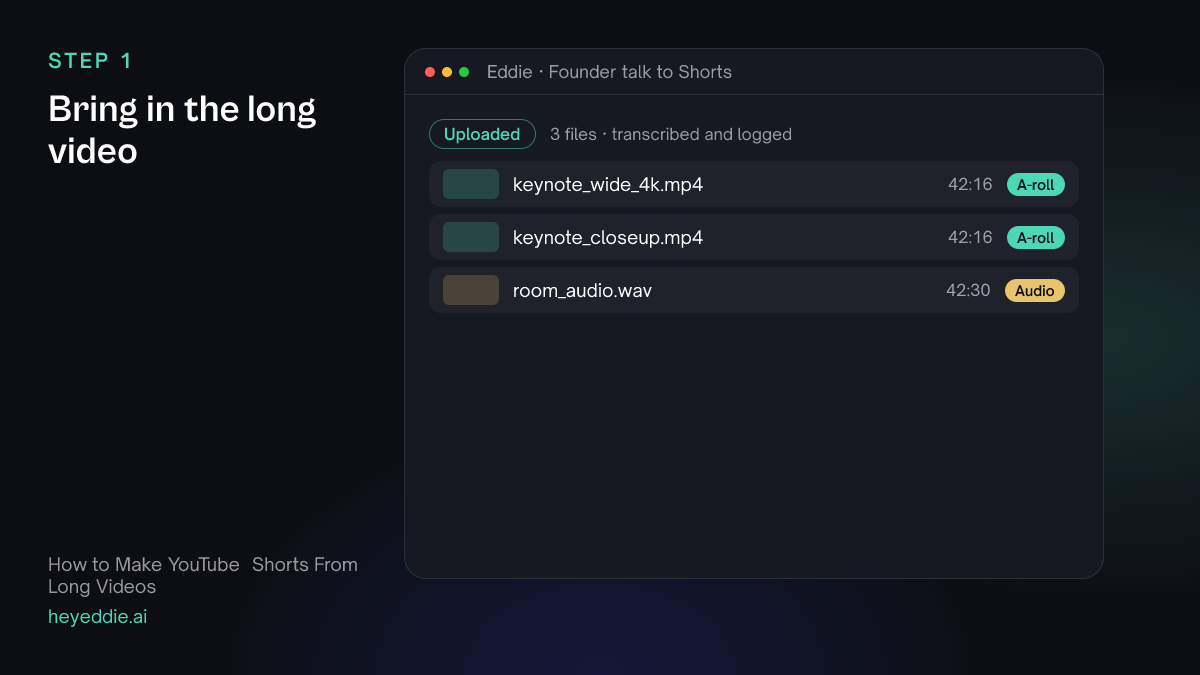
Upload the finished long video or the original camera files. Original files are better: a 4K wide shot leaves room to crop a sharp vertical frame.
What Eddie does
- Transcribes the recording and finds who is speaking when.
- Groups the cameras and the separate audio recording if there are several.
What you get: A searchable transcript of the whole recording.
Step 2
Ask for the clips
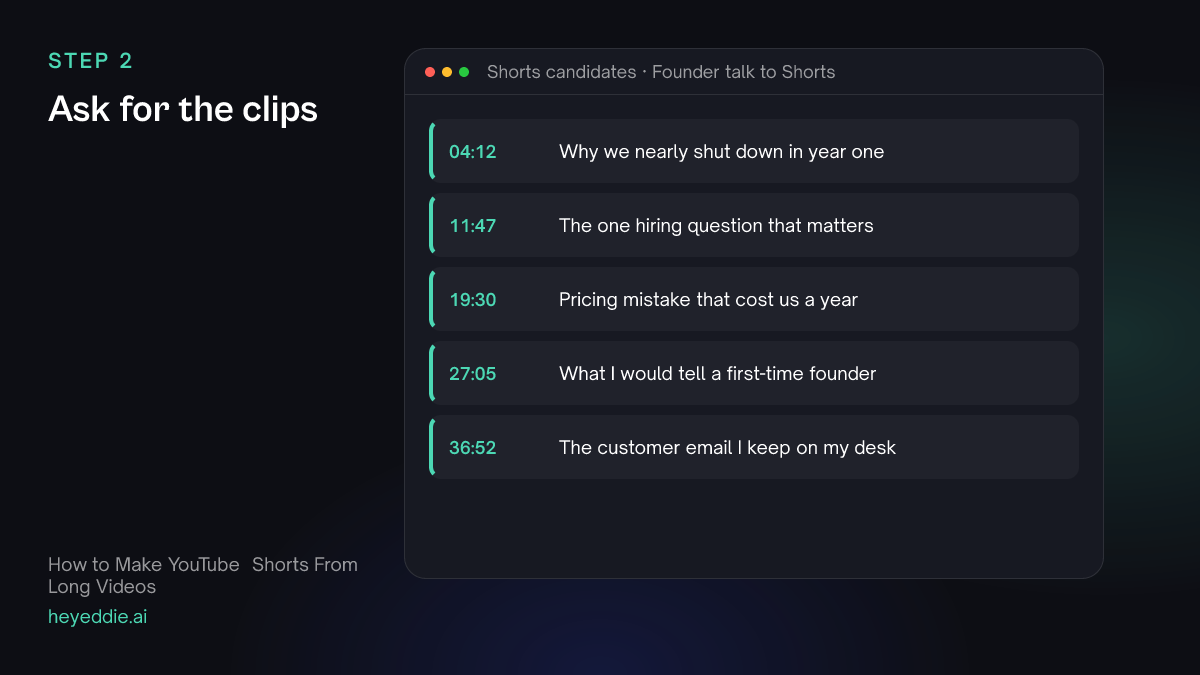
Ask for a number of clips and a length range, and say what makes a good one. "Stands alone" is the rule that matters most: a clip that needs the previous minute to make sense will not hold anyone.
What you type “Find the 5 best moments for Shorts, each 30 to 60 seconds. Each one must make sense with no context, start on a strong line rather than a lead-in, and end on a complete sentence. Make each one its own edit.”
What Eddie does
- Reads the transcript for self-contained answers, stories and strong opinions.
- Builds five separate edits and reports each one's length.
What you get: Five short edits, still in the original 16:9 frame.
Step 3
Reframe to vertical
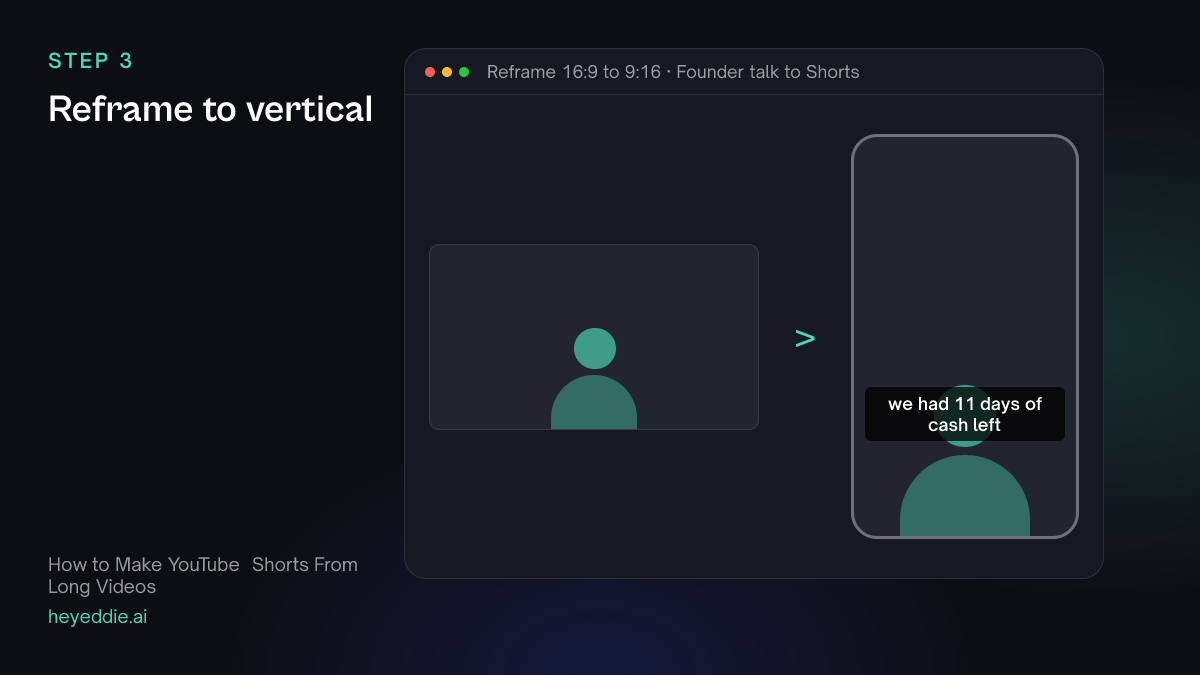
Change the canvas to 9:16 and crop each clip to a close-up on the speaker. Use the close-up camera if you have one, or the wide shot if it has enough resolution.
What you type “Make all five clips 9:16 for Shorts. Crop each one to a close-up on the speaker's face and keep the crop steady between cuts.”
What Eddie does
- Sets a vertical canvas on each edit.
- Detects the speaker's face in the frames and places a close-up crop on it, and reports any segment where it found no face.
What you get: Five vertical clips with the speaker centred.
Step 4
Add captions and a hook
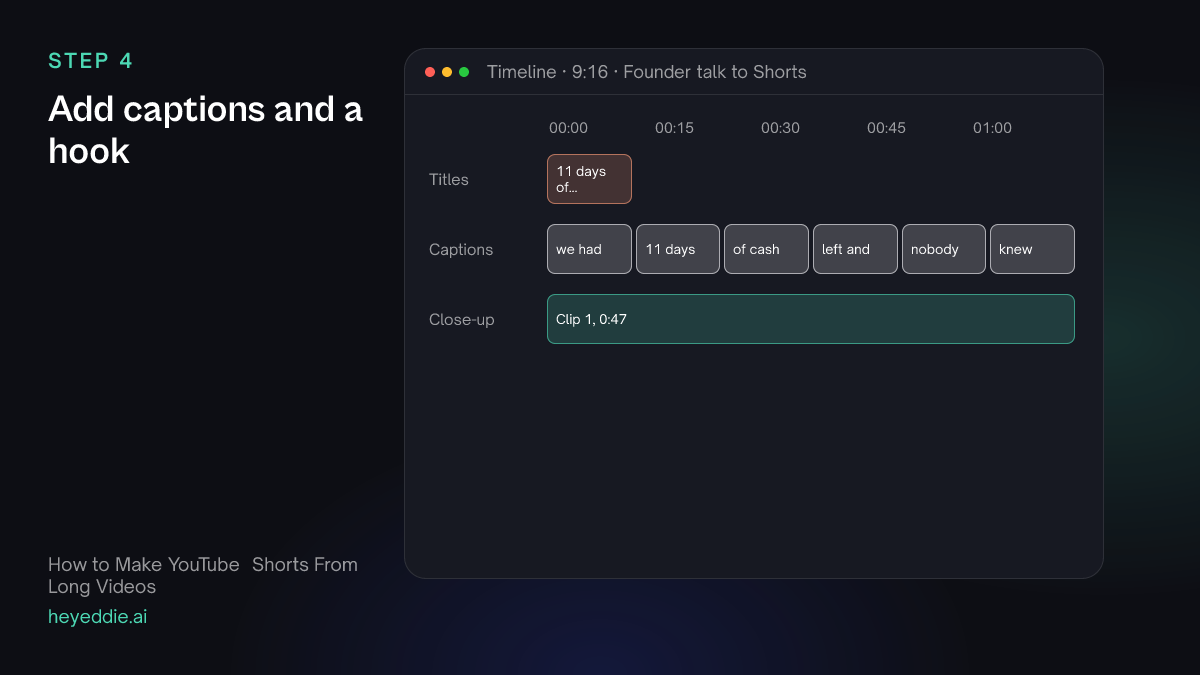
Big captions in the lower middle of the frame, where a phone's interface does not cover them, and a hook title for the first two seconds.
What you type “Add social captions to all five clips, 3 words per card, centred in the lower third with the active word highlighted. Add a short hook title at the top for the first 2 seconds of each, written from what the clip is about.”
What Eddie does
- Adds the captions from the word timings in the social look.
- Writes and places a hook title on each clip.
What you get: Clips that read clearly with the sound off.
Step 5
Export all of them
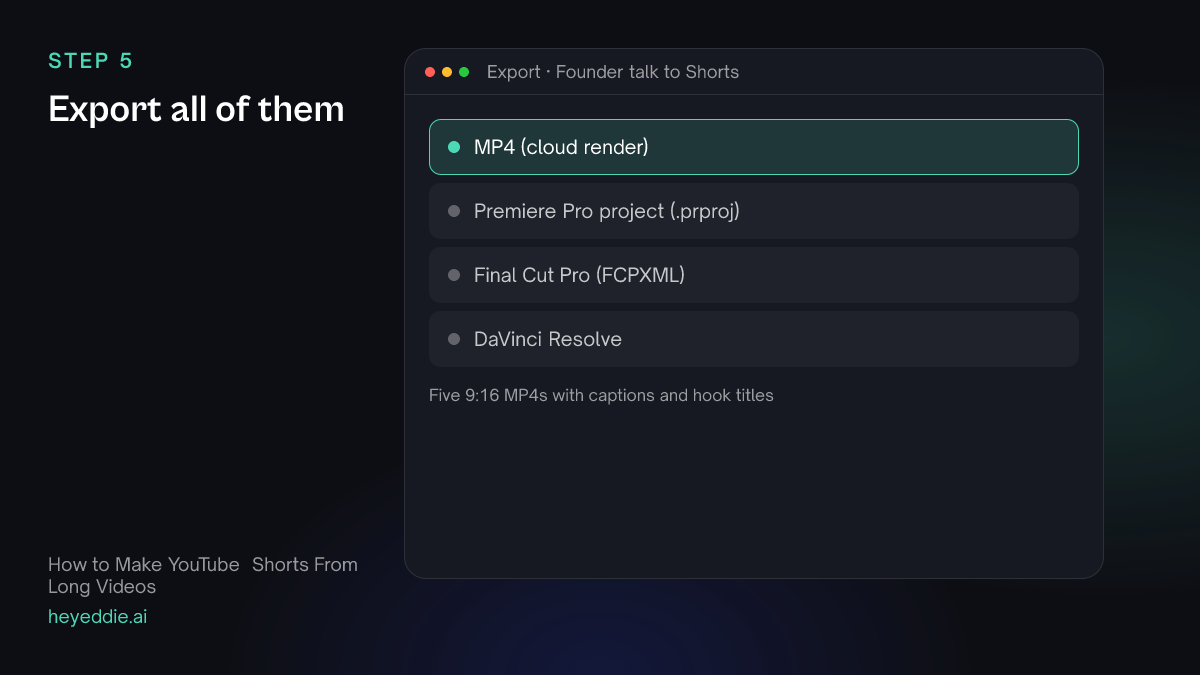
Download each clip as an MP4. The same files work on YouTube Shorts, Instagram Reels and TikTok.
What you type “Export all five Shorts as 1080 by 1920 MP4s with web loudness.”
What Eddie does
- Renders each vertical edit in the cloud with captions and titles burned in.
- Returns one download link per clip.
What you get: Five files ready to schedule over the week.
What makes it work
- Start on the second sentence
- Speakers warm up. The first sentence of an answer is often "So, yeah, I think...". Ask Eddie to start each clip on the line that carries the point.
- One idea per clip
- If a moment covers two ideas, make two clips. A Short that wanders loses people at the turn.
- Shoot wide in 4K if you plan to crop
- A 1080p wide shot cropped to vertical is soft. 4K, or a dedicated close-up camera, keeps the vertical clip sharp.
- The same file works on all three platforms
- Shorts, Reels and TikTok all take 9:16 video. The differences are length limits and what is on screen around your video, so keep captions away from the very bottom and right edge.
Questions
- How long should a YouTube Short be?
- Most strong Shorts are 20 to 60 seconds. Ask Eddie for a length range and it keeps each clip inside it.
- Do I need a separate page for Reels and TikTok?
- No. The workflow is the same: 9:16, captions, a hook. Export once and upload the same file to each platform.
- What if there are two people talking?
- Use a stacked layout with one person in each half of the frame. The podcast clips guide shows how.
- Can I make Shorts from someone else's video?
- Only from footage you have the rights to use. Eddie works on the files you upload to your own project.