Product Feature | Generated Music
Score the cut by describing it
Tell Eddie the genre, the mood and the instruments. Eddie writes a track the length of your edit and lays it under the cut.
What is Eddie AI's generated music?
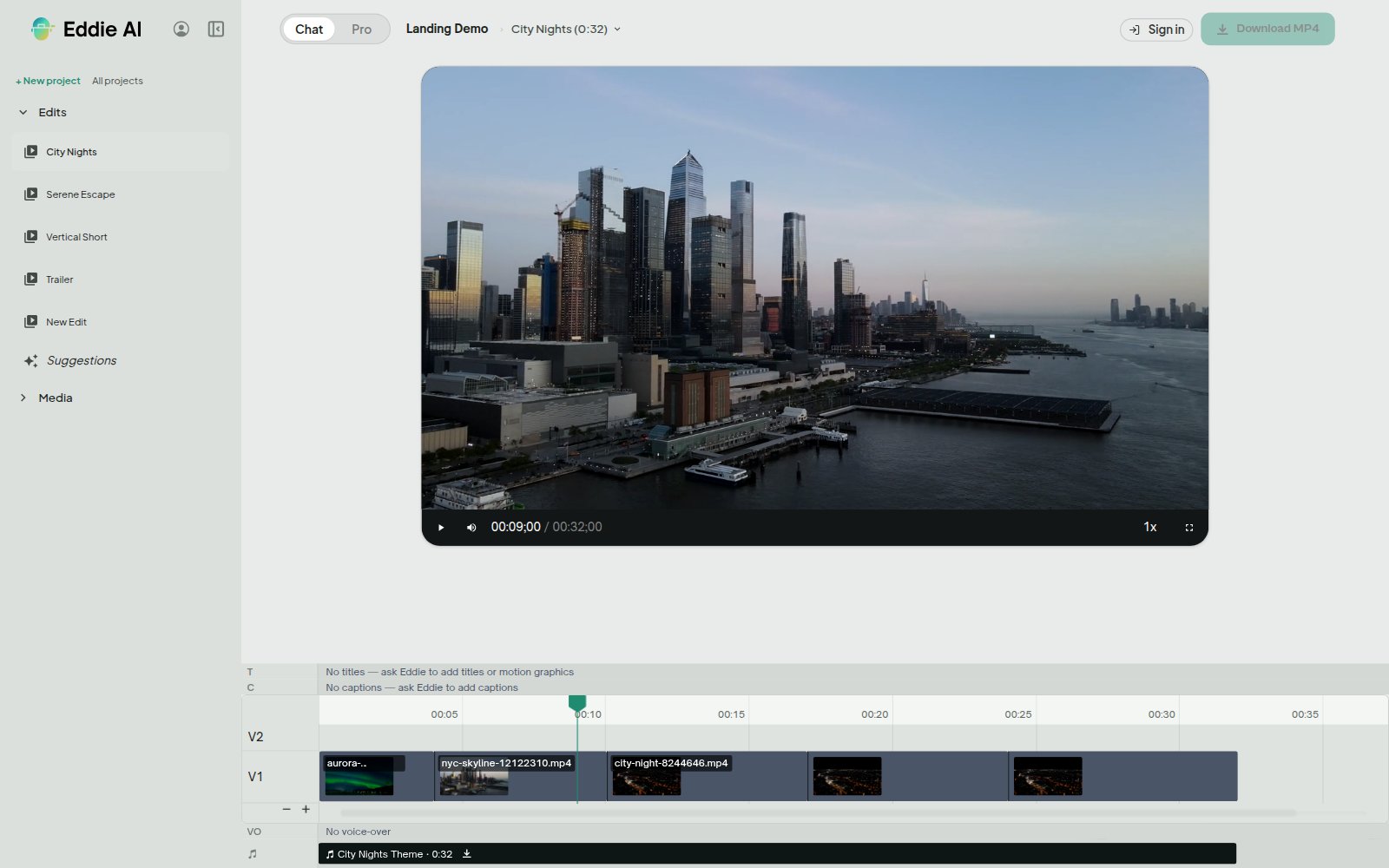
Eddie writes original music for an edit from a written brief. You describe the genre, mood, tempo, instrumentation and how the track should build. Eddie generates it, puts it on the edit's music row, and files a copy on your workspace music shelf so you can use it again. One soundtrack plays per edit, so adding another replaces it.
Write the brief, not the notes
A brief reads like a note to a composer: "warm minimal piano and strings, hopeful, builds gently, no drums". Set the length to match the cut, from ten seconds up to five minutes, and Eddie returns a finished track.
The bed gets out of the way of the words
Ducking is on by default, and it reads your transcript rather than the waveform. The music drops under every line of dialogue and swells back in the pauses. Turn it down, turn it up, or turn it off. Changing the ducking on a track you already have does not generate a new one.
Your own music, on the same shelf
The workspace music shelf holds tracks you uploaded and tracks Eddie generated earlier. Attach one to a project and it is ready for every edit in it. When a shelf track and the cut are different lengths, Eddie stops and asks which one governs before it touches anything: the music, or the picture.
Where the music travels
The track sits on the edit's music row in the share view, plays in the web preview, and can be downloaded there. It is mixed under the dialogue when you export an MP4. It does not travel in a Premiere, Final Cut or Resolve hand-off, because those sequence formats carry no audio asset, so finish the music in Eddie or in your editor.
Used by the world's best video pros












Why editors score in Eddie
Temp music that is not temp
A track written for the cut you are making is a track you can keep, so the mood you show a client is the mood you ship.
One pass, not three
No hunting a library, no trimming a bed to length, no keyframing a duck under every answer. Describe it once.
Reuse without regenerating
Every generated track lands on the workspace shelf. Putting it on a second edit is an attach, not a new generation.
Mixed, not just placed
Ducking is computed from the words people actually say, so speech stays clear in the preview and in the MP4 you send out.
Get started for free
Start editing in your browser. Or download the desktop app. Fast, GPU-enabled, integrates with Premiere, Resolve, FCP and Avid.
Try it for freeOr download the app
Mac with an Intel chip? Download for Intel Macs
Not sure? Apple menu → About This Mac → Chip. “Apple M…” = Apple Silicon.