
Features
- Rough cuts
- Multicam
- A-roll logging
- B-roll logging
- Speaker identification
- Scripted edits
- Social clips
- Exports to your editor
- Styles and color
- Motion graphics
- Captions & titles
- Stock B-roll
- Generate video
- Generated music
- Voiceover
- Dubbing
- Transcription in 97 languages
- Web app
- Mac and Windows
- Claude & ChatGPT
- Codex, Cursor, Devin and more
- Recipes
- Agents
- API + MCP
Solutions
Resources
Feature · Multicam
Cut Multicam Podcasts Faster with AI
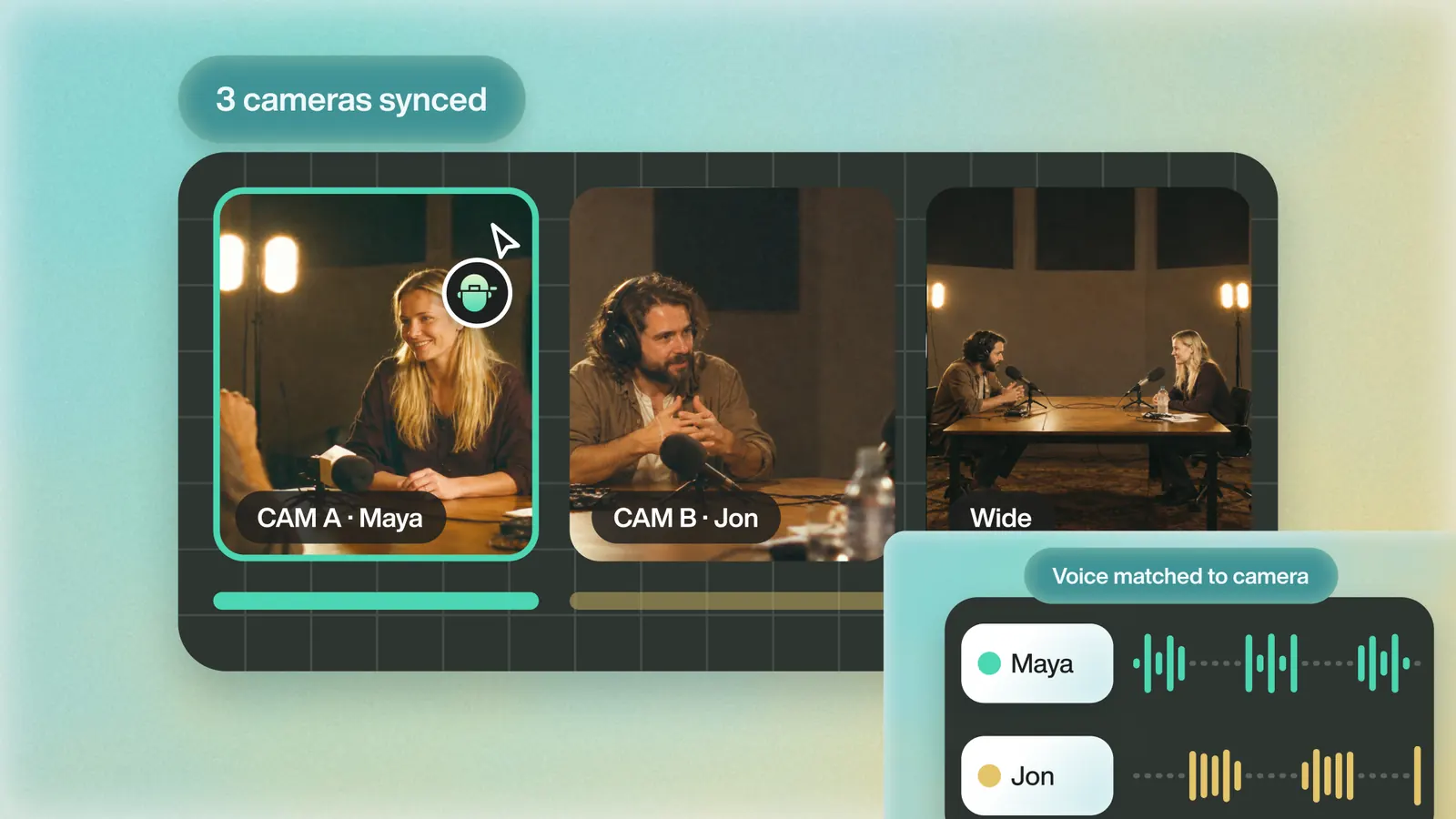
Multiple camera angles, separate audio sources. Eddie handles your multicam shoots. Obviously.
Trusted by 60,000+ video pros worldwide










Import Multicams
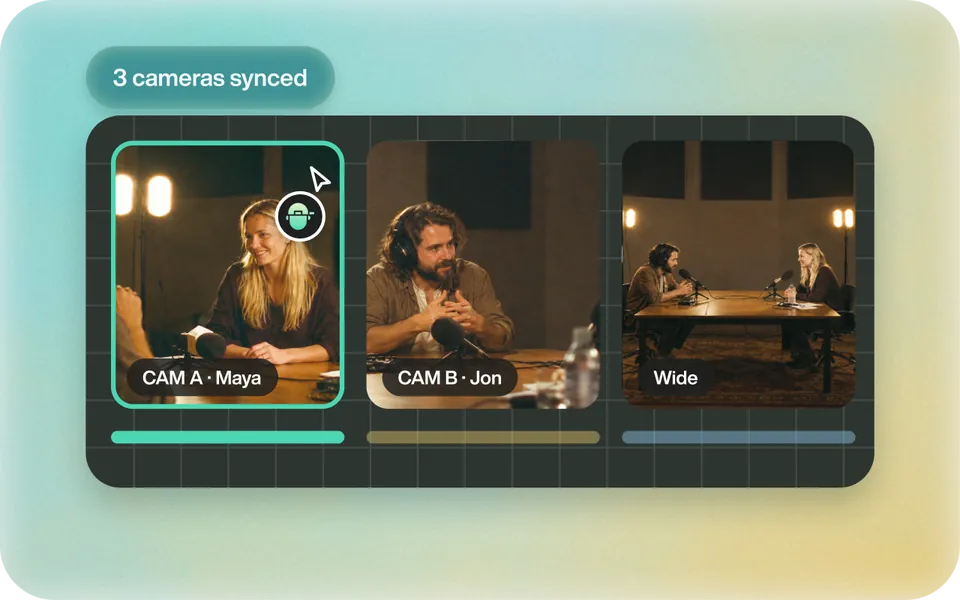
Build multicam clips, even sequences, in Premiere, Resolve or Final Cut Pro and import them. Or let Eddie sync and align your sources. Eddie logs and cuts hours of them into stories.
How it works
Every angle. One story.
 01
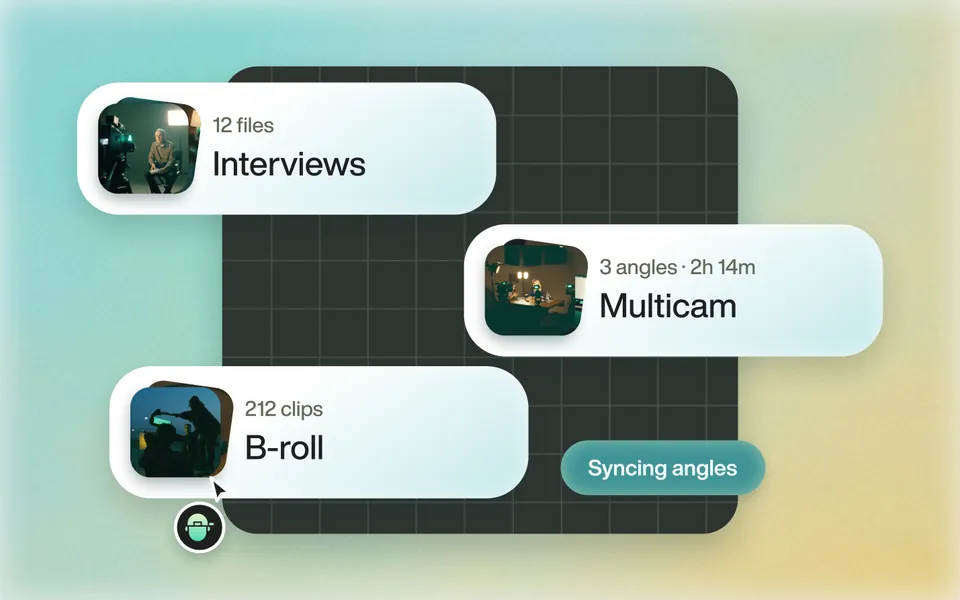
Hours of multicam footage analyzed in seconds
Eddie imports your multicam interviews, then analyzes and logs them.
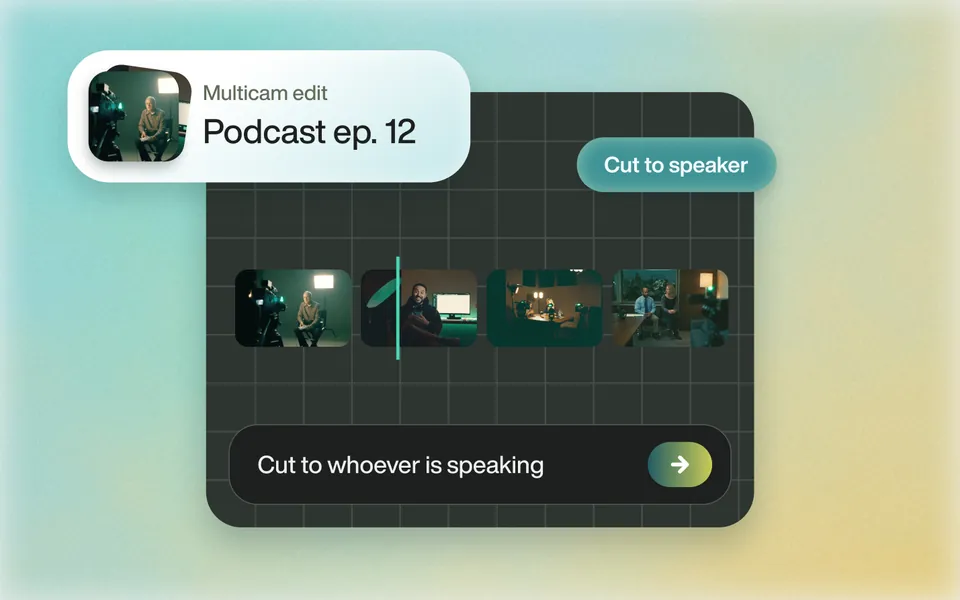 02
Story edits, guided by you
Ask for more of one interviewee, a topic, or faster cuts.
 03
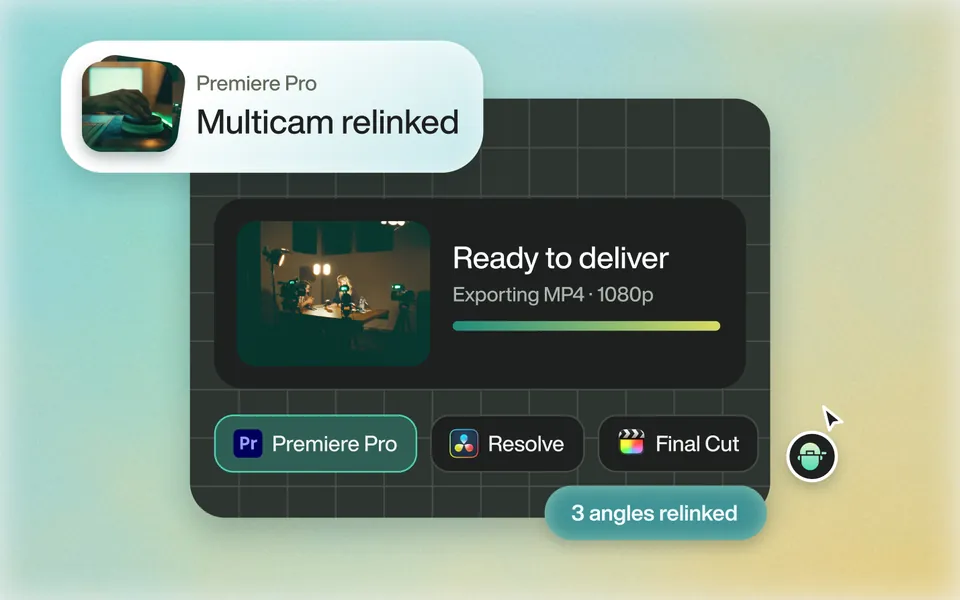
Magical Relinking on Export
Eddie relinks your multicam clips and source assets. No fussing.
Why it helps
Supercharge your workflow.
Speed Up Post Production
Edit 10x faster. Keep the creative calls.
Handle Complex Projects
Multicams, docs and docu-style videos.
Boost Accuracy
Best takes picked from context.
Built for Pro Workflows
Premiere, Resolve, FCP and Avid.
Built for pro workflows
Back to your timeline.
Export to Premiere, Resolve, Final Cut Pro or Avid Media Composer to polish, add music, color and grade.
Every export Eddie produces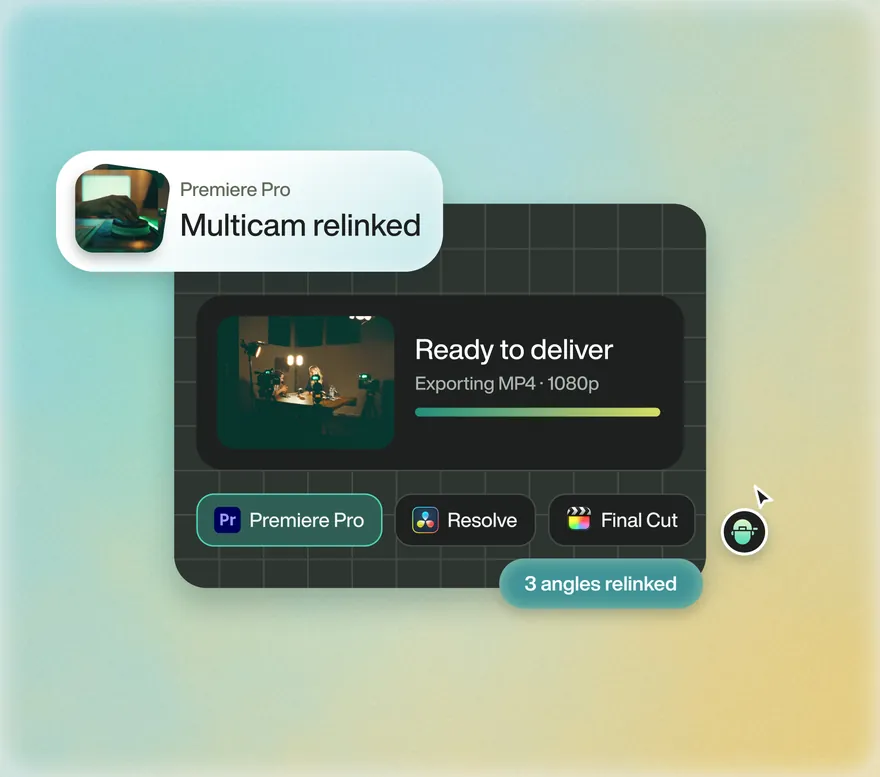

Edit multicam footage 10x faster
Start with one prompt. Your first 500 credits are free.