BlogUpdate
New in Eddie AI: Week of November 15, 2026
On this page
One question first: what are one or two things we should improve about Eddie, or a feature we should add? Write to hey@heyeddie.ai in a sentence. We read every one.
Change one thing in a shot
Ask Eddie to recolour or replace one object in a clip: "make the car red", "replace the mug with a glass", "turn the sign green". Eddie checks that it can find the object, shows you the price, and makes the change once you confirm.
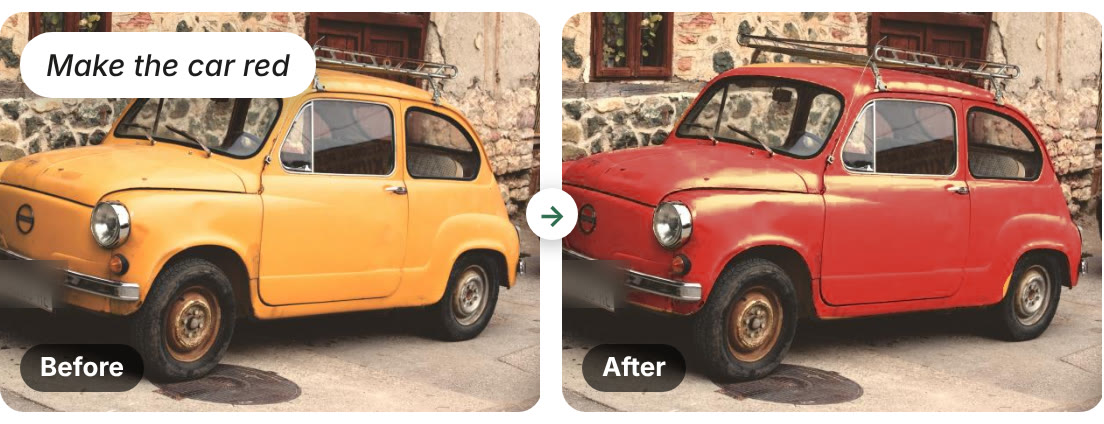
The result is a new version of the clip, so your original stays exactly as you shot it.
Blur, hide or change part of the video →
Your edit, in 30 languages
From Arabic to Vietnamese, Eddie translates your captions on your edit's own timing and hands you an .srt for each language, ready for YouTube, Vimeo or your player. Find it under Export → Captions → Subtitles in other languages (.srt), or just ask Eddie for the Japanese.
| Language | "We shot it at dawn." |
|---|---|
| Español | Lo grabamos al amanecer. |
| Français | On l'a tourné à l'aube. |
| Deutsch | Wir haben es bei Sonnenaufgang gedreht. |
| 日本語 | 夜明けに撮影しました。 |
| हिन्दी | हमने इसे भोर में शूट किया। |
| العربية | صوّرناه عند الفجر. |
Six of the thirty.
Recipes that ask for a name
A recipe can now ask for a line of text when it runs, and put a three-line lower third on screen: a name, a job title and an organisation, placed word for word. Use one field ("Name | Job title | Organisation") or three.

A recipe's length can be left empty too. Run it without one and Eddie uses all the material.
Eddie for iPhone 1.0.9
Your projects show as a grid or a list, and Eddie remembers your choice for each workspace. Recent, Shared with me and All projects sit together on one screen. Paste an Iconik or LucidLink link to import from either.
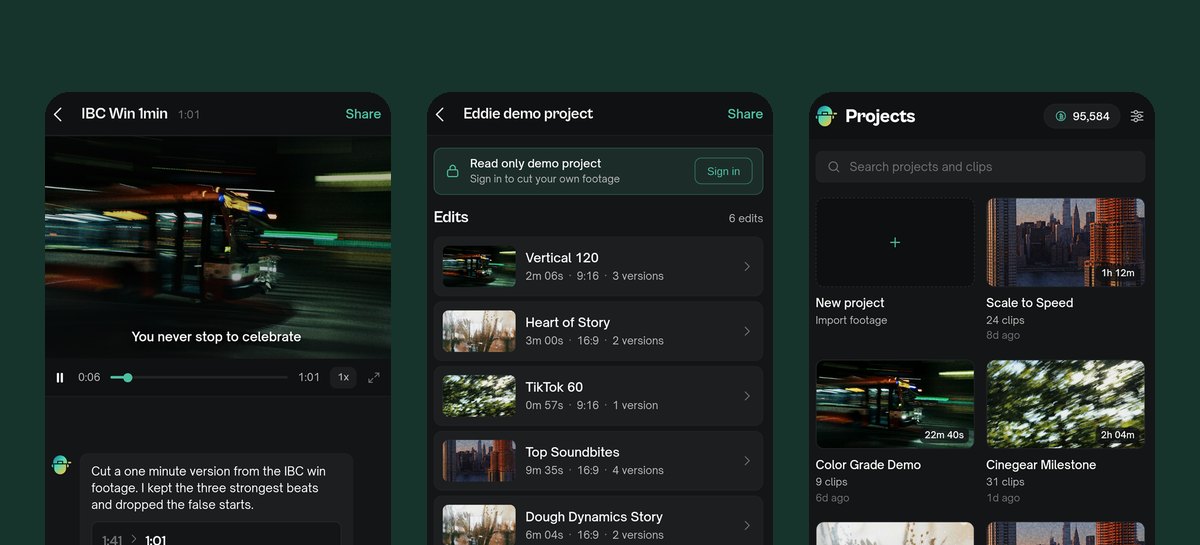
The project and edit screens match the desktop app, with a larger, centred player. The workspace switcher shows each workspace's credits, and a link to a project opens straight into it.
Eddie's new Premiere panel: you never leave Premiere
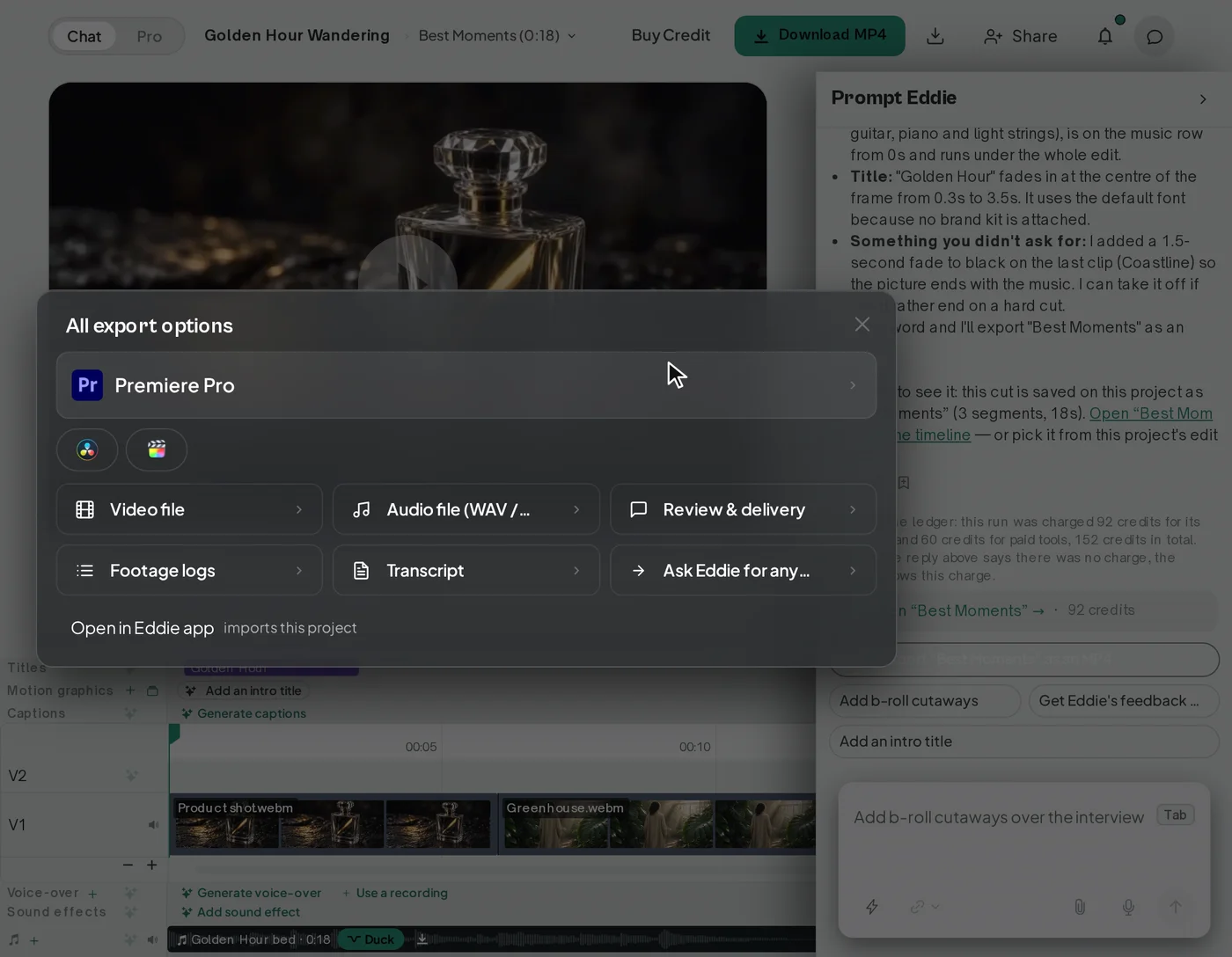
Log the clips in your bin, ask Eddie for a rough cut, selects or soundbites, preview the result, and press Send to bin: the sequence lands in your project. All of it happens in a panel inside Premiere Pro 25.6 or later, in open beta.
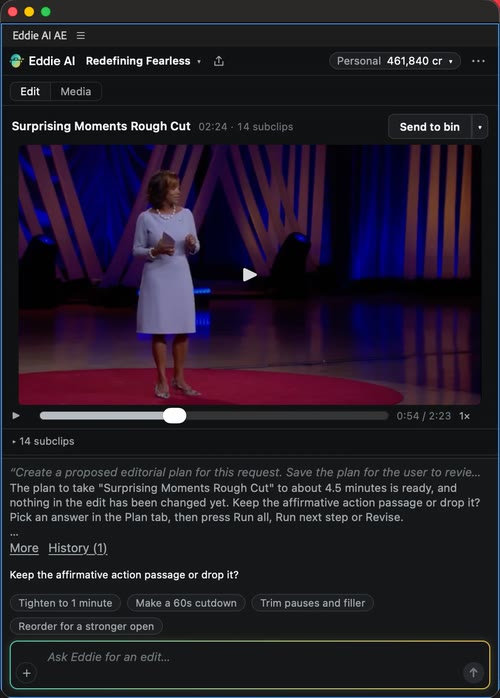
Want a review link to share, or Eddie's bigger tools? The same project is waiting in the desktop app and on the web. The desktop app installs the panel for you: restart Premiere, then choose Window → UXP Plugins → Eddie AI AE. The Eddie panel for DaVinci Resolve got the same one-screen layout this week.
Get the Premiere and Resolve extensions →
Sync the sound to the lips
A Zoom call or a screen recording where the voice runs a beat behind the mouth? Tell Eddie "sync the audio with her lips". It measures how far off the sound is (or asks you which way), then nudges it into place once you say yes.
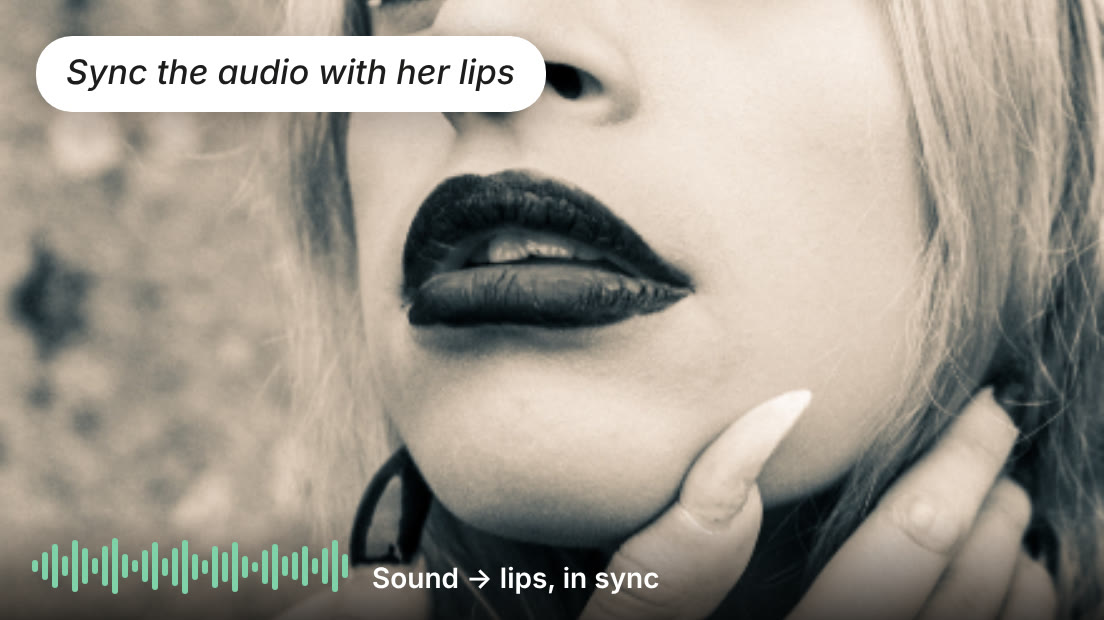
The fix plays in the player and the MP4, and carries into your Premiere project.
Also landed
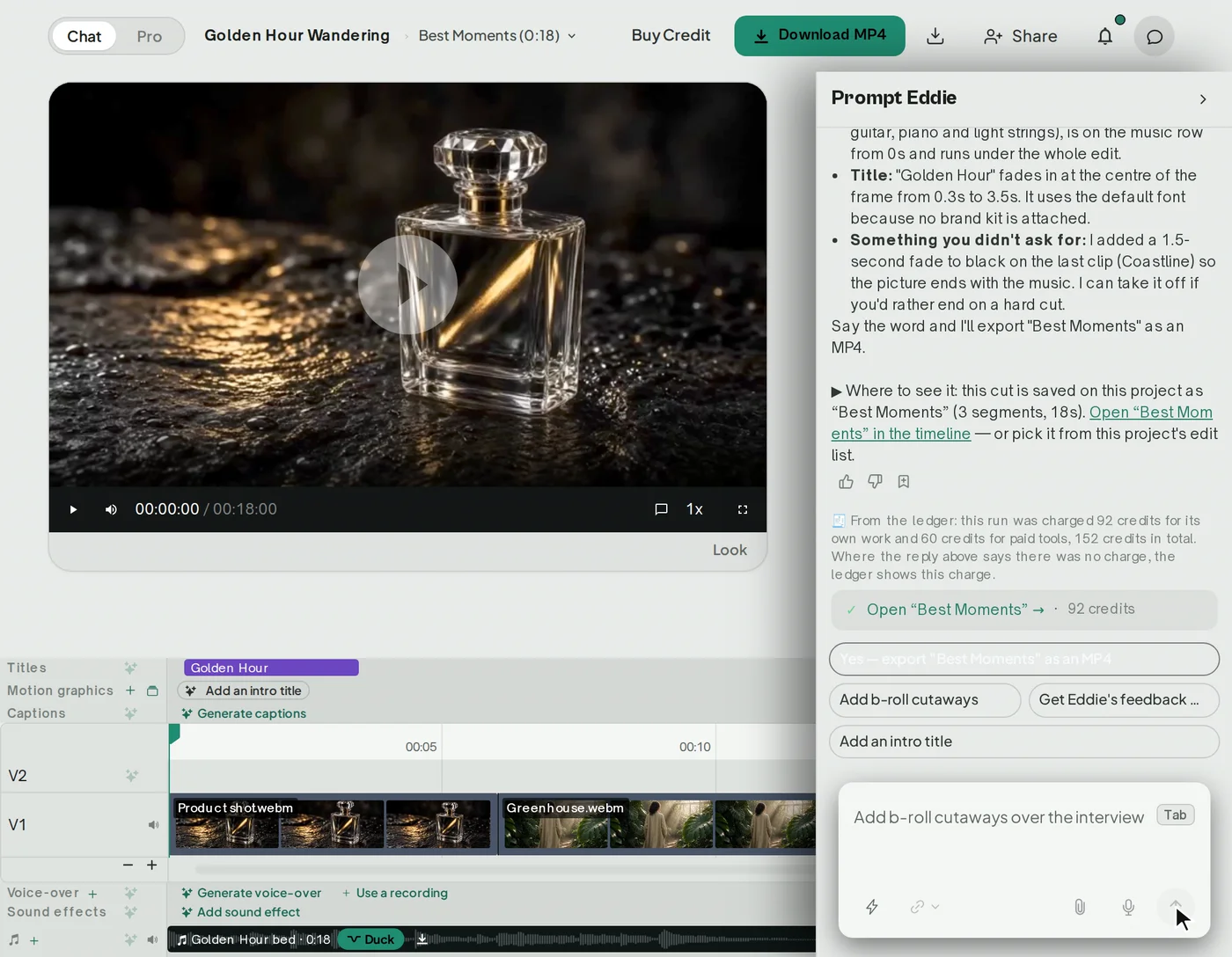
- Brand Studio fills in your business details from your website, ready to check and save. Brand kits →
- One level for all your voice-over. Set it once and every voice-over clip follows. Audio levels →
- Mark files as b-roll as you import them. Add b-roll →
- Timeline comments arrive as markers in the Resolve project (.drp) and in EDLs. Export to your editor →
- Canadian, Irish and South African English spelling for captions and transcripts. Languages →
- Desktop 4.1.5 imports more audio layouts from ProRes and pro cameras, 8 and 10 channels included. Supported formats →
Missed last week?
- Bleep a word, or every swear word, by asking. Bleep words →
- Style your captions, in your own font. Captions and subtitles →
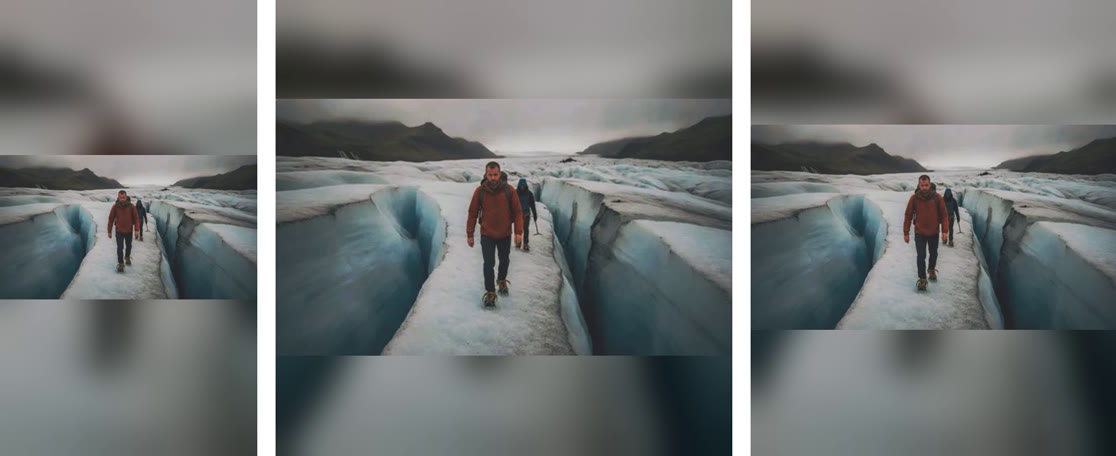
- Every social shape from one edit: 9:16, 1:1 and 4:5 at once. Crop and reframe →
- Your Premiere, Final Cut or Resolve project, with Eddie's media in the zip. Download a project →