Eddie AI

Descript alternative

Eddie vs. Descript

In Descript you edit the transcript yourself. With Eddie you ask for the video, and Eddie edits it, from raw footage to the finished file.

500 free credits, about 2 hours of footage. No card required.

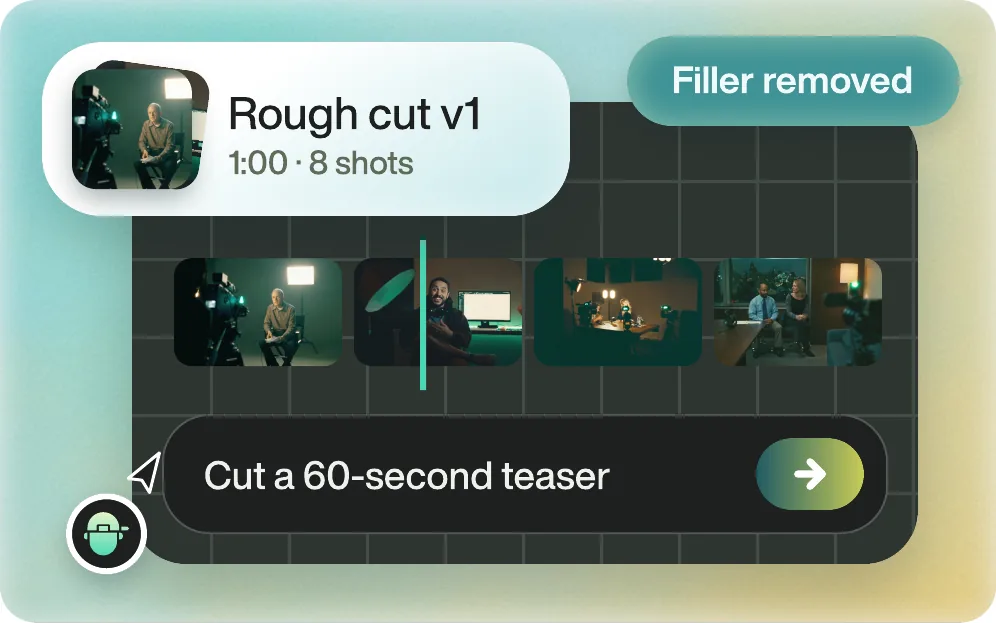
Eddie's cut of a 60-second teaser, 8 shots, with filler words removed

The short answer

What is the best Descript alternative?

Eddie AI. Descript speeds up editing you do yourself, by letting you edit the transcript like a document. Eddie does the editing for you. Describe the video you want in chat, and Eddie cuts it from all of your footage, adds captions, titles, music and graphics, and gives you the finished MP4.

Eddie is built for the footage that is slow to edit by hand: hours of interviews, several cameras and a folder of b-roll. It has what the finish needs, from motion graphics and music to voiceover and colour, so the video can be done in Eddie. And when your team wants it in Premiere Pro, DaVinci Resolve or Final Cut Pro, the same edit opens there as a sequence relinked to your original media.

Updated

Side by side

Eddie AI vs Descript

Eddie AI compared with Descript, feature by feature
Eddie AIDescript
What it isAn AI video editor. Chat to go from raw footage to a finished video, then download it or open it in your editing app.An editor for recording, text-based editing and publishing.
Making the editDescribe the video. Eddie picks the moments across every clip, cuts the story and finishes it. Revise by chat.Edit the transcript like a document. Underlord, Descript's AI, works inside the app.
AI usageCredits, the same ones in the web app, the desktop app, and in Claude or ChatGPT.AI credits per person each month: 400 on Hobbyist, 800 on Creator, 1,500 on Business.
FootageCredits are spent as you import. No monthly hours allowance to run out of.Media hours per person each month: 10 on Hobbyist, 30 on Creator, 40 on Business.
DeliveryFinished MP4, or a sequence for Premiere Pro, DaVinci Resolve or Final Cut Pro relinked to your originals. Avid in beta.Export from Descript; timeline export (XML, FCPXML, Premiere .prproj in beta) on Creator plans and up.
PricePay as you go. Credit packs from $10 that never expire, no subscription. 500 free credits to start, about 2 hours of footage, no card required.Free plan, then a subscription per person: Hobbyist $16 to $24, Creator $24 to $35, Business $50 to $65 a month, by billing period.

Facts about Descript come from descript.com/pricing and Descript Help Center: Timeline exports, checked . Plans change, so check their site before you buy.

Start to finish

What you get with Eddie

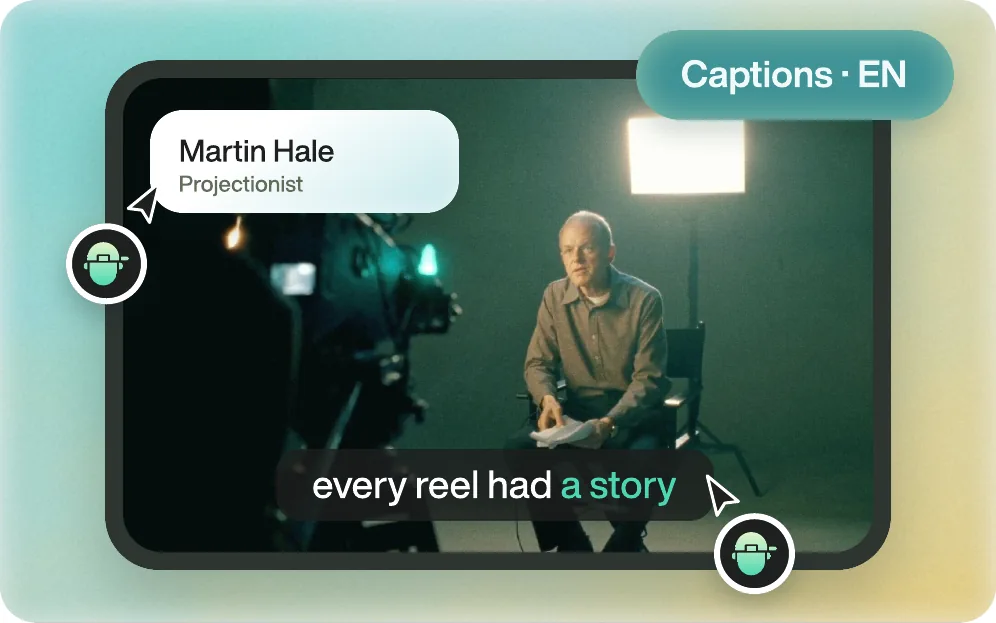
A finished interview shot with a name title and captions, made by Eddie

Can Eddie make the whole video, not just a cut?

Yes. Ask in chat and Eddie cuts the story from all your footage, then finishes it: captions and titles, motion graphics, music, voiceover, stock or generated b-roll, and a colour style. Ask for changes the same way. When it is right, download the finished MP4.

Everything Eddie does
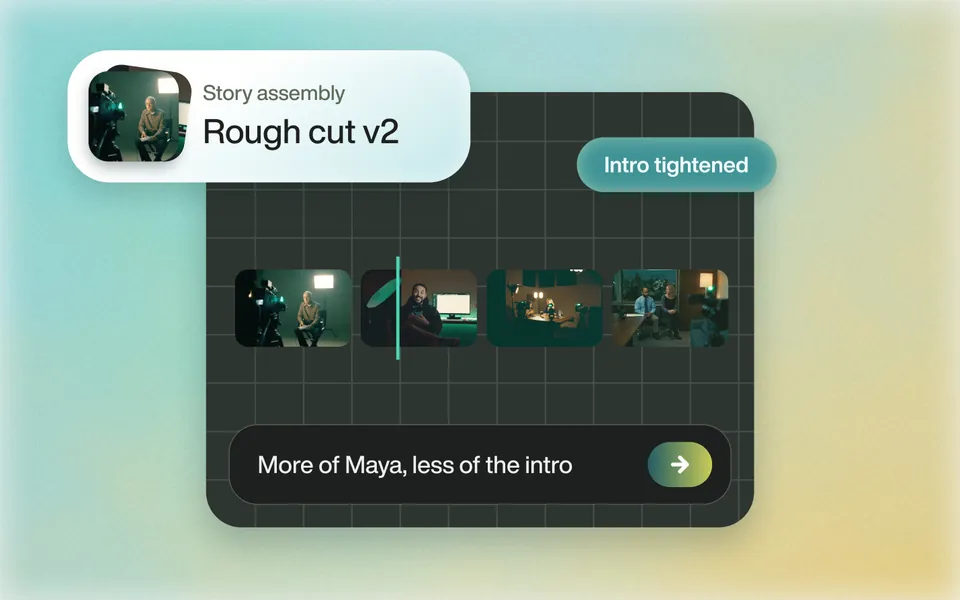
A story assembly after the request More of Maya, less of the intro

Does it find the story in hours of footage?

Tell Eddie the story, the length and the speakers to favour. It reads every clip and builds the edit. Ask for a different opening or more of one speaker, and it rebuilds it.

Rough cuts
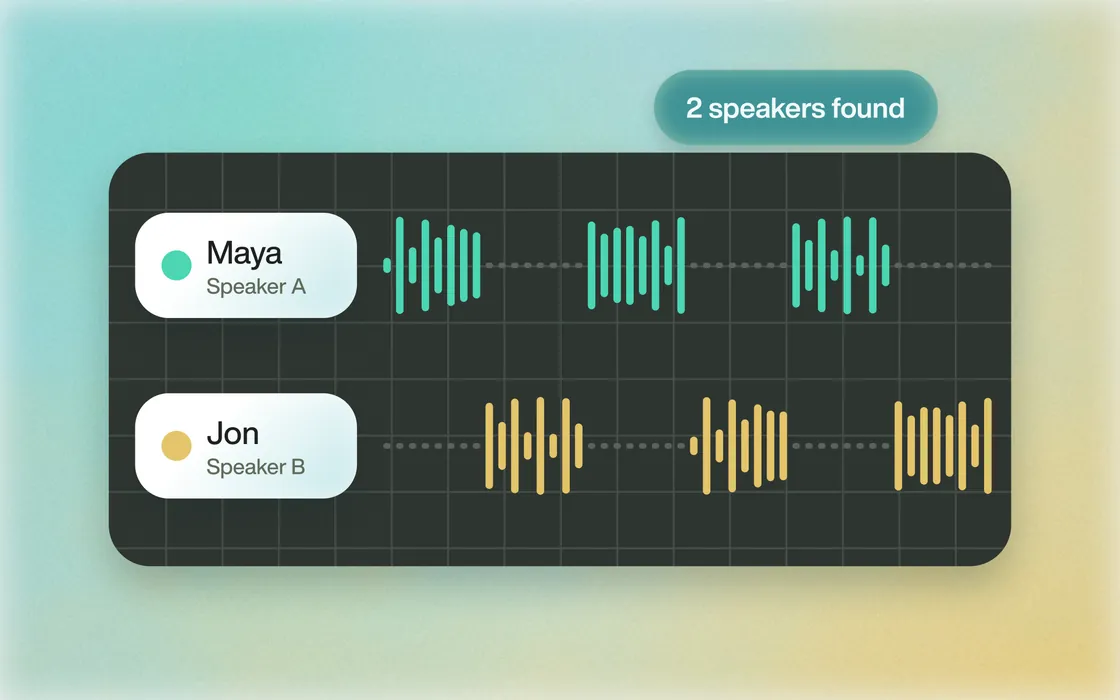
Two speakers found, Maya and Jon, each with their own waveform

Does it know who is talking?

Eddie identifies each speaker and logs what they say, in 100+ languages, and what is in every shot. Ask for a person, a topic or a kind of b-roll by name.

Speaker identification
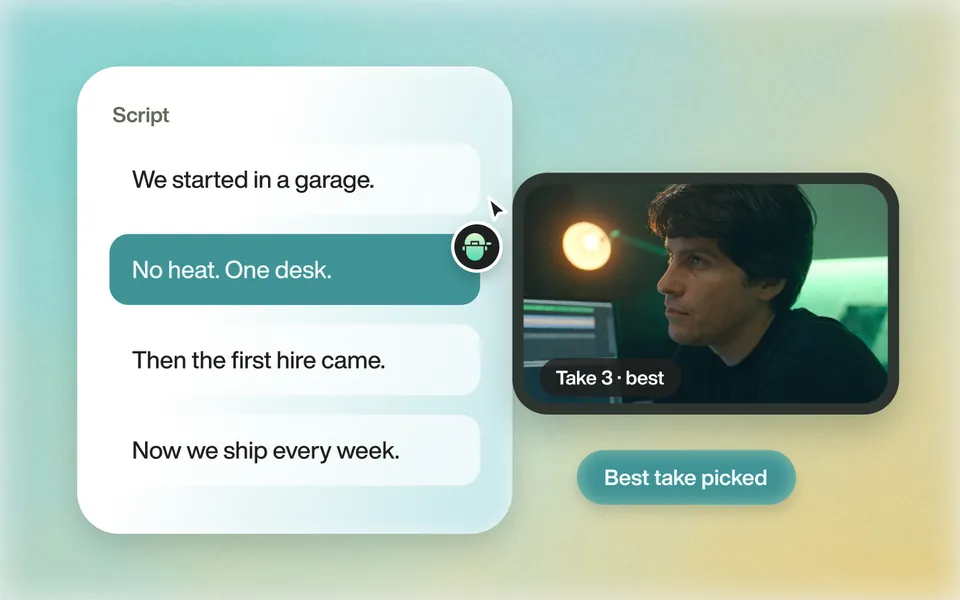
A script beside the footage, with the best take of a line picked

Can it cut to my script?

Give Eddie the script or an outline. It follows your structure and picks the best take of each line.

Scripted edits
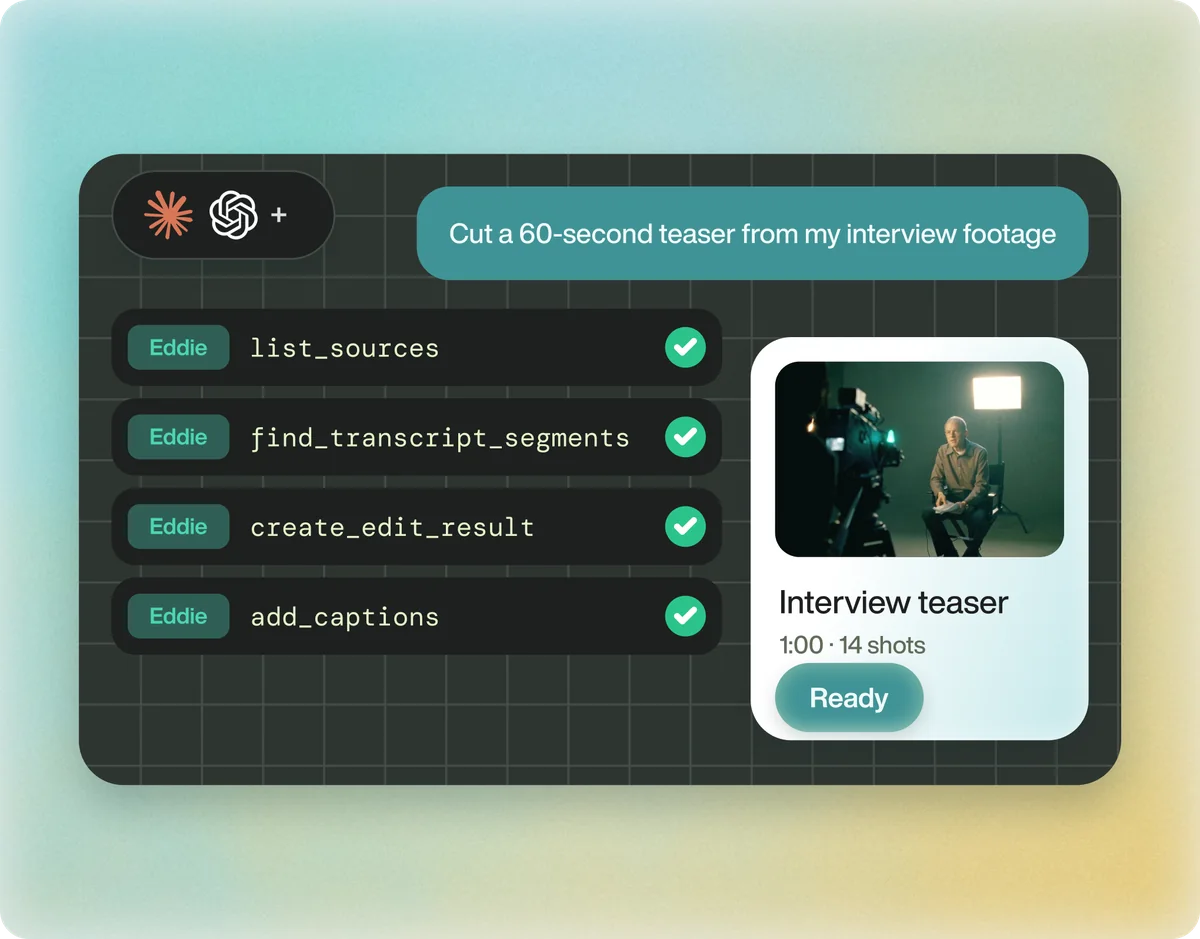
Claude and ChatGPT running Eddie's tools to cut a 60-second interview teaser

Can I ask for the edit from Claude or ChatGPT?

Yes. Eddie is an MCP server. Add it to Claude or ChatGPT, ask for the video in chat, and the work saves to your Eddie project.

Eddie in Claude & ChatGPT

How it works

From raw footage to the finished video

Eddie finishes the edit itself, and it is powerful enough to go into your editor when you want it to. Download the finished MP4, or open the same edit in Premiere Pro, DaVinci Resolve or Final Cut Pro, relinked to your original media.

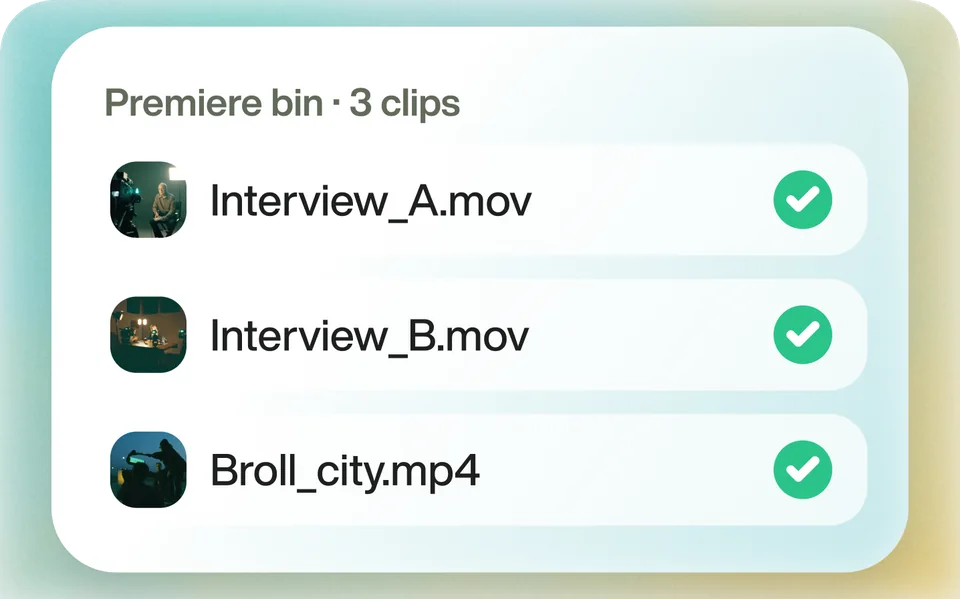
  1. Three interview clips, each checked as read by Eddie

    Bring it in

    Upload your footage, or send clips from your editing app with the Eddie desktop app. Eddie transcribes and logs every one.

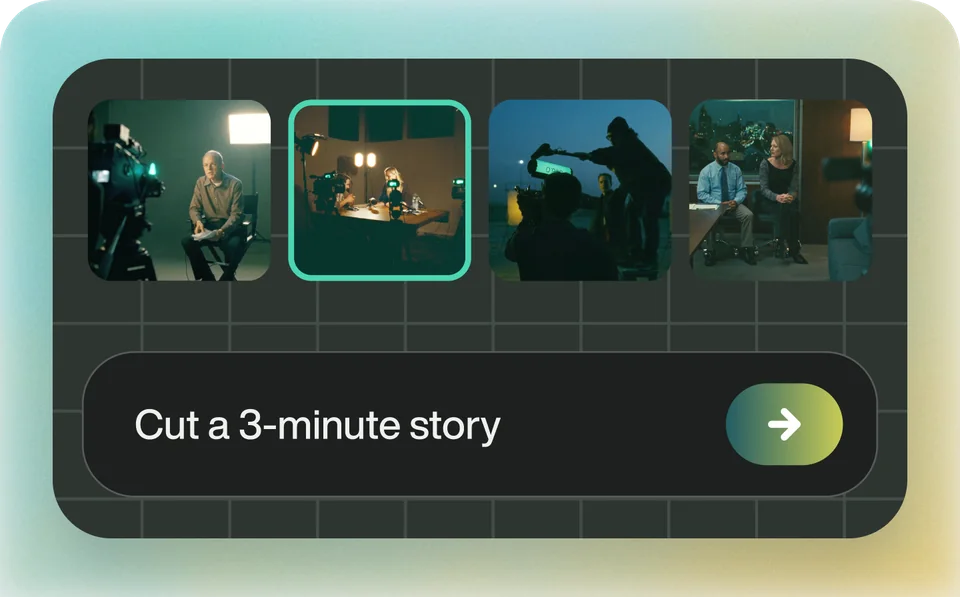
  2. Logged shots on a timeline beside the prompt Cut a 3-minute story

    Ask for the video

    Describe the story, the length and the look. Eddie cuts it, places the b-roll, and adds captions, music and graphics. Ask for changes in chat.

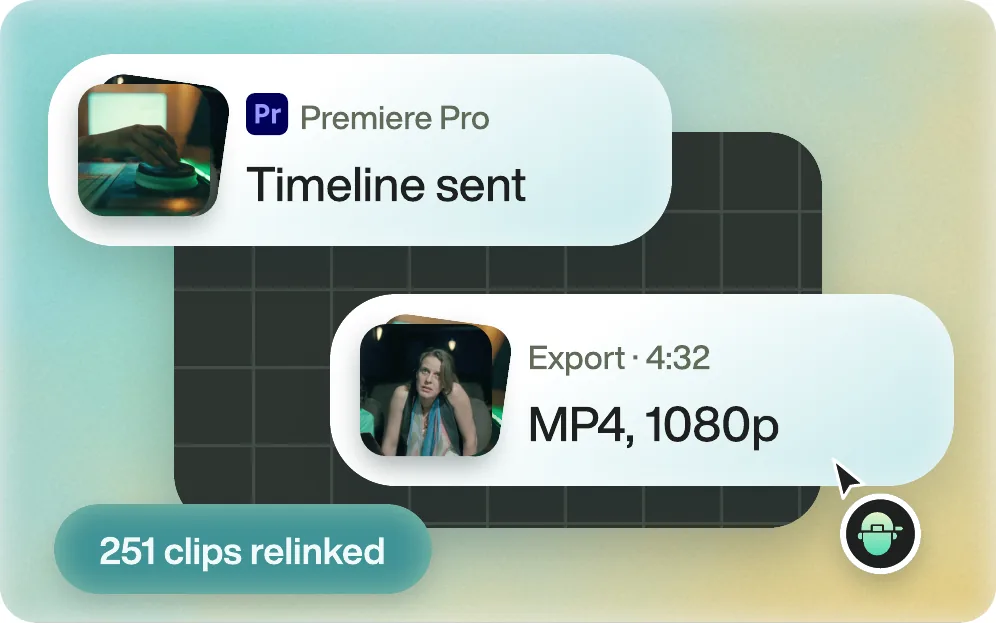
  3. A 4:32 MP4 exported in 1080p, and the same timeline sent to Premiere Pro with 251 clips relinked

    Get the finished file

    Download the MP4. Or send the edit to Premiere Pro, DaVinci Resolve or Final Cut Pro with every clip relinked. Avid is in beta.

From editors

What editors say about Eddie

  • Raw footage to rough cut

    “It's mindblowing to me how quickly Eddie helped me go from all that raw footage to a rough cut that I can now polish and be creative with.”

    Brad West58K YouTube Subscribers

  • Story assembly

    “I fed in all the footage and Eddie didn’t just organise it, it actually crafted a story draft from the material.”

    Zachary E.Creative Director · G2

  • Rough cuts

    “I drop in a raw documentary-style shoot, walk away, and come back to a rough cut that already has the structure I would have spent an afternoon assembling by hand.”

    Snow W. L.CEO, Runbear · G2

FAQ

Eddie AI vs Descript: questions

Is Eddie AI a Descript alternative?

Yes. Descript makes editing faster when you do it yourself. Eddie does the editing for you: describe the video in chat and Eddie turns your raw footage into a finished video you can download, or a sequence for Premiere Pro, DaVinci Resolve or Final Cut Pro.

Can Eddie edit by text like Descript?

Eddie edits from the transcript too, but you do not cut the text by hand. You describe the video, or ask Eddie to keep or drop specific lines, and it rebuilds the edit.

Can Eddie deliver a finished video?

Yes. Eddie cuts the story and adds captions, titles, music, motion graphics and a colour look, then renders the MP4 for you to download. You can also open the same edit in Premiere Pro, DaVinci Resolve or Final Cut Pro.

Does Eddie record podcasts or my screen?

No. Eddie edits footage you have already shot, from any camera or recorder. Send it the files and ask for the video.

How does Eddie's price compare with Descript's?

Descript is a monthly subscription per person, with an allowance of media hours and AI credits. Eddie is pay-as-you-go: credit packs from $10 that never expire, and every new account starts with 500 free credits.

Does Eddie AI train on my footage?

No. Your footage is not used to train our models, and we do not look at your content. Your media stays yours.

From raw footage to finished edit.

Start with one prompt. Your first 500 credits are free.