
Contact salesSign inSign up
PricingContact salesSign in
Features
- Rough cuts
- Multicam
- A-roll logging
- B-roll logging
- Speaker identification
- Scripted edits
- Social clips
- Exports to your editor
- Styles and color
- Motion graphics
- Captions & titles
- Stock B-roll
- Generate video
- Generated music
- Voiceover
- Dubbing
- Transcription in 97 languages
- Web app
- Mac and Windows
- Claude & ChatGPT
- Recipes
- Agents
- API + MCP
Solutions
Resources
Compare
How Eddie compares
What each tool is built for, and what Eddie does differently. Every comparison names its sources.
The short answer
What is Eddie AI an alternative to?
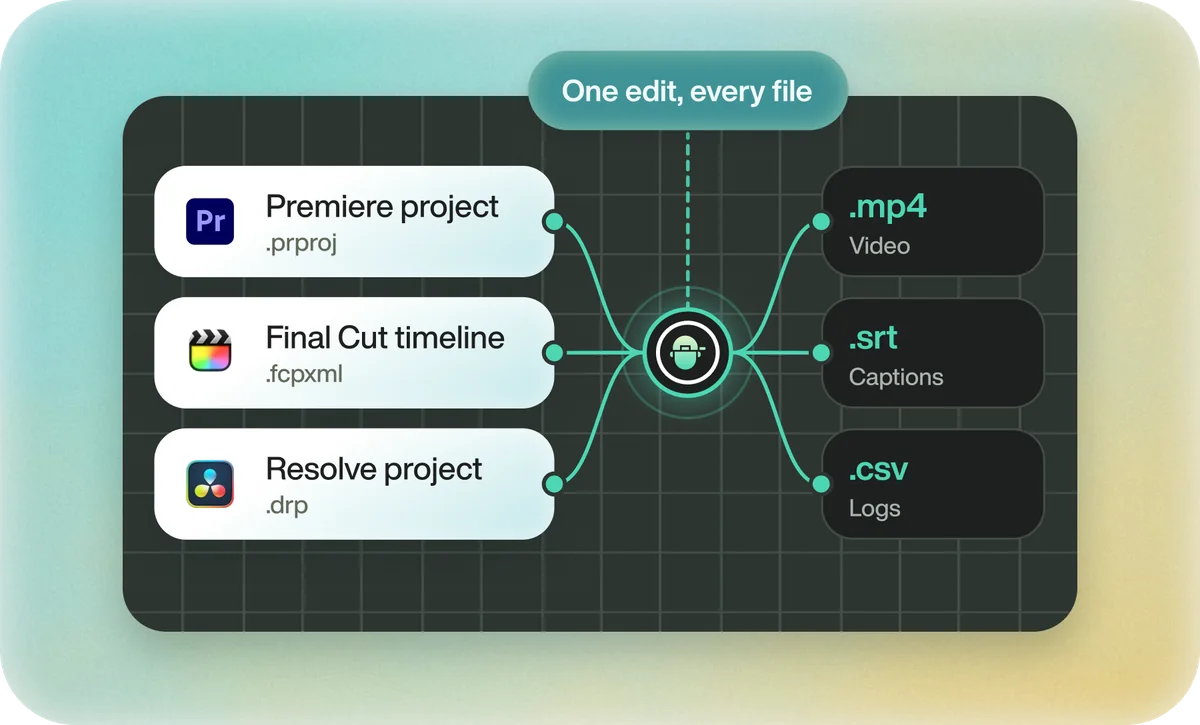
Eddie AI is an AI video editor. You chat with it, and it turns raw footage into a finished video: the story cut from every clip, with captions, titles, music and graphics, ready to download. The same edit can open in Premiere Pro, DaVinci Resolve or Final Cut Pro. People compare it with transcript editors such as Descript and Simon Says, clip makers such as OpusClip, cleanup tools such as Gling, and the text-based editing built into Premiere Pro.
Every comparison
Eddie AI compared
| Tool | Built for | Choose Eddie when |
|---|---|---|
| Descript Eddie vs. Descript | Recording, editing by text and publishing, with you doing the editing. | You want the video edited for you, from raw footage to a finished MP4 or a sequence in your editor. |
| OpusClip Eddie vs. OpusClip | Turning one long video into short clips to post. | You want the clips you ask for and the full video, from all of your footage. |
| Gling Eddie vs. Gling | Removing silences, retakes and filler words from talking-head footage. | You want the cleaned-up footage cut into a finished video, not just tidied. |
| Simon Says Eddie vs. Simon Says | Transcription, translation and subtitles, with a manual assembly editor. | You want the edit made for you, not just the transcript. |
| Premiere Pro Text-Based Editing Eddie vs. Premiere Pro Text-Based Editing | Cutting by text inside Premiere Pro once you know which lines you want. | Nobody has chosen the lines yet across hours of interviews. |

From raw footage to finished edit.
Start with one prompt. Your first 500 credits are free.
Get started for free500 free creditsBook a demo