Eddie AI

College athletics

Every school's story, cut by game day

Athlete interviews and game footage in, social clips for every program out. Approve one edit and Eddie rebuilds it for each school.

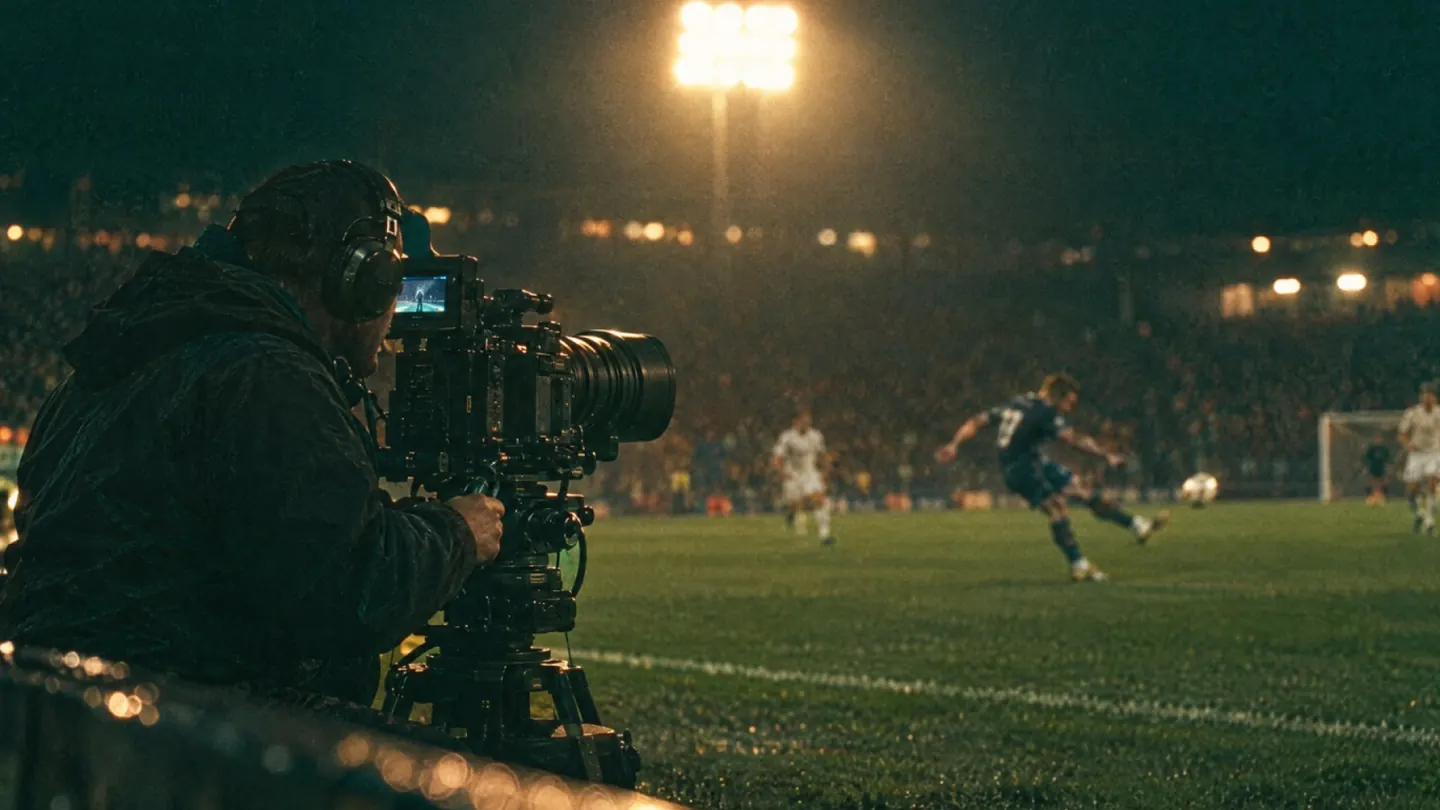
A camera operator filming a night game from the sideline under stadium lights

Pictures: generated illustrations.

From the shoot to every school's feed

The same four steps whether you run one program or twenty.

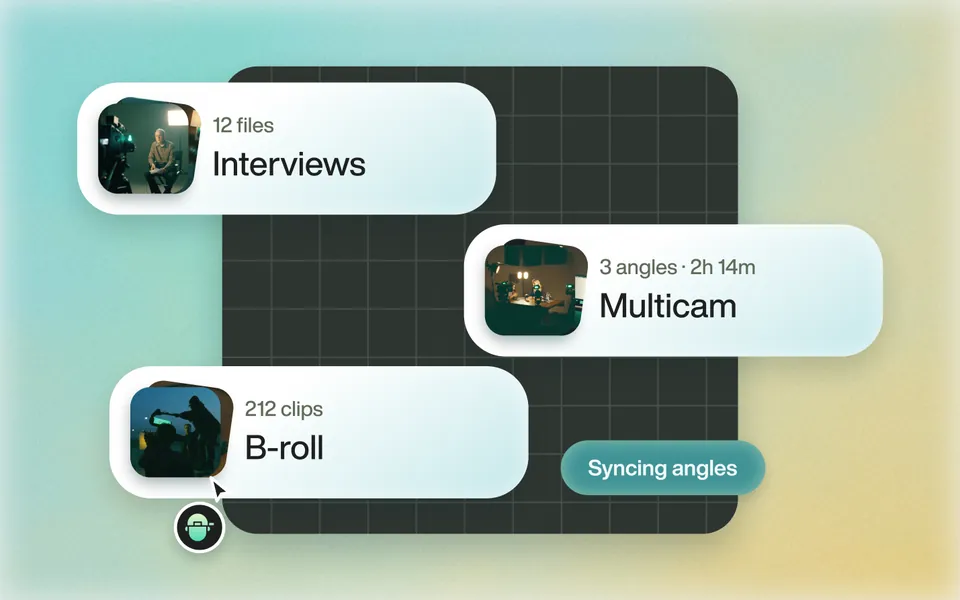
  1. Interviews, a three-angle multicam and 212 B-roll clips imported, angles syncing01

    Drop in the shoot

    Athlete interviews from one or two cameras, plus game and practice footage. Eddie syncs the angles.

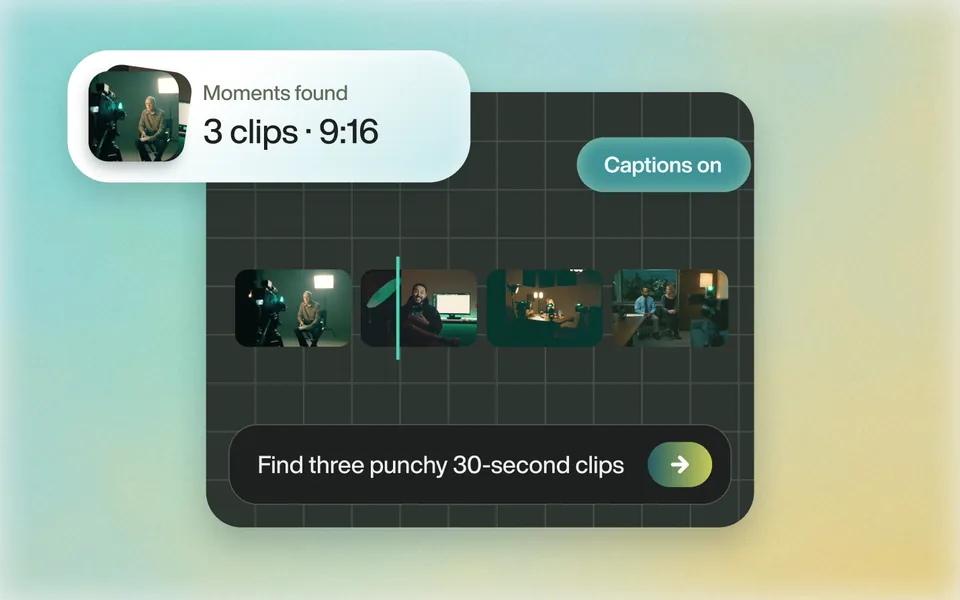
  2. Three 9:16 clips found from the prompt “Find three punchy 30-second clips”, captions on02

    Eddie finds the moments

    Ask for three punchy 30-second clips and get them, cut from what the athletes actually said.

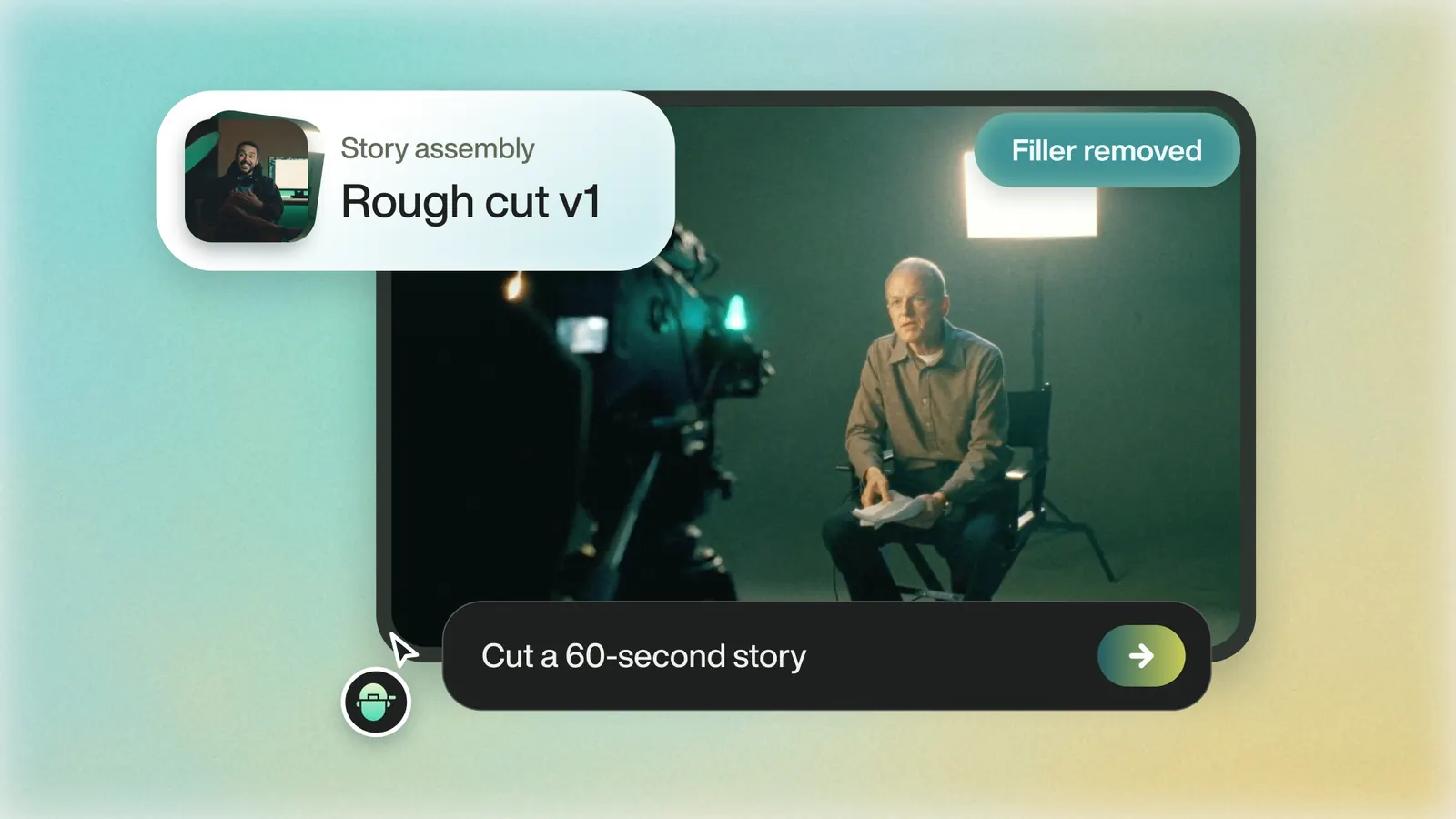
  3. A rough cut assembled from the prompt “Cut a 60-second story”, filler removed03

    Approve one edit

    Shape the pilot with plain prompts. Once it's signed off, it becomes the template for the campaign.

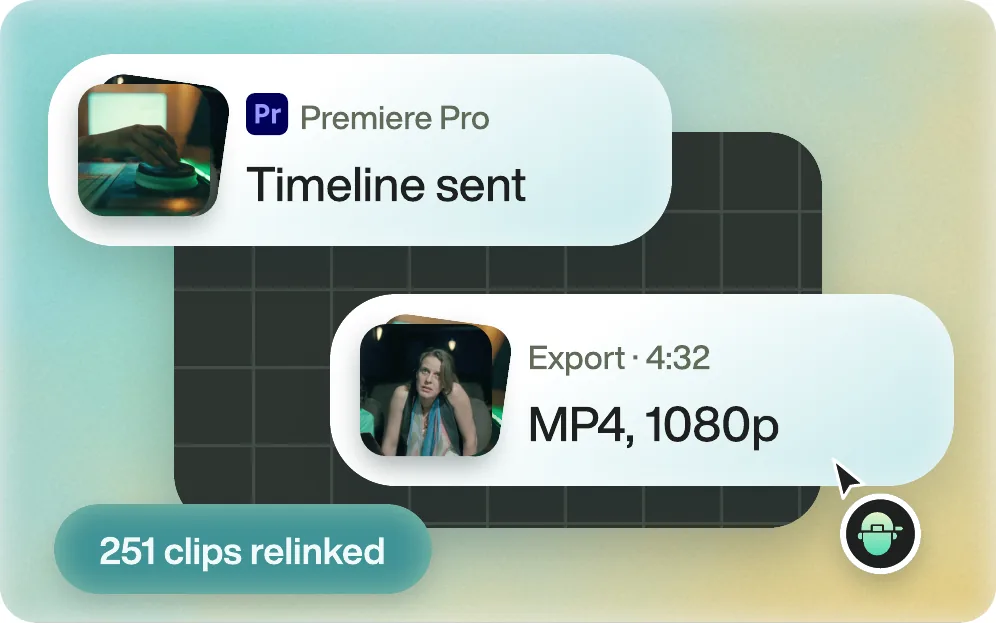
  4. A timeline sent to Premiere Pro and an MP4 export at 1080p, 251 clips relinked04

    Ship every version

    MP4s straight to social, or the timeline in Premiere, Resolve or Final Cut for a last pass.

Built for the way athletics content works

Big programs with a full crew, small ones with nobody. Same standard for both.

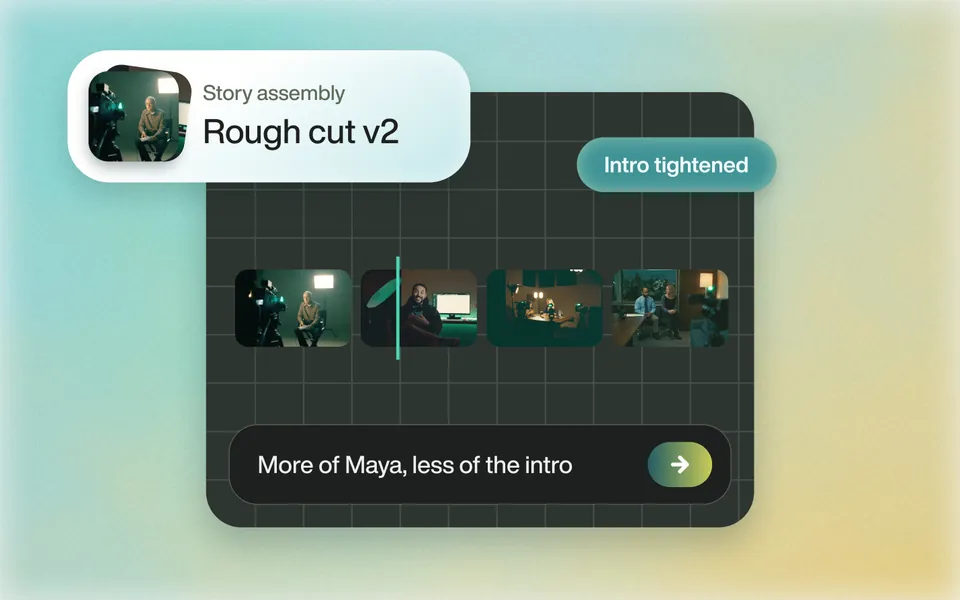
Rough cut v2 assembled from the approved story, intro tightened
01

One approved edit, twenty schools

A national campaign runs the same cut, music and graphics at every school. Add the approved edit to a Backgrounder, as the video or its Premiere or Final Cut XML, and choose it on each school's import. Eddie follows its structure every time.

  • Reference videos
  • Premiere and FCP XML
  • Chosen per import
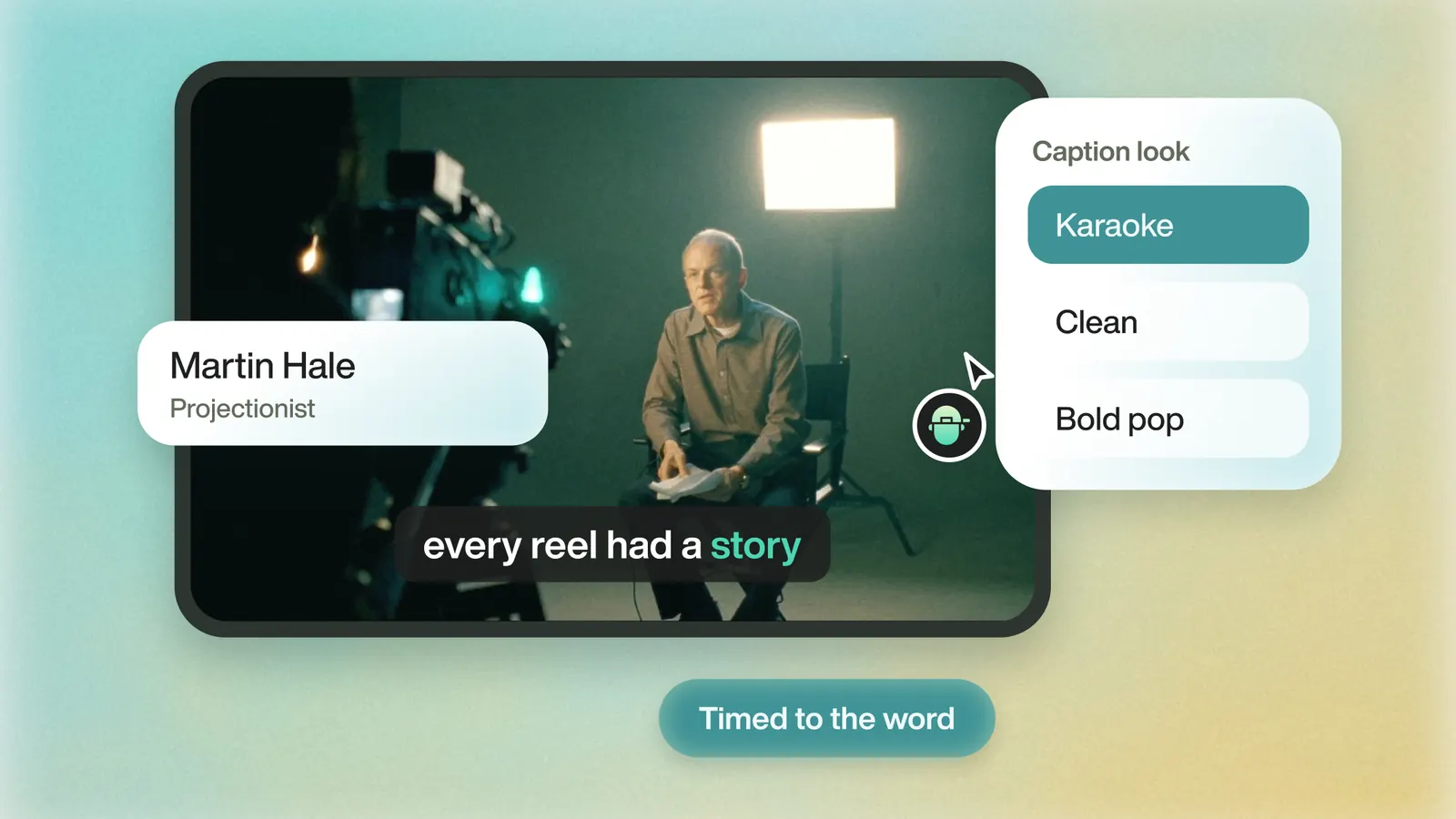
A captioned interview with a name lower third and a choice of caption looks
02

Every school in its own colors

A brand kit per school: its fonts, its hex codes, its logo. Captions and titles pick them up, so a version for one program never looks like another's.

  • School fonts
  • Hex colors
  • Captions and lower thirds
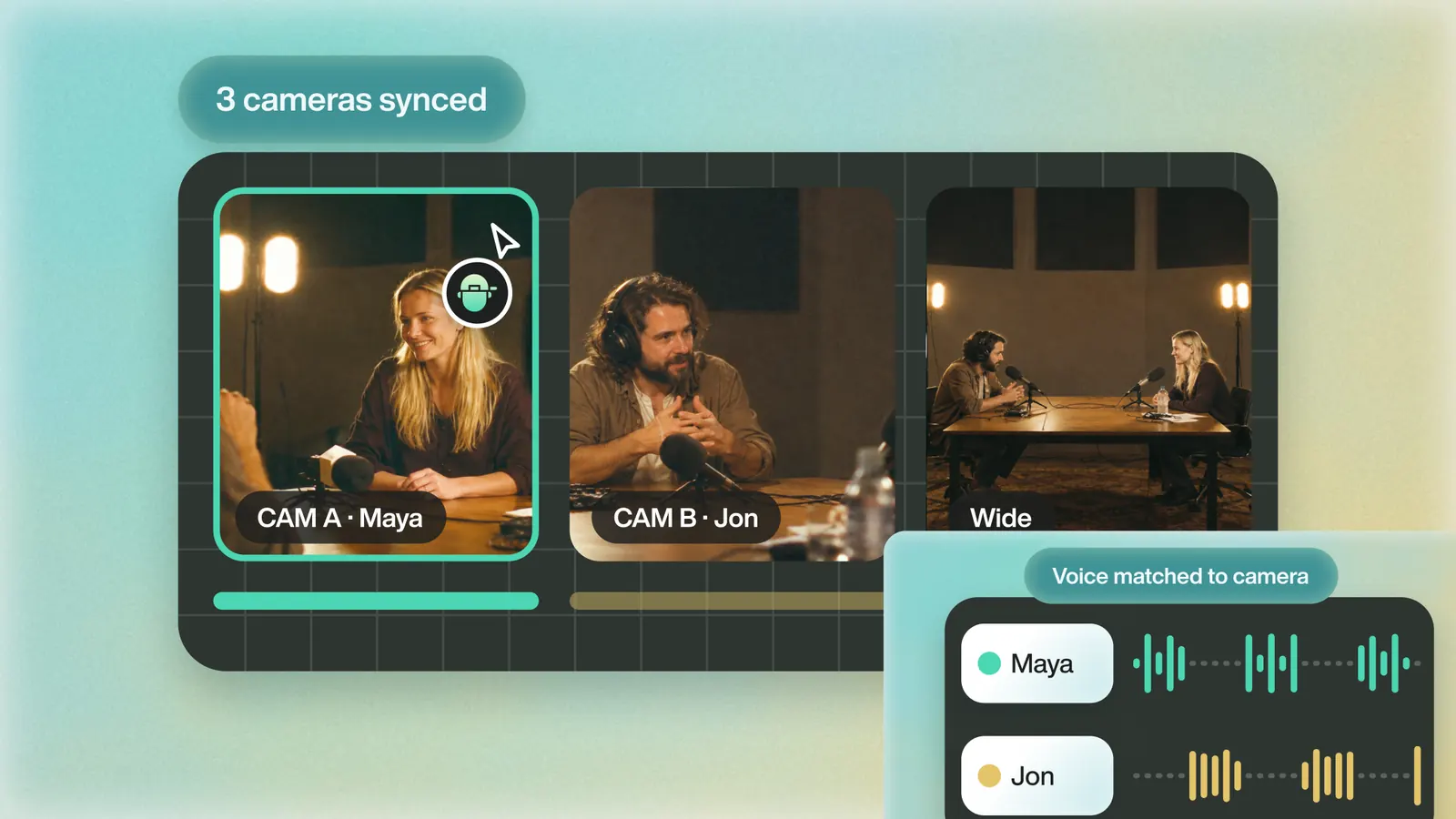
Three camera angles of an interview synced, each voice matched to its camera
03

Athlete interviews, synced and cut

Q&As shot on one or two cameras sync by audio. Eddie knows who is speaking and cuts to them, so a sit-down becomes a clean edit without a pass in the timeline.

  • Auto sync
  • Speaker detection
  • Angle switching
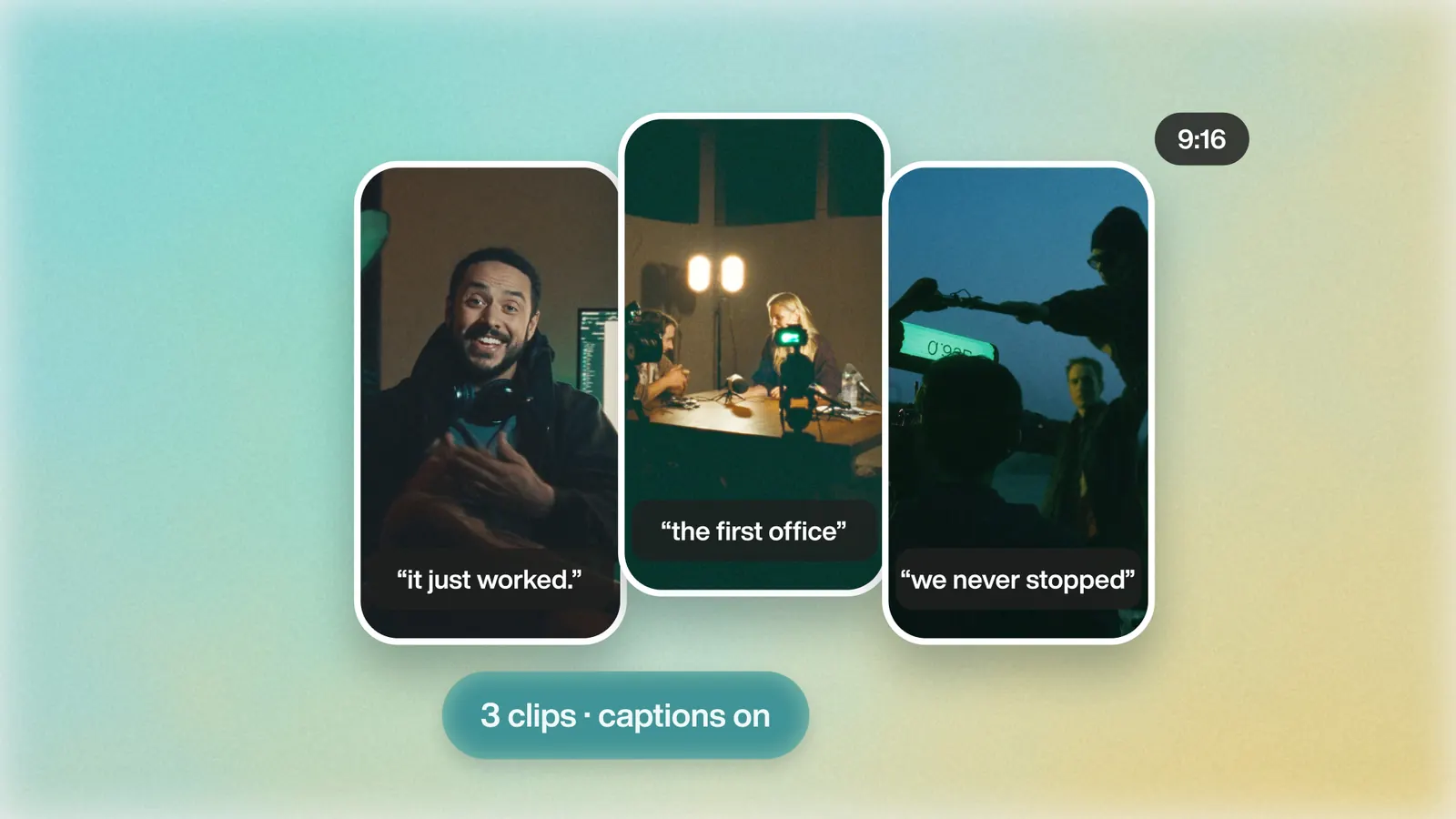
Three vertical clips from one interview, captions on
04

Clips in every shape the feed needs

Ask for 9:16, 4:5, 1:1 or 16:9 and Eddie reframes around the athlete. Captions spelled right, because you can add names and sport terms Eddie should know.

  • 9:16
  • 4:5
  • 1:1
  • 16:9
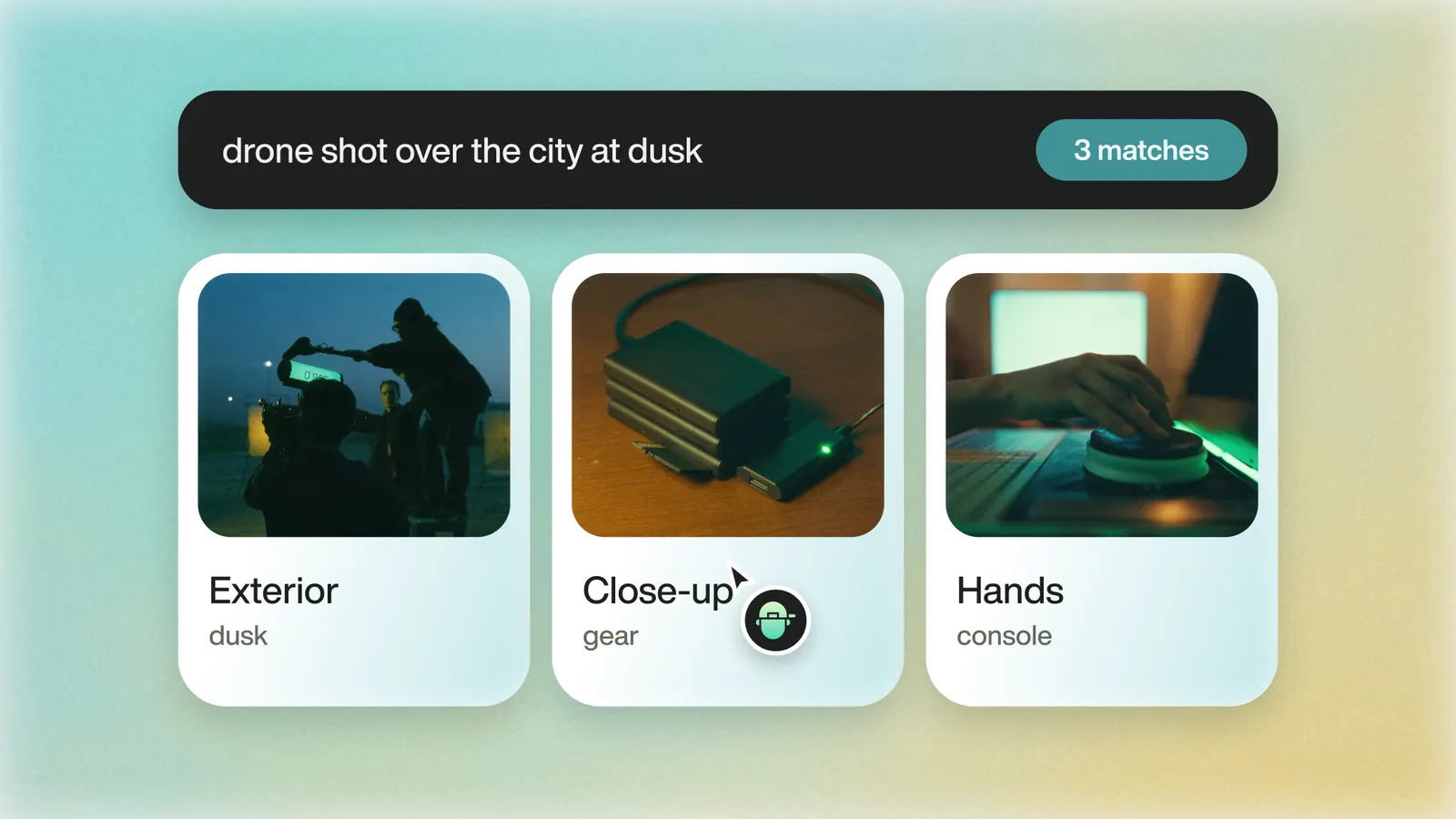
A search for “drone shot over the city at dusk” returning three logged B-roll clips
05

Game footage you can search

Eddie logs every B-roll clip with a description, tags and timecode. Find the dunk, the huddle or the crowd shot in seconds, and export the log as a spreadsheet.

  • Described and tagged
  • Timecode
  • CSV and Excel
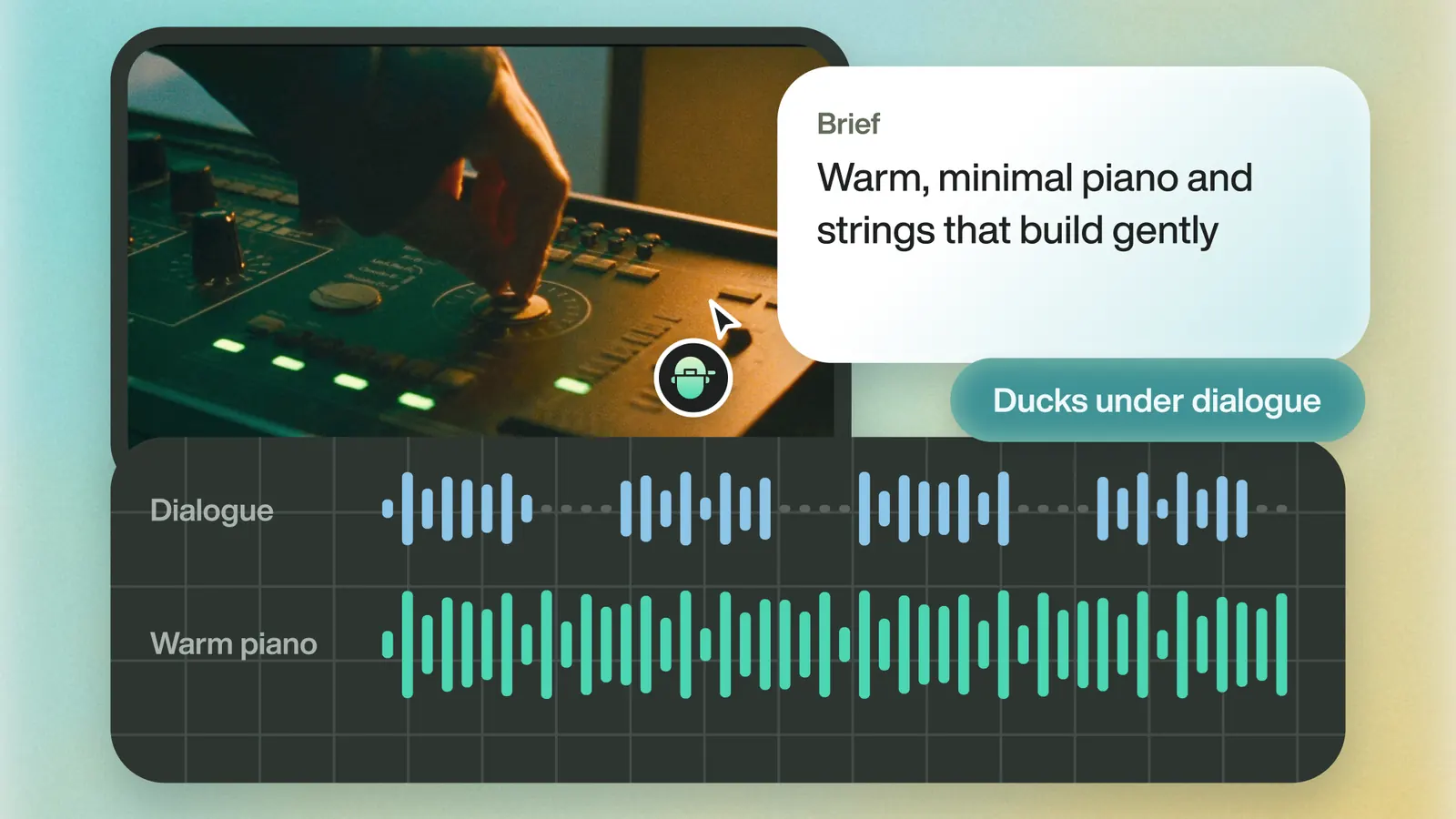
A warm piano track ducking under an interview's dialogue
06

The same music bed, everywhere

Upload the campaign track or generate one by genre and tempo. It ducks under the dialogue on every version.

  • Upload or generate
  • Genre and tempo
  • Ducks under dialogue

Finish where your editors work

Send the timeline to Premiere Pro, DaVinci Resolve, Final Cut Pro or Avid, or download the MP4.

Cameras and formatsSonyCanonARRIREDProRes RAWBlackmagic RAW

Ready for your IT review

Athletic departments guard their footage. Here is what your IT team will ask for, up front.

  • SOC 2 Type I and Type II audited
  • GDPR compliant (self-assessed)
  • Eddie does not train on your projects
  • SSO and private cloud on enterprise

Your next campaign, for every school

Start free, or book a demo and we'll walk your team through a pilot.