
Features
- Rough cuts
- Multicam
- A-roll logging
- B-roll logging
- Speaker identification
- Scripted edits
- Social clips
- Exports to your editor
- Styles and color
- Motion graphics
- Captions & titles
- Stock B-roll
- Generate video
- Generated music
- Voiceover
- Dubbing
- Transcription in 97 languages
- Web app
- Mac and Windows
- Claude & ChatGPT
- Codex, Cursor, Devin and more
- Recipes
- Agents
- API + MCP
Solutions
Resources
Download Eddie AI
Get started for free.
Fast, GPU-enabled desktop apps. Plus iPhone and the web.
On a computer?
Not sure? Apple menu → About This Mac → Chip. “Apple M…” = Apple Silicon.
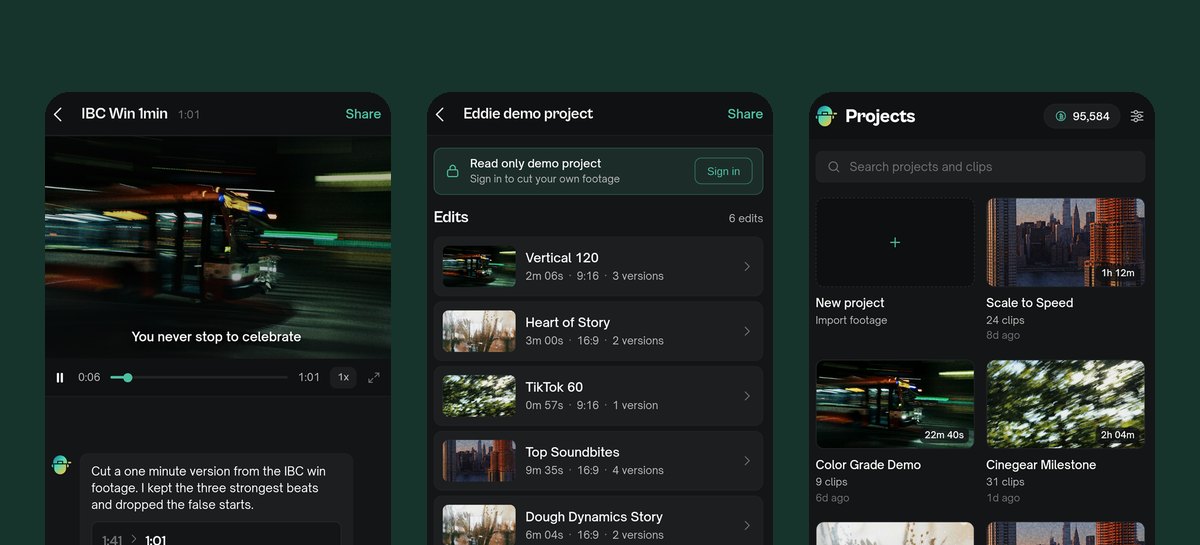
Desktop and iPhone
One project. Every screen.
Start on the web, keep going on your phone, finish on desktop.
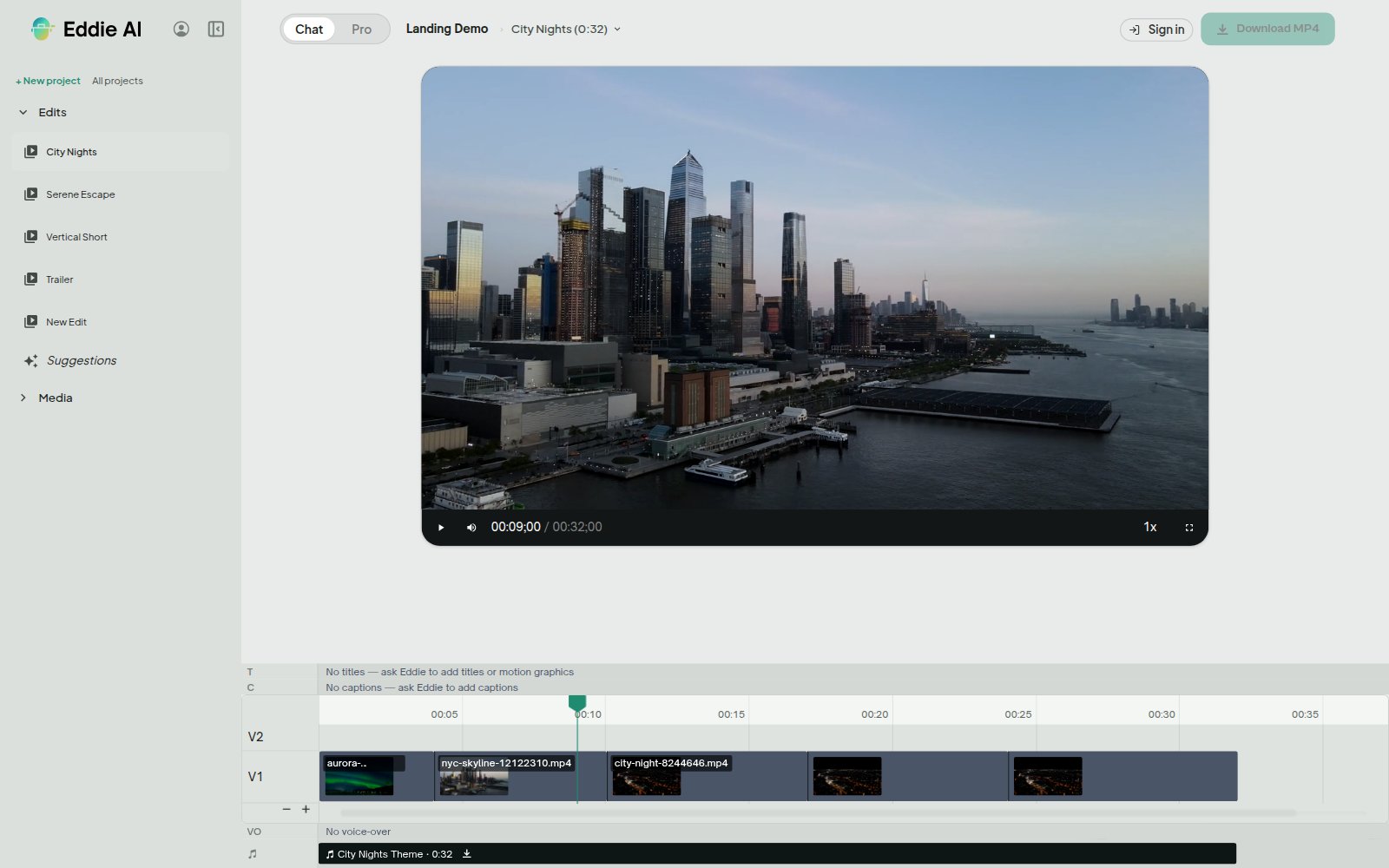
The desktop app
Faster on your machine.
GPU-accelerated
Built for fast imports.
Native playback
Your edit plays natively on your computer.
Local rendering
Renders on your machine, uncapped by our queue.
Cloud projects
The same projects as web and iPhone.

Round-trips to your editor
Premiere, Resolve and Final Cut. Hand-offs to Avid.
Install
Three steps. Then edit.
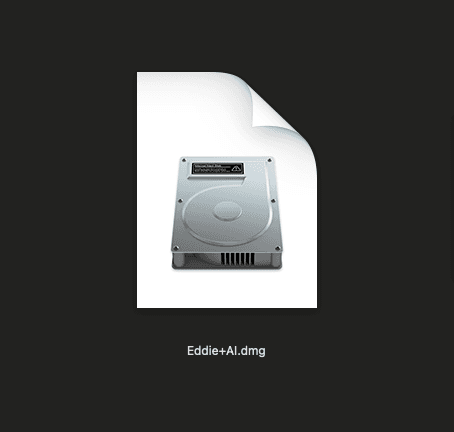 01Open the .dmg in your Downloads folder
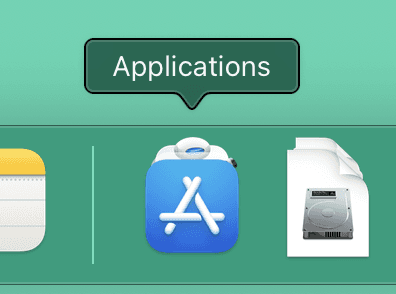 02Drag Eddie AI into Applications
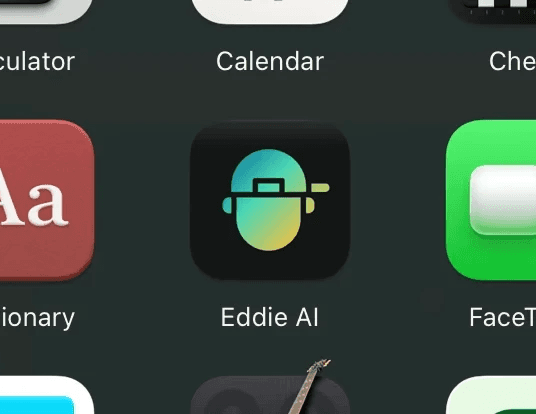 03Open Eddie AI from Applications
Questions
Which computers does the Eddie desktop app run on?
Macs with Apple silicon (M1 and later), Intel Macs, and Windows PCs. There is also an iPhone app, and the web app needs no install.
Is the Eddie app free?
Downloading it costs nothing, and every new account starts with 500 free credits. After that you pay for the credits Eddie uses, with no subscription required.
Do I need the desktop app, or is the web app enough?
The web app imports, edits and shares. The desktop app adds native playback of footage on your computer, MP4 renders on your machine with no length cap, BRAW and RED R3D decoding (R3D with REDCINE-X), and the Premiere Pro and DaVinci Resolve integrations.
How do I get the Premiere Pro or DaVinci Resolve extension?
Install the desktop app. It installs the Premiere Pro panel and the Resolve script for you, so there is no separate download. The web app cannot install them.
Are my projects the same on web, desktop and iPhone?
Yes. Sign in with the same account and your workspaces, projects and credits are already there.
From raw footage to finished edit.
Start with one prompt. Your first 500 credits are free.