

Premiere Pro · Projects and workflow
Can Claude or ChatGPT edit my Premiere Pro project?
The short answer
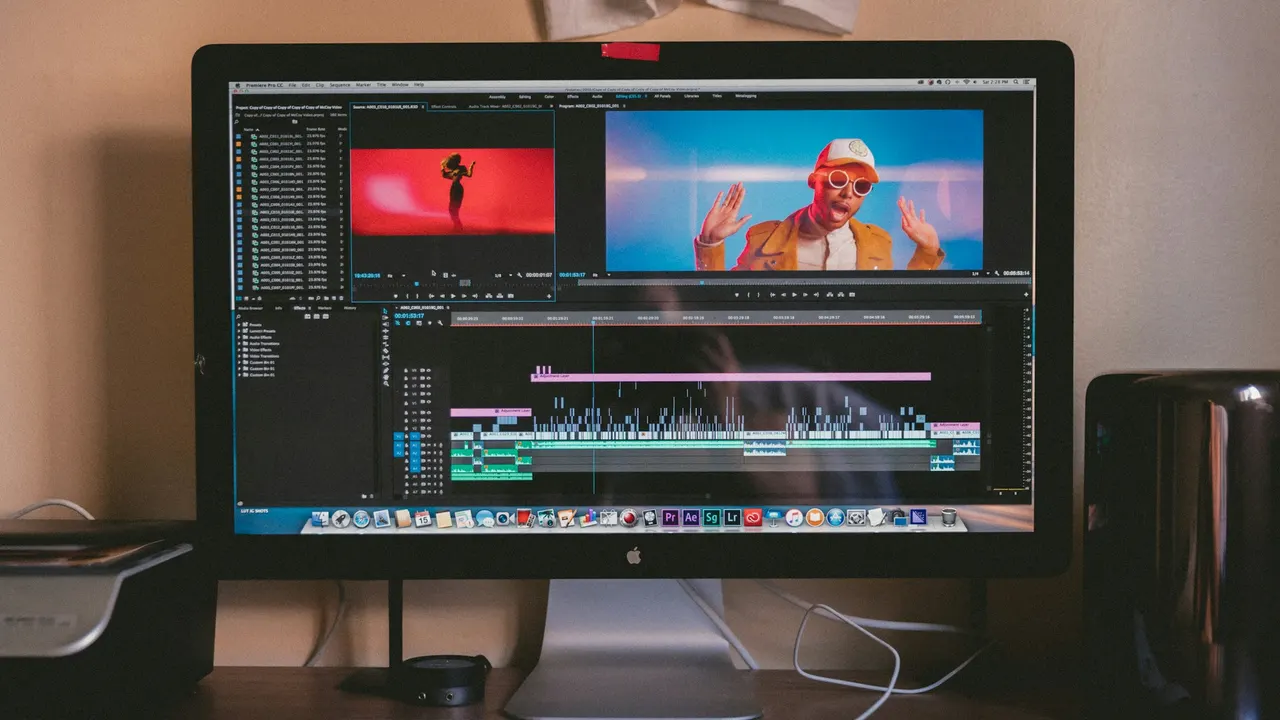
Not on their own. A Claude or ChatGPT chat has no link to Premiere Pro, so it can't see the timeline in your project or change it. Adobe's own AI Assistant works inside Premiere 27.0 but doesn't let you connect Claude or ChatGPT, and Adobe's help pages for its Claude and ChatGPT connectors describe video work on clips you upload and don't describe opening a Premiere project. To have Claude or ChatGPT make the cut, connect it to Eddie: it edits your footage there, and the result opens in Premiere as a native project (.prproj).
6 steps
In Premiere Pro
- 01Get the footage into Eddie
- 02Add Eddie to Claude or ChatGPT
- 03Ask for the cut
- 04Check the Premiere project before you pay
- 05Export the Premiere project
- 06Open it in Premiere and relink
01
Get the footage into Eddie
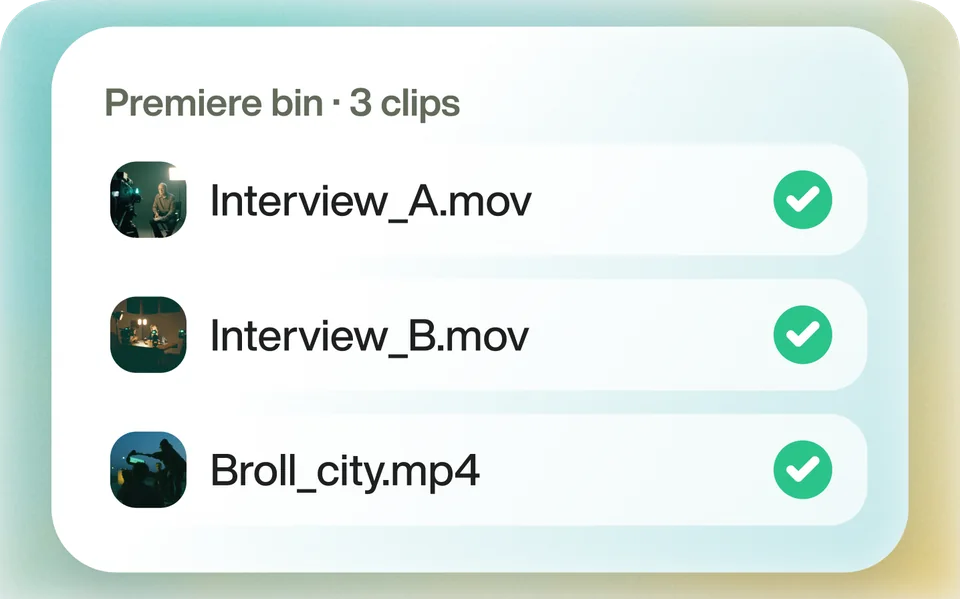
Claude and ChatGPT can't upload your video files to Eddie, so import first. To keep links to your camera files, import them in the Eddie desktop app. To reuse a finished Premiere sequence, choose Import from Premiere Pro in the desktop app and pick it; Eddie takes it in as one piece of footage. Eddie can't open a .prproj file itself.
02
Add Eddie to Claude or ChatGPT
Add a custom connector with the URL https://mcp.heyeddie.ai/api/mcp and sign in with your Eddie account. Claude works on every plan, including Free. ChatGPT needs a paid plan and Developer mode.
03
Ask for the cut
For example: "Cut project X down to a 2-minute highlight and add captions." Each note after that is another prompt on the same edit.
04
Check the Premiere project before you pay
Ask the chat to verify the Premiere project for the edit. The check is free: it compares the project file with your saved edit and doesn't charge the export price.
05
Export the Premiere project
Ask for a native Premiere Pro project and open the download link. A timeline export costs 100 credits. If you imported the footage in the Eddie desktop app on this computer, you can instead open the edit there and choose Send to Premiere Pro, which builds it inside Premiere through Eddie's panel. A project uploaded on the web, or imported on a different machine, can't use it.
06
Open it in Premiere and relink
Footage imported through the desktop app points at your original files. Footage uploaded on the web or from cloud storage points at Eddie's proxy media, so relink to the proxies, not your camera originals.
Good to know
Before you start
- Note 1
- Premiere's AI Assistant (Window > AI Assistant, new in 27.0) organizes bins, renames and labels clips, adds markers, and builds stringouts and rough assemblies from prompts. It uses Firefly generative credits, its changes go into Premiere's undo and history, and Adobe still calls it a beta. Adobe's FAQ says connecting your own model to it isn't supported.
- Note 2
- Adobe for Claude and Adobe for ChatGPT are Adobe's own connectors, and both list Premiere among their capabilities. Adobe describes their video work as clips you upload to the chat: quick cuts, highlight reels and resizing for other platforms. Their help pages don't describe opening a Premiere project on your computer.
- Note 3
- Claude's chat takes documents (PDF, DOCX, CSV, TXT and others) and images. A Premiere project isn't on Anthropic's list of supported file types.
Eddie AI
Do it in Eddie
Claude or ChatGPT cuts in Eddie, and the edit opens in Premiere as a project file.
Connected to Eddie, the chat reads your footage's transcripts, builds the cut and revises it on each note, then exports a native Premiere project or Premiere XML. The .prproj keeps bins, crops and clip gains. If the edit has captions, you get a ZIP with the project and an SRT file.
Chats, the web app and the desktop app share the same projects, so you can start a cut in Claude or ChatGPT and, if the footage was imported in the desktop app on that computer, send it to Premiere from there. Generating new music, AI voice-over and AI b-roll isn't available through the connector; do those in the web app.
Back to Premiere
Open the edit, click Export and choose Premiere. You get a Premiere project (.prproj) or the older Premiere XML. In the desktop app, Send to Premiere Pro builds the edit inside Premiere through Eddie's panel, which the app installs for you.
If you imported the footage through the desktop app, the timeline points at your original camera files, so Premiere relinks to them. If you uploaded on the web or pulled from cloud storage, it points at Eddie's proxy media; relink to those, not to the camera originals.
FAQ
Questions
- Can I connect Claude or ChatGPT to Premiere's AI Assistant?
- No. Adobe's AI Assistant FAQ says connecting your own model isn't supported at this time. The assistant picks from Adobe's Firefly models and partner models itself, depending on your request, unless you name a model.
- Is there a ChatGPT plugin for Premiere Pro?
- Adobe's own plugin for ChatGPT includes Premiere capabilities for videos you upload to the chat, such as resizing for Reels or Shorts and quick cuts. Adobe's help pages describe that video work on clips you upload and don't describe opening a Premiere project. To have ChatGPT cut your own footage and hand back a Premiere timeline, connect it to Eddie.
- Can I upload my .prproj to Claude and ask it to change the edit?
- No. A Premiere project isn't among the file types Anthropic lists for Claude uploads. Eddie doesn't import a .prproj either: bring the sequence in from the Eddie desktop app, or export it from Premiere as a video file.
- Do I need a paid Claude or ChatGPT plan to use Eddie?
- Not for Claude: the Eddie connector works on every Claude plan, including Free, which allows one custom connector. ChatGPT needs Plus, Pro, Business, Enterprise or Edu.
- Does the cut come back into Premiere by itself?
- From a chat, you get a download link to the Premiere project. To have the edit built inside Premiere, open it in the Eddie desktop app and choose Send to Premiere Pro, with Eddie's panel open in Premiere. That needs footage imported in the desktop app on that computer; a project uploaded on the web, or imported on a different machine, can't use it.