


DaVinci Resolve · Import, export and hand-off
How to move a DaVinci Resolve timeline to Premiere Pro
The short answer
Select the timeline in the Media Pool, choose File > Export > Timeline (Shift+Cmd+O on Mac, Shift+Ctrl+O on Windows) and save it as FCP 7 XML. In Premiere Pro, choose File > Import, pick the .xml, and the sequence appears in its own bin.

5 steps
In DaVinci Resolve
01
Simplify the timeline
Duplicate the timeline and flatten multicam clips, decompose compound clips and remove Fusion effects, which Premiere can't read.
02
Select it
Click the timeline in the Media Pool so it is the active timeline.
03
Export FCP 7 XML
Choose File > Export > Timeline, set the file type to FCP 7 XML (.xml), name it and click Save.
04
Import into Premiere
In Premiere Pro, choose File > Import and select the .xml. The sequence and its clips appear in a new bin.
05
Relink if needed
If clips are offline, select them, right-click and choose Link Media, and point Premiere at the files.
Good to know
Before you start
- Note 1
- Grades don't carry in the XML. To keep the look, render graded clips from the Deliver page as individual clips and conform those in Premiere.
- Note 2
- Resolve titles, Fusion compositions and most effects arrive missing or as placeholders.
Eddie AI
Do it in Eddie
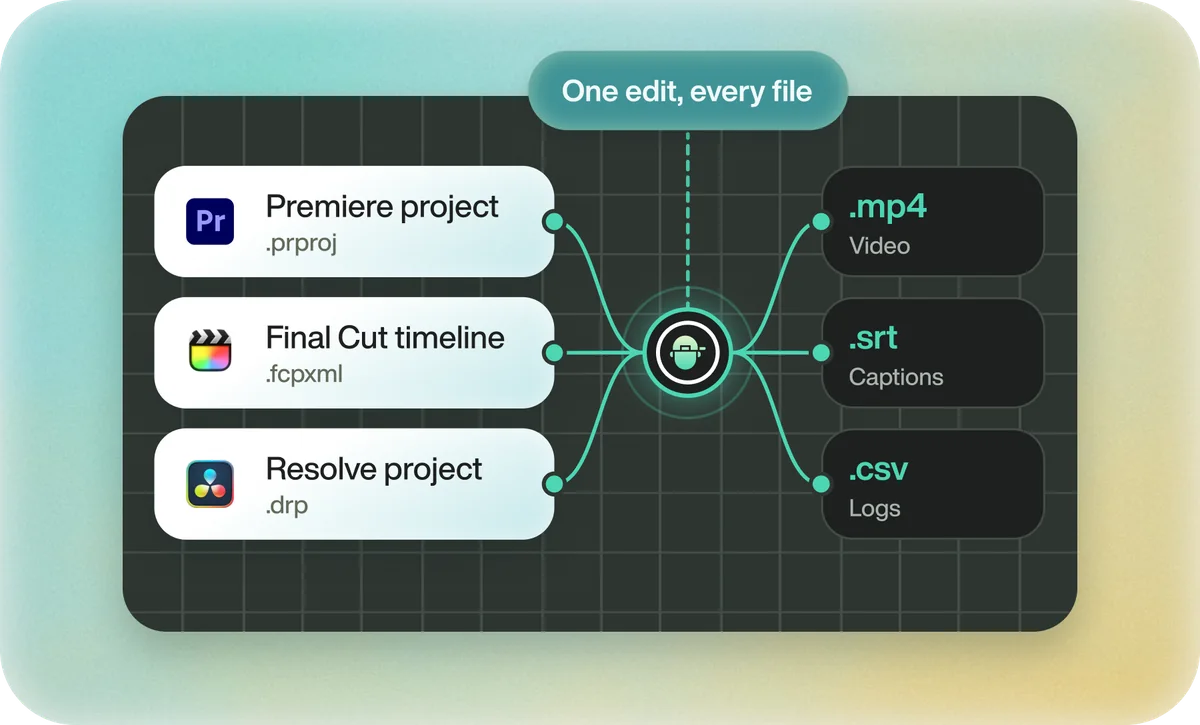
If the cut starts in Eddie, export it to each editor rather than converting one to the other.
Eddie exports the same edit as a Premiere project (.prproj) or Premiere XML, and as a Resolve project (.drp) or Resolve FCPXML. The .prproj keeps bins, crops, clip gains, the audio channel layout and multicam. Each timeline export costs 100 credits.
FAQ
Questions
- Can Premiere Pro open a .drp file?
- No. A .drp only opens in DaVinci Resolve. Export the timeline as FCP 7 XML for Premiere.
- Will my color grade come through to Premiere?
- Not in the XML. Render the graded clips from Resolve and relink to those, or bake the grade into a full render.
