


DaVinci Resolve · Import, export and hand-off
How to export an EDL from DaVinci Resolve
The short answer
Select the timeline in the Media Pool, choose File > Export > Timeline (Shift+Cmd+O or Shift+Ctrl+O), set the file type to EDL and click Save.

4 steps
In DaVinci Resolve
01
Simplify the timeline
An EDL describes one video track. Duplicate the timeline and move or flatten the shots you need onto Video 1. Flatten multicam clips and decompose compound clips.
02
Check reel names
The facility receiving the EDL matches clips by reel name and timecode. Make sure clips have the reel names they expect.
03
Export
Select the timeline in the Media Pool, choose File > Export > Timeline and pick EDL as the file type. Name it and click Save.
04
Check the list
Open the .edl in a text editor and spot-check a few events against the timeline.
Good to know
Before you start
- Note 1
- EDLs keep cuts, dissolves and timecode only. Send an XML, AAF or OTIO if the other side needs more.
Eddie AI
Do it in Eddie
An EDL isn't one of Eddie's exports. Export it from Resolve after the hand-off.
An edit built in Eddie arrives in Resolve with its b-roll on upper tracks and audio on separate tracks. Export the EDL from that timeline in Resolve if a facility needs one.
Back to Resolve
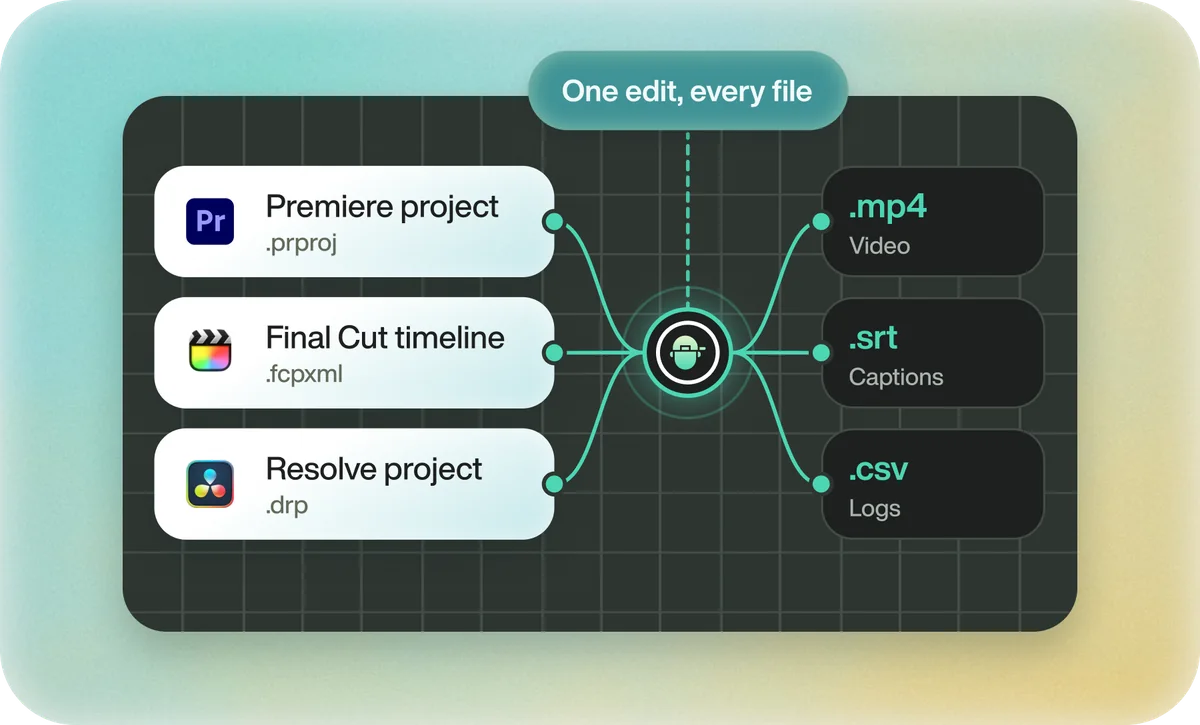
Open the edit, click Export and choose Resolve. The default is a Resolve project (.drp) that opens with the timeline built; behind the arrow is a Resolve FCPXML you bring into the project you have open with File > Import > Timeline. In the desktop app, Send to DaVinci Resolve builds the timeline in the Resolve you have running, through Eddie's script (Workspace > Scripts > Eddie AI AE).
If you imported the footage through the desktop app, the timeline points at your original camera files. If you uploaded on the web or pulled from cloud storage, it points at Eddie's proxy media: relink to those in the Media Pool with Relink Selected Clips, not to the camera originals.
FAQ
Questions
- Why is my exported EDL missing shots?
- An EDL holds one video track. Shots on Video 2 and above are left out, so move them to Video 1 or export each track separately.
- What is the difference between an EDL and an XML?
- An EDL is a plain list of cuts and timecode for one track. An XML carries several tracks, clip properties and media paths.
