


DaVinci Resolve · Import, export and hand-off
How to export an FCPXML from DaVinci Resolve
The short answer
Select the timeline in the Media Pool, choose File > Export > Timeline (Shift+Cmd+O on Mac) and pick an FCPXML file type that your version of Final Cut Pro supports. In Final Cut Pro, choose File > Import > XML.

5 steps
In DaVinci Resolve
01
Simplify the timeline
Duplicate it, flatten multicam clips and decompose compound clips. Fusion effects and Resolve titles won't carry.
02
Select the timeline
Click it in the Media Pool so it is the active timeline.
03
Export
Choose File > Export > Timeline. In the file type menu, pick an FCPXML version. Final Cut reads its own version and older ones, so pick the newest one your copy supports.
04
Import into Final Cut Pro
In Final Cut, choose File > Import > XML and select the file. Pick or create a library for it.
05
Relink and check
If clips are missing, select them and choose File > Relink Files. Play the project against a reference render from Resolve.
Good to know
Before you start
- Note 1
- If Final Cut says the file's version isn't supported, export again from Resolve with an older FCPXML version.
- Note 2
- Grades don't carry. Grade in Resolve last, or render graded clips and swap them in.
Eddie AI
Do it in Eddie
Eddie exports to Final Cut Pro too, so you don't have to route an Eddie edit through Resolve.
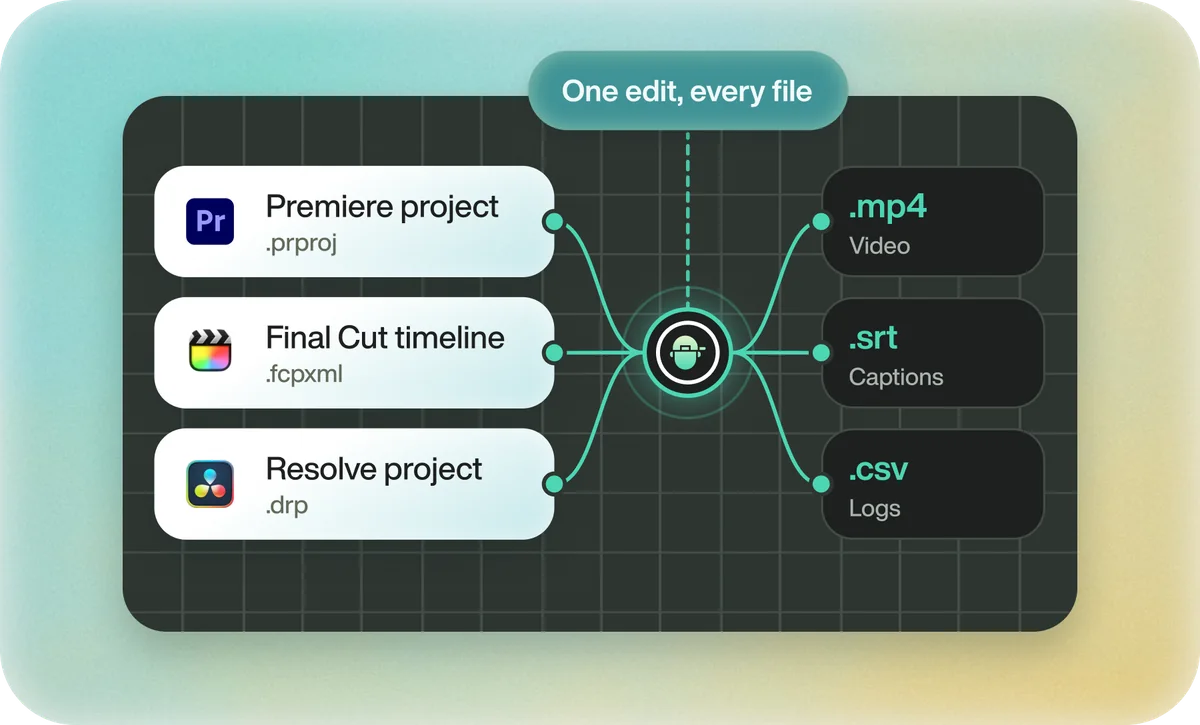
Eddie exports the same edit to Resolve and to Final Cut Pro as FCPXML, so each editor gets its own file. Each timeline export costs 100 credits.
FAQ
Questions
- Which FCPXML version should I export from Resolve?
- The newest version your Final Cut Pro can read. If import fails, try the next older version.
- Can Final Cut Pro open a DaVinci Resolve project?
- No. Final Cut reads FCPXML, not .drp files.
