


DaVinci Resolve · Import, export and hand-off
How to open a Premiere Pro project in DaVinci Resolve
The short answer
DaVinci Resolve can't open a Premiere Pro project file (.prproj). In Premiere, export each sequence with File > Export > Final Cut Pro XML, then in Resolve choose File > Import > Timeline and select the .xml.

5 steps
In DaVinci Resolve
- 01Open the project in Premiere
- 02Export each sequence
- 03Set up the Resolve project
- 04Import the XML
- 05Relink and rebuild
01
Open the project in Premiere
Resolve can't read .prproj files, so the conversion starts in Premiere Pro.
02
Export each sequence
Select a sequence in the Project panel and choose File > Export > Final Cut Pro XML. Repeat for each sequence you need.
03
Set up the Resolve project
Create a project in Resolve and set the timeline frame rate to match the Premiere sequence.
04
Import the XML
Choose File > Import > Timeline (Shift+Cmd+I or Shift+Ctrl+I), pick the .xml, keep Automatically import source clips into media pool ticked and click OK.
05
Relink and rebuild
Relink offline clips with the red Relink Media button above the Media Pool. Rebuild titles, graphics and grades in Resolve.
Good to know
Before you start
- Note 1
- No Premiere bins, effects or Lumetri grades come across. The XML carries the edit, not the whole project.
Eddie AI
Do it in Eddie
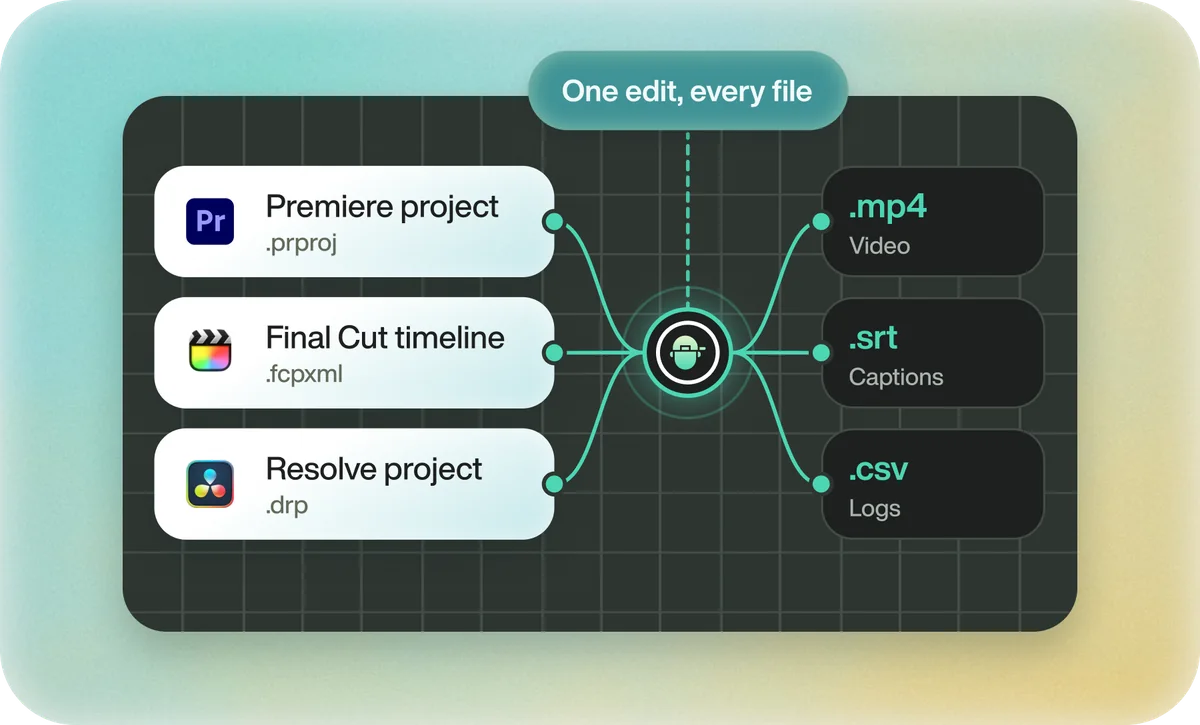
Eddie can't open a .prproj either, but it can take a Premiere sequence in another way.
In the Eddie desktop app, import from Premiere through the Eddie AI AE panel and pick the sequence. Eddie takes it in as one piece of footage. To recut instead, import the source clips, ask for the edit, and export it as a Resolve project.
Back to Resolve
Open the edit, click Export and choose Resolve. The default is a Resolve project (.drp) that opens with the timeline built; behind the arrow is a Resolve FCPXML you bring into the project you have open with File > Import > Timeline. In the desktop app, Send to DaVinci Resolve builds the timeline in the Resolve you have running, through Eddie's script (Workspace > Scripts > Eddie AI AE).
If you imported the footage through the desktop app, the timeline points at your original camera files. If you uploaded on the web or pulled from cloud storage, it points at Eddie's proxy media: relink to those in the Media Pool with Relink Selected Clips, not to the camera originals.
FAQ
Questions
- Can DaVinci Resolve open .prproj files?
- No. Export Final Cut Pro XML from Premiere Pro and import that into Resolve.
- Will my Premiere effects transfer to Resolve?
- Mostly not. Cuts, basic transforms, speed and audio levels usually transfer; effects, titles and grades don't.
