


DaVinci Resolve · Import, export and hand-off
How to import an FCPXML into DaVinci Resolve
The short answer
Open the project, choose File > Import > Timeline (Shift+Cmd+I on Mac, Shift+Ctrl+I on Windows), select the .fcpxml file and click Open. In the Load XML window, keep Automatically import source clips into media pool ticked and click OK; Resolve builds the timeline and adds the clips to the Media Pool.

6 steps
In DaVinci Resolve
- 01Export from Final Cut Pro
- 02Open a project in Resolve
- 03Import the timeline
- 04Choose the options
- 05Relink anything offline
- 06Check the timeline
01
Export from Final Cut Pro
In Final Cut Pro, select the project in the browser and choose File > Export XML. Recent versions save a .fcpxmld bundle by default.
02
Open a project in Resolve
Create or open the Resolve project the timeline should live in. Set its timeline frame rate to match the Final Cut project before you import, because it can't be changed once a timeline exists.
03
Import the timeline
Choose File > Import > Timeline, or press Shift+Cmd+I (Mac) or Shift+Ctrl+I (Windows), and select the .fcpxml or .fcpxmld file.
04
Choose the options
In the Load XML window, keep Automatically import source clips into media pool ticked so Resolve finds the media. Tick Automatically set project settings for an empty project. Click OK.
05
Relink anything offline
Clips Resolve couldn't find show as offline. Click the red Relink Media button above the Media Pool, then Locate, and point it at the media folder.
06
Check the timeline
Play the timeline against an export from Final Cut. Titles, generators and many effects don't translate and need rebuilding in Resolve.
Good to know
Before you start
- Note 1
- If Resolve won't accept a .fcpxmld bundle, right-click it in Finder, choose Show Package Contents and import the Info.fcpxml inside.
- Note 2
- Final Cut's own titles, Motion templates and most effects arrive offline or as placeholders. Color corrections don't carry; grade on the Color page.
Eddie AI
Do it in Eddie
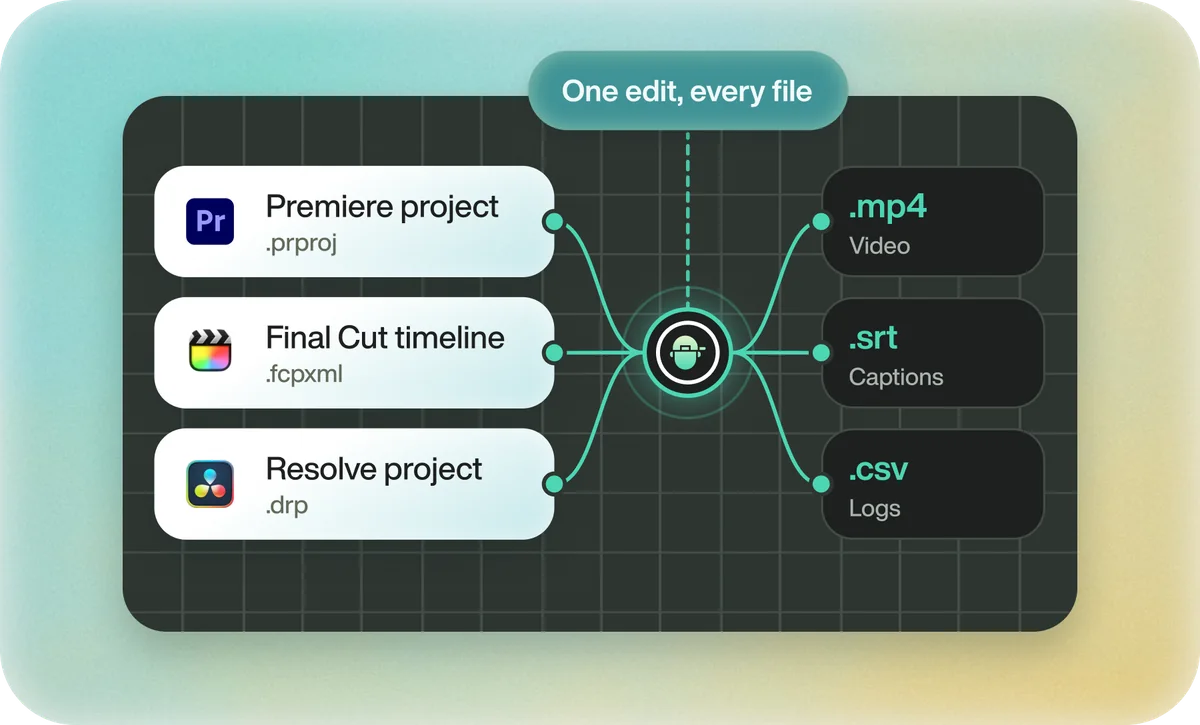
If the FCPXML would come from Eddie, a Resolve project is the simpler route.
Eddie's Resolve button downloads a .drp that opens with the project built. Resolve FCPXML is behind the caret: in Resolve, import it with File > Import > Timeline into the project you have open. In the desktop app, Send to DaVinci Resolve builds the timeline in the running Resolve instead.
Each FCPXML caption card arrives as its own title on the timeline, and Resolve doesn't import markers from an FCPXML. If Resolve refuses the import or the clips come in offline, the help article walks through the fixes.
Back to Resolve
Open the edit, click Export and choose Resolve. The default is a Resolve project (.drp) that opens with the timeline built; behind the arrow is a Resolve FCPXML you bring into the project you have open with File > Import > Timeline. In the desktop app, Send to DaVinci Resolve builds the timeline in the Resolve you have running, through Eddie's script (Workspace > Scripts > Eddie AI AE).
If you imported the footage through the desktop app, the timeline points at your original camera files. If you uploaded on the web or pulled from cloud storage, it points at Eddie's proxy media: relink to those in the Media Pool with Relink Selected Clips, not to the camera originals.
FAQ
Questions
- Can DaVinci Resolve open a Final Cut Pro library?
- No. Resolve reads the FCPXML that Final Cut exports, not the .fcpbundle library. Export XML from Final Cut first.
- Why are my clips offline after importing an FCPXML?
- The media moved, sits on a drive that isn't connected, or the import option to bring in source clips was off. Relink with the Relink Media button above the Media Pool.
- Do Final Cut titles and effects import into Resolve?
- Mostly not. Cuts, clip positions, speed changes and basic transforms come through; titles, effects and grades need rebuilding.
