


DaVinci Resolve · Cutting and the timeline
How to make a compound clip in DaVinci Resolve
The short answer
Select the clips on the timeline, right-click and choose New Compound Clip, and give it a name. To edit inside it, right-click and choose Open in Timeline; to break it apart again, right-click and choose Decompose in Place.

5 steps
In DaVinci Resolve
01
Select the clips
On the Edit page, select the clips to group, across as many tracks as you need.
02
Create the compound clip
Right-click the selection and choose New Compound Clip. Name it and click Create. The clips become one clip on the timeline and a new item in the Media Pool.
03
Edit inside it
Right-click the compound clip and choose Open in Timeline. Make your changes, then go back with the timeline name menu or the back arrow at the top of the timeline.
04
Treat it as one clip
Apply a grade, an effect, a transform or a speed change to the whole compound clip at once.
05
Break it apart
Right-click and choose Decompose in Place to return the original clips to the timeline.
Good to know
Before you start
- Note 1
- Changes inside a compound clip show everywhere you used that compound clip, because they all point to the same Media Pool item.
- Note 2
- Compound clips often don't survive an XML or EDL export. Decompose them before handing the timeline to another editor.
Eddie AI
Do it in Eddie
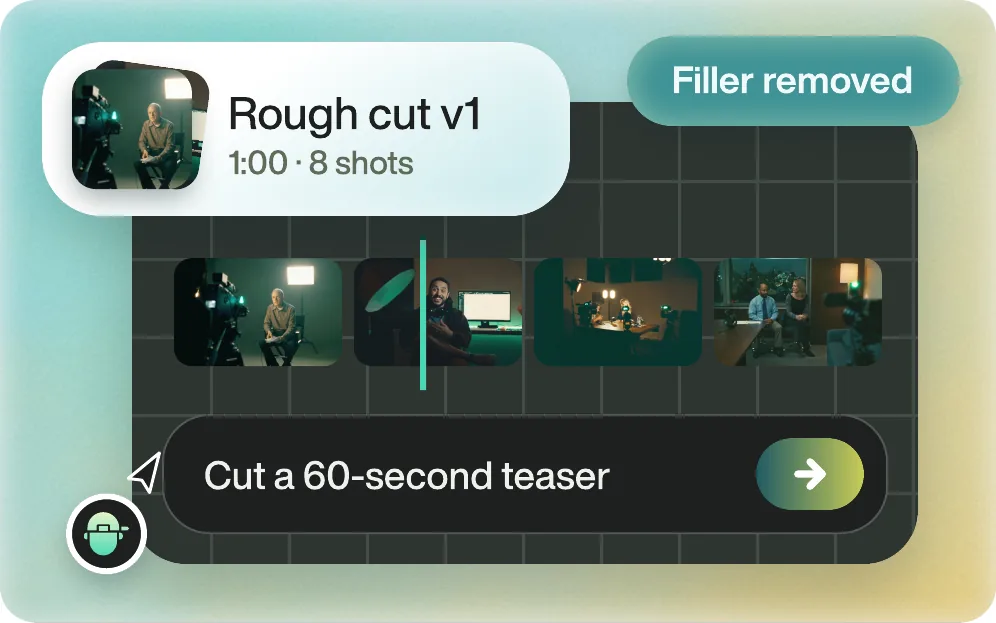
Eddie doesn't make compound clips; it works with whole edits.
In Eddie, each version is its own edit, and every prompt changes that edit. You can also cut several short clips from one video as separate edits. In Resolve, group the parts you want to treat as a block into compound clips after the hand-off.
Back to Resolve
Open the edit, click Export and choose Resolve. The default is a Resolve project (.drp) that opens with the timeline built; behind the arrow is a Resolve FCPXML you bring into the project you have open with File > Import > Timeline. In the desktop app, Send to DaVinci Resolve builds the timeline in the Resolve you have running, through Eddie's script (Workspace > Scripts > Eddie AI AE).
If you imported the footage through the desktop app, the timeline points at your original camera files. If you uploaded on the web or pulled from cloud storage, it points at Eddie's proxy media: relink to those in the Media Pool with Relink Selected Clips, not to the camera originals.
FAQ
Questions
- What is the difference between a compound clip and a nested timeline?
- Both group clips. A compound clip is a Media Pool item you create from a selection; a nested timeline is another timeline edited into this one. Both open for editing in the same way.
- How do I undo a compound clip in Resolve?
- Right-click it and choose Decompose in Place.
