


DaVinci Resolve · Cutting and the timeline
How to split a video into scenes in DaVinci Resolve
The short answer
On the Media page, right-click the file in the Media Storage browser and choose Scene Cut Detection, click Auto Scene Detect, then Add Cuts to Media Pool. In DaVinci Resolve Studio you can also select the clip on the Edit page timeline and choose Timeline > Detect Scene Cuts.
6 steps
In DaVinci Resolve
- 01Find the file
- 02Open Scene Cut Detection
- 03Detect the cuts
- 04Fix false cuts
- 05Add the clips
- 06Or detect on the timeline (Studio)
01
Find the file
Open the Media page and browse to the flattened video in the Media Storage panel.
02
Open Scene Cut Detection
Right-click the file and choose Scene Cut Detection. Resolve opens a window with three viewers and a graph of frame changes.
03
Detect the cuts
Click Auto Scene Detect. Each spike over the threshold line becomes a cut.
04
Fix false cuts
Drag the threshold line to change how sensitive it is, click a cut to remove it, or add one where Resolve missed a cut.
05
Add the clips
Click Add Cuts to Media Pool. Each shot becomes its own clip, ready to edit.
06
Or detect on the timeline (Studio)
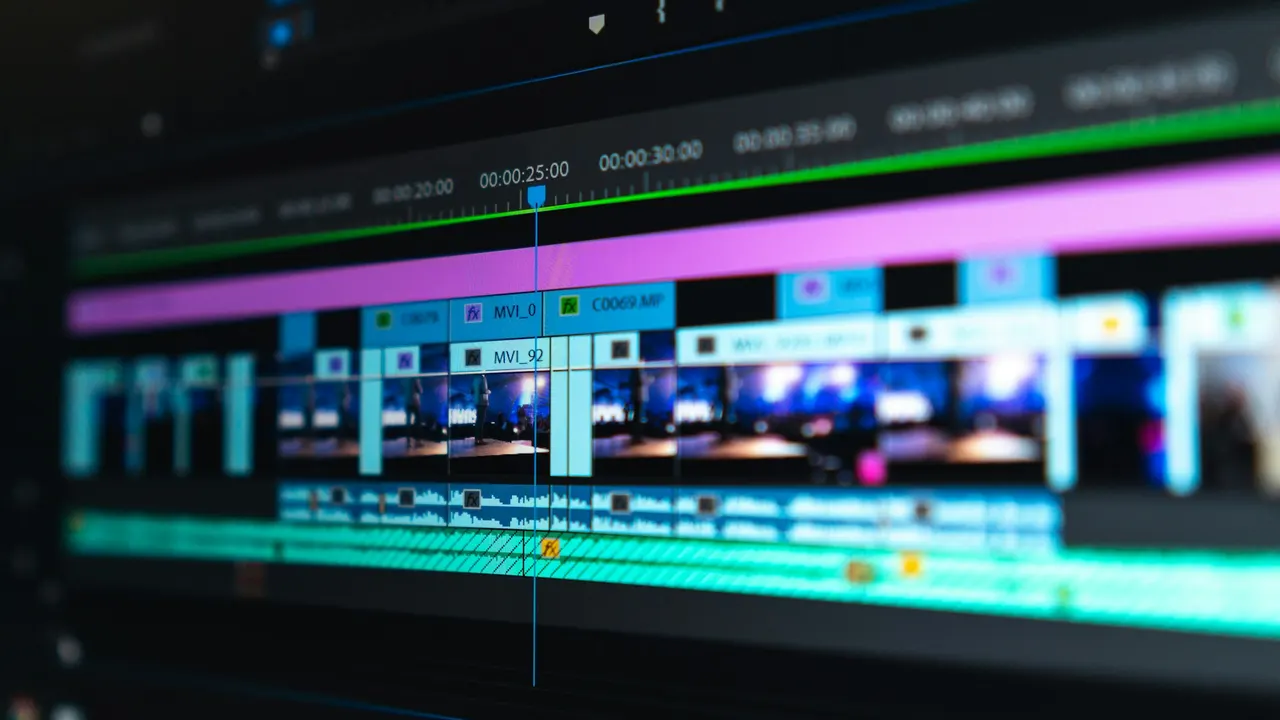
Put the video on a timeline, select it and choose Timeline > Detect Scene Cuts. Resolve blades the clip at each shot change.
Good to know
Before you start
- Note 1
- Flashes, fast pans and dissolves cause false or missed cuts. Check each one before you use the clips.
Eddie AI
Do it in Eddie
Eddie logs footage by shot, so you can find shots by what is in them.
Eddie writes a shot log of your b-roll and an outline of each interview. Ask for shots by content, such as "the wide shots of the factory floor", and use them in the edit. The log exports to Resolve as XML bins.
FAQ
Questions
- Is scene cut detection free in DaVinci Resolve?
- Scene Cut Detection on the Media page is in the free version. Detect Scene Cuts on the Edit page timeline is a Studio feature.
- Can Resolve rebuild an edit from a flattened file?
- Yes. Use scene cut detection, or if you have the original EDL, import it against the flattened file to cut it at each event.
