


DaVinci Resolve · Cutting and the timeline
How to add markers in DaVinci Resolve
The short answer
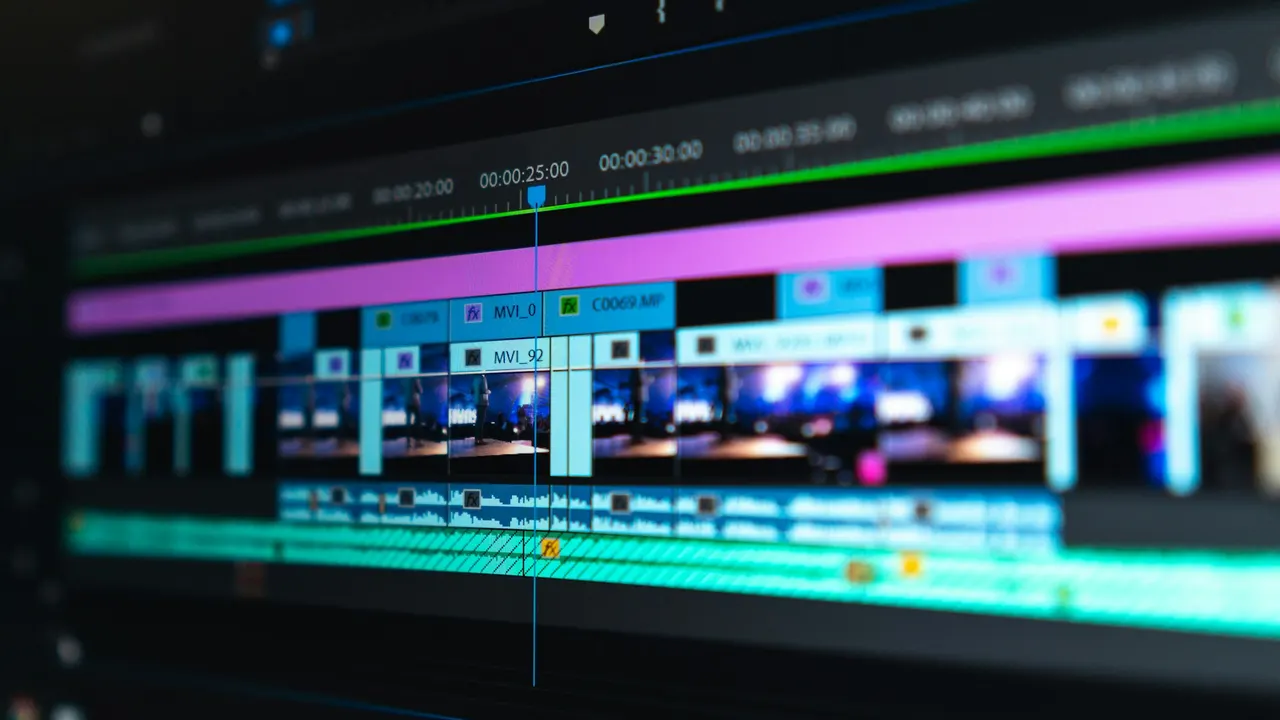
Press M to add a marker at the playhead. Press M again on the same frame (or double-click the marker) to name it, add a note and change its color. With a clip selected the marker goes on the clip; with nothing selected it goes on the timeline ruler.
5 steps
In DaVinci Resolve
01
Add a timeline marker
Deselect all clips, park the playhead and press M. The marker sits on the timeline ruler.
02
Or add a clip marker
Select a clip first and press M. The marker sits on the clip and moves with it.
03
Name and color it
Press M again on the same frame, or double-click the marker, to open its dialog. Type a name and a note and choose a color.
04
Mark a range
Option-drag (Mac) or Alt-drag (Windows) the marker to give it a duration.
05
Find markers again
Open the Index panel on the Edit page and show Markers to list them all. Click one to jump to it. Shift+Up and Shift+Down arrows move to the previous or next marker.
Good to know
Before you start
- Note 1
- Marker colors can mean anything you like. Many editors use one color for notes to self and another for client notes.
Eddie AI
Do it in Eddie
Review comments on an Eddie edit can come into Resolve as markers, through one route.
Resolve doesn't import markers from an FCPXML, and Eddie's .drp holds none. To keep comments, use Eddie's Resolve OTIO export: each comment arrives as a timeline marker. It is a separate export and costs 100 credits.
Back to Resolve
Open the edit, click Export and choose Resolve. The default is a Resolve project (.drp) that opens with the timeline built; behind the arrow is a Resolve FCPXML you bring into the project you have open with File > Import > Timeline. In the desktop app, Send to DaVinci Resolve builds the timeline in the Resolve you have running, through Eddie's script (Workspace > Scripts > Eddie AI AE).
If you imported the footage through the desktop app, the timeline points at your original camera files. If you uploaded on the web or pulled from cloud storage, it points at Eddie's proxy media: relink to those in the Media Pool with Relink Selected Clips, not to the camera originals.
From the help center
FAQ
Questions
- What is the marker shortcut in DaVinci Resolve?
- M adds a marker. Press it again on the same frame to edit the marker.
- How do I delete a marker in Resolve?
- Click the marker to select it and press Delete or Backspace.
- Why didn't my markers come through an XML import?
- Resolve doesn't bring markers in from FCPXML. Use an OTIO file, which can carry them.
