


DaVinci Resolve · Import, export and hand-off
How to archive a DaVinci Resolve project
The short answer
Open the Project Manager, right-click the project and choose Export Project Archive. Choose whether to include media files, render cache and proxy media, then pick a destination; Resolve saves a .dra folder you can restore with right-click > Restore Project Archive.

5 steps
In DaVinci Resolve
- 01Open the Project Manager
- 02Export the archive
- 03Choose what goes in
- 04Pick a destination
- 05Restore it later
01
Open the Project Manager
Choose File > Project Manager, or click the house icon at the bottom right of the screen.
02
Export the archive
Right-click the project and choose Export Project Archive.
03
Choose what goes in
Tick Media Files to copy the footage. Tick Render Cache and Proxy Media only if you need them; they make the archive much bigger.
04
Pick a destination
Choose a folder on the archive drive. Resolve copies the project and media into a .dra folder.
05
Restore it later
On any machine, open the Project Manager, right-click an empty area and choose Restore Project Archive, then select the .dra.
Good to know
Before you start
- Note 1
- To trim media to only what the timeline uses, use File > Media Management first, then archive the result.
- Note 2
- File > Export Project saves just the .drp, with no media. That is fine for a backup of the edit, not for an archive.
Eddie AI
Do it in Eddie
An edit made in Eddie stays in Eddie after you export it.
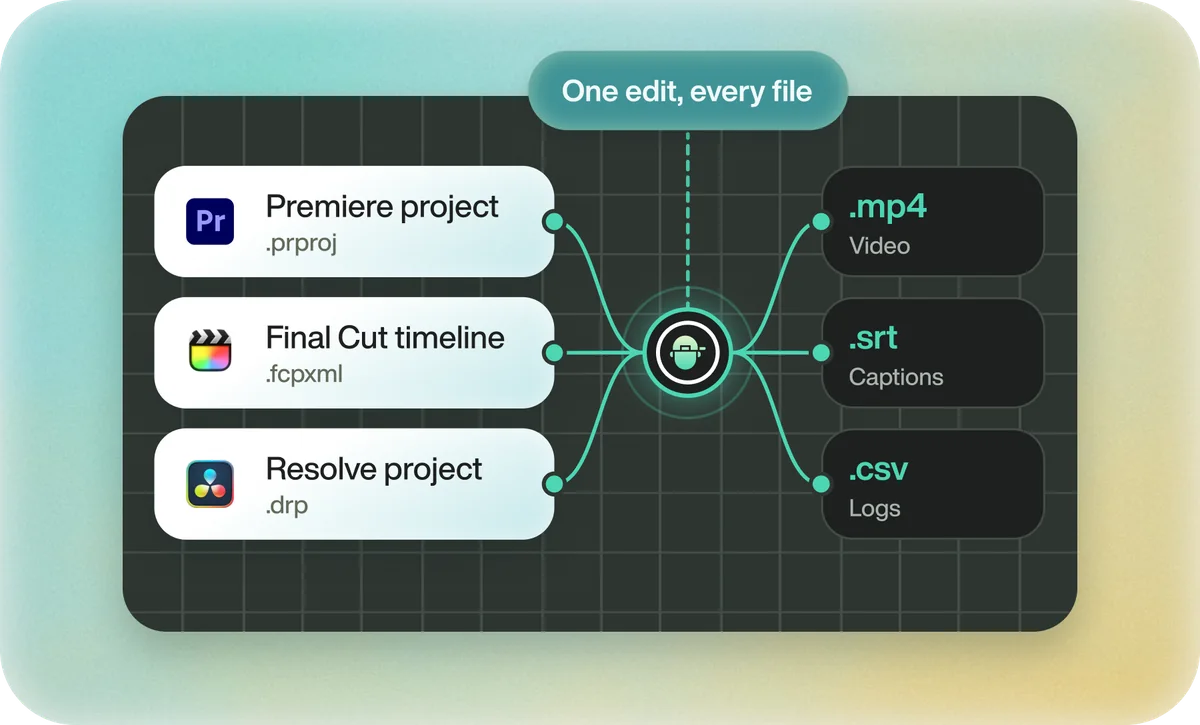
Exporting doesn't lock an Eddie project. You can keep changing the edit and export again, and a deleted edit can be restored by asking for it; it comes back as a new edit. In Resolve, archive the exported project with the Project Manager like any other.
FAQ
Questions
- What is a .dra file in DaVinci Resolve?
- A DaVinci Resolve archive: a folder that holds the project file and, if you chose, its media, cache and proxies.
- What's the difference between a .drp and a .dra?
- A .drp is the project alone. A .dra is an archive that can also hold the media, so it restores on another machine.
