


DaVinci Resolve · Captions, transcripts and text
How to add lower thirds in DaVinci Resolve
The short answer
On the Edit page, open Effects > Toolbox > Titles, scroll to Fusion Titles and drag a lower-third template onto a track above the speaker. Type the name and role in the Inspector.
5 steps
In DaVinci Resolve
01
Find the templates
Open Effects > Toolbox > Titles on the Edit page and scroll to the Fusion Titles section. Hover over a title to preview it.
02
Place it
Drag a lower third onto a video track above the speaker, a second or two after they start talking.
03
Fill it in
Select it and type the name and role in the Inspector. Set fonts and colors to match your brand.
04
Set the length
Drag its edges so it stays on screen for about 4 to 6 seconds.
05
Reuse it
Copy the finished title (Cmd+C or Ctrl+C) and paste it for the next speaker, then change the text.
Good to know
Before you start
- Note 1
- To save a styled lower third for other projects, open it on the Fusion page and save it as a macro or template.
Eddie AI
Do it in Eddie
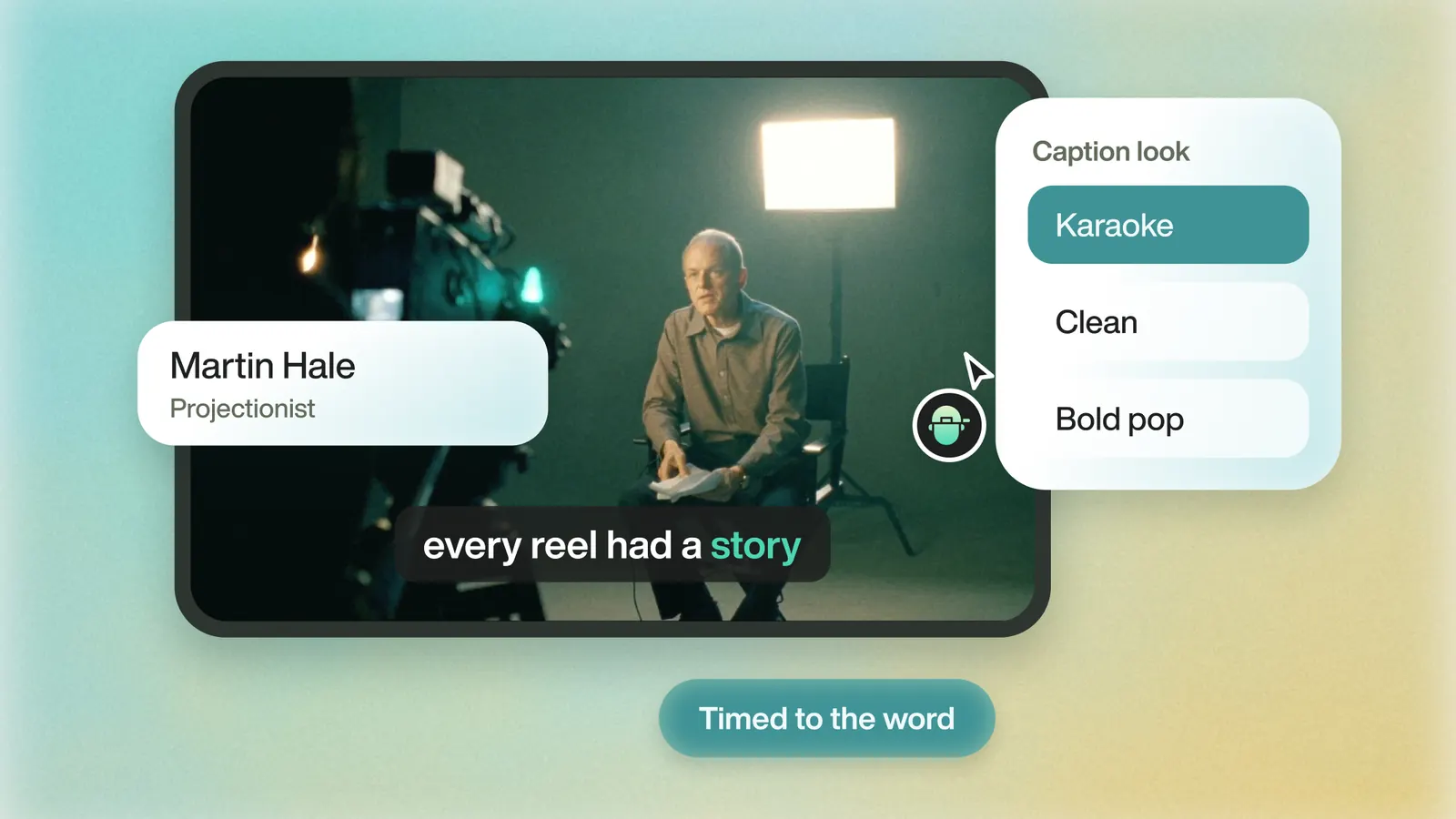
Ask for lower thirds, and Eddie places them where each person first speaks.
Say "Lower-third with her name and role the first time she speaks." Eddie's lower-third templates carry into the Resolve export as overlay clips you can restyle.
Back to Resolve
Open the edit, click Export and choose Resolve. The default is a Resolve project (.drp) that opens with the timeline built; behind the arrow is a Resolve FCPXML you bring into the project you have open with File > Import > Timeline. In the desktop app, Send to DaVinci Resolve builds the timeline in the Resolve you have running, through Eddie's script (Workspace > Scripts > Eddie AI AE).
If you imported the footage through the desktop app, the timeline points at your original camera files. If you uploaded on the web or pulled from cloud storage, it points at Eddie's proxy media: relink to those in the Media Pool with Relink Selected Clips, not to the camera originals.
FAQ
Questions
- Does DaVinci Resolve have lower third templates?
- Yes. The Fusion Titles section of the Titles panel includes lower-third templates in both the free version and Studio.
- How long should a lower third stay on screen?
- About 4 to 6 seconds, long enough to read the name and role twice.
