


DaVinci Resolve · Captions, transcripts and text
How to move subtitles in DaVinci Resolve
The short answer
Select a caption, open the Inspector's Track tab and change the position settings to move every caption on that track. To move one caption, change its position in the Caption tab.

4 steps
In DaVinci Resolve
01
Select a caption
Click a caption on the subtitle track in the Edit page timeline.
02
Move the whole track
In the Inspector's Track tab, find the position settings and change the vertical value to raise or lower every caption.
03
Move one caption
Switch to the Caption tab and change the position for just that caption, for example to clear a name graphic.
04
Stay in the safe area
Turn on View > Safe Area in the viewer so captions stay clear of the frame edges and platform buttons.
Good to know
Before you start
- Note 1
- Players that show an SRT file choose their own position. Position settings only stick when the subtitles are burned in.
Eddie AI
Do it in Eddie
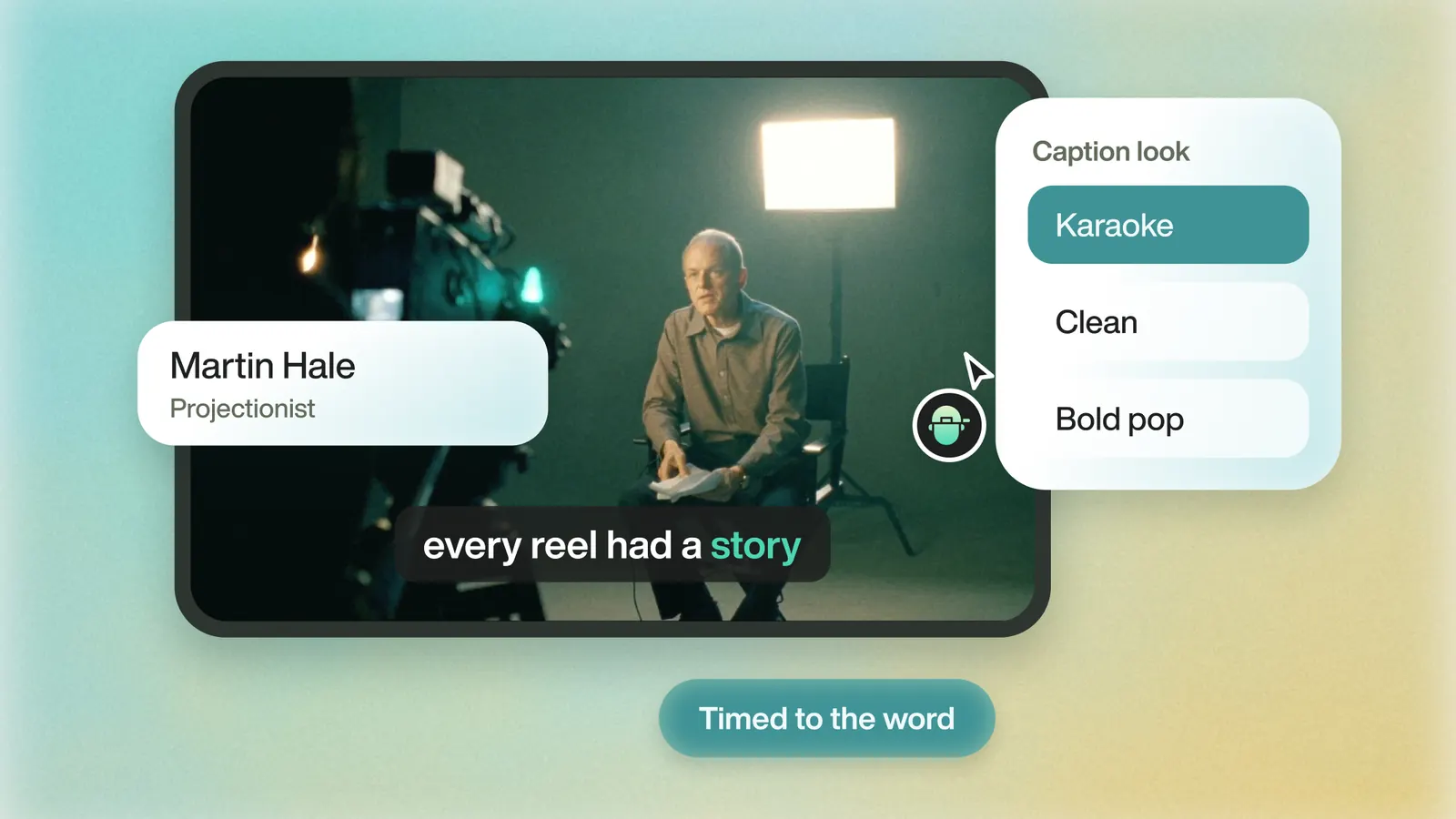
Pick top, center or bottom in Eddie, and it moves captions off faces on its own.
Choose Bottom, Center or Top in the caption lane's style menu. If a caption would cover a face, Eddie moves it to a clear band. The captions arrive in the Resolve project on a subtitle track, where you can set the position again for the Resolve finish.
Back to Resolve
Open the edit, click Export and choose Resolve. The default is a Resolve project (.drp) that opens with the timeline built; behind the arrow is a Resolve FCPXML you bring into the project you have open with File > Import > Timeline. In the desktop app, Send to DaVinci Resolve builds the timeline in the Resolve you have running, through Eddie's script (Workspace > Scripts > Eddie AI AE).
If you imported the footage through the desktop app, the timeline points at your original camera files. If you uploaded on the web or pulled from cloud storage, it points at Eddie's proxy media: relink to those in the Media Pool with Relink Selected Clips, not to the camera originals.
FAQ
Questions
- How do I put subtitles at the top in DaVinci Resolve?
- Raise the vertical position in the Inspector's Track tab until the captions sit near the top of the frame.
- Can I drag subtitles in the viewer?
- Use the Inspector's position settings. They are the reliable way to move subtitles in Resolve.
