


DaVinci Resolve · Color and look
How to match color between shots in DaVinci Resolve
The short answer
On the Color page, select the clips you want to change in the thumbnail timeline, then right-click the reference clip and choose Shot Match to This Clip. For footage shot with a color chart, use the Color Match palette instead.
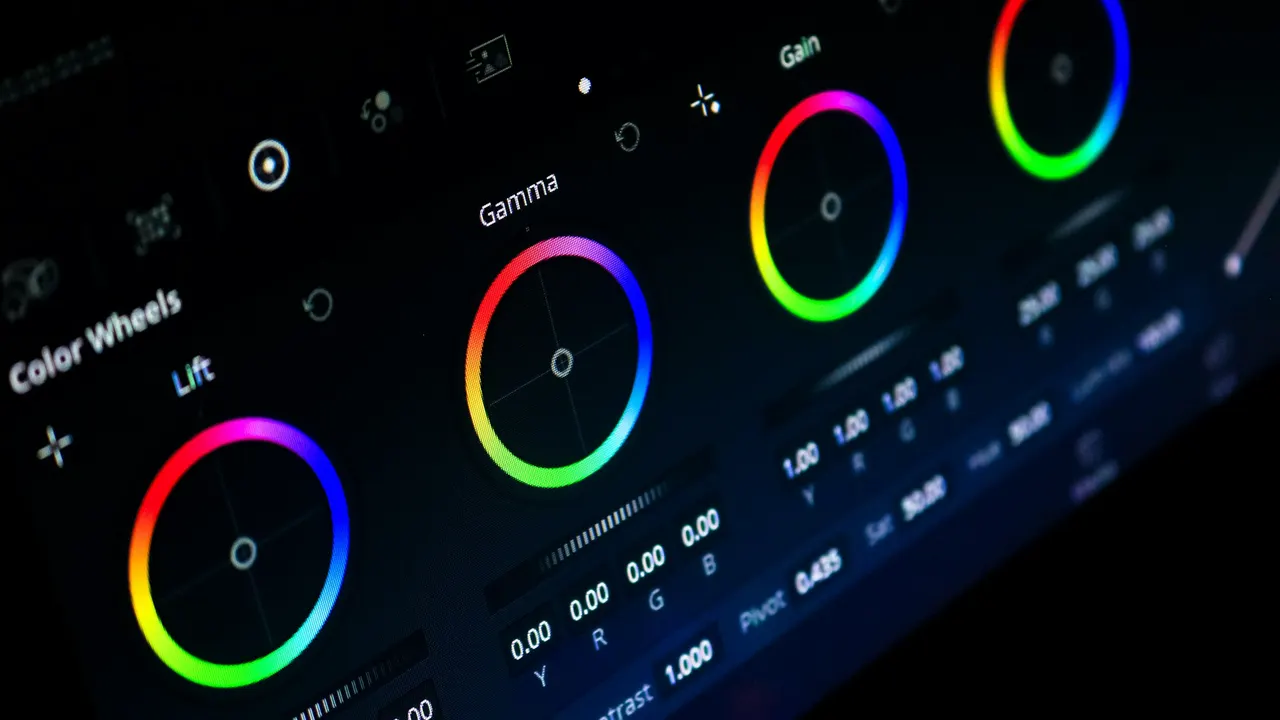
5 steps
In DaVinci Resolve
- 01Pick the reference
- 02Select the clips to change
- 03Run Shot Match
- 04Or use a chart
- 05Check side by side
01
Pick the reference
Grade one clip until it looks right. This is the shot the others will match.
02
Select the clips to change
In the Color page thumbnail timeline, click the clips that should match. Cmd-click or Ctrl-click to select several.
03
Run Shot Match
Right-click the reference clip's thumbnail and choose Shot Match to This Clip. Resolve adjusts the selected clips.
04
Or use a chart
If each camera filmed a color chart, open the Color Match palette, pick the chart type, line up the overlay on the chart in the viewer and click Match.
05
Check side by side
Grab a still of the reference (right-click the viewer and choose Grab Still), then turn on split screen in the viewer to compare and fine-tune.
Good to know
Before you start
- Note 1
- Shot Match gets you close; skin tones often need a final touch by eye.
Eddie AI
Do it in Eddie
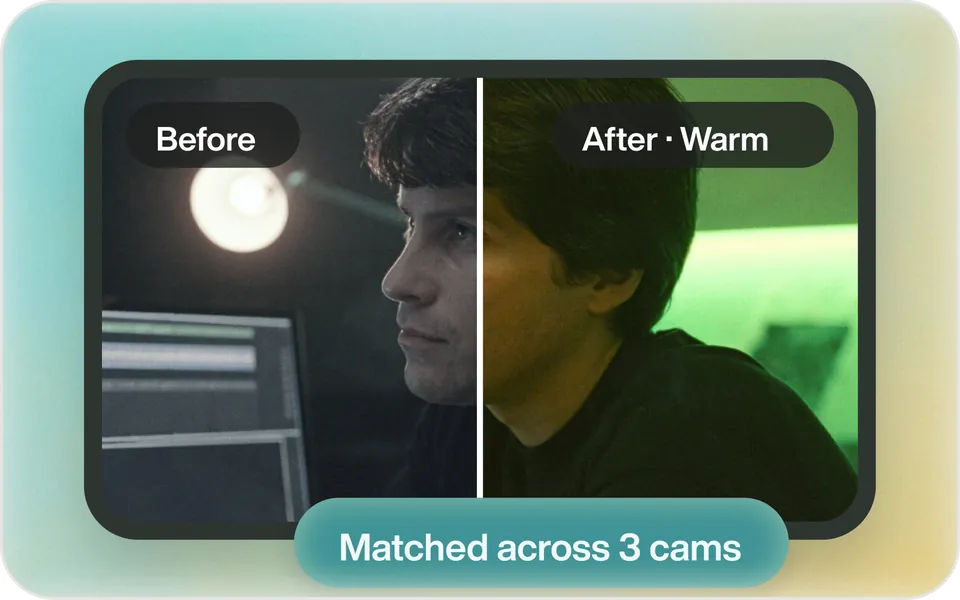
Ask Eddie to match the cameras, and it grades them to each other.
Say "Match the color across the two cameras." The match shows in Eddie and in MP4 renders. For a Resolve finish, match the shots on Resolve's Color page.
Back to Resolve
Open the edit, click Export and choose Resolve. The default is a Resolve project (.drp) that opens with the timeline built; behind the arrow is a Resolve FCPXML you bring into the project you have open with File > Import > Timeline. In the desktop app, Send to DaVinci Resolve builds the timeline in the Resolve you have running, through Eddie's script (Workspace > Scripts > Eddie AI AE).
If you imported the footage through the desktop app, the timeline points at your original camera files. If you uploaded on the web or pulled from cloud storage, it points at Eddie's proxy media: relink to those in the Media Pool with Relink Selected Clips, not to the camera originals.
FAQ
Questions
- Why doesn't Shot Match do anything?
- Only the reference clip is selected. Select the clips to change first, then right-click the reference.
- Is Shot Match in the free version of DaVinci Resolve?
- Yes. Shot Match and the Color Match palette are on the Color page in both versions.
