Features
- Rough cuts
- Multicam
- A-roll logging
- B-roll logging
- Speaker identification
- Scripted edits
- Social clips
- Exports to your editor
- Styles and color
- Motion graphics
- Captions & titles
- Stock B-roll
- Generate video
- Generated music
- Voiceover
- Dubbing
- Transcription in 97 languages
- Web app
- Mac and Windows
- Claude & ChatGPT
- Recipes
- Agents
- API + MCP
Solutions
Shamir Allibhai
CEO, Co-founder
Shamir Allibhai is co-founder and CEO of Eddie AI. A filmmaker turned founder, he writes about AI in post-production and where the craft is headed.
15 blog posts
Writing
BlogHow to Build a Rough Cut in Premiere Pro with AI (Round Trip, Step by Step)
Send a bin from Premiere Pro to an AI editor, ask for the rough cut in plain language, and get the sequence back in Premiere, relinked to your original media. The clicks, the rules and the costs.
BlogHow to Edit a Podcast with ChatGPT (Multicam, Step by Step)
ChatGPT cannot sync your cameras or cut a podcast on its own. Connect it to an AI editor that holds the recording and a prompt becomes a multicam cut, clean of filler, with clips for social and a timeline for Premiere, Resolve or Final Cut.
BlogHow to Edit by Transcript in Final Cut Pro (With AI)
Final Cut Pro has no text-based editing mode of its own. Here is how to cut an interview from its transcript anyway, and bring the result back into Final Cut as an FCPXML with Favorites, keywords and transcript markers on your clips.
BlogEddie AI x IBC Accelerator: Cutting RAI's Archive and a Blackmagic Cloud Project
Eddie AI joined IBC Accelerator's FRAMES project in Amsterdam, helping search RAI archive footage and cut generative video takes inside a Blackmagic Cloud project.
BlogEddie v4: The Most Powerful AI Assistant Editor in the World
Eddie v4 watches your rushes, syncs your cameras, writes the music, sources the b-roll, and hands the finished cut to Premiere, Resolve, Avid or Final Cut as a real project file. See it first at IBC 2026.
BlogHow to Add Captions to a Video Automatically
Automatic captions done properly: word timing taken from the edit rather than re-transcribed, animated or plain styles, and an honest account of where the caption track travels and where it stops.
BlogHow to Build a Rough Cut from an Interview Transcript
Turning a transcript into an actual assembly, not a document. How soundbites are matched, what happens to clips you rejected, and what the first cut will and will not get right.
BlogHow to Cut a Multicam Interview or Podcast Automatically
How angle switching actually works when a model does it: what it cuts on, the rules it follows, how ungrouped cameras get synced, and exactly how the multicam survives into Premiere and Final Cut.
BlogHow to Export an AI Edit to Premiere Pro, DaVinci Resolve or Final Cut
Five export formats, what each one carries, the DaVinci Resolve import quirk that makes a good timeline look broken, and the honest list of what does not survive the handoff.
BlogHow to Make Vertical Clips for Social from a Podcast or Interview
How to pull a 9:16 clip out of a long interview or podcast, including the split-screen two-camera layout, what survives the export to Premiere and Resolve, and why nothing here tracks a face.
BlogHow to Remove Filler Words from an Interview
Cutting every "um" and "you know" out of an interview by hand is hours of scrubbing. Here is how to do it by naming the words instead, what Eddie refuses to cut, and what it does to edits you already built.
BlogHow to Edit Video with ChatGPT (Step by Step)
ChatGPT can't cut video on its own. Connect it to Eddie, an AI video editor, and a prompt becomes a rough cut you can open in Premiere, Resolve or Final Cut.
BlogHow to Edit Video with Claude (Step by Step)
Claude cannot cut video on its own. Here is what it does well in an edit, exactly where it stops, and how to connect it to an editor so a prompt produces a real timeline you can finish in Premiere or Resolve.
BlogEddie AI Is Coming to NAB 2026
Find Eddie AI at NAB Show 2026 in Las Vegas — booth N1672, North Hall. See demos, sessions with Shamir Allibhai, and AI editing for pros.
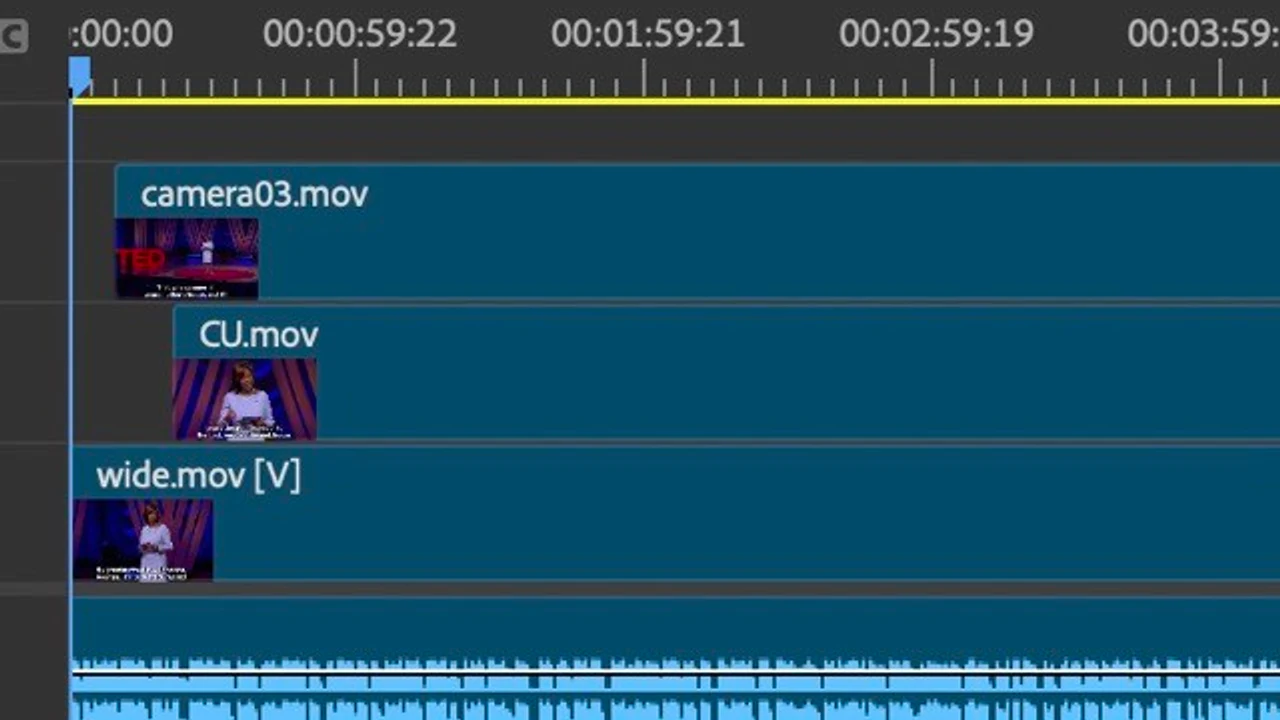
BlogImport dirty multicams (aka synced timelines)
Import dirty multicams (synced timelines) into Eddie AI. Edit multi-camera interviews as one timeline, then export back to Premiere or Resolve.

From raw footage to finished edit.
Start with one prompt. Your first 500 credits are free.