On this page
- EddieU walkthroughs
- What the world's best editors made of it
- Use Eddie where you already work
- Pay only for what you use
- Goes straight into your edit suite
- Work with your team
- Multicam and podcasts
- Make what you didn't shoot
- Titles, captions and graphics
- Bring in any footage
- Teach Eddie how you work
- Enterprise, compliance and on-prem — let's talk
- Come see it running on real footage
Eddie v4 is here, and it is not a bigger version number for the sake of one. It is ten times the Eddie you knew.
The old Eddie trimmed a timeline. This one watches your rushes, finds the story, syncs your cameras, names who is on which angle, writes the music, sources the b-roll, and hands the finished cut to Premiere, Resolve, Avid or Final Cut as a real project file — not a re-export, not a proprietary timeline you have to unpick. And you can now reach it from your edit suite, your browser, your phone, or straight from ChatGPT.
EddieU walkthroughs
See it first at IBC 2026
📍 Booth 7.A38, Hall 7, RAI Amsterdam — demos every day, 11–14 September
🎤 Shamir Allibhai on the Future Tech Stage, Saturday 12 September at 14:15: "This AI Editor Has Joined Your Team's Adobe / Blackmagic Cloud Edit"
🏆 Eddie AI is in the IBC Accelerator FRAMES
Full details on the booth, the talk and the show are in our IBC 2026 post. This one is about what v4 actually does.
What the world's best editors made of it
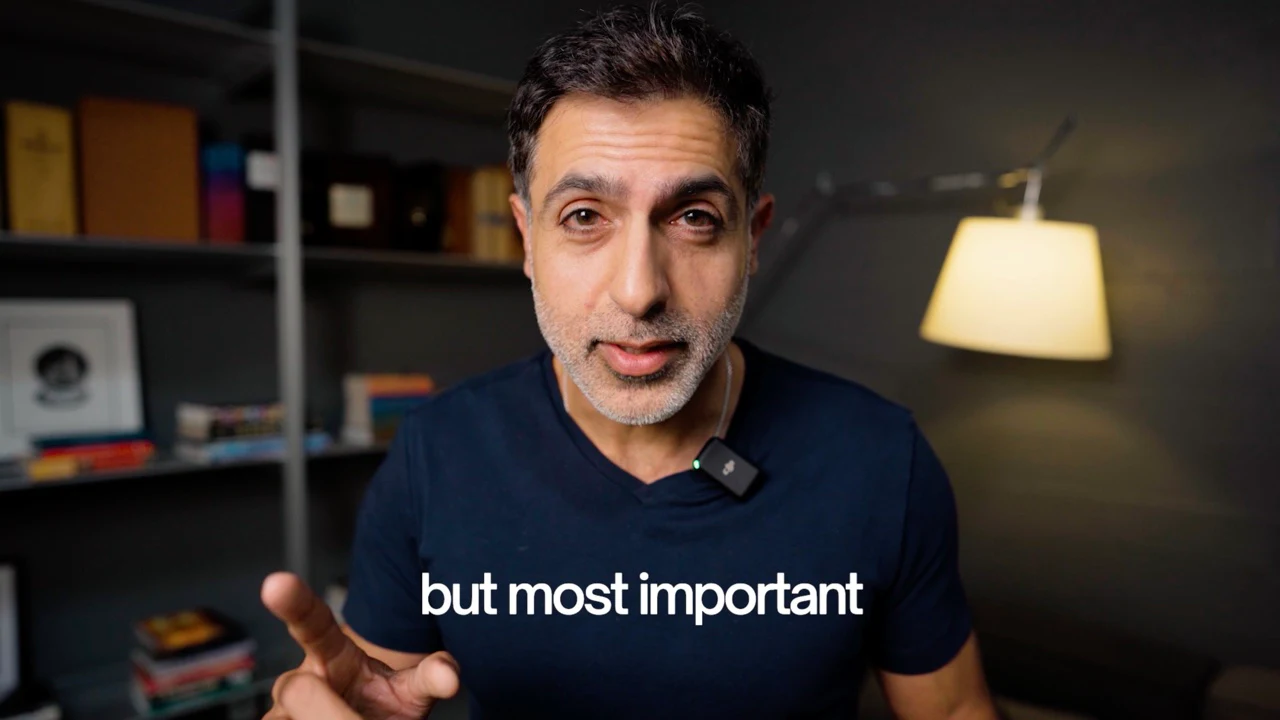
Don't take it from us. Jordan Orme sat some of the world's best editors down with an Eddie v4 rough cut and filmed the room.
Use Eddie where you already work
You no longer have to open a separate app to get an AI edit.
- Edit from ChatGPT and Claude. Cut your footage by talking to the assistant you already have open. In ChatGPT, the finished edit plays right there in the conversation, with real frames from your footage.
- iPhone app. Prompt an edit from your phone and watch the finished cut with b-roll, music, titles and captions. Import from your camera roll, get a notification when it's ready, and save the MP4 to Photos.
- Web and desktop. The full editor runs in the browser or as a desktop app on Mac and Windows. Your projects are the same everywhere, so you can start on the train and finish at your workstation.
Pay only for what you use
No subscription required. Buy a credit pack and use it — there's no monthly fee just to open the product.
Goes straight into your edit suite
This is the part we're proudest of. Eddie doesn't hand you its own editor and hope you stay. It hands you a real project, in the tool you already use:
- Real Premiere projects. Eddie writes a native
.prprojfile in seconds, with your multicam intact. Open it and everything is where it should be. - Real Resolve projects. Same for DaVinci Resolve: a native
.drpwith your bins, timeline, angles and source timecode. - Avid Media Composer. An Eddie extension for Avid, so an Avid room gets the same handoff as everyone else.
- Premiere Pro Productions. Eddie delivers an assembly straight into your Production, with the media placed for you.
- Blackmagic Cloud. Eddie builds bins, selects reels, markers and organized b-roll inside your own Resolve project in the cloud.
- Final Cut Pro. FCPXML in and out, keeping your original multicam and compound clips intact on the round trip.
- Your media reconnects. Exports point at your original camera files, not our proxies, so nothing comes in offline.
- Or just take the video. MP4 up to an hour, audio stems, alpha graphics tracks, and footage logs as CSV, Word or PDF.
Work with your team
- Projects live in the cloud. Everybody sees the same project, updating live, on whatever device they're using.
- Workspaces. Shared projects, shared credits, and one place to manage who's in.
- Comments on the frame. Reviewers comment on the exact frame. The editor gets it instantly and the player opens right there.
- Share links that behave. Give someone view or edit access, and decide per link whether they need to sign in. Revoke it and the media goes too.
- Slack and Microsoft Teams. Connect a channel and your team sees imports, renders and review activity where they already talk.
- Enterprise SSO. Sign in with your company account and land in your company's workspace.
Multicam and podcasts
It syncs itself. Drop in your cameras and Eddie groups and syncs them automatically, by audio or by timecode, cutting to your sound recorder's audio rather than the scratch mic on the camera.
It also knows who's on which camera — Eddie labels your angles by face and by name, so you can say "cut to Sarah" instead of "cut to A002." Switch the camera on any segment, and the change survives into your NLE export.
Make what you didn't shoot
- Original music, written for your cut.
- Voiceover and dubbing. Generate narration in a voice you choose, or dub an existing edit into another language.
- The mix handles itself. Music ducks under dialogue and speech levels are evened out automatically.
- Stock b-roll, searched properly. Describe the shot you need, watch the actual candidates, and drop one on the timeline.
- Generated b-roll. If the shot doesn't exist anywhere, Eddie can make it.
- B-roll sequences. Eddie builds b-roll montages as a finished piece, not just cutaways over an interview.
Titles, captions and graphics
Curated motion-graphics templates and style packs bake correctly into your export. Set your fonts and colours once and Eddie uses them on every title and graphic from then on. Captions are word-level with karaoke highlighting, identical in the preview, the MP4 and the NLE. And reframing for vertical or social follows faces instead of squashing the picture.
Bring in any footage
Eddie ingests the formats you actually shoot — BRAW, R3D (including spanned clips), MXF, Nikon N-RAW, stills and audio-only files — from wherever it lives: Google Drive, Dropbox, Frame.io, iconik, LucidLink and YouTube, by picker or pasted link. Bring in a Premiere project, pick from the Resolve media pool, or drag in an FCPXML.
And if a file can't be imported, Eddie tells you which one and why. You can carry on without it or retry just that file — an import never quietly hands you back fewer files than you gave it.
Teach Eddie how you work
- Backgrounders. Attach your script, paper edit, brand guidelines, reference faces or a reference video, and Eddie edits with that in hand.
- Editor agents. Build an editor with its own style and skills, run it, and publish it — or install someone else's from the marketplace, including five director agents we've published ourselves.
- Recipes. Save a workflow you repeat and run it again in one click.
- Version history and length control. Tell Eddie how long the cut should be and it respects it. Every version is saved, and you can go back to any of them.
Enterprise, compliance and on-prem — let's talk
SOC 2, GDPR, HIPAA, on-prem in your own cloud — tell us what your organization needs and we'll walk you through it.
- SOC 2 Type I and Type II. Audited. Reports are available under NDA through our Trust Center.
- GDPR, certified, with a Data Processing Addendum ready to sign.
- HIPAA, certified for enterprise customers. Talk to us before you upload anything with protected health information, so the right agreement is in place first.
- C2PA conformant. Eddie AI is on the official C2PA Conforming Products List as a generator product, conformant as of September 14, 2026. C2PA content credentials are available through enterprise agreements. Contact sales to get them.
- On-prem, in your own cloud. For footage that can't leave your environment, Eddie runs on-prem inside your own AWS, Google Cloud or Azure account, scoped with your IT and security team.
- A model built for this — in development. We're training our own editing model, EddieEditor1-9B, small enough to run fully on-prem. It isn't powering your edits yet — in blind tests so far, editors preferred its cuts to a model 300 times its size 47% of the time.
Enterprise deployment is scoped with your team, not self-serve. Contact sales →
Come see it running on real footage
Everything above is easier to show than to describe, which is exactly what Booth 7.A38 is for. Bring your own footage on a drive, or bring questions — we'll have Eddie v4 running live, all four days of the show.
👉 Schedule a 15-minute demo with the team →
Can't make it to Amsterdam? Get the full IBC 2026 details, and leave your email there — we'll send you the recap and the recording either way.
— Shamir