On this page
In Summary Claude is unusually good at reading a long interview and finding the story in it. It still cannot open your rushes or produce a sequence. Connect it to an editor over MCP and a plain-language prompt becomes a real timeline. This walkthrough uses a genuine 1 hour 4 minute shoot.
The short answer
Claude cannot edit video by itself. It has no access to your media, no timecode, and no way to write a sequence your NLE can open.
What it is very good at is the part editors actually spend their time on: reading an hour of talking, working out what the story is, and deciding which twelve of four hundred sentences belong in the cut. Give it a tool that holds the footage — Claude supports MCP connectors natively — and that judgement turns into an actual edit. Eddie is an AI video editor built for pros; the connector gives Claude hands inside it.
Where Claude stops, precisely
| Task | Claude alone | Claude + an editor tool |
|---|---|---|
| Read a 14,000-word transcript and find the arc | Yes — it is strong at this | Yes |
| Choose the better of two similar takes | Only from wording | Yes, with frames |
| Know when a line was said | No | Yes — to the frame |
| Assemble a sequence | No | Yes |
| Hand off to Premiere / Resolve / FCP | No | Yes |
The failure people hit is subtle: paste a transcript into a chat and Claude will give you an excellent paper edit. Then you discover a paper edit is a document, and turning it into a timeline means finding every one of those lines by hand. The connector removes that step, because the timing never gets detached in the first place.
The footage in this walkthrough
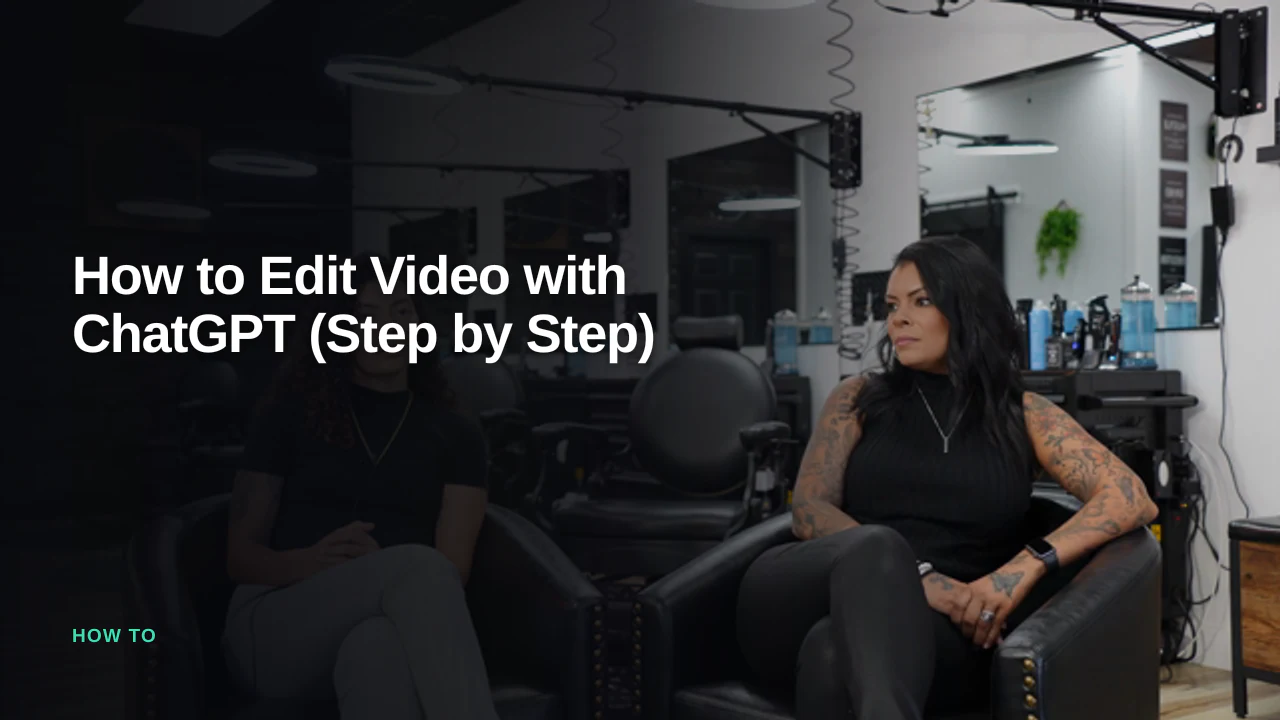
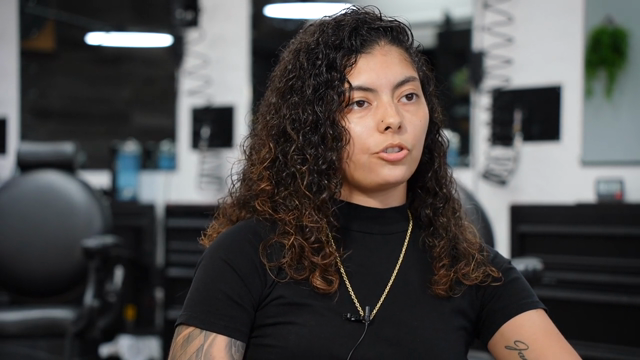
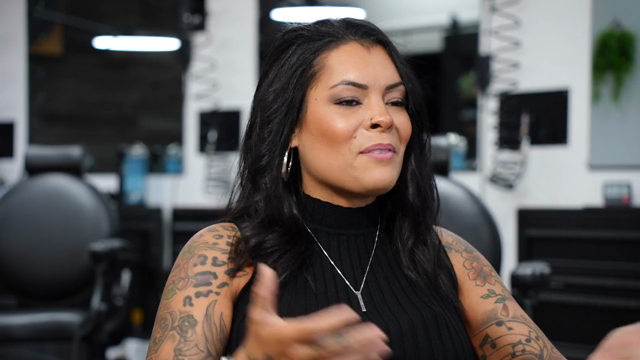
Three interviews with Jessica Hernandez and her daughter Alizé, who run Simply Men's Barbershop in West Chester, PA — a mother-and-daughter business that came together during covid.
As it arrived:
- 3 interviews — 8:20, 24:59, 30:38 — 1 hour 4 minutes total
- 13,675 words of transcript
- 3 speakers, plus interviewers, separated automatically
This is the demo project that ships inside Eddie, so you can run every step below on the identical footage instead of trusting a screenshot.
Step 1 — Add the connector to Claude
Claude reaches external tools through MCP. Eddie's connector:
- Name: Eddie AI
- URL:
https://mcp.heyeddie.ai/api/mcp - Auth: OAuth — you sign in with your Eddie account the first time you connect, no token to paste
Custom connectors work on every Claude plan, including Free (capped at one custom connector), so there's no upgrade to make first.
Claude's exact settings path moves around as the product changes, so the current version lives on our install page rather than in this article. Easiest path — paste this into Claude:
Read https://www.heyeddie.ai/mcp to install the Eddie AI MCP connector in Claude and set up a new task for me.
Step 2 — Import once
Claude can read and cut a project through the connector; it does not carry your rushes. Import happens once in Eddie — local drag-and-drop, or from Google Drive, Dropbox, Frame.io or iconik.
Import transcribes and diarises every file. On this shoot that is where the 13,675 words and the speaker split came from. Nothing is cut yet — import makes the footage searchable, not edited.
Step 3 — Describe the video you want
With the transcript and its timing in reach, the prompt does real work. On this footage:
Create a story about Alizé's journey as a female barber in a mostly male field.
No timecodes, no clip names, no shot list. Claude reads all three interviews, finds the moments that carry that specific story, and lays them out in an order that builds.
Where Claude is particularly strong on interview material:
- Thematic pulls. "Find everything about opening during covid" works across all three files at once, not one at a time.
- Ordering for meaning. Ask it to open on the strongest line and it will usually pick a genuinely good one, because that is a reading-comprehension problem.
- Ruthlessness on request. "Cut this to 90 seconds and lose anything that repeats" is the kind of instruction it follows well.
Step 4 — Treat the first cut as a first cut
You get a timeline you can play. Then you give notes, exactly as you would to an assistant:
- "Too slow out of the gate — start on her first day at the shop."
- "You used the same anecdote twice. Keep the better read."
- "Take 30 seconds out of the middle."
Every note is another prompt. Nothing is destructive; you are not re-rendering to change your mind.
Step 5 — Get it into your NLE properly
The step that decides whether any of this was worth it. Export a timeline — FCPXML for Final Cut or Resolve, XML for Premiere, or OTIO — and your original camera files relink. You open a sequence of real clips, not a flattened MP4 you cannot revise.
An MP4 render is there too when the deliverable really is just a video.
What it will not do
- It does not watch every frame. It reads the transcript and samples frames when asked. Soft focus, a boom in shot, someone crossing behind — you catch those, not the model.
- Dialogue-led footage plays to its strengths. Interviews, podcasts, testimonials: excellent. A wordless b-roll montage: possible, but you are doing much more of the steering.
- The last 10% is still yours. Colour, mix, titles, the taste calls. Which is exactly why the export path matters more than the render.
FAQ
Can Claude edit video on its own? No. It cannot access media or output a timeline. Connected to an editing tool over MCP, it can direct an edit that you finish.
Should I just paste my transcript into Claude? It gives a good paper edit — but the timecode is gone, so nothing it decides can be cut without you hunting for every line by hand.
Claude or ChatGPT for this? Both work with the same connector. Claude tends to be stronger at holding a long transcript together and reasoning about structure. See how to edit video with ChatGPT.
Does it change my original files? No. The edit references them and the export relinks to them.
How long does it take? The slow part is import, and it scales with footage length, not with how complicated your prompt is. The prompting itself is conversational.
Rather try it on the same barbershop interviews than your own footage? It is the demo project inside Eddie — open it and prompt it.


Edit video inside Claude & ChatGPT.
Add Eddie as a connector, sign in once, then ask for the cut.
Set up