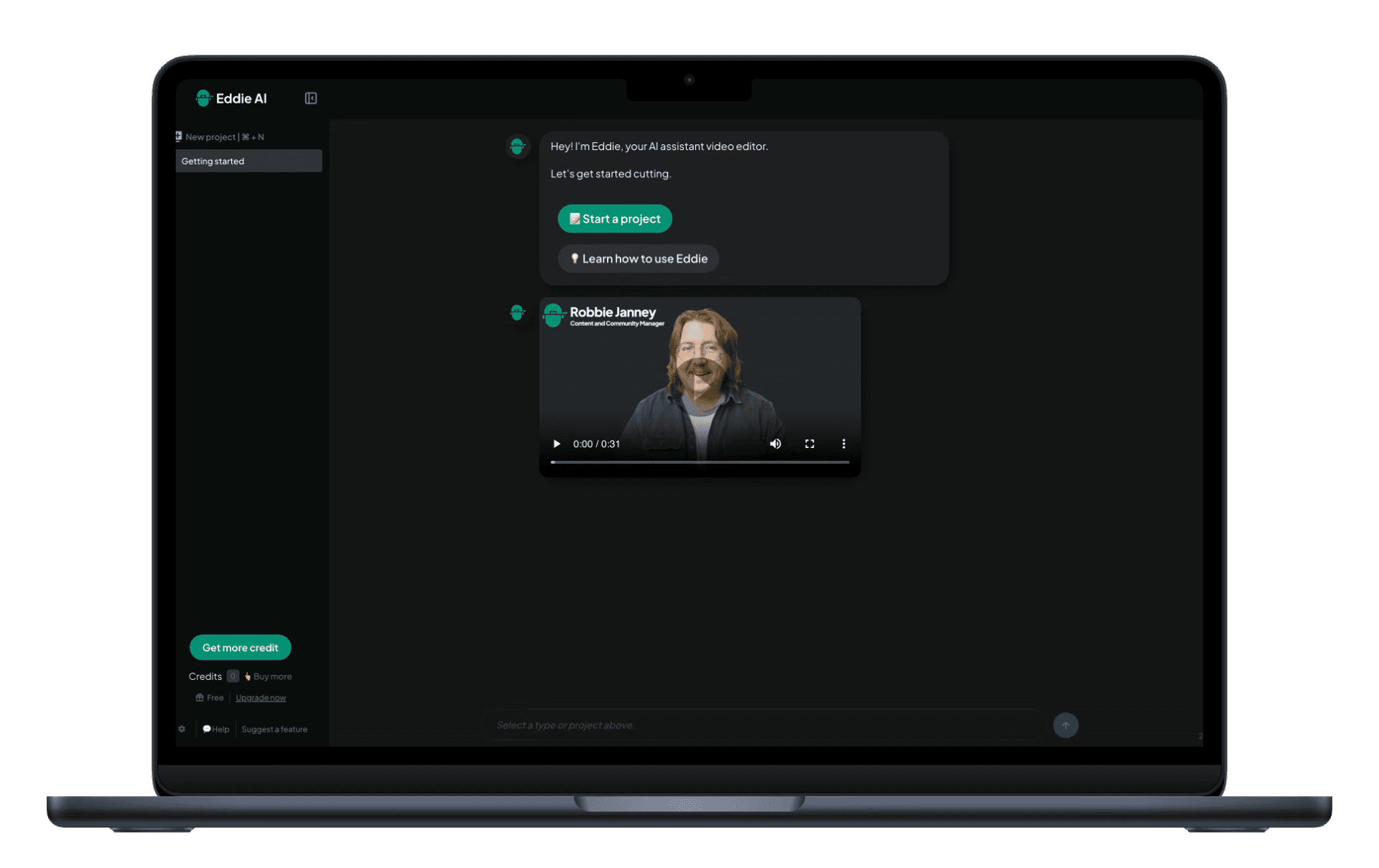
Editing Luxembourgish interviews can take hours—or even days—of post-production. Eddie AI is an AI assistant editor: it builds edits from your interviews so you can focus on the story.
Save hours (or days) editing Luxembourgish interviews in Adobe Premiere Pro by using Eddie AI. Import interviews and B-roll, prompt Eddie to craft a docu-style story, optionally place B-roll, then export the rough cut back to Premiere.
Why Editing Luxembourgish Interviews Takes So Long
Importing and organizing media|Finding the best soundbites|Cutting a docu-style narrative|Logging and placing B-roll|Exporting and relinking
1.
Import
Add your Luxembourgish interviews into Eddie by dropping in your files from your local or network drives. Add clips, multicams, and timelines (such as if you cull interviews on a sequence first) from your bin in Premiere (or Resolve and FCP too)—or add media from cloud drives like frame.io, Dropbox, and Google Drive. You can also import B-roll too. Make sure to set the correct transcription language (or choose 'Auto-Dectect') from the Settings menu. Eddie will swiftly analyze many hours of interview footage and thousands of B-roll clips.
2.
Prompt to Edit
Once Eddie AI analyzes the Luxembourgish interviews, prompt Eddie and Eddie will edit the interviews at your direction like an assistant editor. You can use Eddie to find key moments and help you craft a docu-style story. Prompt Eddie (like ChatGPT or Claude) to find particular soundbites or a stringout of soundbites on a particular topic (eg ‘create a stringout from the interviewees’ answers to the question where were they born’) or discuss ways to tell a narrative with this footage. And when you want a docu-style story: Eddie will suggest a story framework. You can iterate on this or suggest your own story framework. Eddie will then cut the story with you, beat by beat.
3.
Place B-roll (optional)
When you’re happy with the Luxembourgish interview-based story, Eddie will place B-roll on top of that story spine (if you imported B-roll). Eddie logs the B-roll and creates apt sequences that it places over the A-roll story.
4.
Export
Once you’re happy with the rough cut, export it to Adobe Premiere Pro (or non-linear editors, such as DaVinci Resolve, and Final Cut Pro). Eddie creates a sequence where clips relink to the source media so you can adjust, polish, add music, color, and title. You can also receive the metadata of the logged footage that makes it easy to search for additional soundbites and B-roll.
Built for pro workflows
Edit Luxembourgish Interviews (and mix languages)
Eddie supports a wide range of languages, so you can edit Luxembourgish interviews—or projects where Luxembourgish is mixed with other languages.
Learn More
Try It
Let Eddie build edits from Luxembourgish interviews—save hours so you can focus on story and publish more.
Try Eddie AI