
Features
- Rough cuts
- Multicam
- A-roll logging
- B-roll logging
- Speaker identification
- Scripted edits
- Social clips
- Exports to your editor
- Styles and color
- Motion graphics
- Captions & titles
- Stock B-roll
- Generate video
- Generated music
- Voiceover
- Dubbing
- Transcription in 97 languages
- Web app
- Mac and Windows
- Claude & ChatGPT
- Codex, Cursor, Devin and more
- Recipes
- Agents
- API + MCP
Solutions
Resources
Swedish · Final Cut Pro
Edit Swedish interviews in Final Cut Pro with AI
You cut in Final Cut Pro and your interviews are in Swedish. Download Swedish captions as a free SRT or VTT file. Open Export and choose Transcript. Eddie writes the spoken words, timed to your cut or to the whole source. Let Eddie log them, find the story and build the rough cut, then finish it in Final Cut with every clip relinked to your media.
5 steps
Step by step
- 01Bring your Swedish interviews in from Final Cut
- 02Transcribe the Swedish interview
- 03Ask Eddie for the cut
- 04Add Swedish captions
- 05Send the cut to Final Cut
Step 01
Bring your Swedish interviews in from Final Cut
- You ask
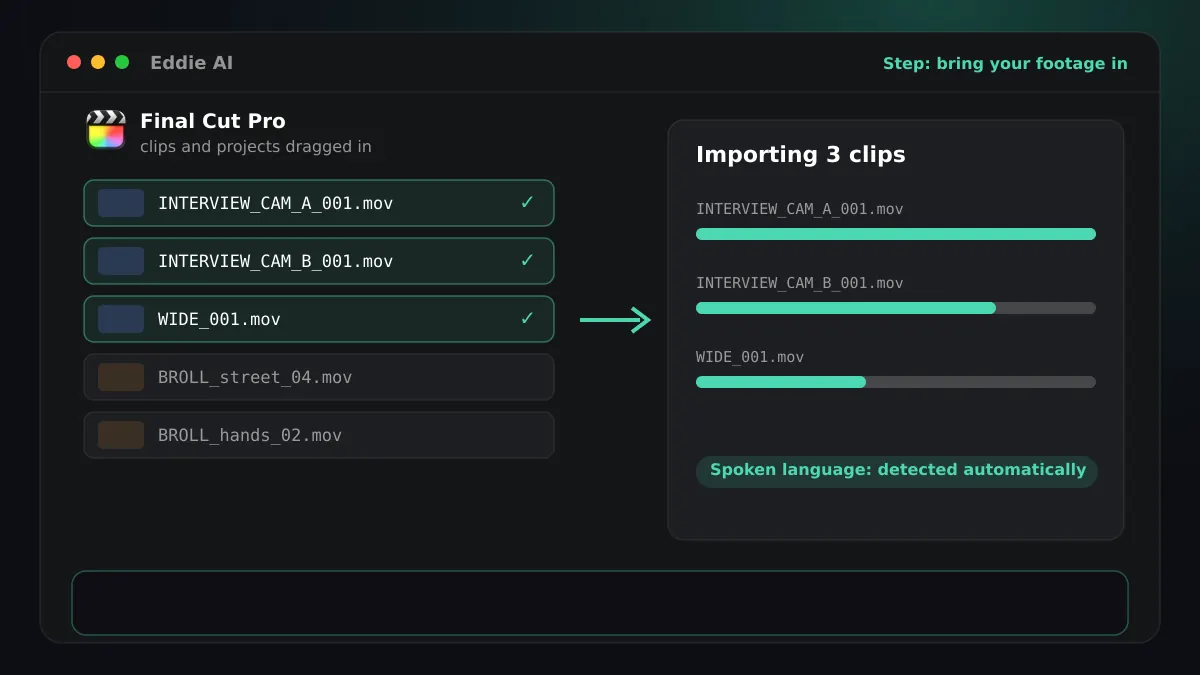
- Drag the interview clips from your Final Cut event into Eddie.
- Eddie does
- The Eddie desktop app (Download) runs on Mac and Windows. It integrates with Premiere Pro, DaVinci Resolve, Final Cut Pro and Avid Media Composer. From Premiere and Resolve it pulls clips, multicam clips and timelines from your bin into Eddie. From Final Cut it takes the clips and projects you drag in. Avid is in beta and pulls clips from the bins you have open. In the Eddie desktop app (Download), choose Add from Final Cut Pro and drag clips and projects from Final Cut straight into Eddie. Eddie also takes uploads from your computer and media from Frame.io, Dropbox and Google Drive, and logs b-roll alongside the interviews.
- You get
- A project with your interviews and b-roll, analysed and ready to search.
Step 02
Transcribe the Swedish interview
- Eddie does
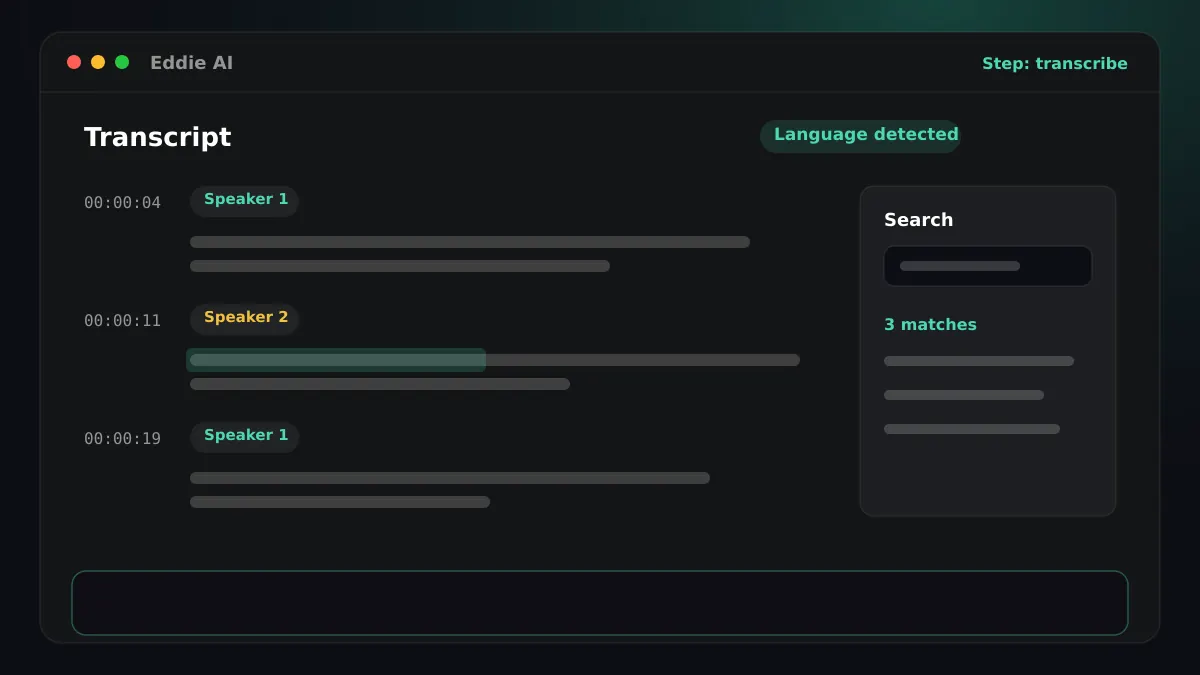
- Eddie detects Swedish on its own, so you do not have to choose it. If an interview switches between languages, Eddie detects that too. Swedish from Sweden and from Finland is transcribed as Swedish. It labels the speakers and keeps a timing for every word.
- You get
- A Swedish transcript in Latin script that you can search and cut from. Ask Eddie to fix a misheard name everywhere it appears, or to rename “Speaker 1”, and every word keeps its timing.
Step 03
Ask Eddie for the cut
- You ask
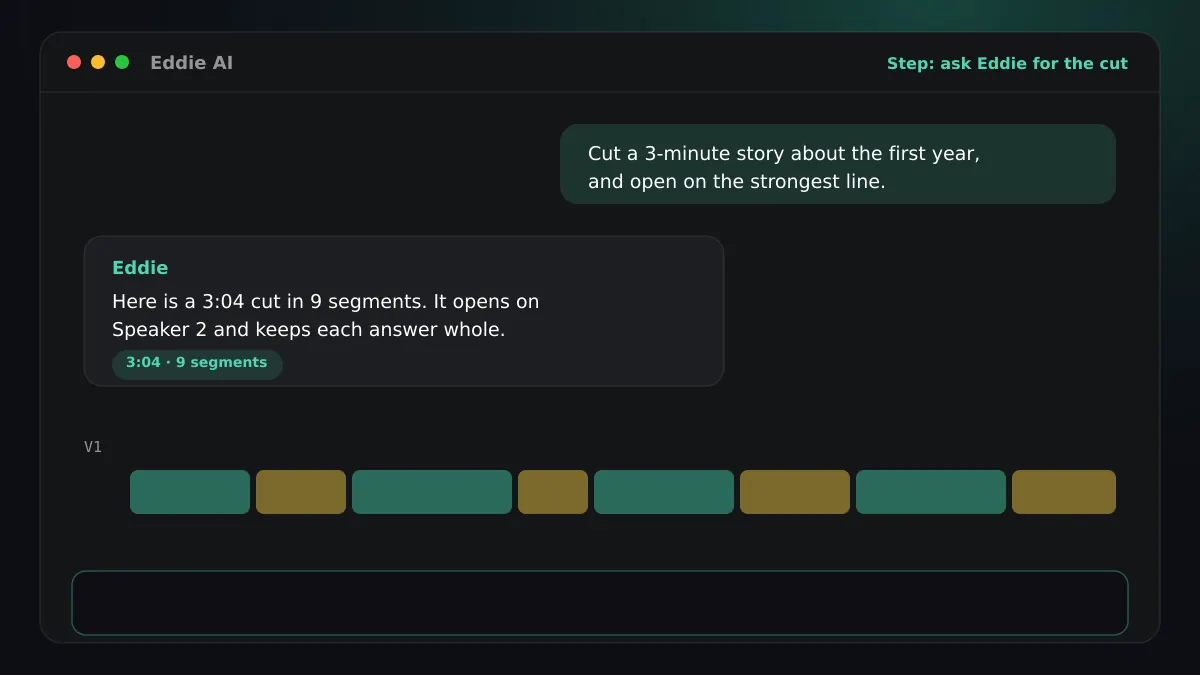
- “Cut a three-minute story about how the company started, and open on the strongest line. Stay on whoever is talking, and use the wide for quick back-and-forth.”
- Eddie does
- Eddie reads the Swedish transcript, picks the soundbites that answer your brief, proposes a story structure and builds the edit beat by beat. It tells you the finished length against your target. You can prompt in English about footage in any language. Eddie groups the cameras of one take, syncs them, and cuts each line to the speaker's own camera. When the angles are not labelled, it works out which camera shows which speaker and asks you to confirm. Short interjections stay on the current camera, and switching angle can hide a jump cut where a line was trimmed.
- You get
- A rough cut you can watch, trim, reorder and refine in plain words. Angle choices travel with the cut, so each segment opens on the camera Eddie chose for that speaker.
Step 04
Add Swedish captions
- You ask
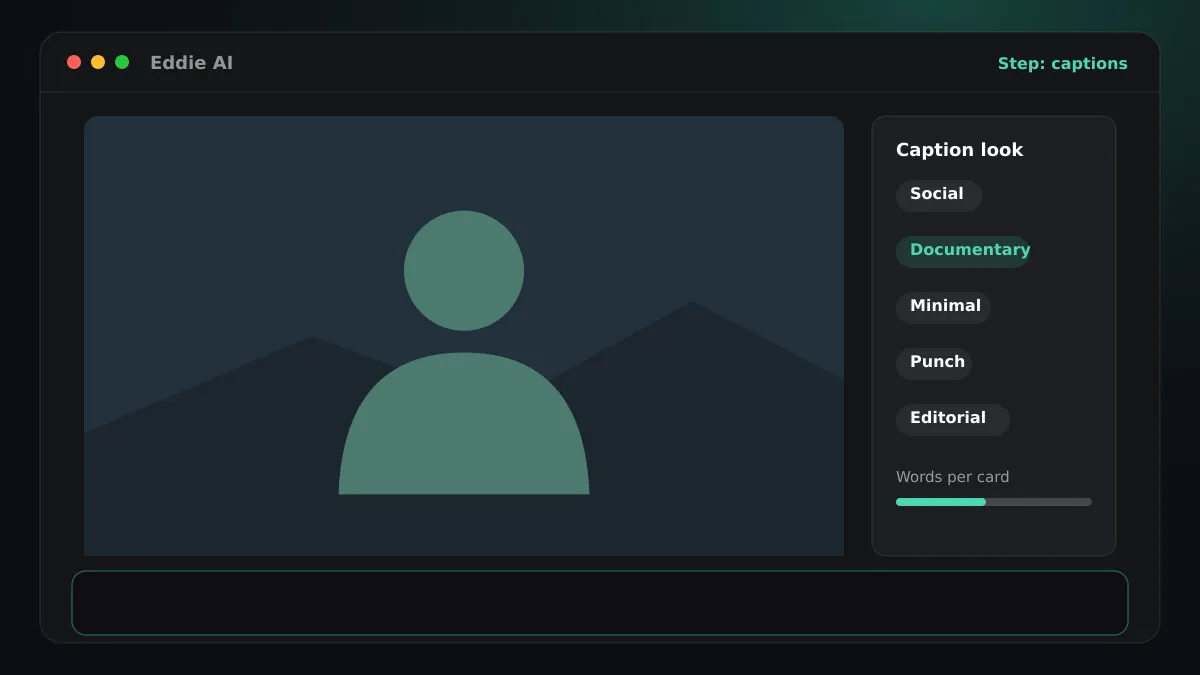
- “Add documentary captions, two lines at the bottom.”
- Eddie does
- Eddie builds the captions from the Swedish word timings, in one of five looks: social, documentary, minimal, punch or editorial. Filler words are left out of the caption text by default. Captions are the spoken words, never a translation.
- You get
- The FCPXML carries each caption card as its own connected Basic Title, with the caption font, size, colour and position, so you can restyle any card. The editing Mac needs the caption font installed. You can also download Swedish captions as a free SRT or VTT file.
Step 05
Send the cut to Final Cut
- You ask
- “Export this edit for Final Cut Pro.”
- Eddie does
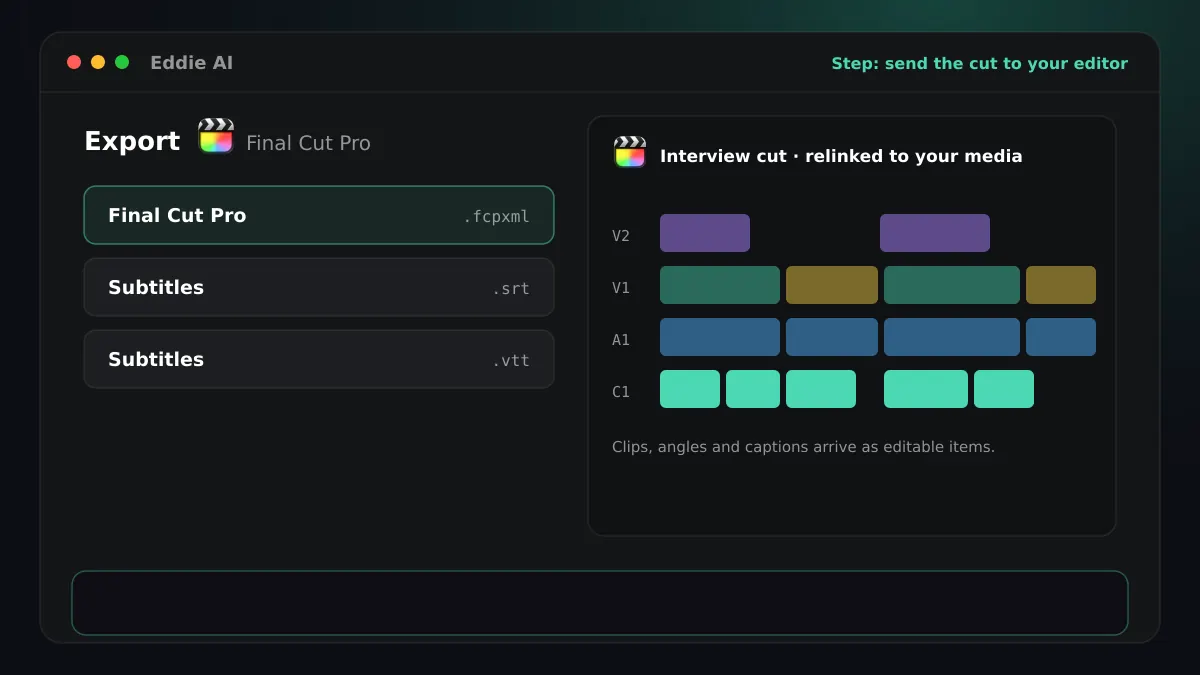
- Eddie writes a Final Cut Pro XML (.fcpxml) with the cut, crops, b-roll and a title for each caption card.
- You get
- In Final Cut, choose File > Import > XML and pick the file. Clips relink to your source media.
Good to know
Good to know for Swedish in Final Cut
Download Swedish captions
Download Swedish captions as a free SRT or VTT file. Open Export and choose Transcript. Eddie writes the spoken words, timed to your cut or to the whole source.
Captions in Final Cut
The FCPXML carries each caption card as its own connected Basic Title, with the caption font, size, colour and position, so you can restyle any card. The editing Mac needs the caption font installed.
Multicam
Angle choices travel with the cut, so each segment opens on the camera Eddie chose for that speaker.
The script
Swedish is written in Latin script.
Round trip with Final Cut
In the Eddie desktop app (Download), drag clips and projects from Final Cut into Eddie. The cut comes back as a Final Cut Pro XML (.fcpxml) that you import with File > Import > XML.
Burned-in captions
Swedish captions burn into the MP4 on the cloud export and on the desktop app's local export.



FAQ
Questions
- How do I download Swedish captions?
- Download Swedish captions as a free SRT or VTT file. Open Export and choose Transcript. Eddie writes the spoken words, timed to your cut or to the whole source.
- Final Cut says “Invalid edit with no respective media”. What now?
- Some cameras store a timecode Final Cut reads differently. Ask Eddie to export the FCPXML again with zero timecode, and every source starts at 00:00:00:00.
- Do captions arrive as titles or on the caption lane?
- Usually as titles, one per caption card, so you can restyle each one. Some edits, such as ones with crops or speed changes, come out on Final Cut's native caption lane instead, and the export notes say which you got.
- Do I have to tell Eddie the interview is in Swedish?
- Eddie detects Swedish on its own, so you do not have to choose it. If an interview switches between languages, Eddie detects that too. Swedish from Sweden and from Finland is transcribed as Swedish.
- Can Eddie translate Swedish captions into another language?
- No. Captions are always the spoken words, verbatim. Translating what the edit says is dubbing, which is a separate feature.
Try it on your own footage
Try it on one Swedish interview and open the cut in Final Cut.