


DaVinci Resolve · Projects and workflow
How to organize footage in DaVinci Resolve
The short answer
In the Media Pool, right-click and choose New Bin to make folders, add keywords and other metadata in the Metadata panel, then build Smart Bins that collect clips automatically by those fields. Clip colors and flags help you mark selects.
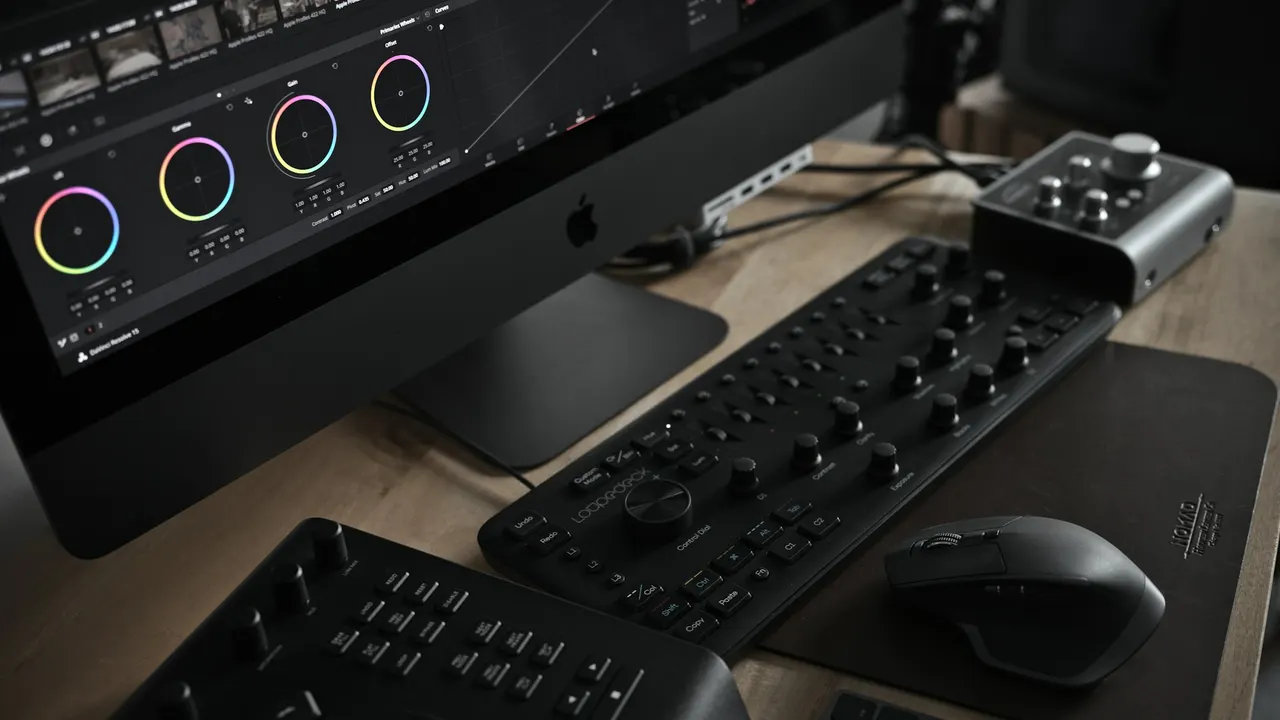
5 steps
In DaVinci Resolve
01
Make bins
In the Media Pool on the Media or Edit page, right-click an empty area and choose New Bin. Name bins by shoot day, camera or content.
02
Add metadata
Select clips and open the Metadata panel at the top right of the Media page. Fill in Keywords, Scene, Shot and Comments, or Description.
03
Make Smart Bins
Right-click in the Media Pool and choose Add Smart Bin. Set rules, such as Keywords contains "interview", and matching clips appear automatically.
04
Color and flag selects
Right-click a clip and choose Clip Color, or add a flag, to mark selects. Smart Bins can filter by these too.
05
Share across projects
Turn on Power Bins from the Media Pool's View menu (Show Power Bins). Clips in a Power Bin are available in every project in the library.
Good to know
Before you start
- Note 1
- In recent Studio versions, IntelliSearch can search analyzed media by what is seen or said. It needs an AI model installed from the Extras Download Manager first.
Eddie AI
Do it in Eddie
Eddie logs footage for you and hands Resolve organized bins.
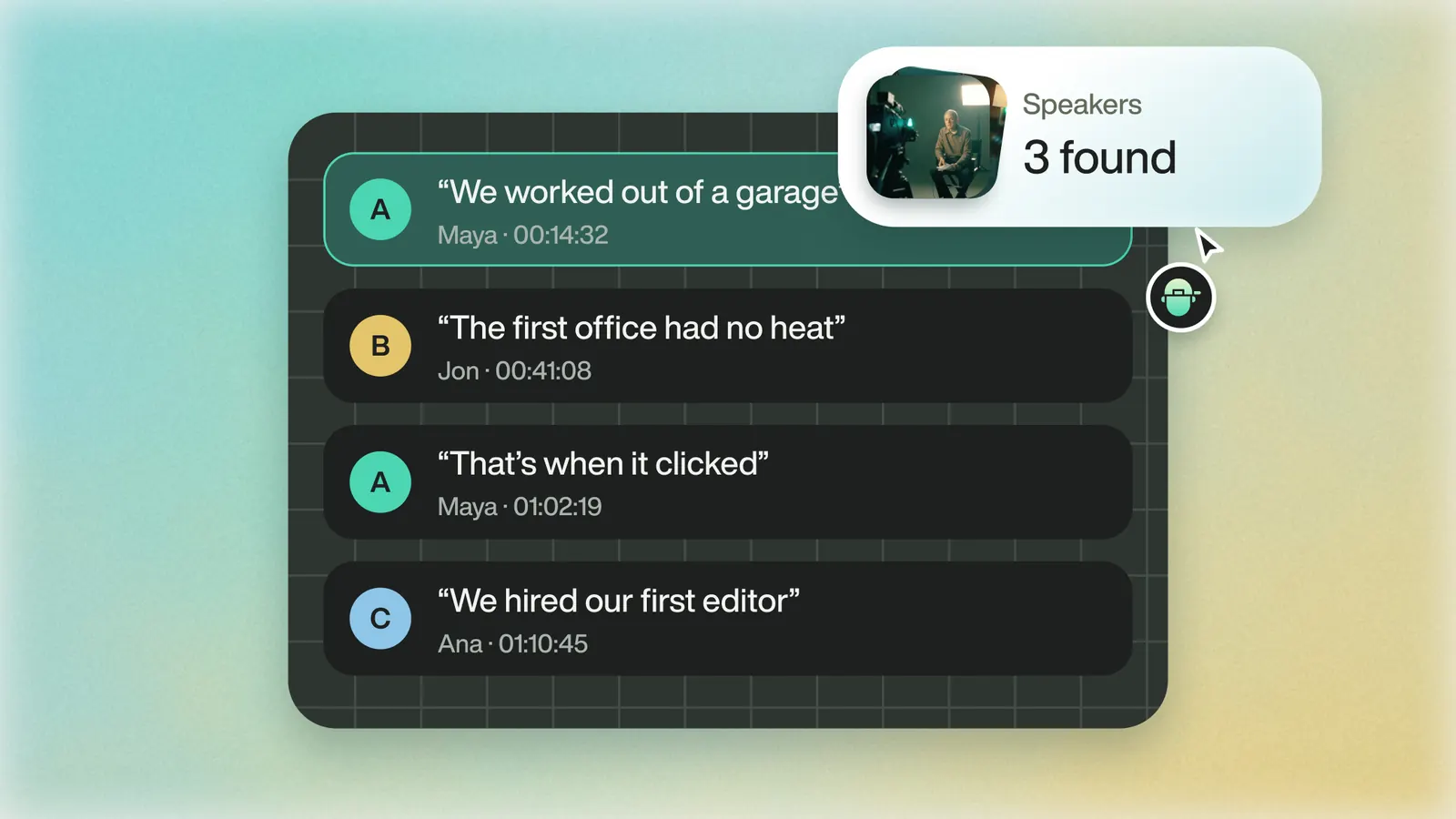
Eddie writes an outline of each interview and a shot log of the b-roll. Export the logs as Resolve XML, and they open in Resolve as bins of soundbites grouped by subject; they also export as CSV, Word, a Google Doc or Sheet. Generating logs is free on projects under 90 minutes of A-roll; a log export costs 100 credits.
If your project lives in Blackmagic Cloud, Eddie can join it as a collaborator and build bins, selects, markers and organized b-roll inside your own Resolve project. Turn media sync on before Eddie connects.
From the help center
FAQ
Questions
- What is the difference between a bin and a Smart Bin?
- You put clips in a bin by hand. A Smart Bin fills itself with every clip whose metadata matches its rules.
- How do I find a clip by what someone said?
- Transcribe the clips and search the transcript. Transcription and IntelliSearch are in DaVinci Resolve Studio.
