

DaVinci Resolve · Projects and workflow
How to do a paper edit for DaVinci Resolve
The short answer
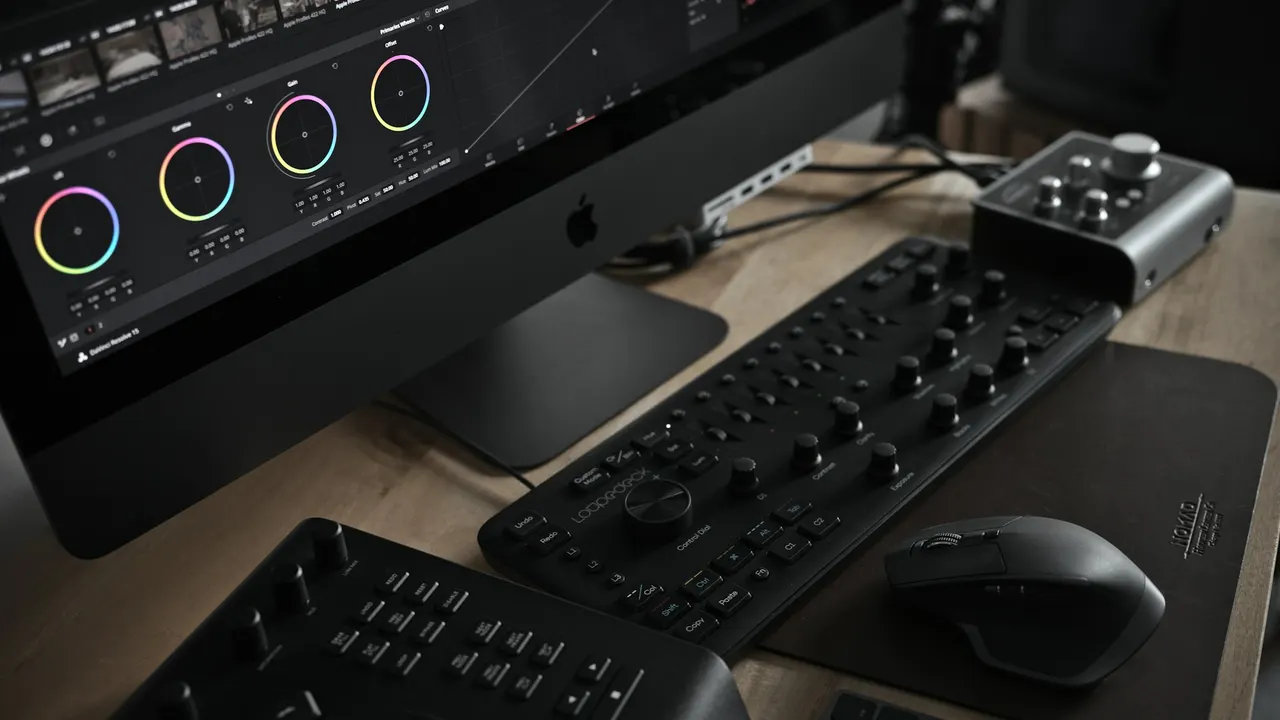
Write the edit as a list of soundbites with source timecodes, then in Resolve mark each one with In and Out points in the Source viewer and append it to the timeline in order. In Studio, you can transcribe clips and select text to mark the range.
5 steps
In DaVinci Resolve
- 01Get transcripts
- 02Write the paper edit
- 03Mark each soundbite
- 04Build the cut
- 05Keep the bites reusable
01
Get transcripts
Transcribe the interviews. In DaVinci Resolve Studio, right-click clips in the Media Pool and choose Audio Transcription > Transcribe. In the free version, use transcripts from another tool.
02
Write the paper edit
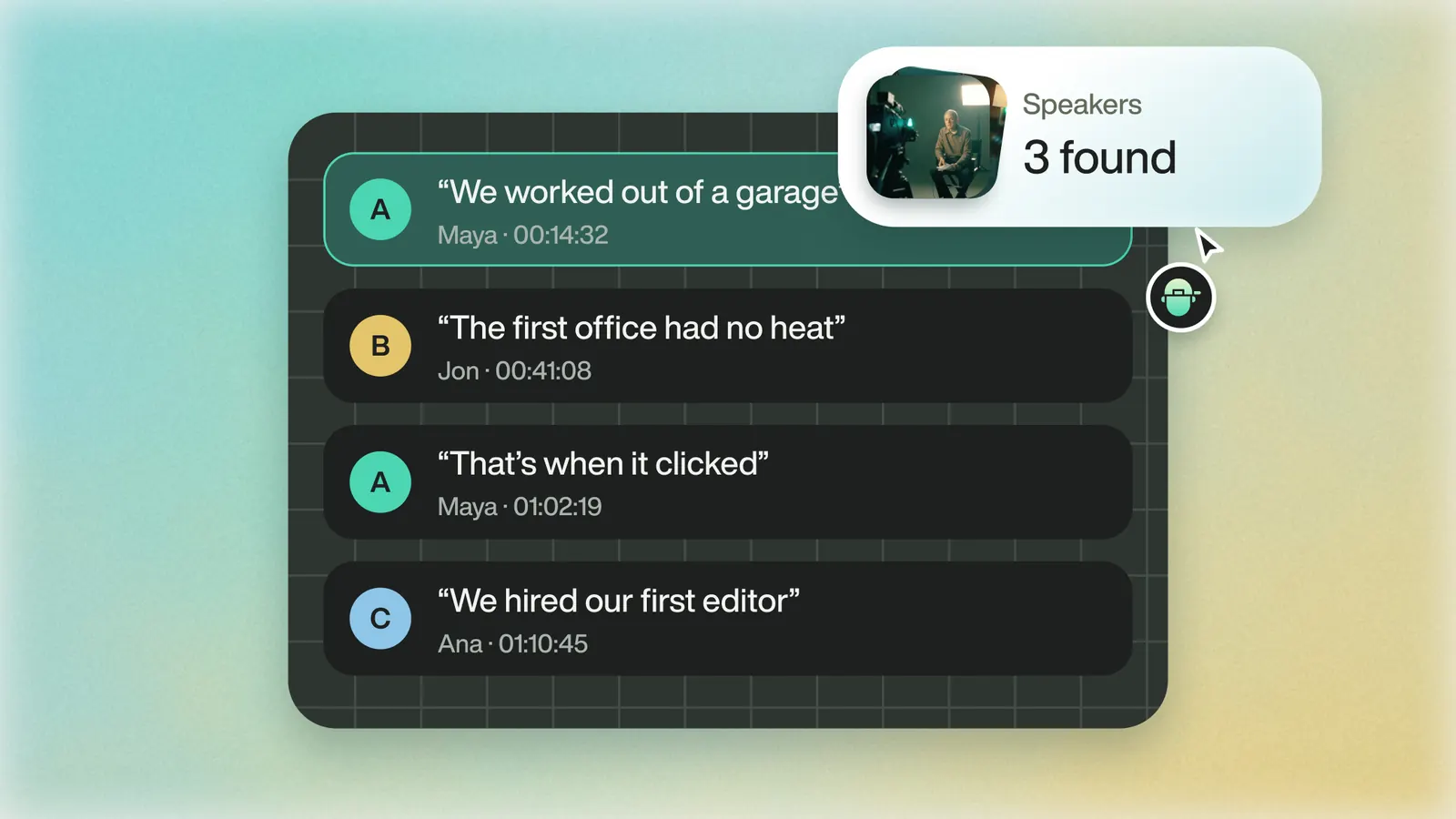
Pick the lines you want, in order, and note each one's clip name and timecode.
03
Mark each soundbite
Open the clip in the Source viewer, find the line, and press I and O to mark it. Or select the words in the transcript window in Studio.
04
Build the cut
Press Shift+F12 to append the marked range to the end of the timeline. Repeat for each soundbite in order.
05
Keep the bites reusable
To save a soundbite for later, mark it and choose Create Subclip from the Source viewer's right-click menu.
Eddie AI
Do it in Eddie
Eddie takes a written paper edit and builds it.
Hand Eddie your paper edit, and it builds one edit in your order and reports how many bites made it in, such as 67 of 69 bites complete. Or open the paper-edit view (Pro mode) and drag transcript lines into the edit. There's no undo in that view; version history is the way back. A paper edit exports to Resolve like any other edit.
Back to Resolve
Open the edit, click Export and choose Resolve. The default is a Resolve project (.drp) that opens with the timeline built; behind the arrow is a Resolve FCPXML you bring into the project you have open with File > Import > Timeline. In the desktop app, Send to DaVinci Resolve builds the timeline in the Resolve you have running, through Eddie's script (Workspace > Scripts > Eddie AI AE).
If you imported the footage through the desktop app, the timeline points at your original camera files. If you uploaded on the web or pulled from cloud storage, it points at Eddie's proxy media: relink to those in the Media Pool with Relink Selected Clips, not to the camera originals.
FAQ
Questions
- What is a paper edit?
- A written plan of an edit: the soundbites you'll use, in order, with timecodes.
- Can the free version of DaVinci Resolve transcribe?
- No. Audio transcription is a DaVinci Resolve Studio feature.