How to Swiftly Edit Interviews in DaVinci Resolve with AI
Editing interviews in DaVinci Resolve can be slow. Eddie AI helps you get from raw footage to a structured edit faster.
Learn how to edit interviews faster with AI in DaVinci Resolve using Eddie AI. Import footage, transcribe, generate shorts and copy, and export to DaVinci Resolve.
Why Interview Editing Takes So Long
Reviewing long interviews|Finding the best soundbites|Structuring a story|Pulling clips for social
How to Edit Interviews in DaVinci Resolve with Eddie AI
Import your footage/multicams/timelines into Eddie, let it build a rough edit from your interviews. Create shorts and copy, then export to DaVinci Resolve for polish. Eddie saves hours (or days) so you can focus on story and make more and better videos.
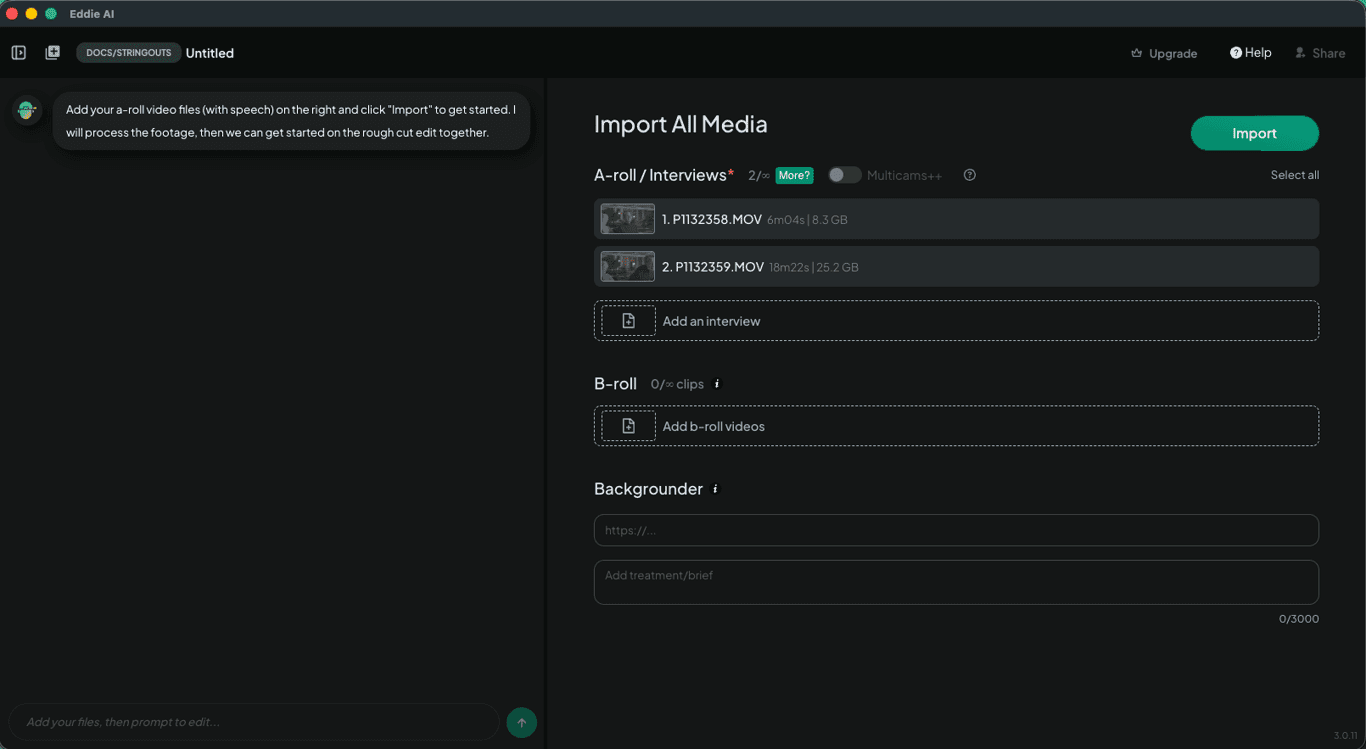
Download Eddie AI and import many hours of interviews and B-roll. Eddie supports videos on your local and network drive; clips, multicams, and timelines in your bin in Premiere, Resolve, and FCP; and files in your cloud drive like frame.io.
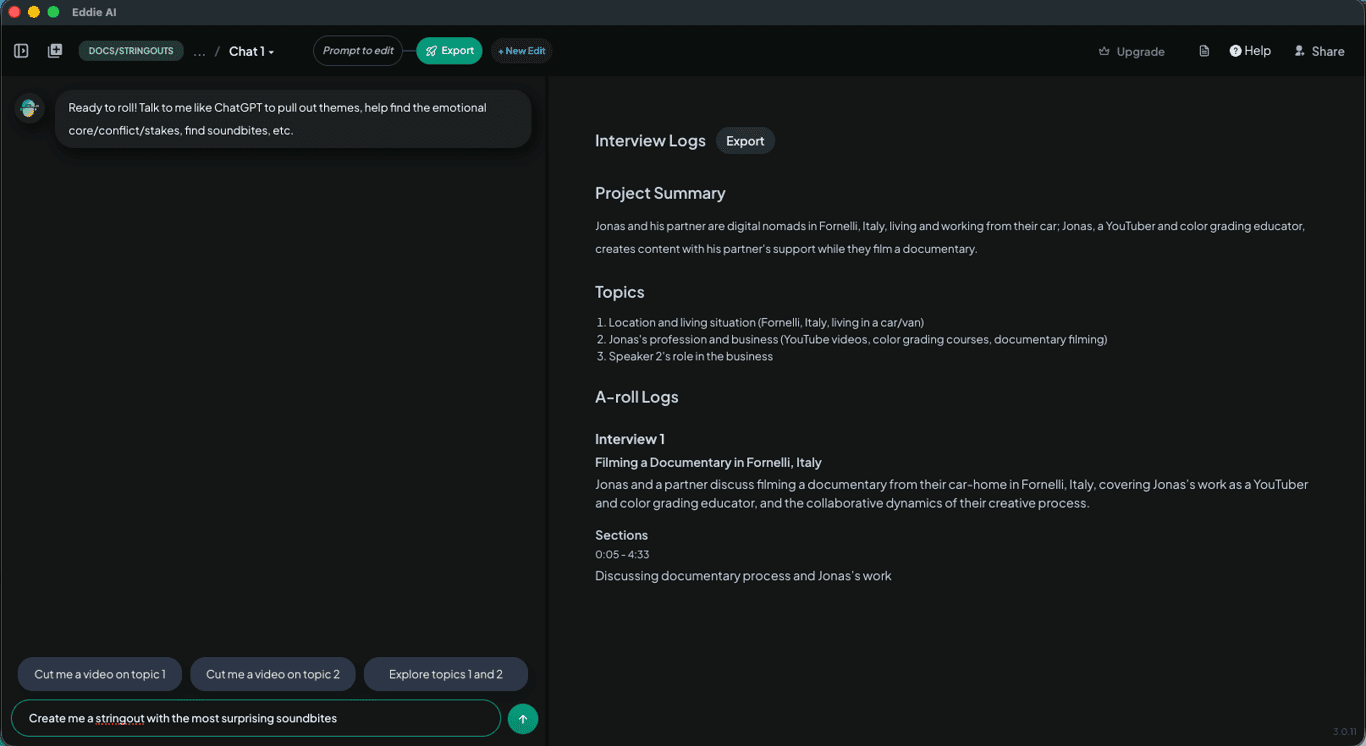
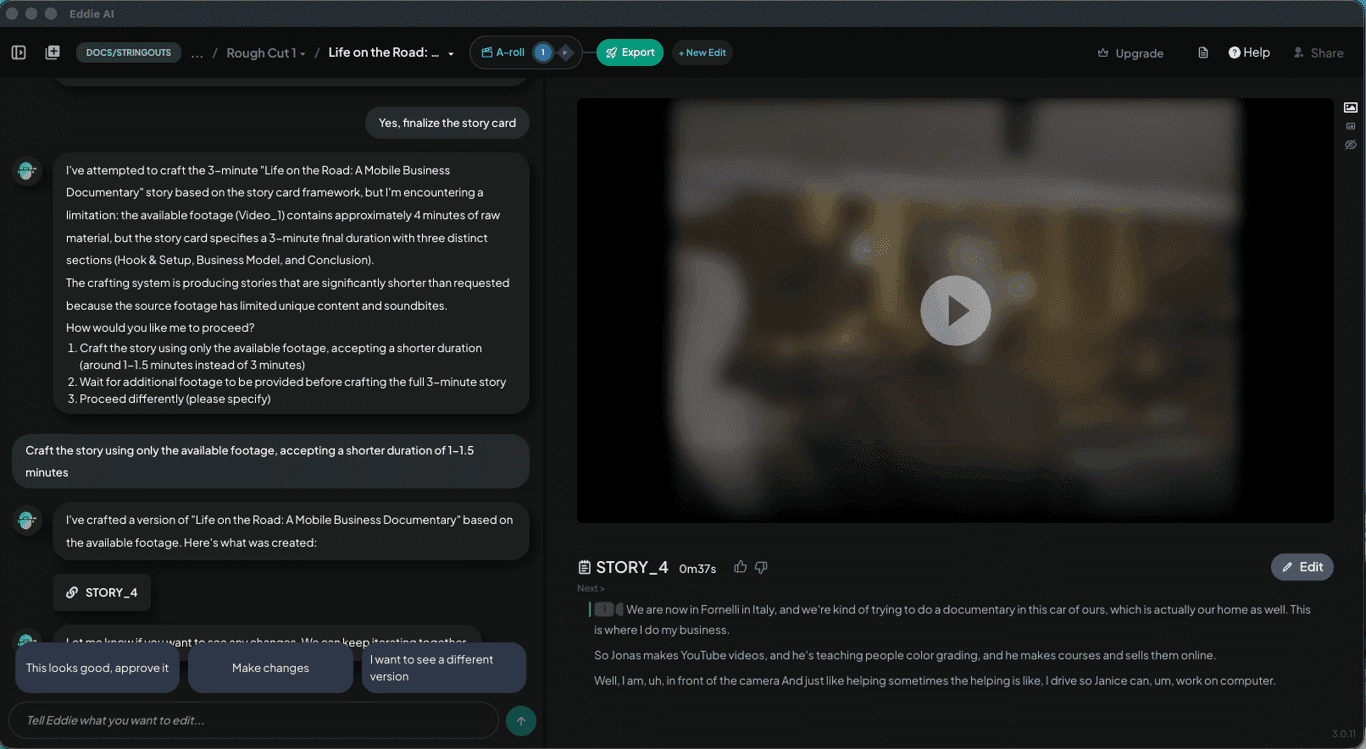
Eddie swiftly analyzes the interview, summarizes the conversation, and pulls out the key points. Then you and Eddie (your AI assistant editor) align on the story and once you do, Eddie edits the story in minutes. You can iterate on the story, try different angles: Eddie cuts at your direction. You can also ask for stringouts for hooks or takeaways and request social clips too.
When you’re happy with the interview-based story, Eddie then places B-roll if you imported it. Eddie logs and organizes the B-roll and creates sequences of B-roll, which it then places on the story. You can preview the assembly in Eddie AI.
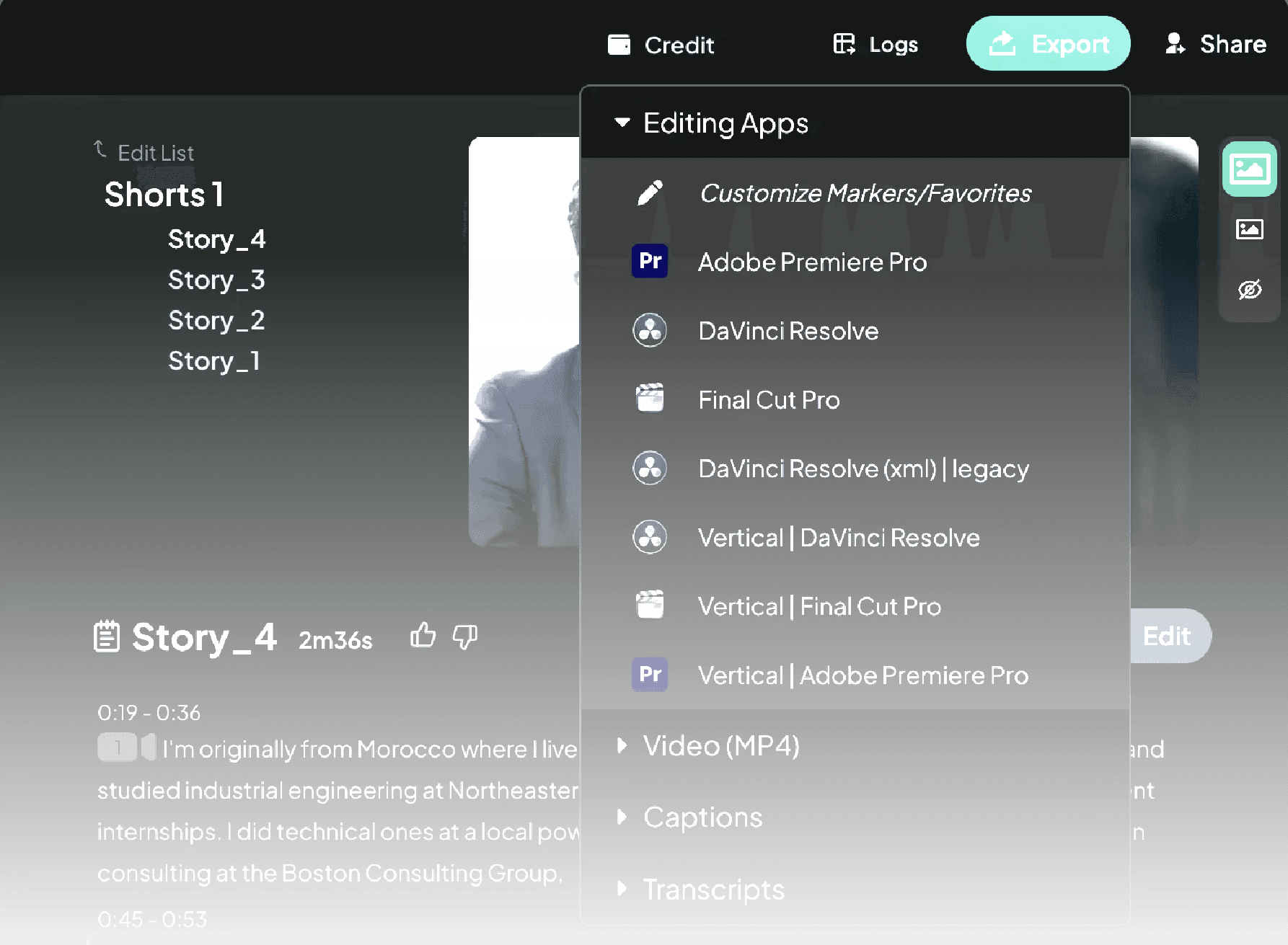
Finally, export the rough cut to DaVinci Resolve to refine the edit. You can also share the project with your editor or teammate by using the Share button on the header.
1.
Import your footage
2.
Edit automatically
3.
Create shorts and copy
4.
Export to DaVinci Resolve
Built for pro workflows
Edit Interviews in Any Language
Eddie supports a wide range of languages, so you can edit interviews even if they’re not in your native language—or if they mix multiple languages.
Learn More
Try It
If you’re editing interviews regularly, this workflow can save hours per session.
Try Eddie AI