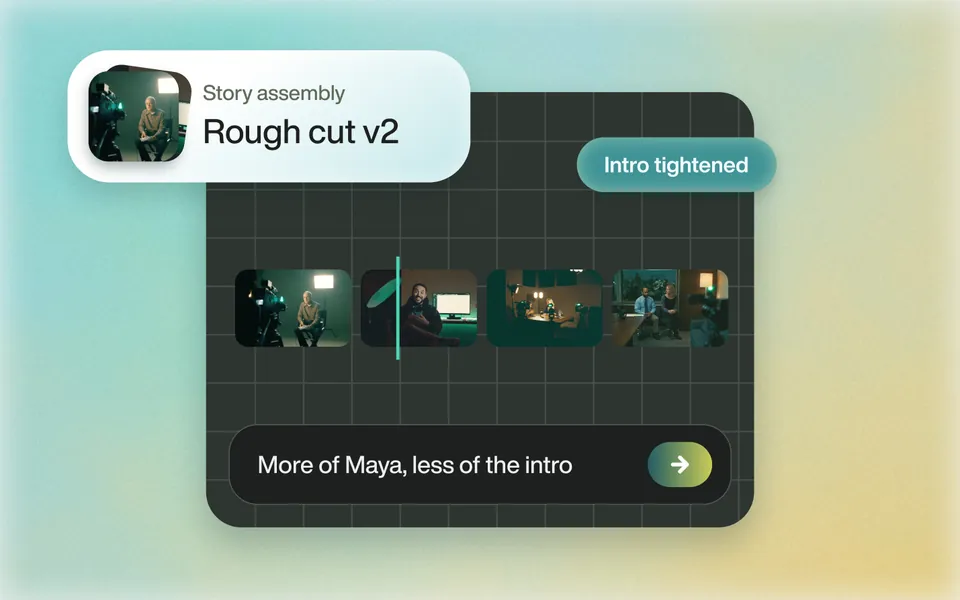
Does it find the story in hours of footage?
Tell Eddie the story, the length and the speakers to favour. It reads every clip and builds the edit. Ask for a different opening or more of one speaker, and it rebuilds it.
Rough cuts
Final Cut Pro AI vs Eddie
Final Cut's AI finds a spoken line, writes captions and masks a subject on clips you already have. Eddie reads every interview, builds the edit from a brief, and hands the project back to Final Cut.
500 free credits, about 2 hours of footage. No card required.
The short answer
Both, for different jobs. Final Cut Pro's AI tools help you work on footage you are already cutting: Transcript Search finds spoken phrases by exact match or related words, Visual Search finds objects and actions, and Generate Captions writes captions from speech. Eddie does the choosing. Describe the story and the length, and Eddie reads every clip, builds the edit across all of your footage, and hands it back to Final Cut as a project whose clips relink to your event's media.
Final Cut's own tools are the better choice for work on the timeline: captions in Final Cut's own caption lane, masks that follow a subject, colour matched between two cameras, and edits snapped to a song's beats. Apple says Transcript Search, Visual Search and Generate Captions need a Mac with Apple silicon and work in U.S. English only.
Side by side
| Eddie AI | Final Cut Pro's AI tools | |
|---|---|---|
| What it is | An AI video editor. Chat to go from raw footage to a finished video, or to a project that opens in Final Cut Pro. | Tools inside Final Cut Pro for Mac: Transcript Search, Visual Search, Generate Captions, Magnetic Mask, Match Color, Beat Detection, Smart Conform and more. |
| Choosing the lines | Describe the story. Eddie picks the soundbites across one or more sources, with an optional target length and pacing. | You choose them. Transcript Search finds spoken phrases by exact match or related words, and you cut them into the timeline. |
| Searching footage | Searches transcripts for a phrase, topic or speaker, and the picture and sound for moments you describe. | Transcript Search and Visual Search, in the browser. Multicam, synced and compound clips are not analyzed, and only the first channel of multichannel audio is. |
| Languages | 100+ languages, detected automatically. | Transcript Search, Visual Search and Generate Captions work in U.S. English only. |
| Mac | Runs in the browser and the Eddie desktop app. Final Cut needs no extension: drag clips and projects across. | Transcript Search, Visual Search and Generate Captions need a Mac with Apple silicon. |
| Captions | A caption track from the transcript's word timings, in a look you choose, with filler words left out. | Generate Captions makes closed captions or styled subtitles from speech, on the Final Cut timeline. |
| Where the edit lands | An FCPXML that carries the cut, the clip order and the timing and points at your original media, or a finished MP4. | Your Final Cut timeline. |
| Price | Pay as you go. Credit packs from $10 that never expire, no subscription. 500 free credits to start, about 2 hours of footage, no card required. | Final Cut Pro is $299.99 as a one-time purchase, or comes with Apple Creator Studio at $12.99 a month or $129 a year. |
Facts about Final Cut Pro's AI tools come from Apple: Final Cut Pro, Find clips and projects in Final Cut Pro for Mac, Generate subtitles automatically, Adjust framing with Smart Conform, Edit to the beat, Match color between clips in the timeline, Add Magnetic Masks and About Apple Creator Studio, checked . Plans change, so check their site before you buy.
Use Final Cut for this
These are jobs on a timeline you already have. They are in Final Cut, and Eddie does not do them, or does not carry them into the project file.
With one interview in English on an Apple silicon Mac, Transcript Search finds a spoken phrase from the browser search field, by exact match or by related words. There is nothing to upload.
Magnetic Mask isolates people, objects and shapes and tracks them through the clip, so a grade or blur applies to one subject only.
Match Color puts a reference frame beside your clip. Click the frame with the look you want, then Apply Match.
Beat Detection shows song parts, bars and beats as a grid, and with snapping on, edit points snap to it. Apple advises music in 4/4.
Start to finish
Tell Eddie the story, the length and the speakers to favour. It reads every clip and builds the edit. Ask for a different opening or more of one speaker, and it rebuilds it.
Rough cuts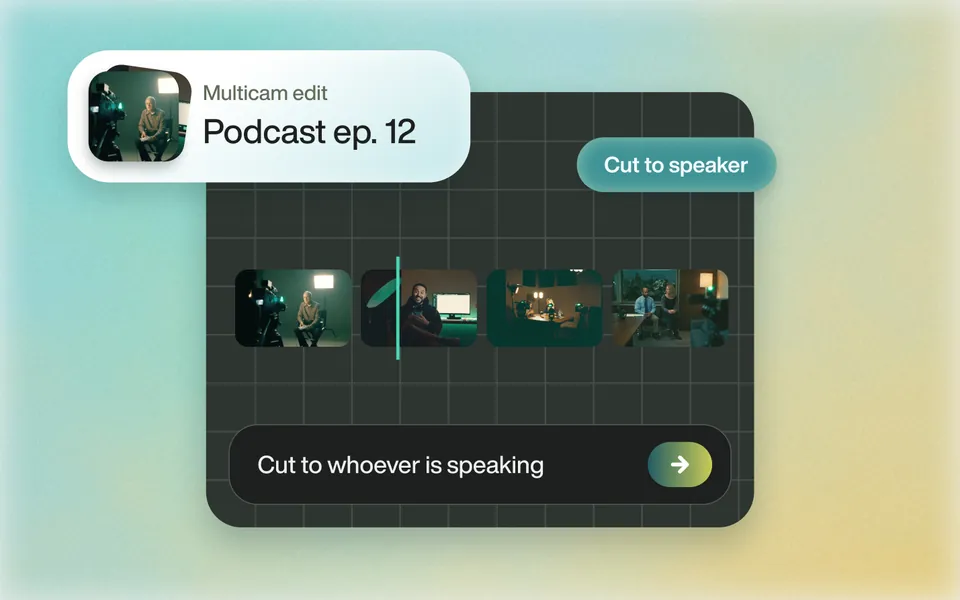
Yes, with no extension. Drag simple, multicam, compound and sync clips, or whole projects, from the event into Eddie. Drag the edit back, and the clips relink to the media your event already uses.
The Final Cut round trip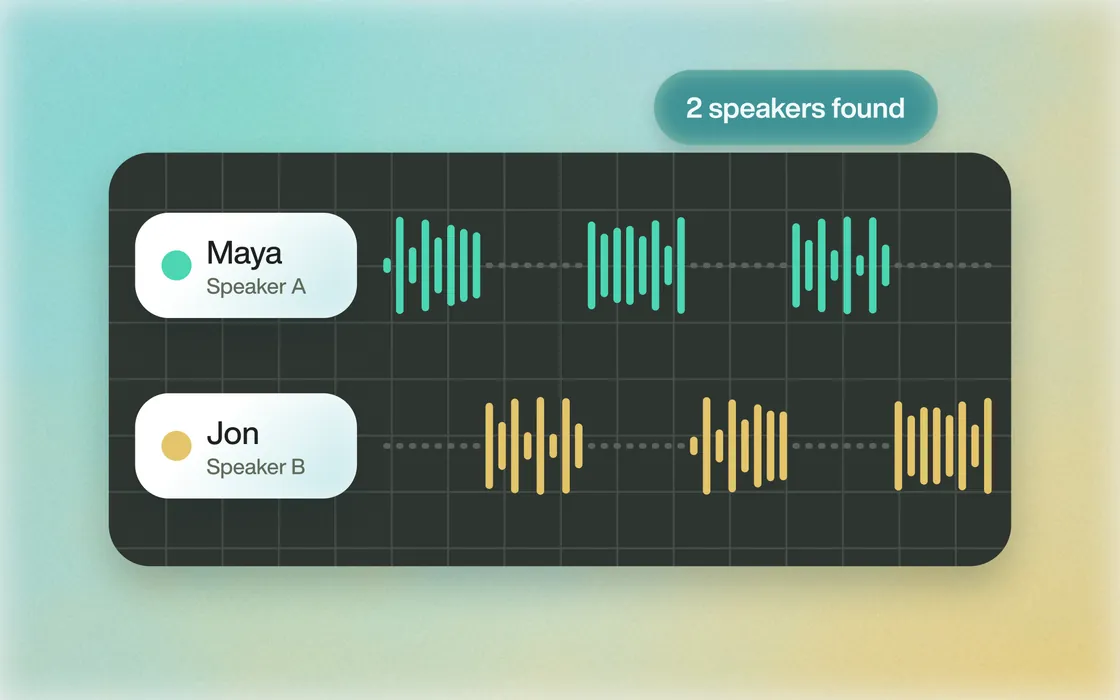
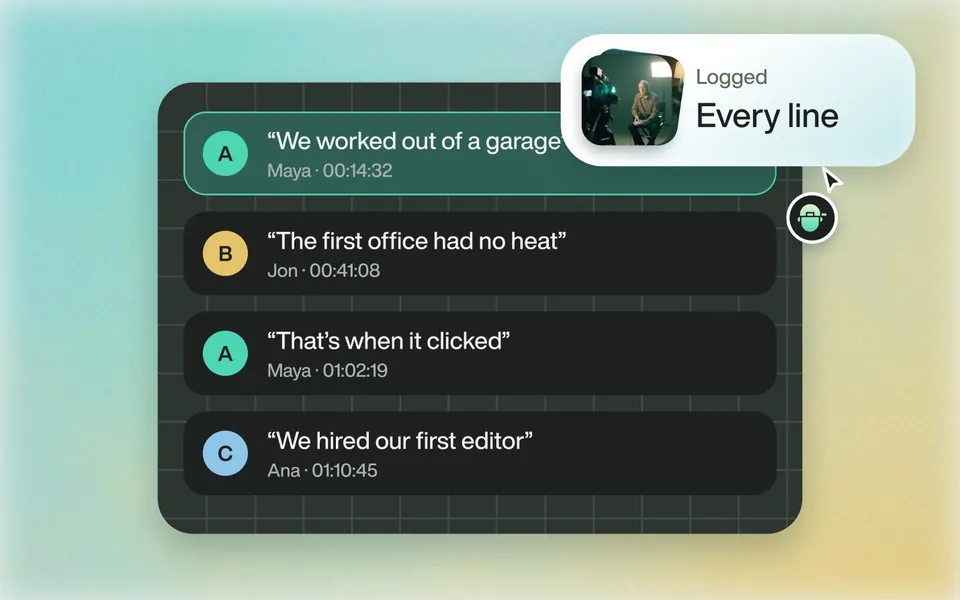
Eddie identifies each speaker and logs what they say, in 100+ languages, and what is in every shot. Ask for a person, a topic or a kind of b-roll by name.
Speaker identification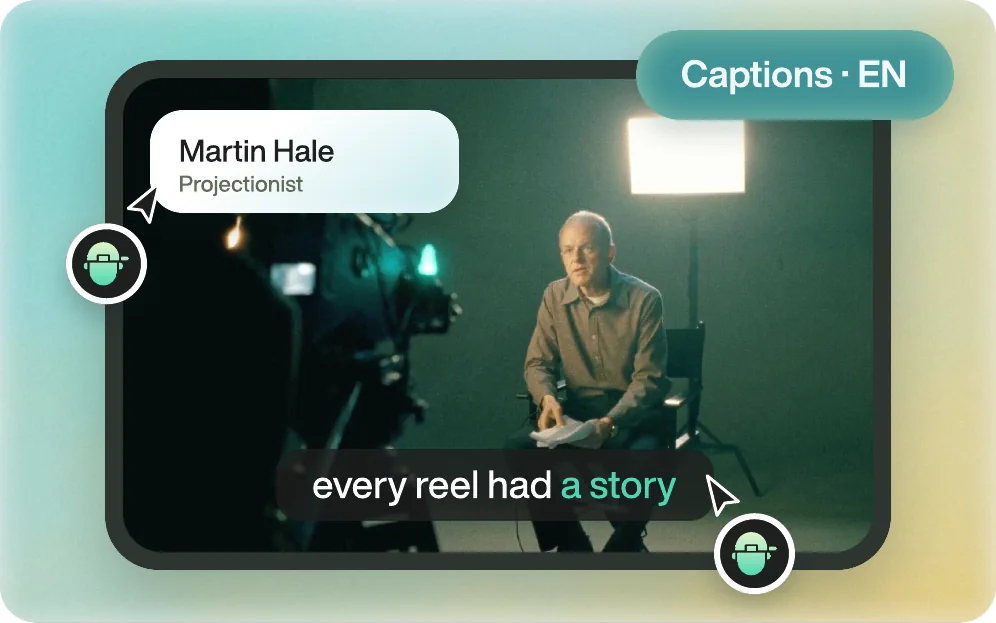
Yes. Ask in chat and Eddie cuts the story from all your footage, then finishes it: captions and titles, motion graphics, music, voiceover, stock or generated b-roll, and a colour style. Ask for changes the same way. When it is right, download the finished MP4.
Everything Eddie doesHow it works
Eddie finishes the edit itself, and it is powerful enough to go into your editor when you want it to. Download the finished MP4, or open the same edit in Premiere Pro, DaVinci Resolve or Final Cut Pro, relinked to your original media.
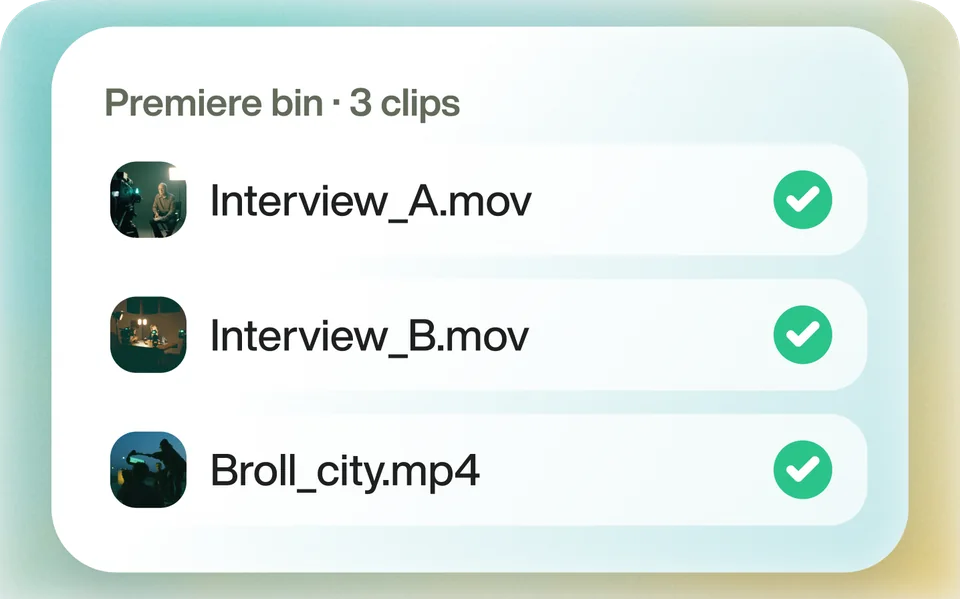
Upload your footage, or send clips from your editing app with the Eddie desktop app. Eddie transcribes and logs every one.
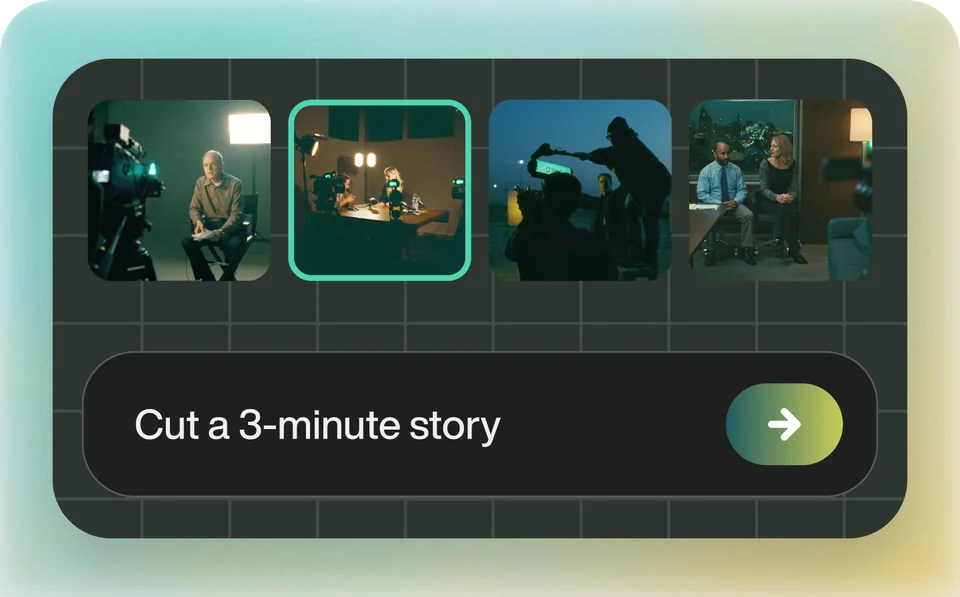
Describe the story, the length and the look. Eddie cuts it, places the b-roll, and adds captions, music and graphics. Ask for changes in chat.
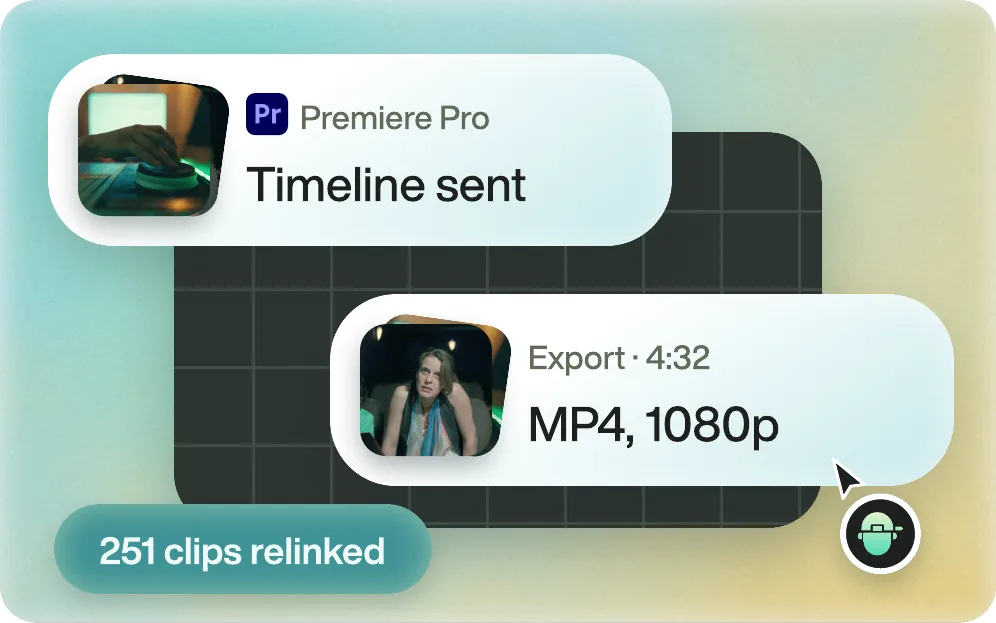
Download the MP4. Or send the edit to Premiere Pro, DaVinci Resolve or Final Cut Pro with every clip relinked. Avid is in beta.
From editors
Footage logging
“It's the first filmmaking AI tool I've come across that's going to legitimately change the way I deal with all my footage.”
 Luc Forsyth158K YouTube Subscribers
Raw footage to rough cut
“It's mindblowing to me how quickly Eddie helped me go from all that raw footage to a rough cut that I can now polish and be creative with.”
 Brad West58K YouTube Subscribers
Story assembly
“I fed in all the footage and Eddie didn’t just organise it, it actually crafted a story draft from the material.”
 Zachary E.Creative Director · G2
FAQ
No, it works with it. Eddie builds the edit and hands it to Final Cut as an FCPXML whose clips relink to your event's media, so music, colour and the finish happen in Final Cut. Eddie can also finish the video itself and render the MP4.
Final Cut's Transcript Search finds spoken phrases, and Visual Search finds objects and actions, so you can find the lines quickly. You still choose them and put them in order. Eddie builds the edit from a brief across all of your footage and hands it to Final Cut.
Apple says Transcript Search, Visual Search and Generate Captions need a Mac with Apple silicon, and work in U.S. English only. Eddie runs in the browser and the Eddie desktop app, and transcribes in 100+ languages.
No. Select simple, multicam, compound and sync clips, or a project, and drag them into Eddie. Drag the finished edit back when you want to polish it.
No. Eddie's cleaned audio plays in Eddie and in rendered video, but project files for editing applications keep the original sound. Clean up dialogue in Final Cut if you need it on the timeline.
Apple presents Final Cut's AI features as building on Apple Intelligence. Its Final Cut Pro page names Transcript Search and Visual Search, and its user guide covers Generate Captions, Magnetic Mask, Match Color, Beat Detection and Smart Conform, which reframes clips for a new aspect ratio around content such as faces.
No. Your footage is not used to train our models, and we do not look at your content. Your media stays yours.
Start with one prompt. Your first 500 credits are free.