Eddie AI

CapCut alternative

Eddie vs. CapCut

In CapCut you make the edit, with templates, effects and an assistant for one task at a time. With Eddie you ask for the video, and Eddie edits it, from raw footage to the finished file.

500 free credits, about 2 hours of footage. No card required.

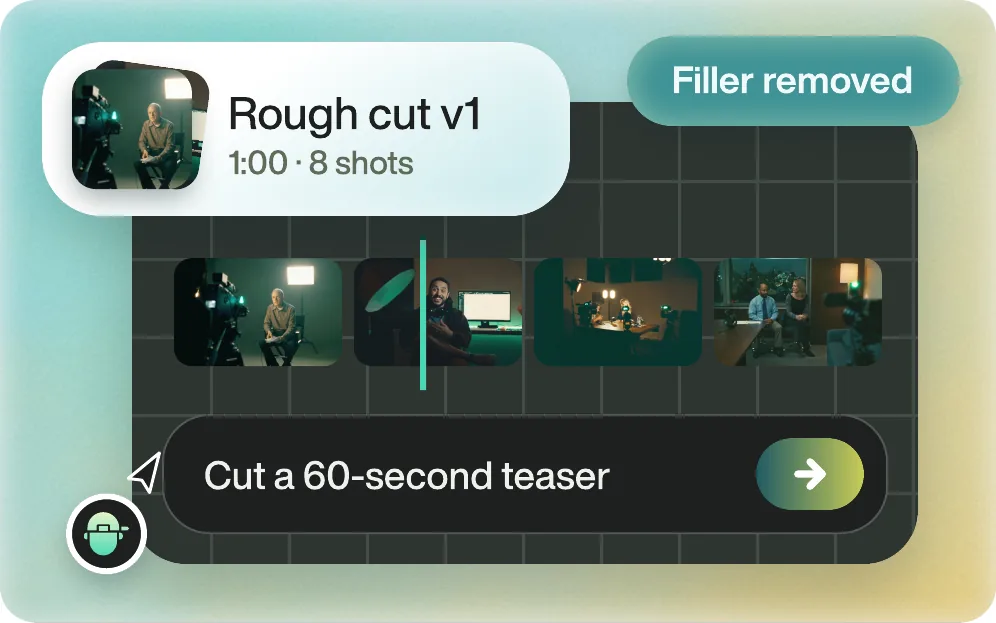
Eddie's cut of a 60-second teaser, 8 shots, with filler words removed

The short answer

What is the best CapCut alternative?

Eddie AI, when you want the video edited for you. CapCut is an editor you drive: templates to start from, effects, captions, and EditPilot, an agent in CapCut for PC that carries out supported editing steps one clear task at a time. Eddie does the whole edit. Describe the video you want in chat, and Eddie cuts it from all of your footage, adds captions, titles, music and graphics, and gives you the finished MP4.

Eddie is built for the footage that is slow to edit by hand: hours of interviews, several cameras and a folder of b-roll. And when your team finishes in Premiere Pro, DaVinci Resolve or Final Cut Pro, the same edit opens there as a timeline relinked to your original media.

Updated

Side by side

Eddie AI vs CapCut

Eddie AI compared with CapCut, feature by feature
Eddie AICapCut
What it isAn AI video editor. Chat to go from raw footage to a finished video, then download it or open it in your editing app.An “AI-powered photo & video editor for everyone”, on desktop, in the browser and on mobile.
Making the editDescribe the video. Eddie picks the moments across every clip, cuts the story and finishes it. Revise by chat.You edit on the timeline, from scratch or a template. EditPilot, in CapCut for PC, trims pauses, removes filler words and arranges clips, one clear task at a time, from requests in English.
CaptionsA caption track from the transcript's word timings, in a look you choose. Transcription in 100+ languages.Auto captions in pre-designed styles. CapCut Web lists 20+ languages, free.
Searching footageSearches transcripts for a phrase, topic or speaker, and the picture and sound for moments you describe.CapCut Desktop finds media by objects, dialogue and people.
DeliveryFinished MP4, or a timeline for Premiere Pro, DaVinci Resolve or Final Cut Pro relinked to your originals.Export the video from CapCut. Its desktop page names no project export for Premiere Pro, DaVinci Resolve or Final Cut Pro.
PricePay as you go. Credit packs from $10 that never expire, no subscription. 500 free credits to start, about 2 hours of footage, no card required.Free plan with basic editing tools and free templates. Pro was listed at $19.99 a month or $179.99 a year, with 1,200 AI credits a month, when we checked.

Facts about CapCut come from capcut.com, capcut.com/pricing, CapCut EditPilot, CapCut desktop video editor and CapCut AI caption generator, checked . Plans change, so check their site before you buy.

Use CapCut for this

When CapCut is the better choice

These are jobs CapCut was built for, and that Eddie does not do.

  • You start from a template

    CapCut's templates are a one-click start, from AI-generated designs to classics, with trending effects to add on top.

  • You edit on your phone

    CapCut runs on mobile as well as on desktop and in the browser. Eddie works on footage you upload or send from your editing app.

  • You want a video from words or an image

    CapCut's AI video generator goes from words or images to a video. Eddie edits the footage you shot, adding stock or generated b-roll where you ask for it.

Start to finish

What you get with Eddie

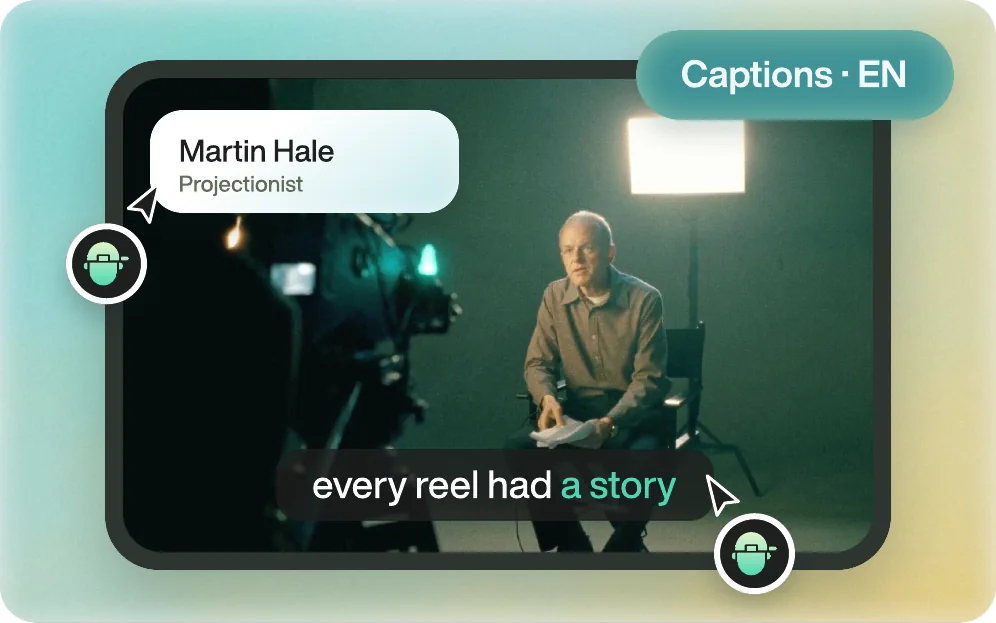
A finished interview shot with a name title and captions, made by Eddie

Can Eddie make the whole video, not just a cut?

Yes. Ask in chat and Eddie cuts the story from all your footage, then finishes it: captions and titles, motion graphics, music, voiceover, stock or generated b-roll, and a colour style. Ask for changes the same way. When it is right, download the finished MP4.

Everything Eddie does
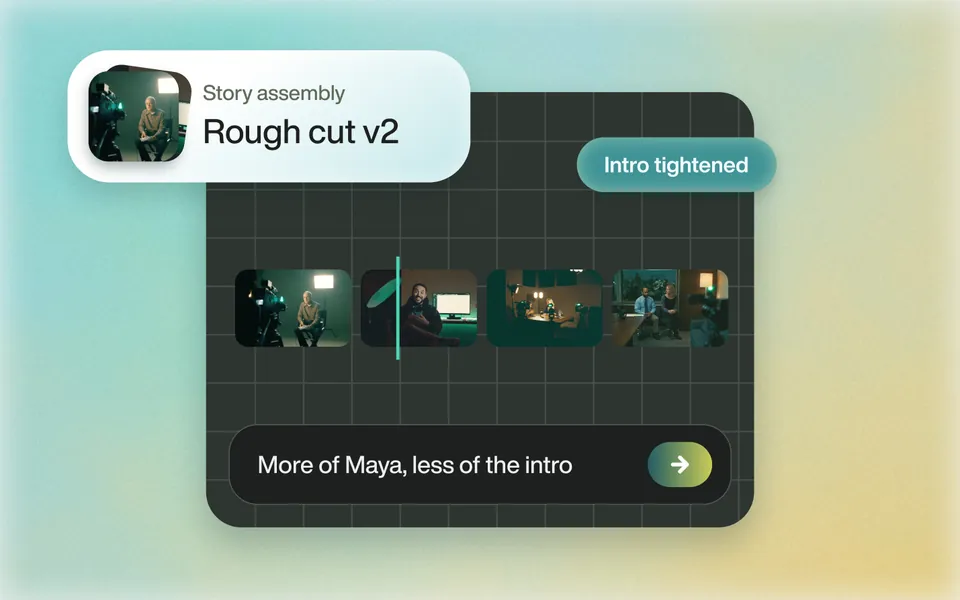
A story assembly after the request More of Maya, less of the intro

Does it find the story in hours of footage?

Tell Eddie the story, the length and the speakers to favour. It reads every clip and builds the edit. Ask for a different opening or more of one speaker, and it rebuilds it.

Rough cuts
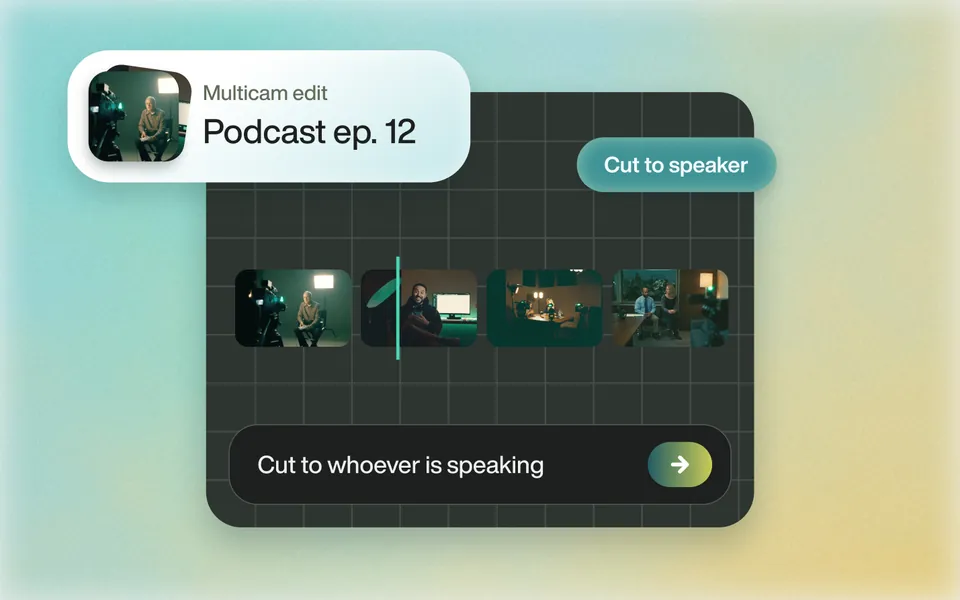
A multicam podcast episode cut to whoever is speaking

Does it handle multicam?

Eddie syncs the angles and cuts to whoever is speaking, for the full video and for every clip.

Multicam
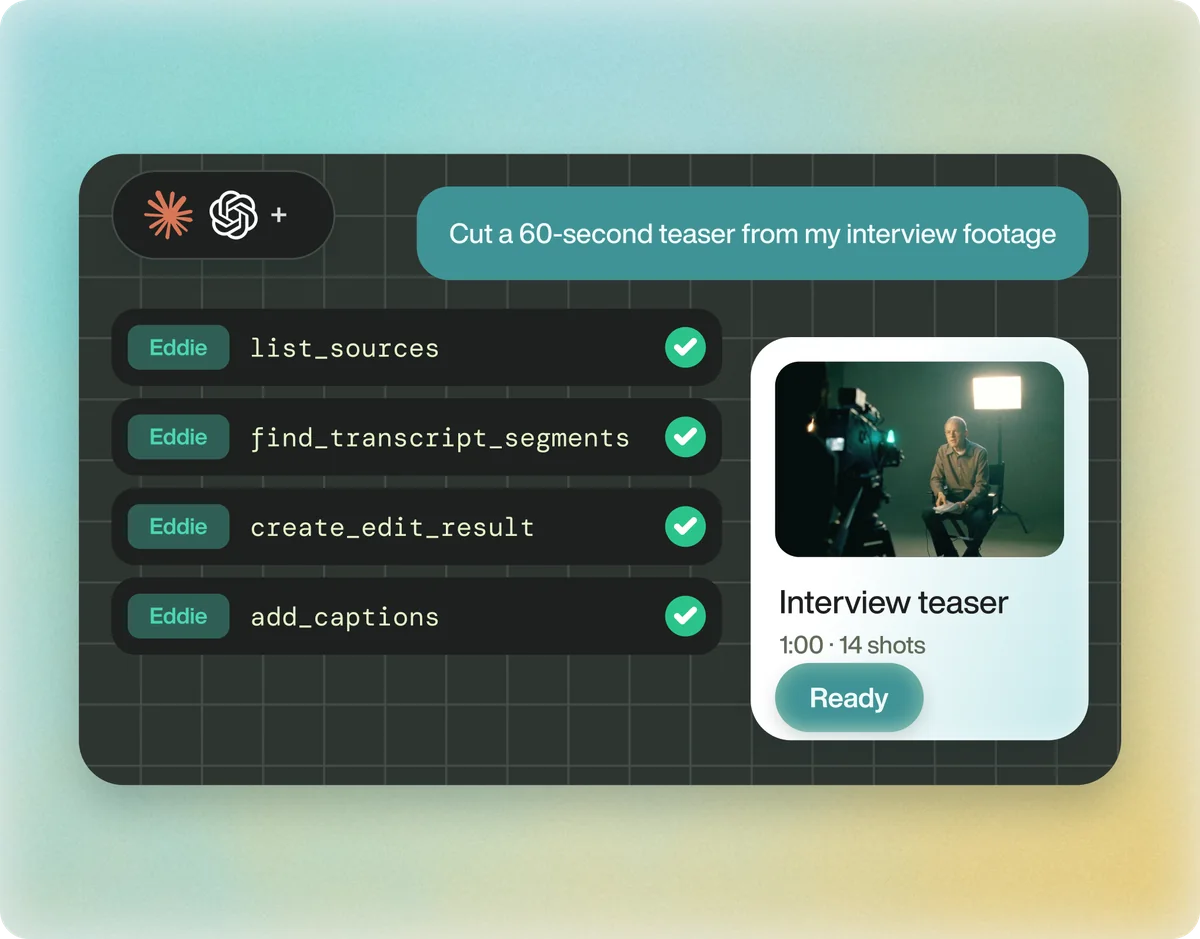
Claude and ChatGPT running Eddie's tools to cut a 60-second interview teaser

Can I ask for the edit from Claude or ChatGPT?

Yes. Eddie is an MCP server. Add it to Claude or ChatGPT, ask for the video in chat, and the work saves to your Eddie project.

Eddie in Claude & ChatGPT

How it works

From raw footage to the finished video

Eddie finishes the edit itself, and it is powerful enough to go into your editor when you want it to. Download the finished MP4, or open the same edit in Premiere Pro, DaVinci Resolve or Final Cut Pro, relinked to your original media.

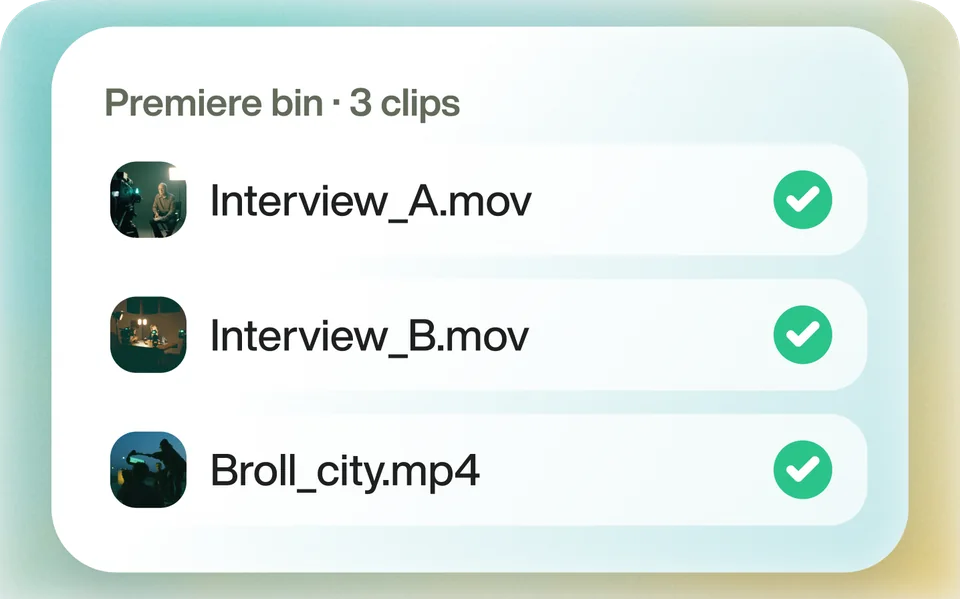
  1. Three interview clips, each checked as read by Eddie

    Bring it in

    Upload your footage, or send clips from your editing app with the Eddie desktop app. Eddie transcribes and logs every one.

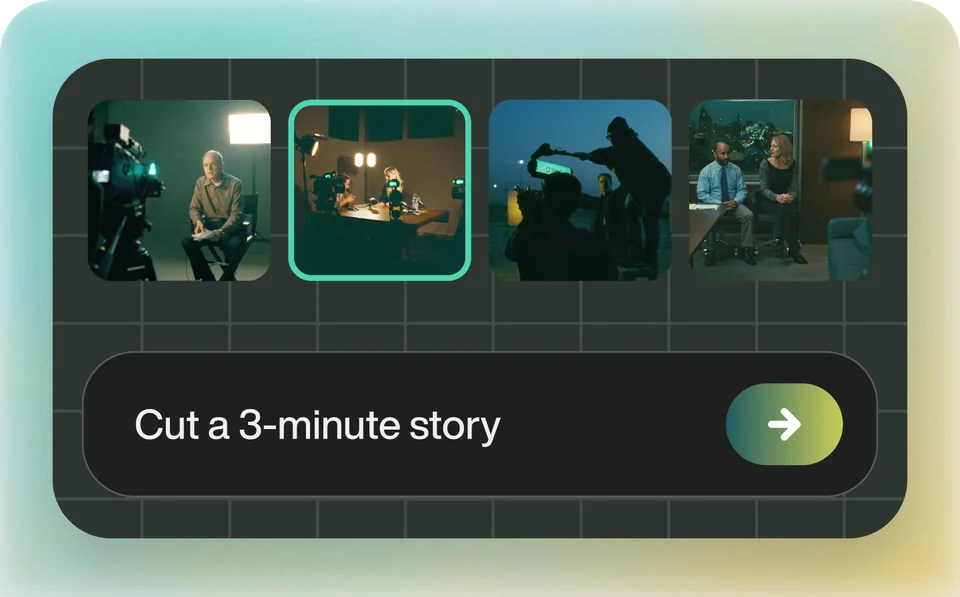
  2. Logged shots on a timeline beside the prompt Cut a 3-minute story

    Ask for the video

    Describe the story, the length and the look. Eddie cuts it, places the b-roll, and adds captions, music and graphics. Ask for changes in chat.

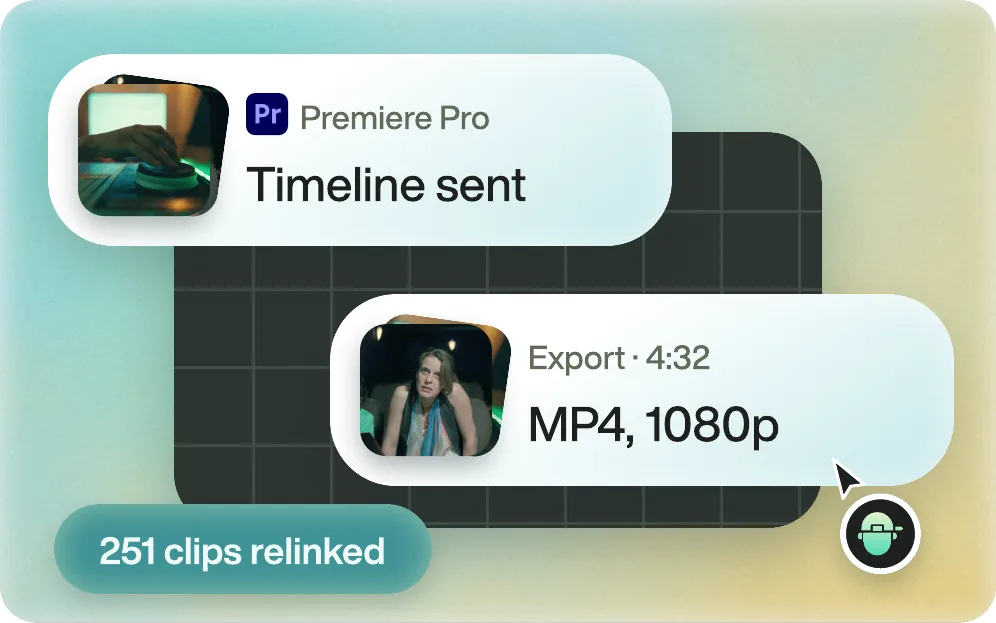
  3. A 4:32 MP4 exported in 1080p, and the same timeline sent to Premiere Pro with 251 clips relinked

    Get the finished file

    Download the MP4. Or send the edit to Premiere Pro, DaVinci Resolve or Final Cut Pro with every clip relinked. Avid is in beta.

From editors

What editors say about Eddie

  • Creative time

    “Eddie AI is one of the few AI tools that actually understand what video editors need. It gives you more time to be creative.”

    Premiere Basics600K YouTube Subscribers

  • Raw footage to rough cut

    “It's mindblowing to me how quickly Eddie helped me go from all that raw footage to a rough cut that I can now polish and be creative with.”

    Brad West58K YouTube Subscribers

  • Rough cuts

    “I drop in a raw documentary-style shoot, walk away, and come back to a rough cut that already has the structure I would have spent an afternoon assembling by hand.”

    Snow W. L.CEO, Runbear · G2

FAQ

Eddie AI vs CapCut: questions

Is Eddie AI a CapCut alternative?

Yes, when you want the editing done for you. In CapCut you make the edit yourself, with templates, effects and EditPilot for one task at a time. Eddie turns your raw footage into a finished video from a description in chat, or a timeline for Premiere Pro, DaVinci Resolve or Final Cut Pro.

Can Eddie remove pauses and filler words like CapCut?

Yes, as part of the edit. Eddie cuts the story from the transcript, a tight pacing keeps less of each pause, and its captions leave filler words out by default. Ask in chat to drop specific lines, and it rebuilds the edit.

Can I open an Eddie edit in CapCut?

Eddie and CapCut do not share timelines, so a video file is the bridge. Render the Eddie edit as an MP4 and import that into CapCut.

Can I edit video with Claude or ChatGPT?

Yes, with Eddie. Eddie is an MCP server: add it to Claude or ChatGPT, ask for the video in chat, and the edit saves to your Eddie project, ready to download or open in your editing app.

How does Eddie's price compare with CapCut's?

CapCut has a free plan and a Pro subscription with monthly AI credits. Eddie is pay-as-you-go: credit packs from $10 that never expire, and every new account starts with 500 free credits, about 2 hours of footage.

Does Eddie AI train on my footage?

No. Your footage is not used to train our models, and we do not look at your content. Your media stays yours.

From raw footage to finished edit.

Start with one prompt. Your first 500 credits are free.