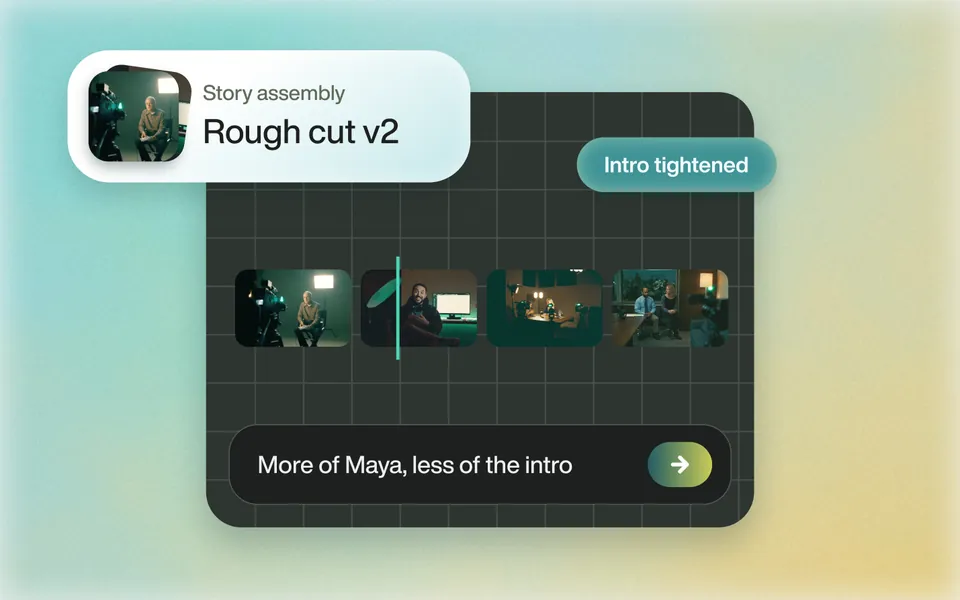
Does it find the story in hours of footage?
Tell Eddie the story, the length and the speakers to favour. It reads every clip and builds the edit. Ask for a different opening or more of one speaker, and it rebuilds it.
Rough cuts
Premiere Pro AI vs Eddie
Premiere's AI tools speed up work on the lines you have already chosen. Eddie reads every interview, builds the edit from a brief, and sends the sequence back to Premiere.
500 free credits, about 2 hours of footage. No card required.
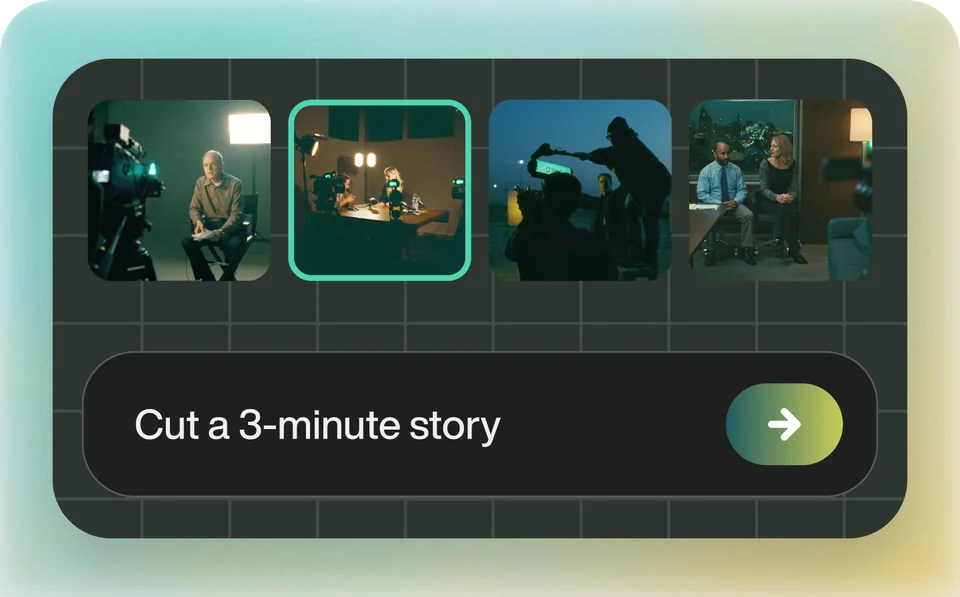
The short answer
Both, for different jobs. Premiere's AI tools work on lines you have already chosen: Text-Based Editing trims the timeline as you cut the transcript, and Paper Edit, new in Premiere 26.5, builds a sequence from the transcript lines you select. Eddie does the choosing. Describe the story and the length, and Eddie reads every clip, builds the edit across all of your footage, and sends it back to Premiere as a sequence relinked to your original media.
Premiere's own tools are the better choice for work on a cut you already have: a few extra frames from Generative Extend, clean dialogue on the timeline from Enhance Speech, and a new aspect ratio for a whole sequence from Auto Reframe. Adobe's AI Assistant, which builds stringouts and rough assemblies from a prompt, is in Premiere (beta) only, and Adobe says it is not recommended for client work yet.
Side by side
| Eddie AI | Premiere Pro's AI tools | |
|---|---|---|
| What it is | An AI video editor. Chat to go from raw footage to a finished video, or to a sequence that opens in Premiere. | Tools inside Premiere: Speech to Text, Text-Based Editing, Paper Edit, Generative Extend, Enhance Speech, media intelligence search, Auto Reframe and more. |
| Choosing the lines | Describe the story. Eddie picks the soundbites across one or more sources, with an optional target length and pacing. | You choose them. Paper Edit assembles the transcript lines you select into a new sequence. |
| An edit from a prompt | Ask in the Eddie app, or from Claude or ChatGPT. Revise by chat. | The AI Assistant builds stringouts and rough assemblies from a prompt, in Premiere (beta) only. |
| Searching footage | Searches transcripts for a phrase, topic or speaker, and the picture and sound for moments you describe. | Media intelligence finds shots from a written description, on your computer, without the internet. |
| Transcription languages | 100+ languages, detected automatically. | Speech to Text lists 18 languages. |
| Clean dialogue | Removes wind, hum and noise from under the voice in Eddie's player and rendered video. Project files for Premiere keep the original sound. | Enhance Speech in the Essential Sound panel cleans the dialogue clip on your timeline. |
| Missing frames | No equivalent. Eddie edits the footage you shot, plus stock or generated b-roll. | Generative Extend adds a few frames to the start or end of a clip. It cannot extend spoken dialog, and it uses generative credits. |
| Where the edit lands | A native Premiere Pro project or Premiere XML, relinked to your original media, or a finished MP4. Eddie can check a Premiere export against its edit. | Your Premiere timeline. |
| Price | Pay as you go. Credit packs from $10 that never expire, no subscription. 500 free credits to start, about 2 hours of footage, no card required. | Text-Based Editing, Speech to Text and Enhance Speech come with a Creative Cloud membership. Generative Extend uses generative credits. |
Facts about Premiere Pro's AI tools come from Adobe: Create a sequence with Paper Edit, Overview of Text-Based Editing, Premiere AI Assistant (beta) overview, Generative Extend overview, Generative Extend FAQ, Apply Enhance Speech, Add Auto Reframe to sequences, Media intelligence and Search panel and Languages supported by Speech to Text, checked . Plans change, so check their site before you buy.
Use Premiere for this
These are jobs on a timeline you already have. They are in Premiere, and Eddie does not do them, or does not carry them into the project file.
With one interview and the soundbites picked, Text-Based Editing and Paper Edit are already in Premiere, and Adobe includes Text-Based Editing with your subscription. There is nothing to upload.
Generative Extend adds a few frames to the start or end of a clip, to hold a reaction or cover a transition. It mutes dialog in the extension and does not take clips with music.
Eddie's cleaned audio plays in Eddie and in rendered video, but project files for Premiere keep the original sound. Run Enhance Speech in Premiere for clean dialogue in the sequence.
Sequence > Auto Reframe Sequence makes a duplicate sequence at the new aspect ratio, with the Auto Reframe effect on every clip.
Start to finish
Tell Eddie the story, the length and the speakers to favour. It reads every clip and builds the edit. Ask for a different opening or more of one speaker, and it rebuilds it.
Rough cuts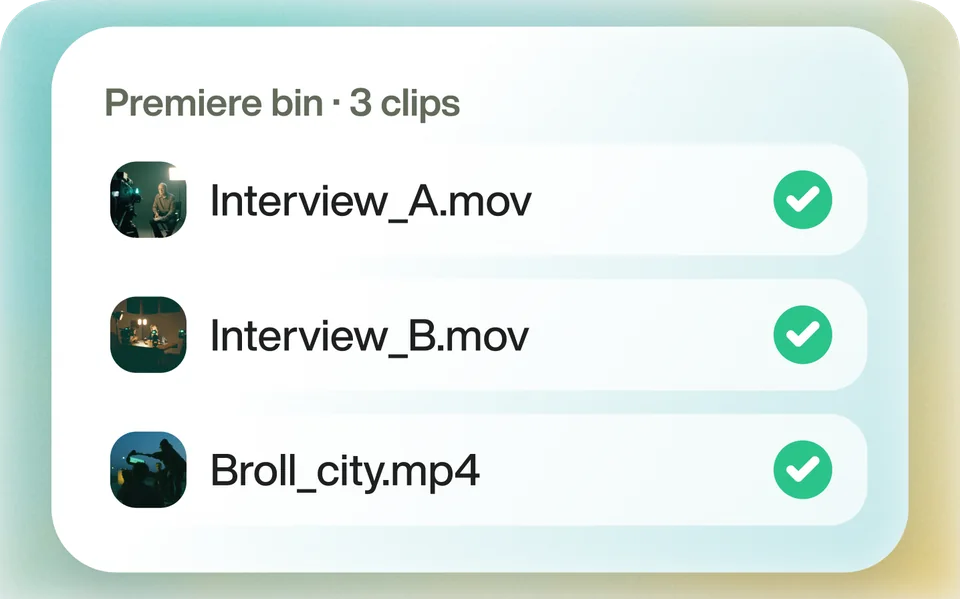
Yes. The Eddie extension reads clips, multicams and timelines from the Premiere bin, and the sequence returns relinked to the media you already have.
The Premiere round trip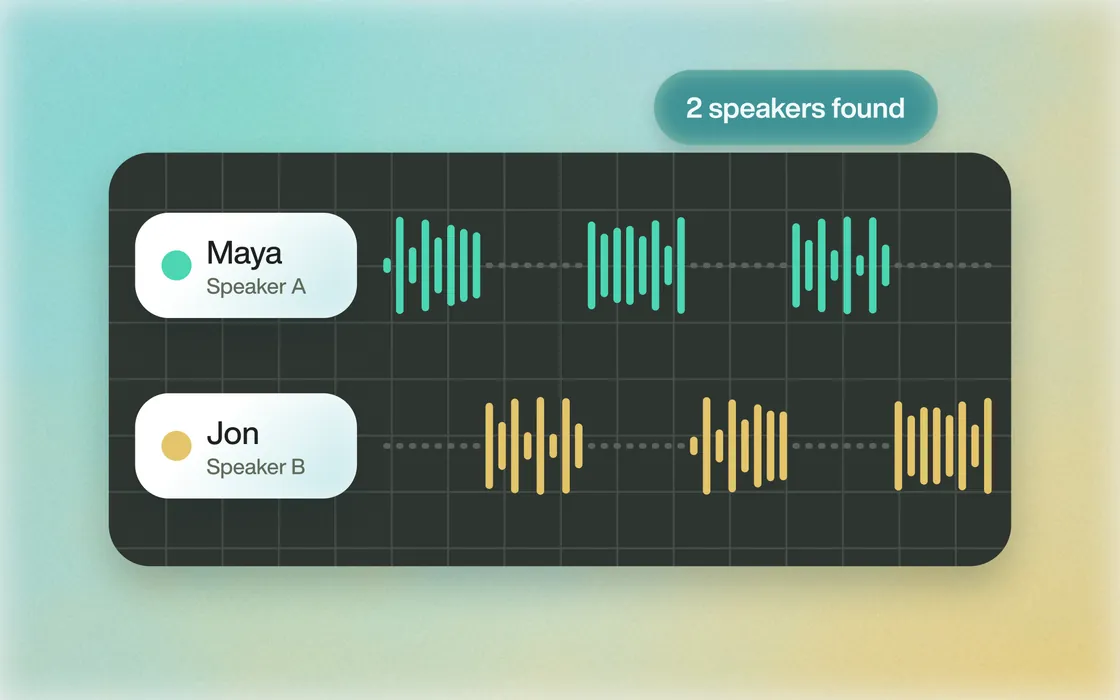
Eddie identifies each speaker and logs what they say, in 100+ languages, and what is in every shot. Ask for a person, a topic or a kind of b-roll by name.
Speaker identification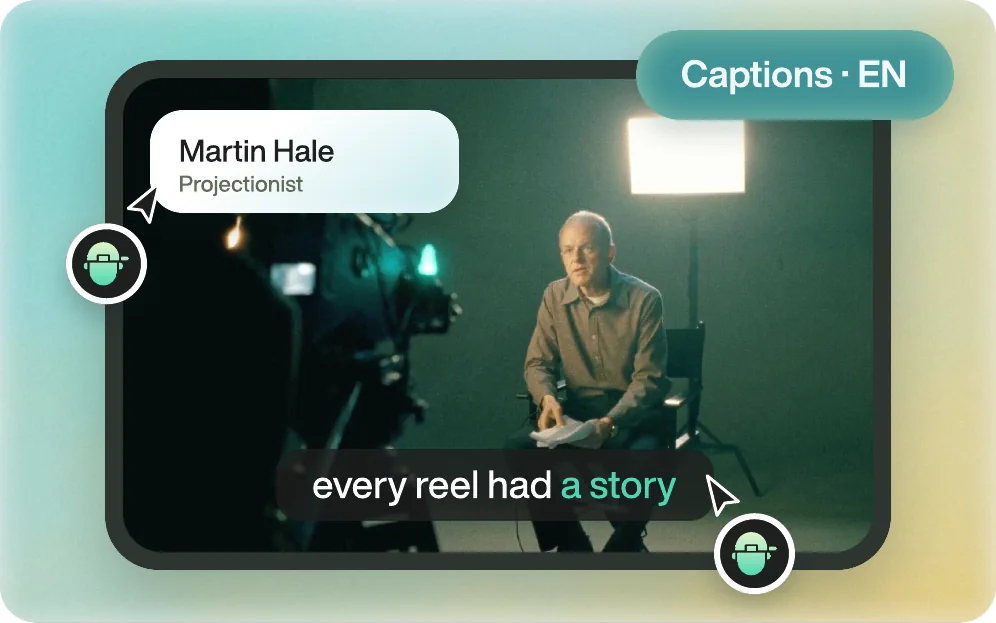
Yes. Ask in chat and Eddie cuts the story from all your footage, then finishes it: captions and titles, motion graphics, music, voiceover, stock or generated b-roll, and a colour style. Ask for changes the same way. When it is right, download the finished MP4.
Everything Eddie doesHow it works
Eddie finishes the edit itself, and it is powerful enough to go into your editor when you want it to. Download the finished MP4, or open the same edit in Premiere Pro, DaVinci Resolve or Final Cut Pro, relinked to your original media.
Upload your footage, or send clips from your editing app with the Eddie desktop app. Eddie transcribes and logs every one.
Describe the story, the length and the look. Eddie cuts it, places the b-roll, and adds captions, music and graphics. Ask for changes in chat.
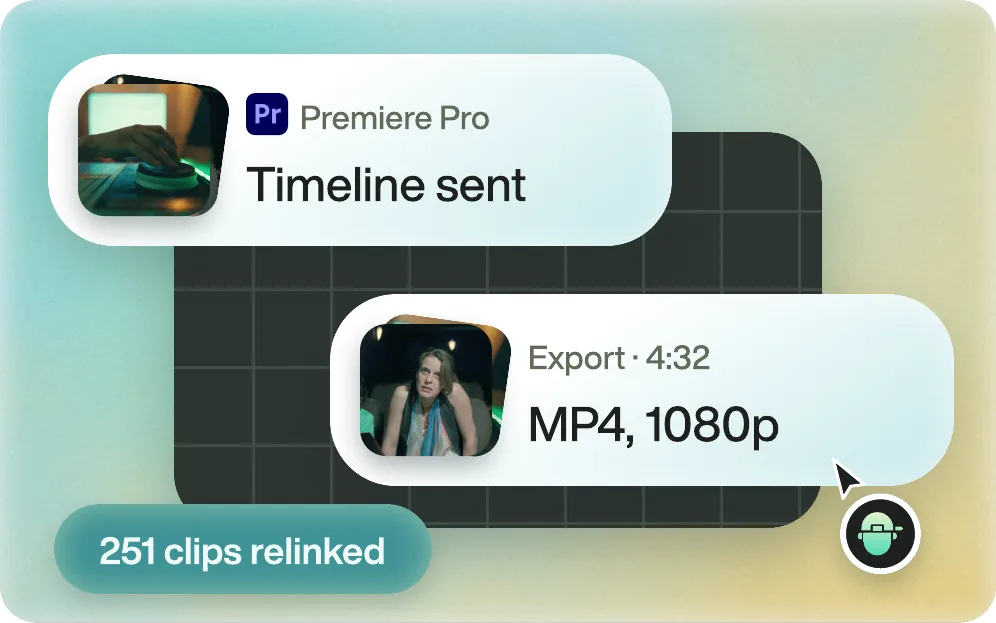
Download the MP4. Or send the edit to Premiere Pro, DaVinci Resolve or Final Cut Pro with every clip relinked. Avid is in beta.
From editors
Premiere Pro workflow
“After all the tools that I've tried, Eddie AI is one of the best assistants that me and my team have tried out when editing projects in Premiere Pro.”
 Premiere Gal585K YouTube Subscribers
Raw footage to rough cut
“It's mindblowing to me how quickly Eddie helped me go from all that raw footage to a rough cut that I can now polish and be creative with.”
 Brad West58K YouTube Subscribers
Story assembly
“I fed in all the footage and Eddie didn’t just organise it, it actually crafted a story draft from the material.”
 Zachary E.Creative Director · G2
FAQ
No, it works with it. Eddie builds the edit and sends it to Premiere as a native project or XML, relinked to your media, and you keep working there. Eddie can also finish the video itself and render the MP4.
In the release version, Paper Edit builds a sequence from the transcript lines you select. In Premiere (beta), the AI Assistant can build stringouts and rough assemblies from a prompt, and Adobe does not recommend it for client work yet. Eddie builds the edit from a brief across all of your footage and sends it to Premiere.
Adobe says Text-Based Editing is included with your subscription. Eddie is pay-as-you-go: credit packs from $10 that never expire, and every new account starts with 500 free credits, about 2 hours of footage.
No. Eddie's cleaned audio plays in Eddie and in rendered video, but project files for editing applications keep the original sound. Use Enhance Speech in Premiere for clean dialogue on the timeline.
Yes. Eddie is an MCP server. Add it to Claude or ChatGPT, ask for the cut in chat, and export it as a Premiere project from the same Eddie project.
No. Your footage is not used to train our models, and we do not look at your content. Your media stays yours.

Start with one prompt. Your first 500 credits are free.