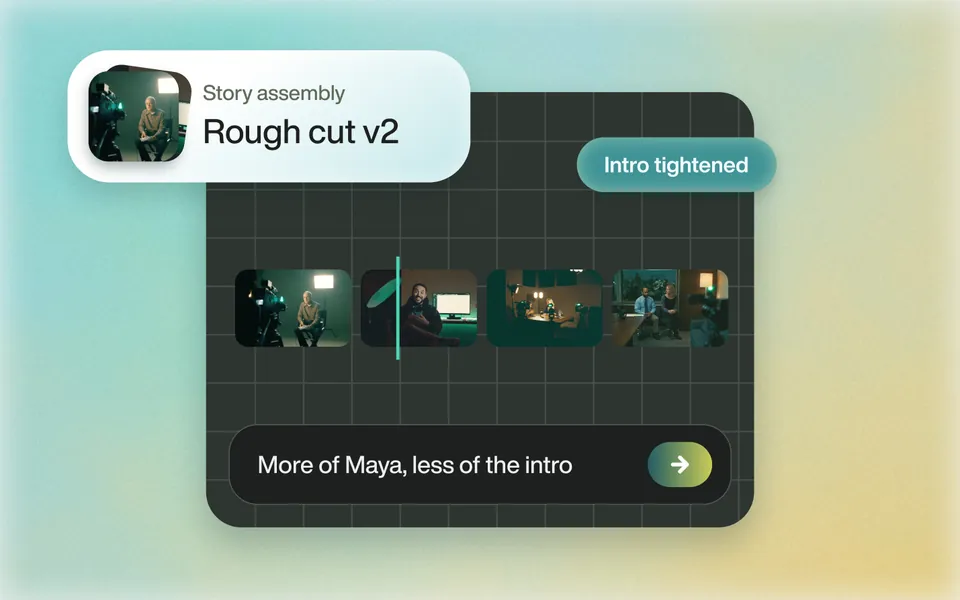
Does it cut unscripted interviews?
Tell Eddie the story, the length and the speakers to favour. It reads every clip and builds the edit, without a script. Ask for a different opening or more of one speaker, and it rebuilds it.
Rough cuts
DaVinci Resolve AI vs Eddie
Resolve's AI matches takes to a script you wrote and cuts a multicam to whoever is talking. Eddie builds the story from unscripted footage and sends the timeline back to Resolve.
500 free credits, about 2 hours of footage. No card required.
The short answer
Both, for different jobs. Resolve's IntelliScript builds a timeline from a script you provide: the take that best matches the script's dialog goes on track one, and alternates go on other tracks. Multicam SmartSwitch cuts a multicam clip to the active speaker, which Blackmagic calls a good first pass. Neither picks soundbites from an unscripted interview. Eddie does: describe the story, and Eddie builds the edit from every clip and sends the timeline back to Resolve with the media relinked.
Resolve is the better choice for the jobs its tools were built for: cutting scripted takes to the script, cleaning dialogue on the timeline with Voice Isolation, and reframing with Smart Reframe. Blackmagic's manual labels each of them Studio Version Only. Eddie's bin import, timeline import and Send to Resolve also run on the free edition of Resolve 21.1 and later.
Side by side
| Eddie AI | DaVinci Resolve's AI tools | |
|---|---|---|
| What it is | An AI video editor. Chat to go from raw footage to a finished video, or to a timeline that opens in Resolve. | AI tools on the DaVinci Neural Engine inside Resolve Studio: IntelliSearch, transcription and text-based editing, IntelliScript, Multicam SmartSwitch, Smart Reframe, Voice Isolation and more. |
| Choosing the lines | Describe the story. Eddie picks the soundbites across one or more sources, with an optional target length and pacing. No script needed. | IntelliScript matches takes to a .txt or Final Draft file of the spoken text. It picks the “best” take by matching the dialog only. |
| Multicam | Syncs the angles and cuts to whoever is speaking. The Resolve project export keeps the angles switchable. | Multicam SmartSwitch cuts a multicam clip to the active speaker, from the audio and lip movement. |
| Searching footage | Searches transcripts for a phrase, topic or speaker, and the picture and sound for moments you describe. | IntelliSearch finds people, objects and lines of dialog in the Media Pool, after the clips are analyzed. |
| Transcription languages | 100+ languages, detected automatically. | 14 languages built in. More come with the Extended AI Transcription Support Package. |
| Clean dialogue | Removes wind, hum and noise from under the voice in Eddie's player and rendered video. Project files for Resolve keep the original sound. | Voice Isolation removes loud, unwanted sounds from voice recordings on the timeline. |
| Where the edit lands | A Resolve project (.drp) or Resolve FCPXML, relinked to your original media, or a finished MP4. | Your Resolve timeline. |
| Resolve edition | Bin import, timeline import and Send to Resolve run on the free edition of Resolve 21.1 and later, and on Studio. Eddie's own panel inside Resolve needs Studio. | The manual labels these tools Studio Version Only. |
| Price | Pay as you go. Credit packs from $10 that never expire, no subscription. 500 free credits to start, about 2 hours of footage, no card required. | DaVinci Resolve Studio is $295, listed on sale at $236 when we checked. |
Facts about DaVinci Resolve's AI tools come from Blackmagic: DaVinci Resolve 21 Reference Manual, DaVinci Resolve 21, What's New and DaVinci Resolve Studio, checked . Plans change, so check their site before you buy.
Use Resolve for this
These are jobs Resolve Studio does on the timeline you already have, and that Eddie does not do or does not carry into the project file.
IntelliScript reads a plain-text or Final Draft file of the spoken lines, puts the best-matching take of each on track one, and keeps the alternates on other tracks. Blackmagic warns that scene descriptions and character names in the file will likely cause problems.
Eddie's cleaned audio plays in Eddie and in rendered video, but project files for Resolve keep the original sound. Use Voice Isolation in Resolve for clean dialogue in the timeline.
Smart Reframe reframes clips across extreme aspect ratio changes, such as a 16:9 shoot that needs a vertical version.
Start to finish
Tell Eddie the story, the length and the speakers to favour. It reads every clip and builds the edit, without a script. Ask for a different opening or more of one speaker, and it rebuilds it.
Rough cuts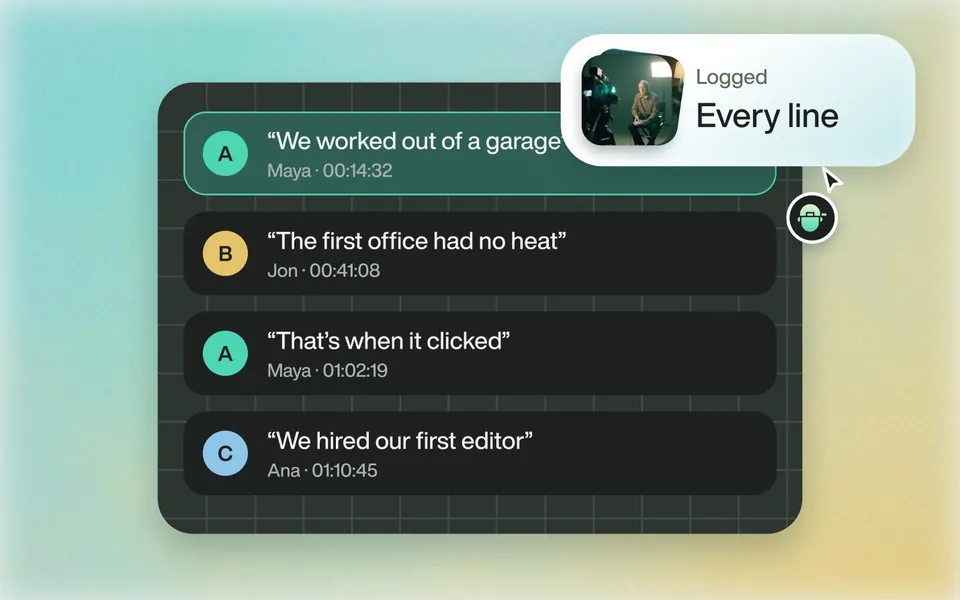
Yes. The Eddie extension reads clips, multicams and timelines from the media pool, and the timeline returns with the media relinked, ready for colour and the finish.
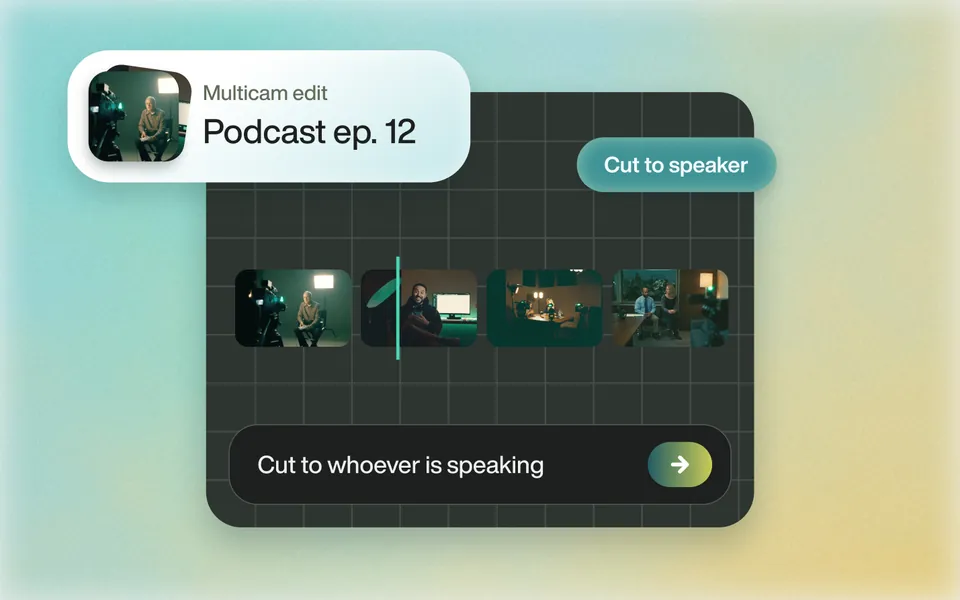
The Resolve round tripEddie syncs the angles and cuts to whoever is speaking. Export the Resolve project and the angles stay switchable in DaVinci Resolve 21.
Multicam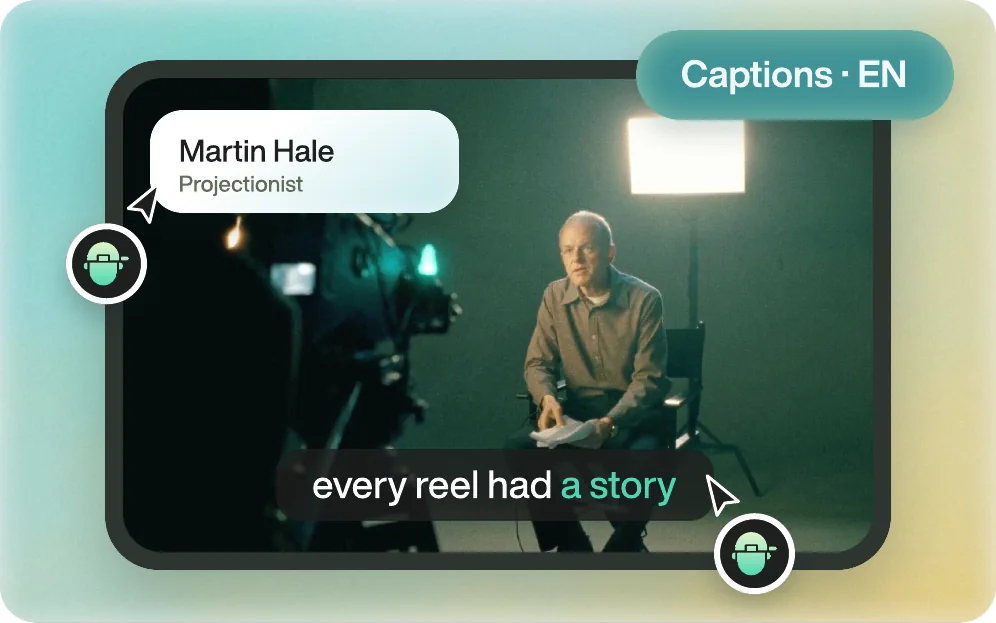
Yes. Ask in chat and Eddie cuts the story from all your footage, then finishes it: captions and titles, motion graphics, music, voiceover, stock or generated b-roll, and a colour style. Ask for changes the same way. When it is right, download the finished MP4.
Everything Eddie doesHow it works
Eddie finishes the edit itself, and it is powerful enough to go into your editor when you want it to. Download the finished MP4, or open the same edit in Premiere Pro, DaVinci Resolve or Final Cut Pro, relinked to your original media.
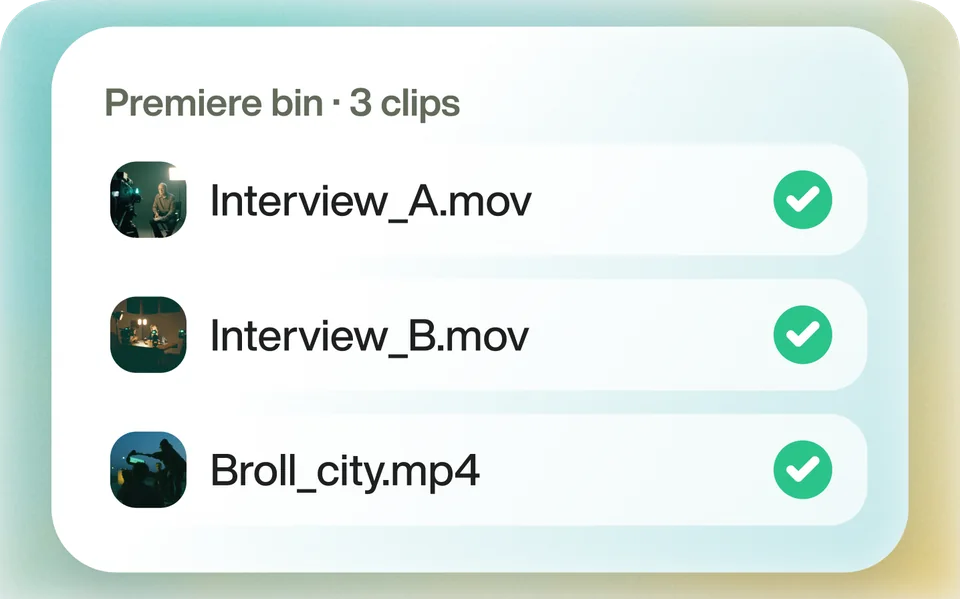
Upload your footage, or send clips from your editing app with the Eddie desktop app. Eddie transcribes and logs every one.
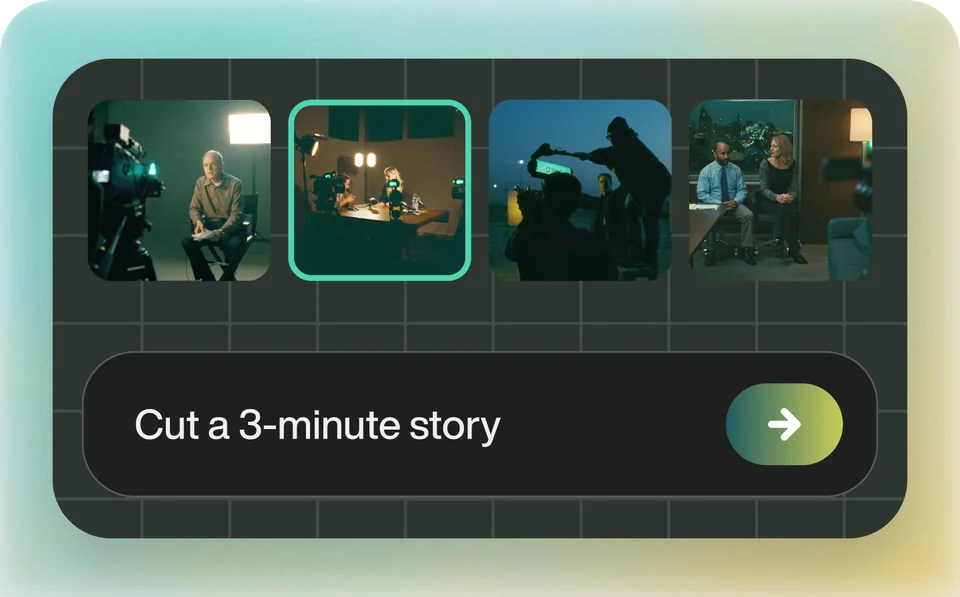
Describe the story, the length and the look. Eddie cuts it, places the b-roll, and adds captions, music and graphics. Ask for changes in chat.
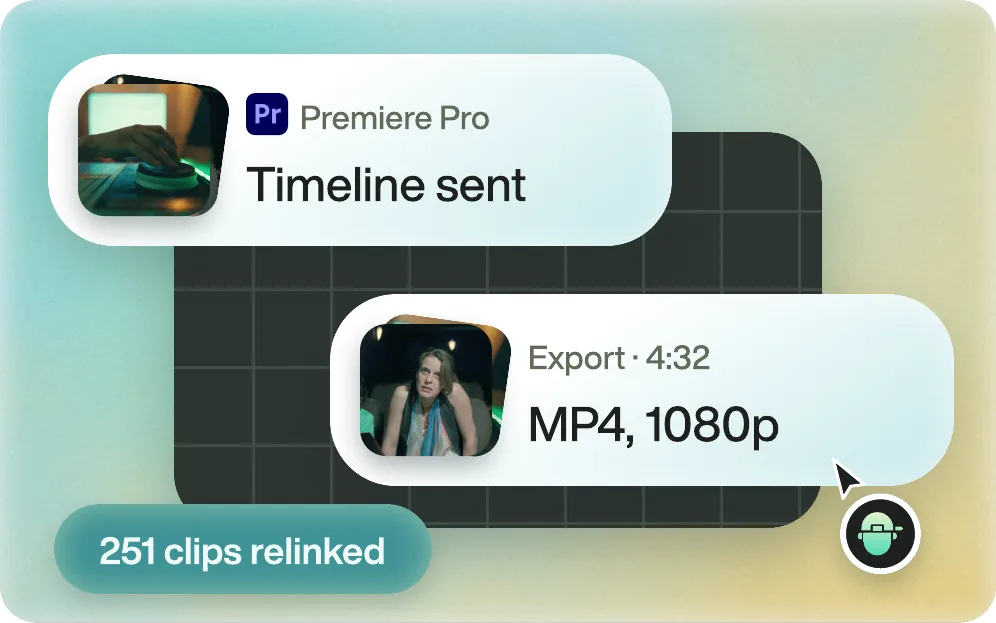
Download the MP4. Or send the edit to Premiere Pro, DaVinci Resolve or Final Cut Pro with every clip relinked. Avid is in beta.
From editors
Footage logging
“It's the first filmmaking AI tool I've come across that's going to legitimately change the way I deal with all my footage.”
 Luc Forsyth158K YouTube Subscribers
Logging & selects
“Eddie handles the work I used to dread on a big interview project, the transcribing, the tagging, the pulling of selects.”
 Kush S.CEO & Co-Founder at Key AI · G2
Rough cuts
“I drop in a raw documentary-style shoot, walk away, and come back to a rough cut that already has the structure I would have spent an afternoon assembling by hand.”
 Snow W. L.CEO, Runbear · G2
FAQ
No, it works with it. Eddie builds the edit and sends it to Resolve as a project or FCPXML, relinked to your media, so colour, sound and titles happen in Resolve. Eddie can also finish the video itself and render the MP4.
From a script, yes: IntelliScript lays out the best-matching takes in script order, with alternates on other tracks. From a multicam clip, SmartSwitch picks the angle. Neither chooses soundbites from an unscripted interview. Eddie does, from a brief, and sends the timeline to Resolve.
Blackmagic's manual labels IntelliScript, Multicam SmartSwitch, Smart Reframe, Voice Isolation and transcription Studio Version Only. Eddie's bin import, timeline import and Send to Resolve run on the free edition of Resolve 21.1 and later, as they do on Studio.
No. Eddie's cleaned audio plays in Eddie and in rendered video, but project files for editing applications keep the original sound. Use Voice Isolation in Resolve for clean dialogue on the timeline.
Yes, with the Resolve project export: Eddie writes real multicam clips with switchable angles. The Resolve FCPXML flattens multicam into cuts.
No. Your footage is not used to train our models, and we do not look at your content. Your media stays yours.

Start with one prompt. Your first 500 credits are free.