Vietnamese · Burned-in captions
Burn Vietnamese captions into your video
You are posting where viewers watch muted, or the platform takes no subtitle file, so the Vietnamese captions have to be in the picture. Eddie styles them, shows you the result, and renders the MP4.
Step by step
Step 01
Bring your Vietnamese interviews in
- You ask
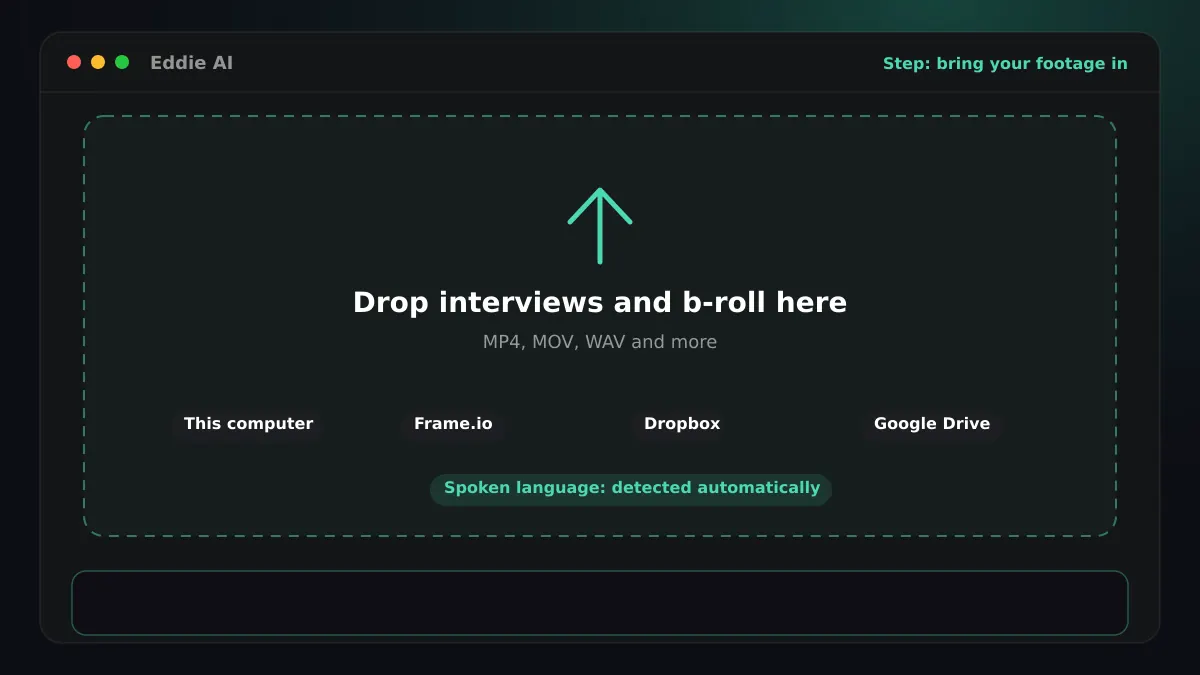
- Upload the interviews, or add them from Frame.io, Dropbox, Google Drive or your editor's bin.
- Eddie does
- Eddie imports the interviews and any b-roll, from the browser or from the desktop app, which also reads bins in Premiere Pro, DaVinci Resolve and Final Cut Pro. It analyses every file before you can prompt, so no edit is built on half the footage.
- You get
- One project with every source, analysed and searchable.
Step 02
Transcribe the Vietnamese
- Eddie does
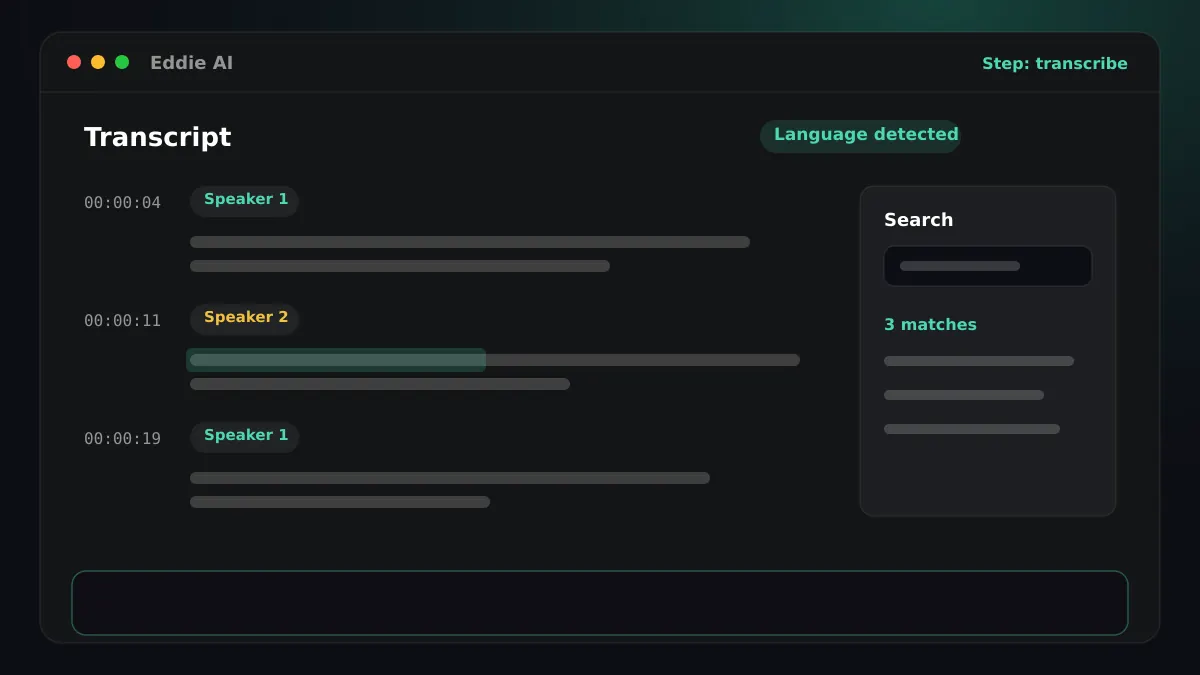
- Eddie detects Vietnamese on its own, so you do not have to choose it. If an interview switches between languages, Eddie detects that too. It labels the speakers and keeps a timing for every word.
- You get
- A Vietnamese transcript in Latin script that you can search and cut from. Ask Eddie to fix a misheard name everywhere it appears, or to rename “Speaker 1”, and every word keeps its timing.
Step 03
Ask Eddie for the cut
- You ask
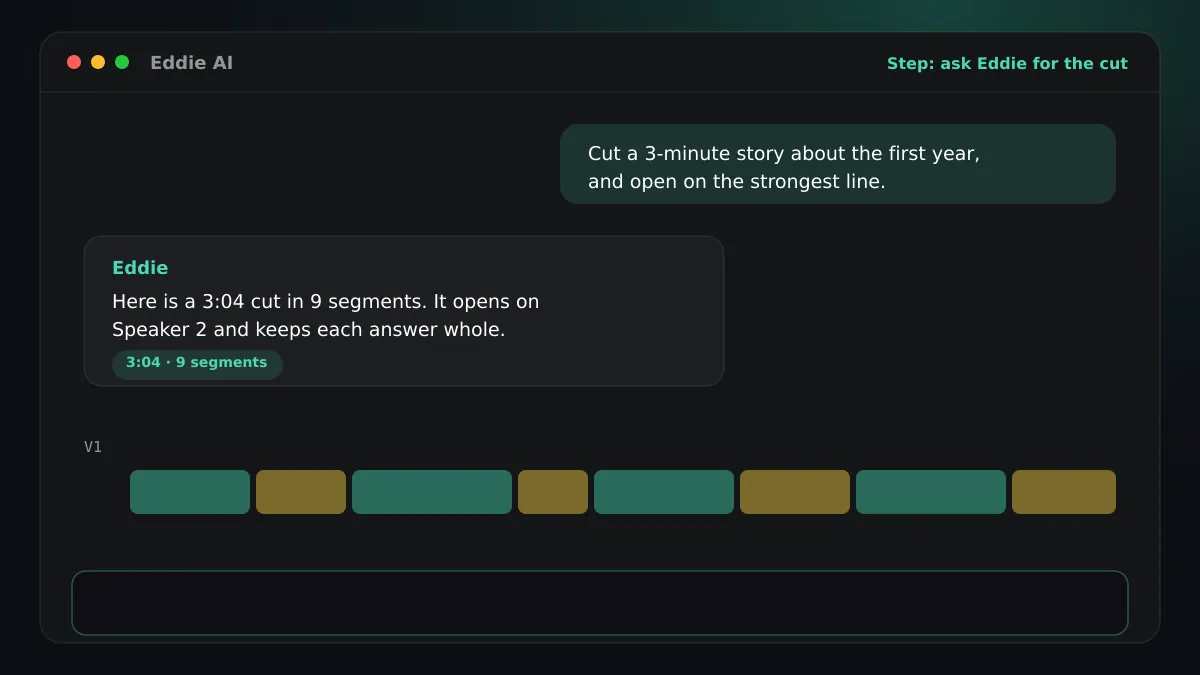
- “Cut a three-minute story about how the company started, and open on the strongest line.”
- Eddie does
- Eddie reads the Vietnamese transcript, picks the soundbites that answer your brief, proposes a story structure and builds the edit beat by beat. It tells you the finished length against your target. You can prompt in English about footage in any language.
- You get
- A rough cut you can watch, trim, reorder and refine in plain words.
Step 04
Add Vietnamese captions
- You ask
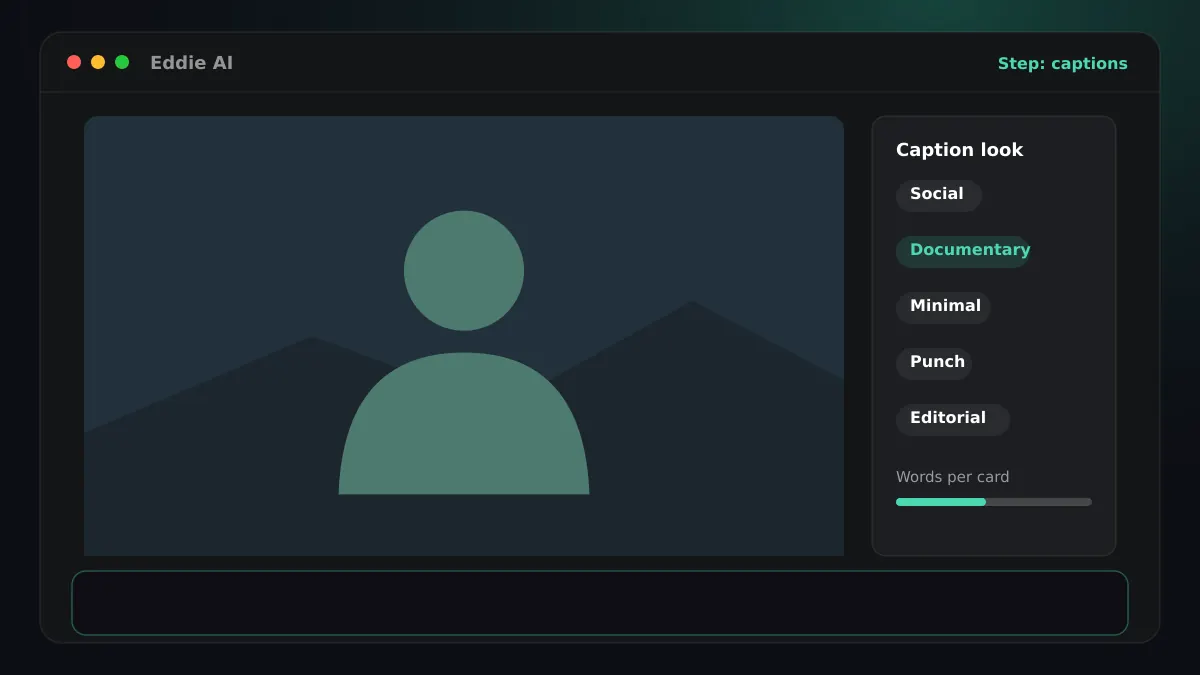
- “Add documentary captions, two lines at the bottom.”
- Eddie does
- Eddie builds the captions from the Vietnamese word timings, in one of five looks: social, documentary, minimal, punch or editorial. Filler words are left out of the caption text by default. Captions are the spoken words, never a translation.
- You get
- Captions in the player, ready to burn into an MP4 or carry into your editor, plus free SRT and VTT files. Vietnamese captions burn into the MP4 on the cloud export and on the desktop app's local export.
Step 05
Render the MP4
- You ask
- “Export an MP4 at 1080p.”
- Eddie does
- Vietnamese captions burn into the MP4 on the cloud export and on the desktop app's local export. The render bakes in crops, b-roll, music and every caption exactly as the player shows them.
- You get
- An MP4 with Vietnamese captions burned in, at 1080p or up to 4K when the footage is 4K.
Good to know for Vietnamese
Where it renders
Vietnamese captions burn into the MP4 on the cloud export and on the desktop app's local export.
The script
Vietnamese is written in Latin script.
Keep a clean version too
Burning in is permanent. Download the SRT or VTT as well, and you can publish a version without captions, or captions a platform draws itself.
Finish Vietnamese edits in your editor




Questions
- Do the burned-in captions look like the preview?
- Yes. The MP4 renders the caption look, size, colours and position you see in Eddie's player.
- Can I burn captions into a vertical cut?
- Yes. The MP4 export offers a vertical layout as well as the original, and the captions render into it.
- Do I have to tell Eddie the interview is in Vietnamese?
- Eddie detects Vietnamese on its own, so you do not have to choose it. If an interview switches between languages, Eddie detects that too.
- Can Eddie translate Vietnamese captions into another language?
- No. Captions are always the spoken words, verbatim. Translating what the edit says is dubbing, which is a separate feature.
- Can Eddie make an audio-described version in Vietnamese?
- Not yet. Eddie's audio description is built and measured for English speech, so it is offered for English programmes only.