
Features
- Rough cuts
- Multicam
- A-roll logging
- B-roll logging
- Speaker identification
- Scripted edits
- Social clips
- Exports to your editor
- Styles and color
- Motion graphics
- Captions & titles
- Stock B-roll
- Generate video
- Generated music
- Voiceover
- Dubbing
- Transcription in 97 languages
- Web app
- Mac and Windows
- Claude & ChatGPT
- Recipes
- Agents
- API + MCP
Solutions
Resources
How to Edit Behind the Scenes Videos
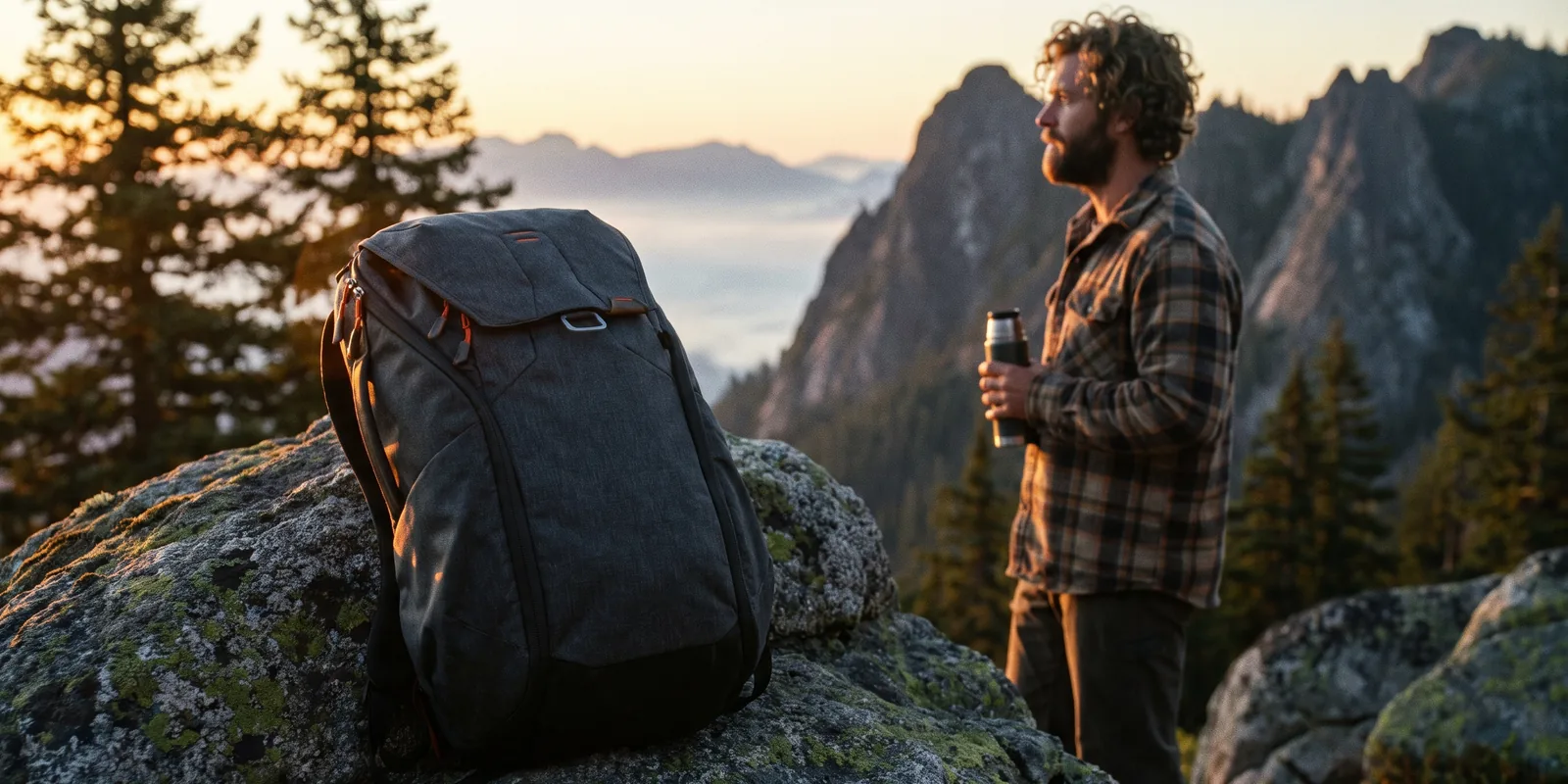
Behind the scenes footage arrives as a pile: hundreds of short clips from three phones, a camera left rolling on the setup, and a crew interview done at lunch. Most of it is people waiting. The film is in the few minutes where something went wrong and the crew fixed it. Unlike a vlog, nobody is talking to the camera the whole time, and unlike an event recap, the story matters more than the energy. This guide covers BTS for shoots, launches, productions and builds.
The short answer
A behind the scenes video shows how something was made, so the viewer feels they were on set. Build it around one problem the crew had to solve, use the phone and camera clips from the shoot as the story, keep the real talk of the set, and let one or two crew interviews explain what the clips cannot. Fix sideways and shaky phone clips, add captions and a light music bed, and make a short vertical cut for social. Eddie logs every on-set clip by what it shows, finds the moments, rotates and steadies the clips, builds the story and adds the captions and music.
The deliverables
What you will end up with
- Every on-set clip logged by what it shows, so you can find the moments without watching them all.
- Sideways phone clips upright and the shakiest walk steadied.
- A three-minute film around one problem the crew solved, with the set talk kept.
- Captions, a music bed and a 45-second vertical cut for social.
6 steps
Step by step
- 01Import everything from the shoot
- 02Find the problem the crew solved
- 03Fix the phone clips and keep the set talk
- 04Build the story around the problem
- 05Cover the interviews, add captions and music
- 06Cut a vertical version and export
Step 1
Import everything from the shoot
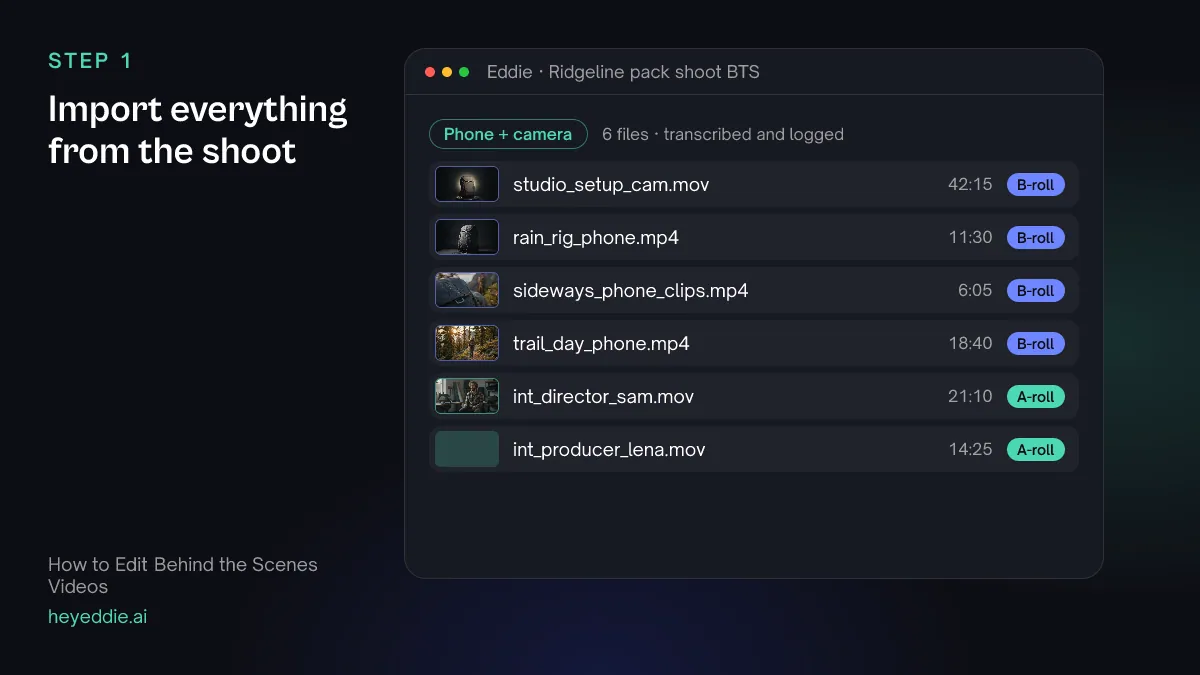
Upload every clip from every phone and camera, and the crew interviews. Do not sort them first; most of the work of a BTS edit is finding the few minutes worth keeping, and that is what Eddie's logs are for.
What Eddie does
- Logs each clip by what it shows and transcribes the interviews.
- Sorts talking footage from coverage, which you can correct.
What you get: The whole shoot, described and searchable.
Step 2
Find the problem the crew solved
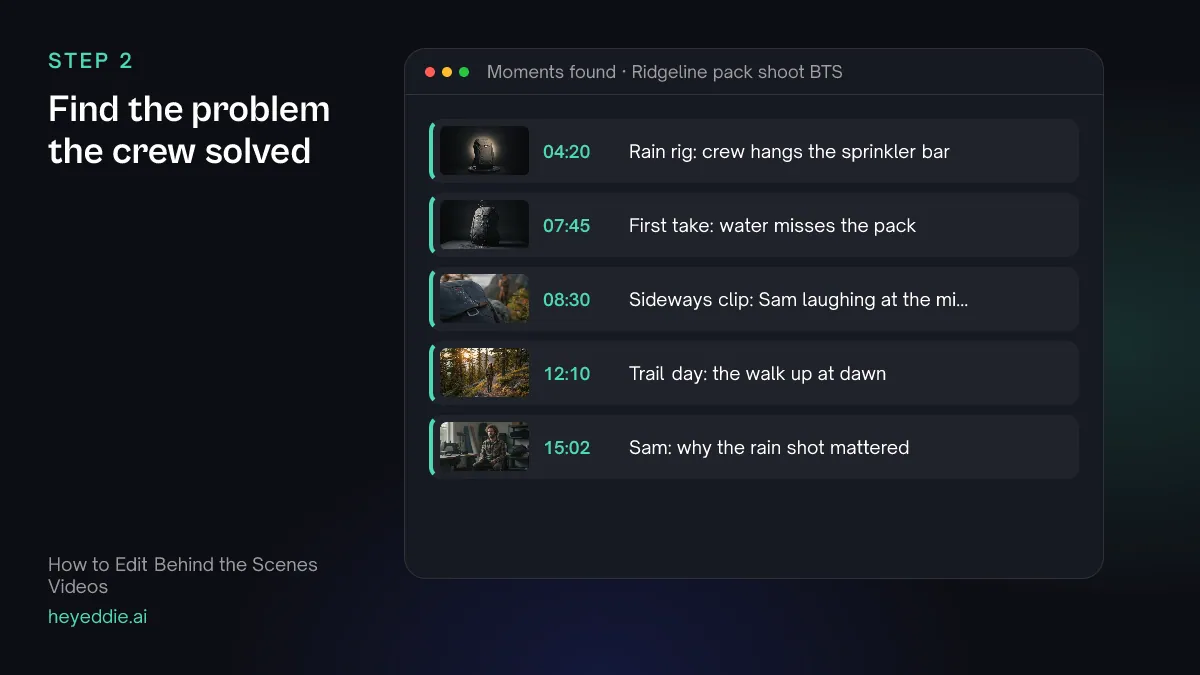
A BTS film needs a story, and the best one is usually a problem: a shot that would not work, weather, a broken rig. Ask for the moments around it, in order.
What you type “List the moments in the shoot footage that show the crew building the rain rig, the first take that failed, the reset, and the take that worked. Give me each with its file, in and out times and a short description.”
What Eddie does
- Searches the logs of every clip for the moments you described.
- Lists each one with its file, in and out times, a short description and a rating.
What you get: The story of the shoot, found in hours of footage.
Step 3
Fix the phone clips and keep the set talk
Phone clips arrive sideways and shaky, and some of the best ones are crew talking on set. Rotate and steady what needs it, and mark the clips with talk as interview footage, so their words are cut like dialogue instead of being covered.
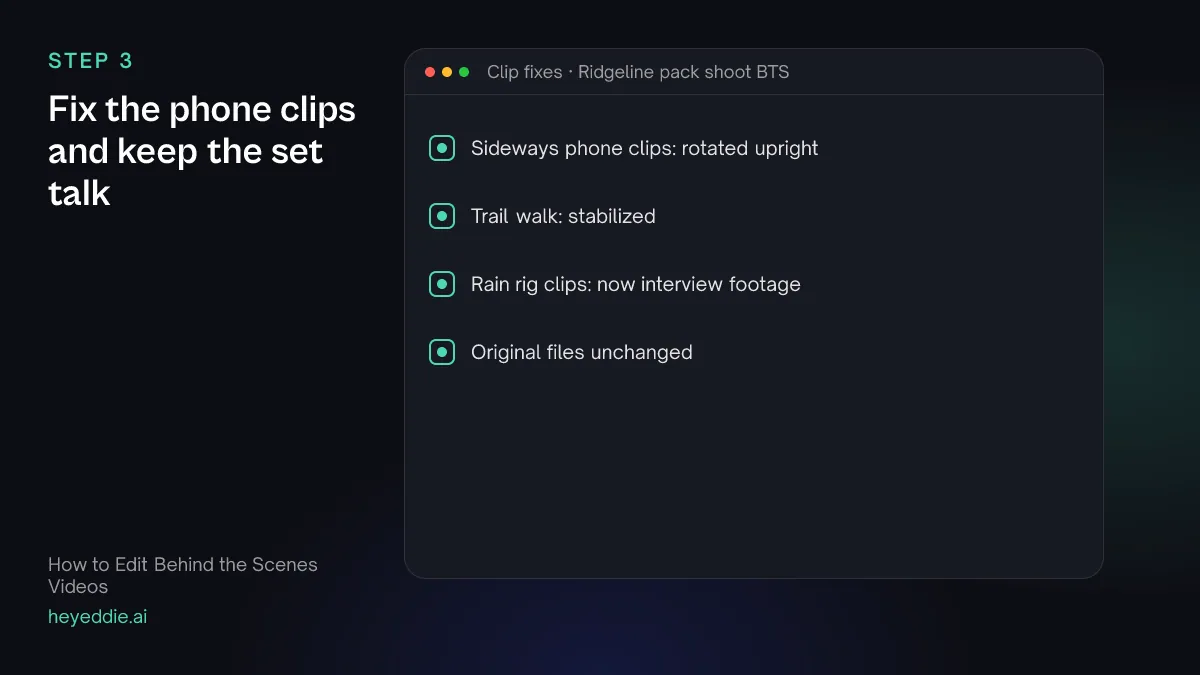
What you type “Rotate the sideways phone clips upright, stabilize the walk up to the trail location, and treat the rain rig phone clips as interview footage, because the crew's talk is part of the story.”
What Eddie does
- Rotates the clips a quarter turn, free of charge; project files for other editors do not carry the rotation.
- Stabilizes the clip you named, which uses credits, and reuses the steady version in later edits.
- Reclassifies the rain rig clips as interview footage so their speech can be cut.
What you get: Clips that play the right way up, with the set talk usable.
Step 4
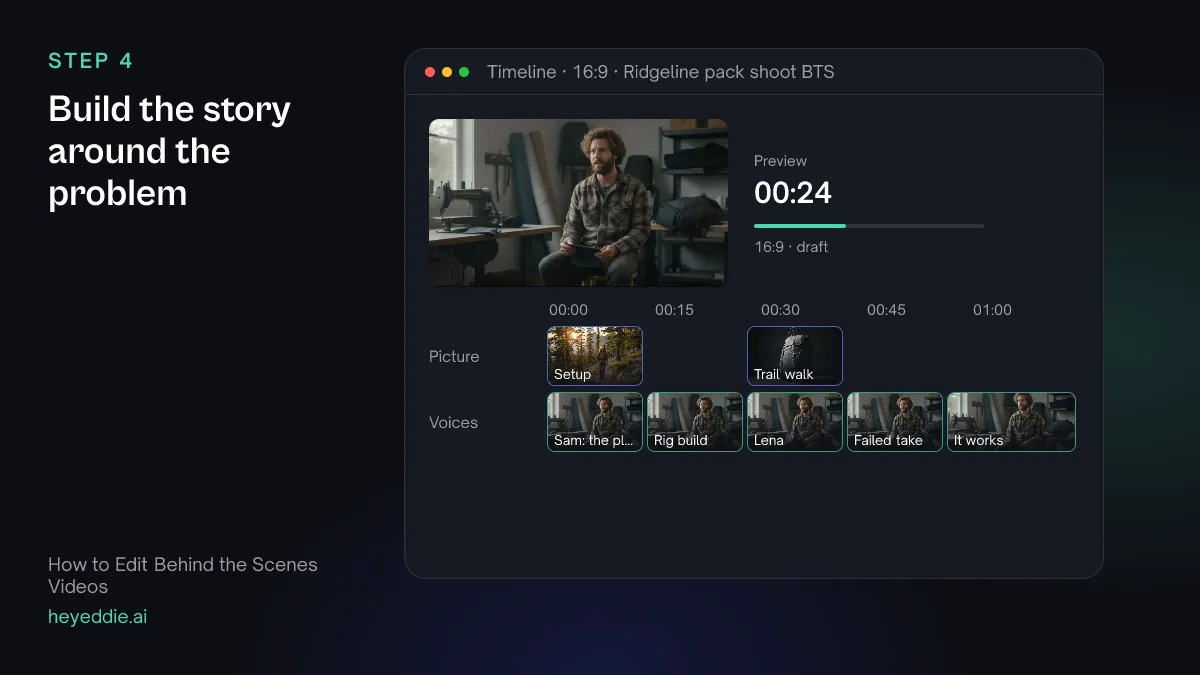
Build the story around the problem
Use the set talk to tell the story as it happened, and the interviews only where nothing on set explains it. End on the shot that worked.
What you type “Make a 3-minute behind the scenes film around the rain shot: the plan from Sam's interview, the crew building the rig, the take that failed and the laugh, the reset, and the take that worked. Use Lena only to explain why the shot mattered. Natural pacing.”
What Eddie does
- Builds the edit from the set talk and the interview lines you named, in the order you set.
- Cuts to the target length and reports the finished length.
What you get: A BTS film with a beginning, a problem and a payoff.
Step 5
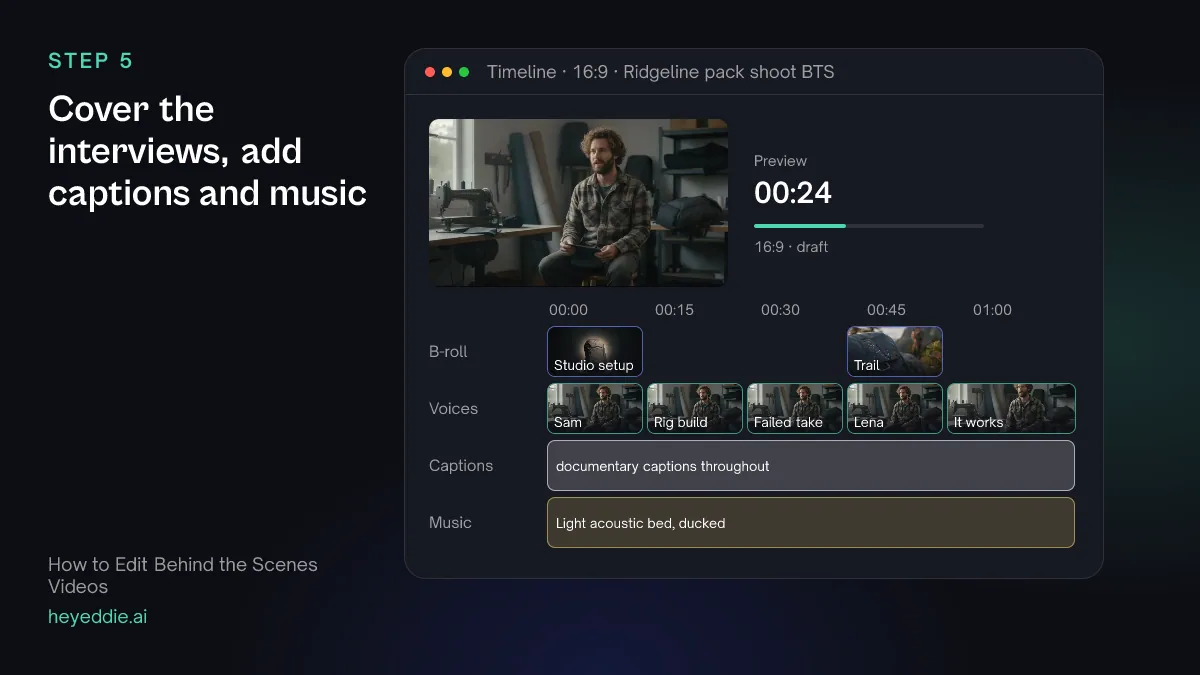
Cover the interviews, add captions and music
Cover the interview lines with what they describe, caption everything for sound-off viewing, and keep the music low so the set sound still carries the film.
What you type “Cover Sam's and Lena's interview lines with the studio setup and trail footage where it matches, add documentary captions at the bottom, and put a light acoustic track under the whole film, ducked under every voice.”
What Eddie does
- Places the coverage over the interview lines it matches.
- Adds captions from the word timings and leaves out filler words.
- Attaches the track and lowers it automatically whenever someone speaks.
What you get: A finished BTS film.
Step 6
Cut a vertical version and export
On social, the problem and the payoff are enough. Make a short vertical cut of just that, then export both.
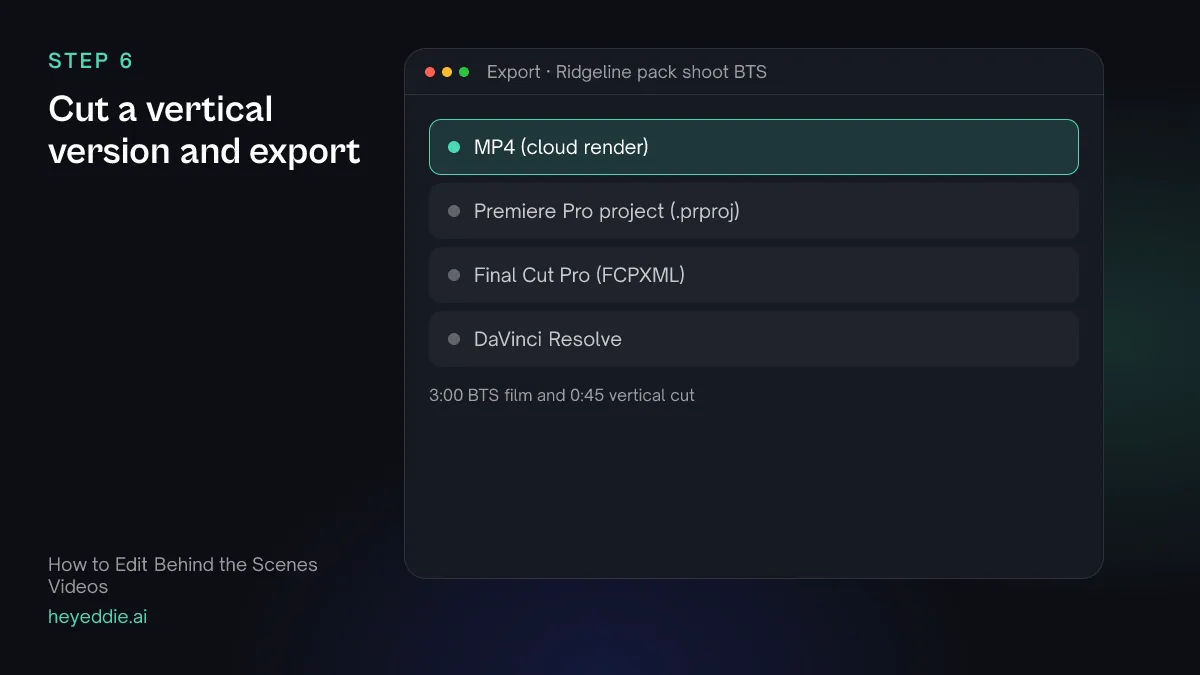
What you type “Make a 45-second vertical cut of only the rain shot, from the rig build to the take that worked, with each shot cropped to the centre of the frame and the captions kept. Export it and the full film as 1080p MP4s.”
What Eddie does
- Builds the short cut as its own edit, sets a 9:16 canvas and crops each shot.
- Renders both edits in the cloud with captions and music.
What you get: A full BTS film and a vertical cut, from one pile of clips.
Craft
What makes it work
- Film the problem, not just the setup
- Tell the crew to keep rolling when something goes wrong. The failed take and the fix are the story; the finished setup is just a picture.
- The set talk is the script
- A director calling "again, more water" tells the story better than an interview about it later. Keep it, and caption it.
- Interview the crew the same day
- People describe a problem best while it is fresh. Ten minutes at lunch beats a polished interview a week later.
- Release it after the main piece
- BTS works best once people have seen the finished film or product. Show the payoff shot, but not anything still unreleased.
- Check what is in the background
- Sets are full of things that should not be public: call sheets, unreleased products, a phone screen. Blur them before anything goes out.
FAQ
Questions
- How long should a behind the scenes video be?
- Two to four minutes for YouTube or a website, and 30 to 60 seconds for social. Cut around one story; a longer BTS needs more than one problem to hold attention.
- What is the difference between a BTS video and a vlog?
- A vlog follows one person talking to camera through their day. A BTS video follows the work and the crew, with the story told by what happened on set. The vlog guide covers talking-to-camera edits.
- My phone clips are sideways. Can Eddie fix them?
- Yes. Eddie rotates clips a quarter turn or mirrors them, free of charge, in playback and in rendered video. Project files for other editors do not carry the rotation.
- Can I hide an unreleased product or a call sheet in the shot?
- Yes. Eddie blurs, pixelates or covers a rectangle of the picture for the time you give, in playback and in rendered MP4s. The rectangle stays where you place it, so check shots where the camera moves.
- Can I finish the film in my own editor?
- Yes. Export a Premiere Pro, Final Cut Pro or DaVinci Resolve timeline that points at the original clips. Rotations and blurs show in Eddie and in MP4s, not in the timeline files.

Edit your behind the scenes video with Eddie
Sign up, add your footage and type the first prompt above. New accounts start with free credits.