Eddie AI Desktop App for Windows

Thanks for downloading!
Just a few steps left

The download will begin automatically. If it didn't start, click here to download manually for Windows.

Higher plans support larger projects and more complex workflows.

Give permission for your browser to download
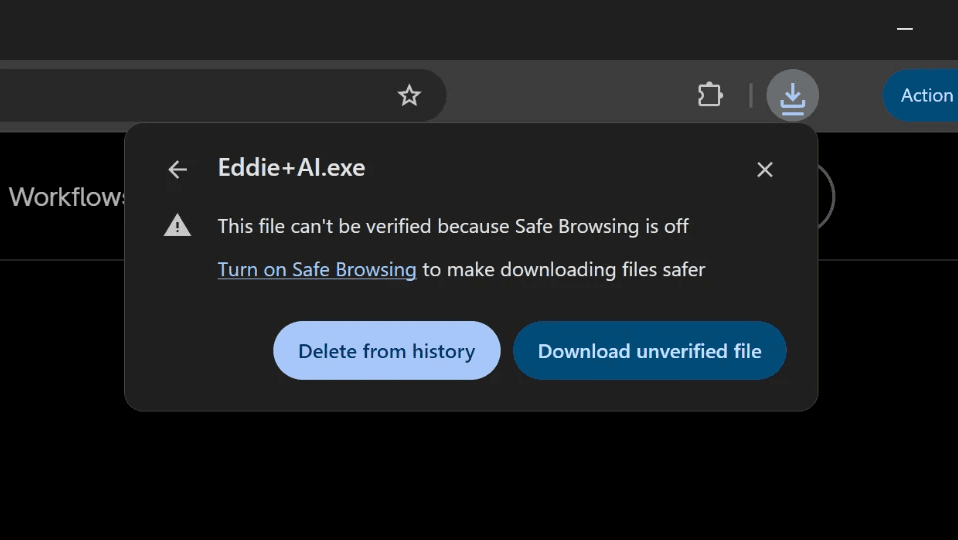
Image of Chrome pop-up that asks for permission to download Eddie+AI.exe file

Give permission for your browser to download

Image of Chrome pop-up that asks for permission to download Eddie+AI.exe file

Open Eddie+AI.exe in your Downloads Folder
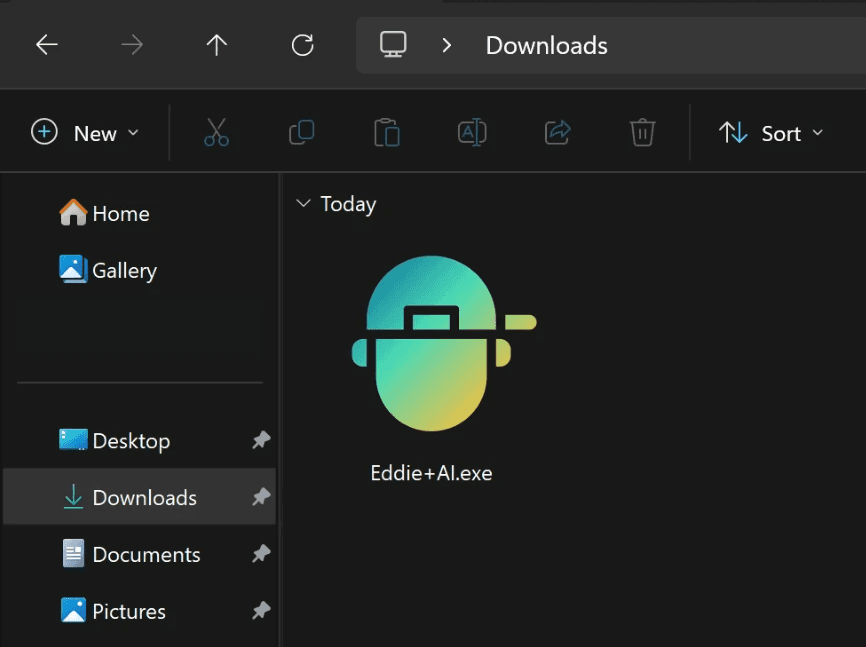
Eddie+Ai.exe with Eddie AI logo icon in the downloads folder

Open Eddie+AI.exe in your Downloads Folder

Eddie+Ai.exe with Eddie AI logo icon in the downloads folder

Wait for a few minutes for the Eddie AI app to install

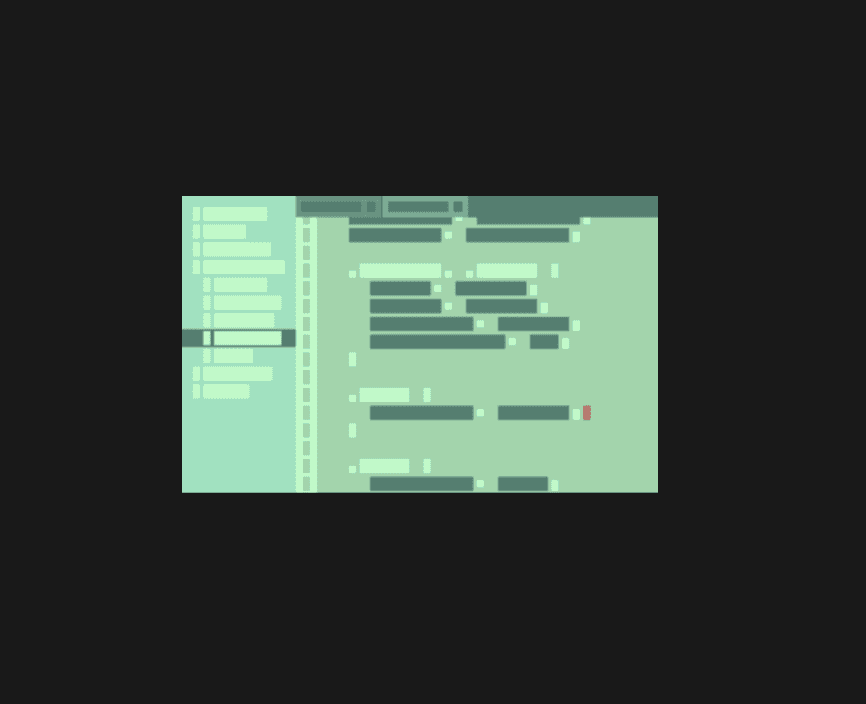
Green abstract image that shows while Eddie AI is loading in initial launch

Wait for a few minutes for the Eddie AI app to install

Green abstract image that shows while Eddie AI is loading in initial launch

If you need any help getting started, check out our tips here.