
Contact salesSign inSign up
PricingContact salesSign in
Features
- Rough cuts
- Multicam
- A-roll logging
- B-roll logging
- Speaker identification
- Scripted edits
- Social clips
- Exports to your editor
- Styles and color
- Motion graphics
- Captions & titles
- Stock B-roll
- Generate video
- Generated music
- Voiceover
- Dubbing
- Transcription in 97 languages
- Web app
- Mac and Windows
- Claude & ChatGPT
- Recipes
- Agents
- API + MCP
Solutions
Eddie AI Desktop App for Macs (Intel)
Thanks for downloading! Just a few steps left
Download didn't start?Download for Intel Macs
Not sure? Apple menu → About This Mac → Chip. “Apple M…” = Apple Silicon.
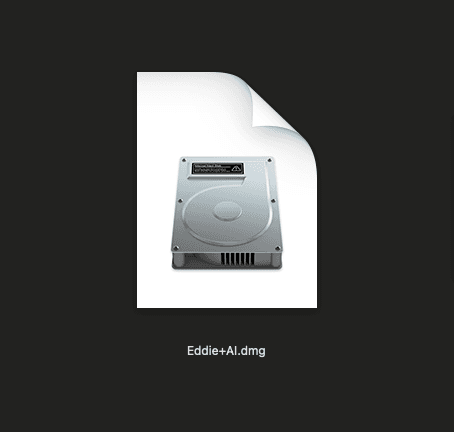 Open the .dmg in your Downloads folder
 Drag Eddie AI into Applications
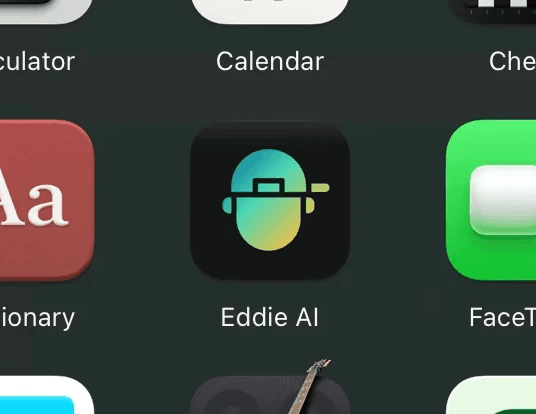 Open Eddie AI from Applications
Need help getting started?
Visit the Help CenterAnother computer?