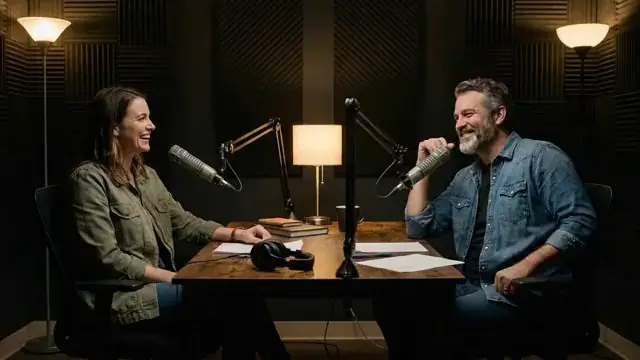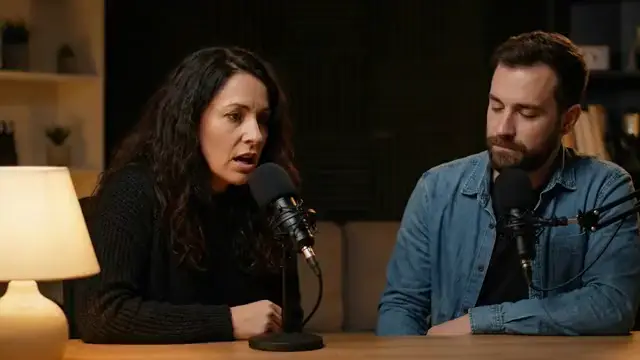
Podcast clips for social
Vertical clips that stand alone, framed on the speaker and captioned
- Vertical 9:16
- Style: Bold social
- 100–490 credits a run
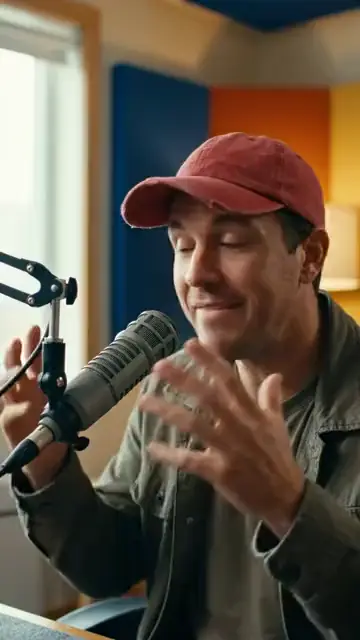
Storyboard
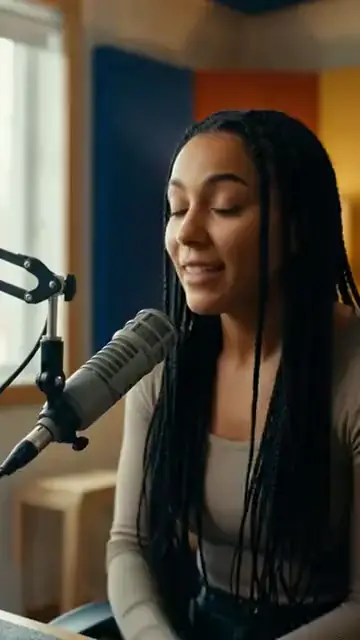
Open 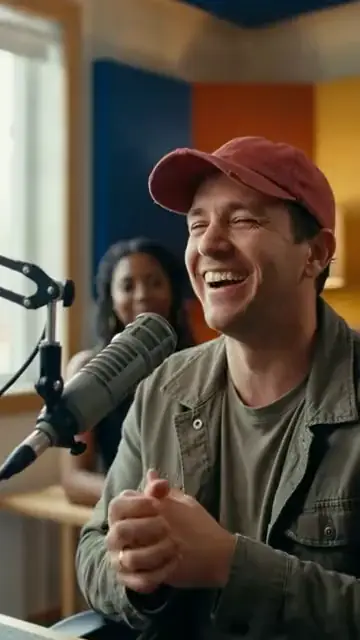
Middle 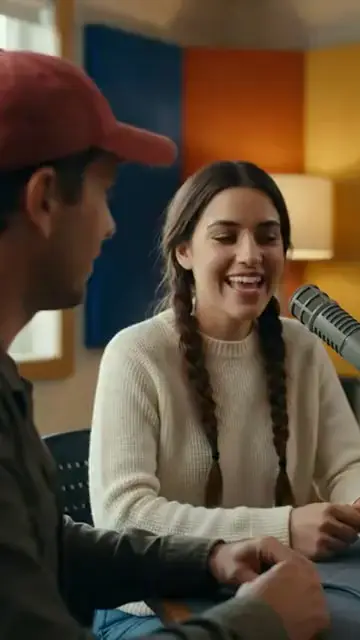
End
Before and after
Raw footage in, finished video out
You bring
What it needs
- A podcast recording, single camera or synced multicam
- Backgrounder
- Brand kit
- You fill inHow many clipsLength of each clipWhat should the clips be about?
4 steps
What Eddie does
- 01
Find the moments
Eddie reads the whole episode and ranks moments that stand alone: a strong claim, a story, a surprise.
- 02
Cut each clip
It builds each clip as its own edit, starting on the strongest line and ending on a complete thought.
- 03
Frame it vertical
It reframes each clip to 9:16 on the speaker's face.
- 04
Caption it
It applies the Style and adds bold captions for sound-off viewing.
Credits
What it costs
100–490credits a run
For 1 hour of footage, plus 250 credits to import it once.
How this is worked out
- A run is priced on the work Eddie does, so most runs land inside this range, and footage length changes it only a little.
- Importing is 250 credits an hour. Footage already in the project is not charged again.
- Downloading the result as an MP4 is free for the first 10 each day, then 50 credits. An export to Premiere Pro, DaVinci Resolve or Final Cut Pro is 100 credits.
Show the brief Eddie follows
The parts in {curly brackets} are the blanks you fill in.
Podcast clips for social
Make {clip_count} vertical social clips from this podcast, each about {target_seconds} seconds long, each as its own edit. Favor: {editorial_focus}. Read the full transcript first. Choose moments that make sense with no context: a strong opinion, a short story with an ending, a surprising fact, or a funny exchange. Each clip must open on its strongest line (no greetings, no 'so' or 'yeah' in the first second) and end on a complete thought. Do not join lines from different parts of the episode into one statement. Build each clip with create_edit_result with tight pacing. Frame each clip for 9:16 with layout_edit, with the speaker's face centered using crop_segments. If the project is multicam, use set_multicam_angles to stay on the speaker. Captions: add_captions with the punch look, few words per card, placed in the lower third of the frame, clear of the face. Add a name tag with add_graphic for the speaker in the first two seconds. Use only names, titles, numbers and claims that are in the footage, my notes or the project's Backgrounder. If a name or title is uncertain, ask me before you put it on screen. Style: call set_style_pack with pack "bold-social" as soon as the edit exists, before you place any title, lower third, stat or caption. Do not switch to another pack. Name each edit after its hook. No music. When you finish, tell me the finished length against the target, list each item above as done or not done with the reason, and create a review link with share_review_link.
Motion graphics for this recipe
Templates to pair with this recipe's Style. Add and place them for free.