How-to guidesSports
How to Edit Sports Highlights
Highlights are the most-watched video a team or club makes, and the slowest to cut: ninety minutes of footage to find six moments. Nothing is said during a goal, so a transcript cannot find it; the edit has to come from the picture. This guide covers match highlights for clubs, schools, coaches and players.
The short answer
Find every key play in the full match, keep three to five seconds of build-up before each one and the celebration after, add a slow-motion replay of the best two, and cut it all to music. Then make a vertical version for social. Eddie watches the match footage for the plays you describe, such as every goal, builds the reel and adds the replays and music from prompts.
What you will end up with
- A two to three minute reel of every key play, in match order.
- Build-up before each play and the celebration after it.
- Slow-motion replays of the best two moments.
- Music cut on the beat, a score title, and a vertical version for social.
Step by step
Step 1
Import the match
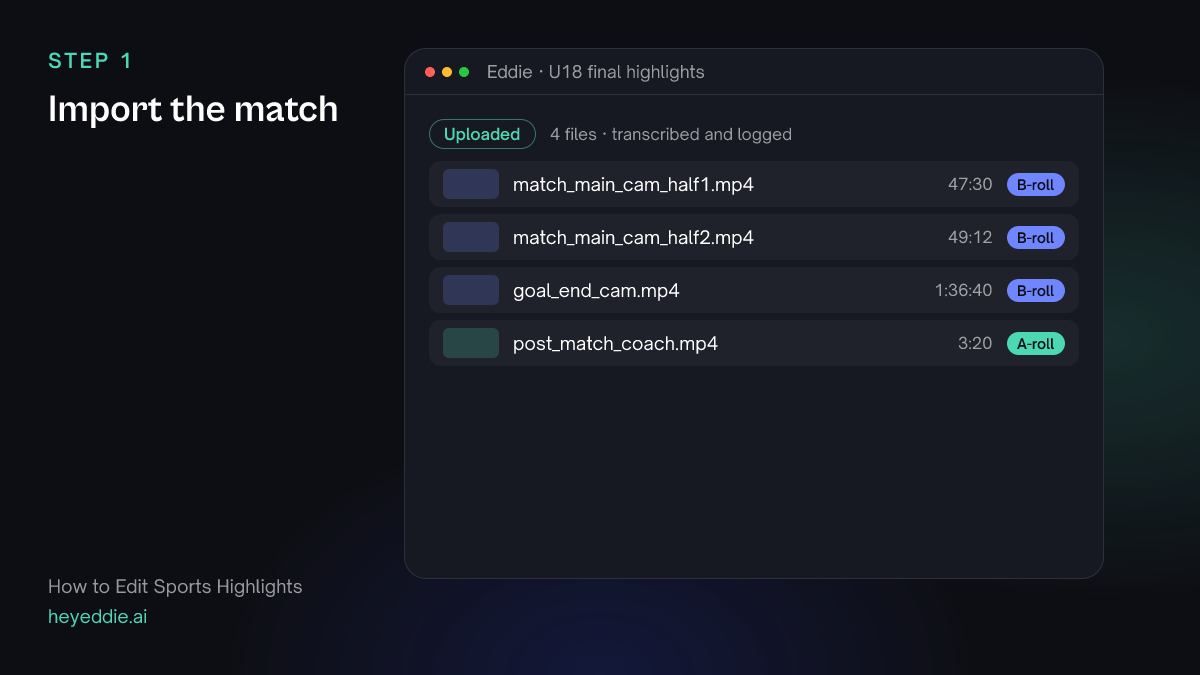
Upload the full match from every camera you have. A second angle behind the goal gives you replays from a different view.
What Eddie does
- Logs the match footage and transcribes the post-match interview.
- Keeps each camera as its own source, so you can choose angles for replays.
What you get: The whole match in one project.
Step 2
Find every key play
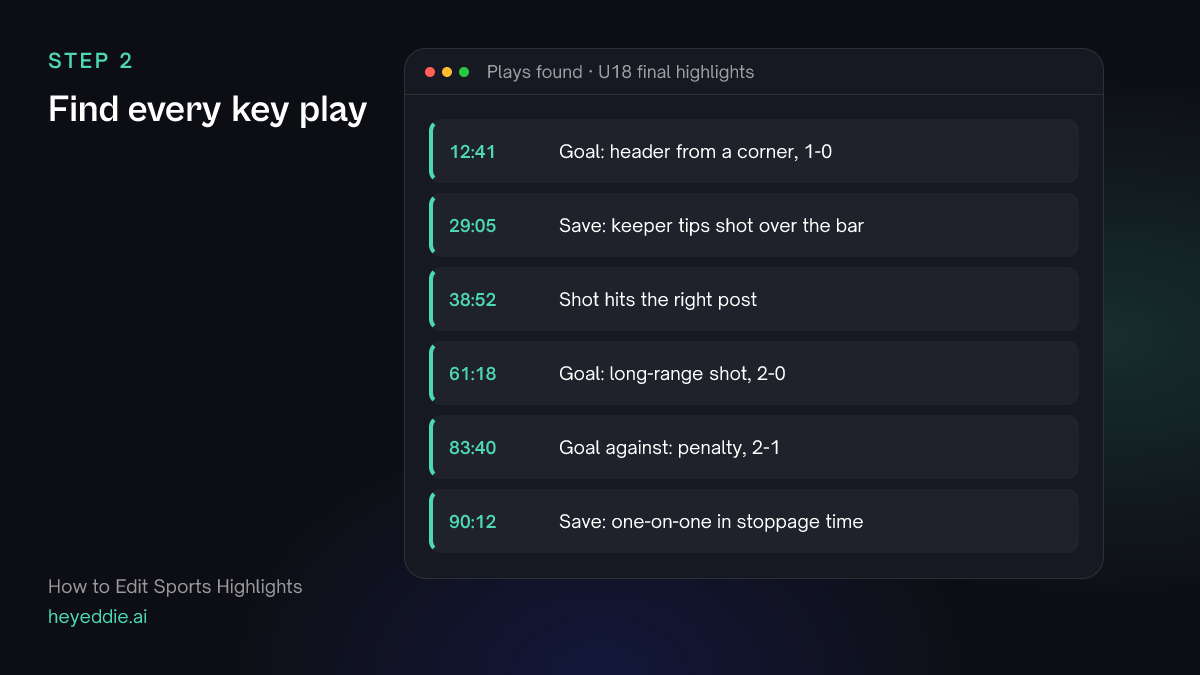
Describe the plays you want in the words you would use with an assistant. Eddie watches the picture and sound for them, so it works when nobody is talking.
What you type “Watch both halves and find every goal, every save by our keeper, and any shot that hits the post. For each, give me the time, a one-line description and how sure you are.”
What Eddie does
- Quotes the credits for the length of footage, then searches it in the background.
- Returns each moment with its source, start and end, a description and a confidence.
What you get: Every play you asked for, without scrubbing the match.
Step 3
Build the reel with build-up and celebration
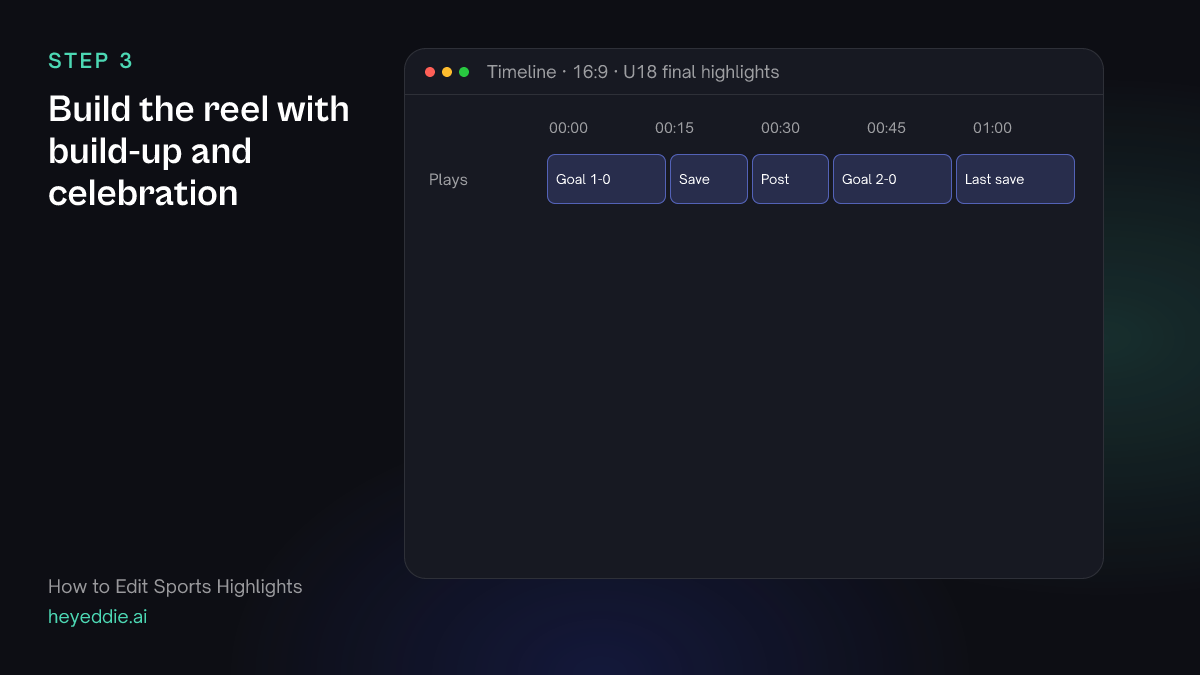
A goal without its build-up is confusing, and without the celebration it is flat. Ask for a few seconds either side.
What you type “Make a 2.5-minute highlight reel of those plays in match order. Start each one 5 seconds before the play and hold 3 seconds of the celebration or reaction after it. Leave out the goal against.”
What Eddie does
- Builds a clip sequence from the found moments with the handles you asked for.
- Reports the reel's length and which plays it used.
What you get: A complete highlight reel in match order.
Step 4
Add replays, music and the score
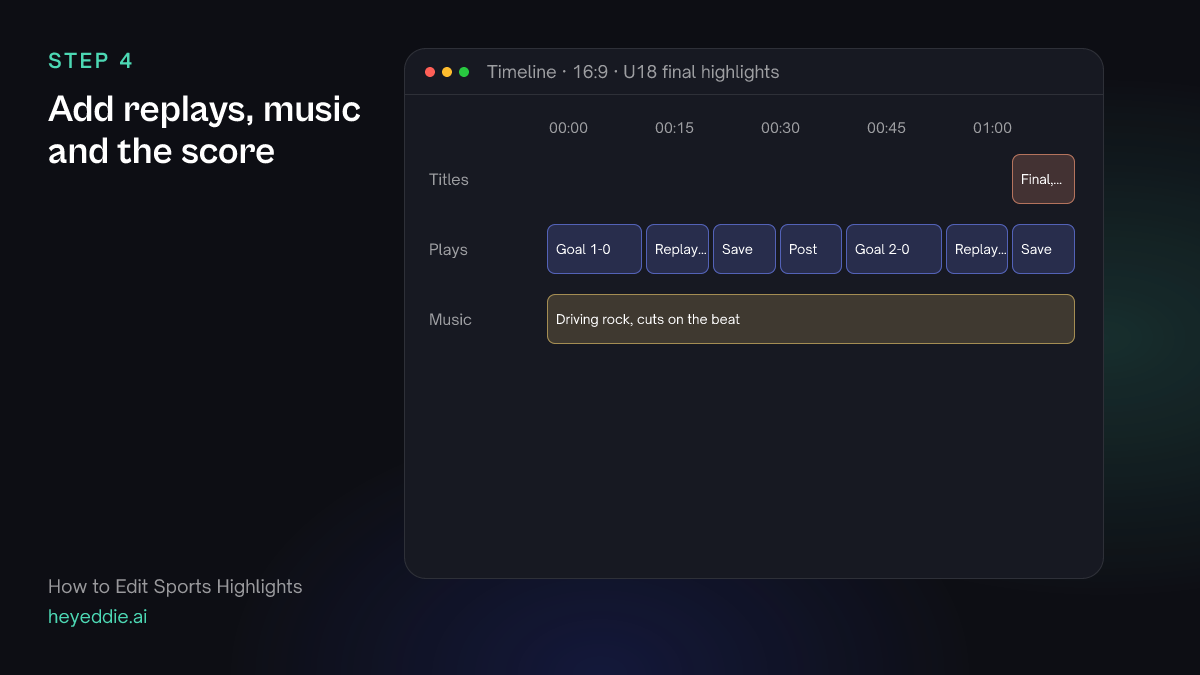
Slow-motion replays from the second angle make the best moments land. Music on the beat gives the reel its pace.
What you type “After each of the two goals, add a replay from the goal-end camera ramped to 40% speed. Put a driving rock track under the reel, snap the cuts to the beat, and add a title "Final, 2-1" at the end.”
What Eddie does
- Adds the replays from the second camera with a speed ramp.
- Attaches or generates the track and moves the cuts onto the beat.
- Places the score title at the end.
What you get: A reel with drama, rhythm and the result on screen.
Step 5
Make the vertical cut and export
Players and fans share vertical clips. Make one per goal, then export everything.
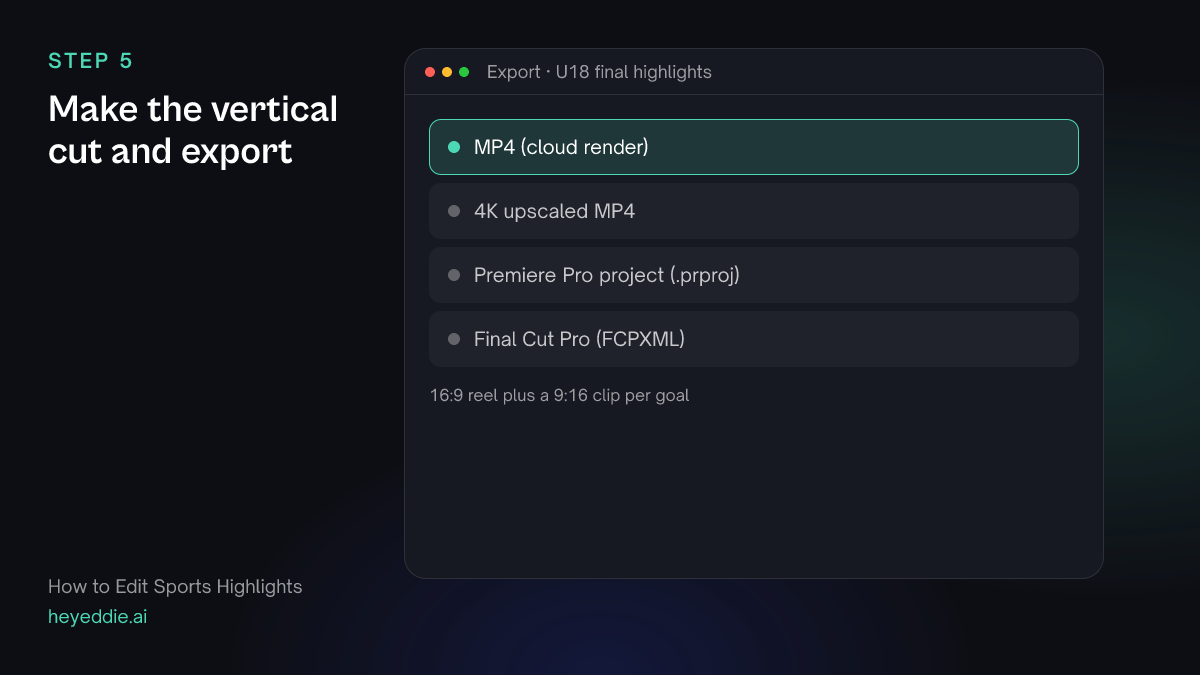
What you type “Make a 9:16 clip of each goal with its replay, cropped to the goal-mouth side of the frame, then export the full reel and both clips as MP4.”
What Eddie does
- Builds a vertical edit for each goal and crops each shot to the part of the frame you named.
- Renders every edit in the cloud.
What you get: A reel for the website and a clip per goal for social.
What makes it work
- Describe plays the way a coach would
- "Every goal" is clear. "Every time our number 9 gets past a defender" is clear too. Eddie searches for what you describe, so be specific.
- Keep the context
- Five seconds before a goal shows how it was made. Viewers enjoy the pass as much as the finish.
- Check the confidence
- Moments come back with a confidence. Watch the low-confidence ones before they go in the reel.
- Fit the action to vertical carefully
- A vertical crop is fixed to the part of the frame you name; it does not follow the ball. Check each clip, and if the play leaves the frame, use a wider crop or the other angle.
Questions
- Can Eddie find goals without commentary?
- Yes. Eddie searches video by watching the picture with its sound, so it finds plays in footage with no commentary at all. It quotes the credits per hour of footage before it starts.
- Does it work for sports other than football?
- Yes. Describe the moments in the words of your sport, such as every three-pointer, every try or every wicket.
- Can I make a highlight of one player?
- Yes. Describe the player by their number or kit and ask for every play they are involved in. Check the results, since a number can be hard to read at a distance.
- Can I add the coach's post-match words?
- Yes. The interview is transcribed, so you can ask for a line from it to open or close the reel.